
In a high-density data center, link issues rarely announce themselves clearly. One minute your leaf-spine uplink is green, the next you are seeing flaps, link-down events, or CRC spikes across multiple ports. This article helps network engineers and field techs troubleshoot optical links methodically, using practical checks for fiber, transceivers, polarity, and switch optics settings. You will leave with a repeatable triage flow and a short list of compatibility gotchas that commonly trigger link issues.
Why link issues cluster in dense optical deployments
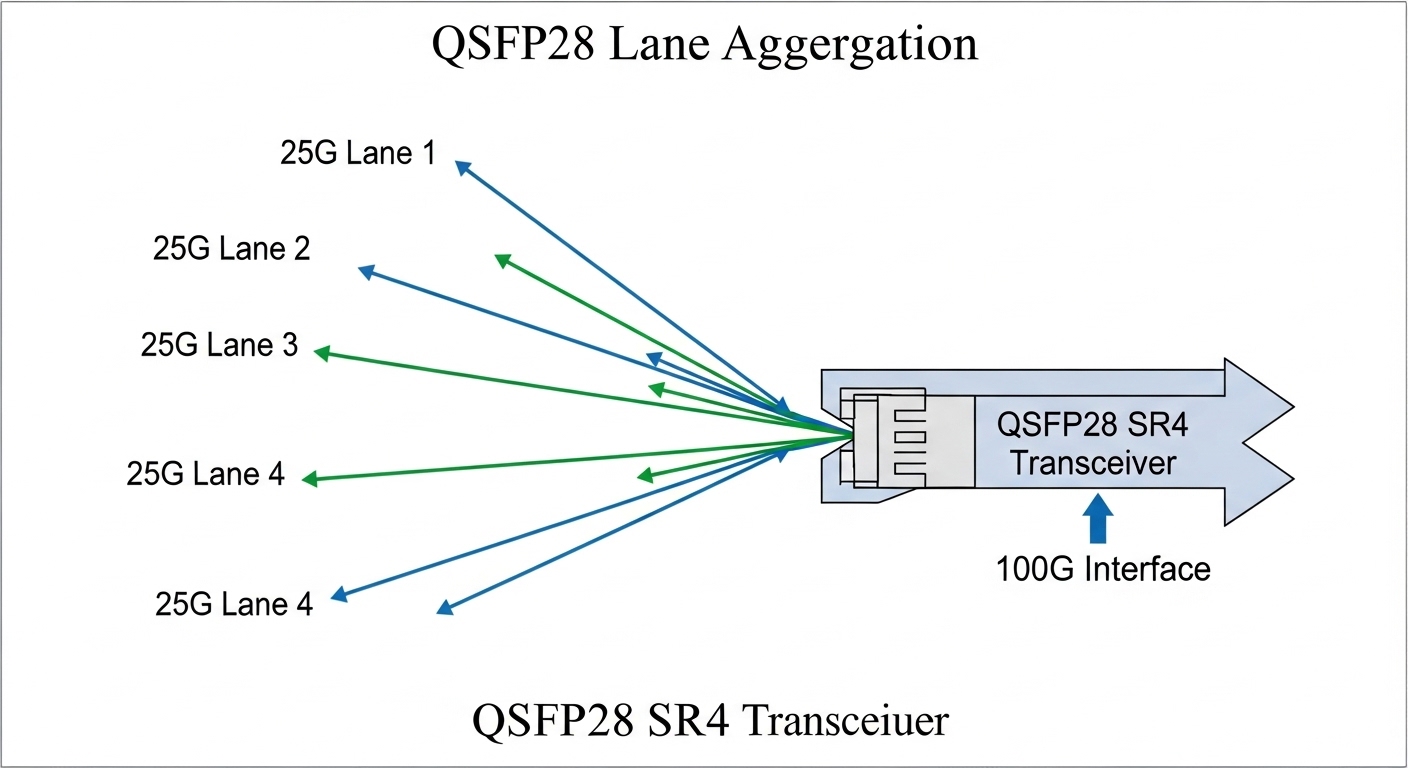
In modern leaf-spine networks, optics are swapped frequently, patch panels get reworked, and cable runs get compressed by airflow and cable-management constraints. That is when link issues tend to cluster: a single wrong polarity, a dirty ferrule, or a marginal transceiver temperature can trigger intermittent loss of signal. The underlying standards matter too: Ethernet over fiber uses physical-layer link negotiation and OTN-style forward error handling depending on the transceiver and media type, and the switch will report symptoms like LOS, LR, FEC corrected counters, or CRC errors. IEEE 802.3 specifies the Ethernet physical behavior, while vendor datasheets define optical power budgets and receiver sensitivity limits. IEEE 802.3 standard [Source: IEEE Standards Association]
What the symptoms usually mean
If you see link down immediately after a transceiver insert, suspect transceiver compatibility, wrong lane mapping in the switch, or a fiber polarity mismatch. If the link comes up but errors climb, suspect marginal optical power, dirty connectors, or a fiber bend radius violation. If you see flapping every few minutes, look for thermal effects, marginal DOM readings, or a patch-cord that is being tugged by cable trays. In many environments, the fastest path is to treat link issues as a physical-layer problem first, not a routing problem.
Optical link triage: isolate fiber, polarity, and power budget
When link issues show up across a pair of ports, I start by collecting three facts: the transceiver model, the measured optical diagnostics (DOM), and the current fiber path. Then I confirm the switch port is using the expected optics profile (for example, SR vs LR) and that the port channel member behavior matches the physical ports. Finally, I validate the fiber plant using a quick power-margin logic: transmitter launch power, link loss from fiber and connectors, and receiver sensitivity as defined by the transceiver datasheet. [Source: Cisco and vendor transceiver datasheets]
Technical specifications you should compare
Engineers often swap modules without checking wavelength, reach class, or connector type. Even when the link “sort of” works, you can get link issues from a power budget mismatch or from using a connector geometry that increases insertion loss. Use this comparison as a baseline for common 10G and 25G short-reach optics choices in data centers.
| Parameter | 10G SFP+ SR (Example) | 25G SFP28 SR (Example) | 40G QSFP+ SR4 (Example) |
|---|---|---|---|
| Typical data rate | 10.3125 Gb/s | 25.781 Gb/s | 40.0 Gb/s (4 lanes) |
| Wavelength | 850 nm | 850 nm | 850 nm |
| Typical reach | Up to 300 m (OM3) | Up to 100 m (OM3), 400 m (OM4 varies) | Up to 100 m (OM3/OM4 depends) |
| Connector | LC | LC | LC (parallel optics) |
| Operating temperature | 0 to 70 C (typical) | 0 to 70 C (typical) | -5 to 70 C (varies by vendor) |
| DOM support | Yes (common) | Yes (common) | Yes (common) |
| Common module examples | Cisco SFP-10G-SR, FS.com SFP-10GSR-85 | Finisar FTLX8571D3BCL class | QSFP+ SR4 variants (vendor dependent) |
Power budget and DOM checks that reveal link issues quickly
Start with DOM values: transmit power (Tx), receive power (Rx), bias current, and optical temperature. If Tx looks normal but Rx is near the receiver threshold, you likely have excessive loss from fiber length, bad connectors, or a damaged patch cord. If both Tx and Rx are low, check that the correct transceiver type is installed and that the fiber is truly connected to the expected run. For SR optics at 850 nm, small insertion-loss increases from dirty or mismatched ferrules can matter, especially when links are already near the margin.
Pro Tip: In many switch platforms, DOM values alone do not prove fiber cleanliness. A link can look “acceptable” in Rx power while still generating CRC spikes because micro-scratches on ferrules scatter light and increase bit error rate. Always pair DOM review with a fast visual inspection and connector cleaning before you assume a hardware fault.
Decision checklist: selecting the right fix without guessing
Once you have symptoms and basic DOM data, you need a disciplined selection process. In the field, I use this ordered checklist because it prevents rework and avoids swapping multiple components at once, which makes link issues harder to isolate.
- Distance and reach class: Confirm the fiber type (OM3 vs OM4), patch cord length, and total channel loss versus the transceiver reach spec. If you are beyond the stated reach, expect intermittent link issues under temperature swings.
- Switch compatibility: Verify the switch supports the exact transceiver type and that the port profile is correct (SR vs other profiles). Some platforms enforce vendor compatibility and may log “unsupported optics” events.
- Connector type and polarity: Ensure LC connectors match the expected polarity method. For duplex links, verify transmit-to-receive mapping end to end. For MPO, ensure correct polarity and lane alignment.
- DOM and threshold behavior: Compare Tx/Rx against vendor datasheet typical ranges. Look for abnormal bias current or optical temperature that correlates with flaps.
- Operating temperature: Check transceiver temp and ambient airflow. In high-density racks, a blocked vent can push optics toward the upper temperature bound.
- Vendor lock-in risk: If you use third-party optics, confirm firmware/compatibility and test a small batch before scaling. Track which models work per switch platform.
- FEC and counter behavior: For higher speeds, evaluate FEC corrected counts and CRC errors. Large error counters with stable Rx power often indicate cleanliness or fiber damage.
Common pitfalls and troubleshooting tips for link issues
Even experienced teams get caught by repeat failure modes. Here are the ones I see most often, with root causes and what to do next.
Polarity mismatch that still “links up”
Root cause: Duplex LC polarity swapped at one end, or MPO polarity not handled correctly. Some optics will train long enough to appear up, but the link quality collapses.
Solution: Swap fiber polarity using the patch panel method appropriate for your topology. Verify with a known-good patch cord and compare error counters before and after. If you run MPO, ensure the polarity is per the vendor method and documented in your cabling standard.
Dirty ferrules causing intermittent CRC and flaps
Root cause: Dust on the LC endface increases scattering loss and bit errors. This is worse in environments where patch cords get handled frequently.
Solution: Clean both ends with approved lint-free wipes and an inspection scope. Re-seat the connectors only after cleaning, then monitor CRC/FEC counters for at least 30 minutes during the next traffic window.
Exceeding reach by “small” amounts
Root cause: Total link loss creeps up from additional patch cords, re-routed channels, or upgraded transceivers with tighter receiver sensitivity. The link might come up but degrade with temperature and aging.
Solution: Recalculate channel loss: fiber attenuation plus connector and splice losses plus the patch cords. Compare to the transceiver’s optical power budget. If needed, reduce patch cord length or move to a higher-rated fiber class.
Transceiver mismatch or unsupported optics profile
Root cause: Using a transceiver that is physically similar but not supported by the switch optics profile can lead to link instability, training failures, or error spikes.
Solution: Confirm the exact module part number and check switch logs for optics warnings. Replace with a known-compatible model such as Cisco SFP-10G-SR on Cisco platforms or validate third-party part numbers against the vendor compatibility list.
Cost and ROI note: how to avoid repeated link issues
In practice, the cheapest transceiver is rarely the cheapest outcome. OEM optics for common SR modules often cost more upfront than third-party equivalents, but they typically reduce troubleshooting time and compatibility surprises. A realistic budgeting pattern I have seen: OEM SR optics can run roughly $80 to $200 per unit depending on vendor and capacity, while third-party “compatible” SR optics may be $25 to $90 but require a validation step. TCO also includes cleaning supplies, inspection scopes, spares for rollbacks, and downtime cost when link issues force maintenance windows.
For ROI, treat optics like a reliability component: keep a small pool of known-good modules for each speed and connector type, standardize polishing and cleaning procedures, and document which part numbers have been validated per switch model. This reduces mean time to repair when link issues recur.
FAQ on link issues in optical data center networks
How do I tell whether link issues are fiber or optics?
Start by swapping only one variable: use a known-good transceiver on the same port and fiber, or use the same transceiver on a known-good fiber path. If the issue follows the transceiver, suspect optics or compatibility; if it follows the fiber, inspect connectors and validate polarity and power budget.
What counters should I watch for intermittent link issues?
Look at CRC errors, FEC corrected counts (if applicable), and link flaps or LOS/LOP indicators. A stable Rx power with rising CRC often points to cleanliness or intermittent physical damage rather than reach loss.
Are third-party optics safe to use in dense racks?
They can be safe, but only after you validate per switch platform and firmware version. Track part numbers and test a batch under your typical traffic profile, then monitor DOM and error counters for at least a few days.
Why does the link sometimes come up but still fail under load?
That pattern often indicates marginal optical power or increased bit error rate from dirty connectors or excessive channel loss. Under load, the receiver is more sensitive to signal quality, and errors surface as CRC spikes or retransmissions.
What is the fastest way to prevent repeated link issues after patching?
Use a standard workflow: verify polarity at the patch panel, clean both ends with an inspection scope, label runs clearly, and log which transceiver part numbers were used. This turns troubleshooting into a deterministic process instead of a guessing loop.
Link issues in high-density data centers are usually solvable when you triage physical-layer variables in the right order: optics compatibility, polarity, cleanliness, and power budget. If you want a broader cabling and change-control angle, follow optical-cabling-change-control to reduce rework during moves, adds, and changes.
Author bio: I have deployed and maintained Ethernet over fiber systems in leaf-spine data centers, including field replacement workflows for SFP and QSFP optics. I write troubleshooting playbooks that focus on measured DOM values, power budgets, and operational guardrails from real maintenance events.
