
Nothing ruins a clean fiber rollout like a link that “sort of” works: one member flaps, hashing looks random, and suddenly your LACP bundle behaves like a soap opera. This article helps network engineers and DIY-minded admins choose and deploy LACP SFP transceivers for Link Aggregation groups with predictable behavior. You will get hands-on selection criteria, a compatibility checklist, and troubleshooting patterns pulled from real switch-to-transceiver pain.
Performance reality check: LACP hashing vs fiber optics
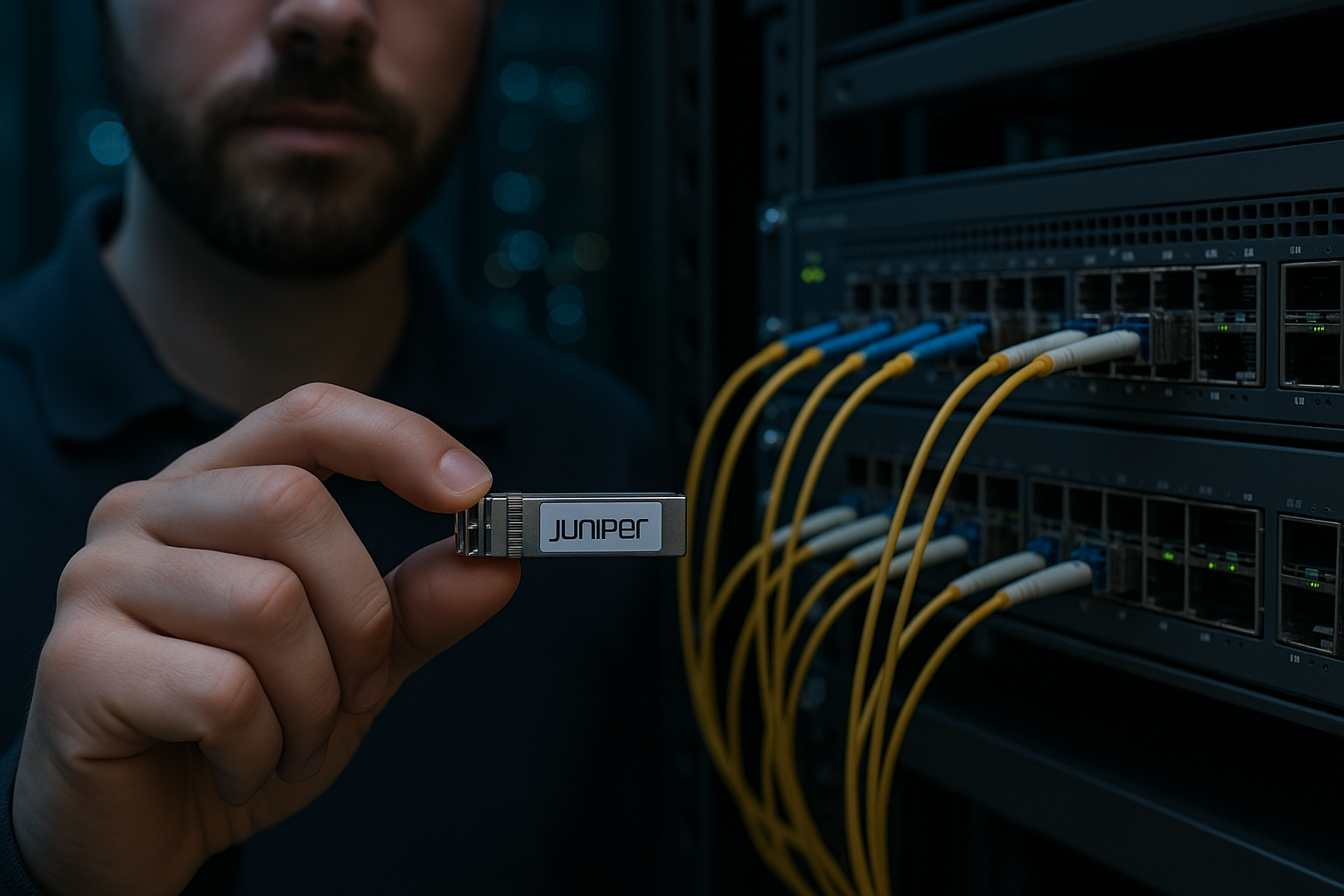
LACP (IEEE 802.1AX) bundles multiple physical links into one logical pipe, but it does not magically guarantee per-flow balancing. Most switches hash on fields like source/destination MAC, IP, and sometimes TCP/UDP ports, so traffic with poor entropy (for example, many sessions sharing the same 5-tuple) can concentrate on one member. With LACP SFP, the optics must also run within vendor-datasheet limits so each member stays stable.
Fiber transceivers are typically characterized by wavelength (for example 850 nm for SR), optical power budget, and receiver sensitivity. For 10G Ethernet over multimode, SR modules using OM3/OM4 fiber are common, while LR modules use single-mode wavelengths like 1310 nm. If one member’s margin is tighter (dirty connector, slightly worse fiber, or a “compatible” module with weaker output), LACP will keep the bundle but you may see packet loss and intermittent CRC errors that look like “LACP weirdness.”
Quick spec comparison you can actually use
| Optic type | Wavelength | Typical reach | Connector | Data rate | DOM / monitoring | Operating temp (typ.) |
|---|---|---|---|---|---|---|
| 10GBASE-SR SFP+ | 850 nm | Up to 300 m (OM3) / 400-500 m (OM4, varies) | LC | 10G | Commonly supported (vendor-dependent) | 0 to 70 C (commercial) / -40 to 85 C (extended) |
| 10GBASE-LR SFP+ | 1310 nm | Up to 10 km (SMF) | LC | 10G | Commonly supported | 0 to 70 C / -40 to 85 C |
| 1GBASE-SX SFP | 850 nm | Up to 550 m (OM2) / 800 m (OM3, varies) | LC | 1G | Often supported | 0 to 70 C |
Note: actual reach depends on fiber grade, patch cord lengths, link budget, and connector cleanliness. Always trust the vendor datasheet and your switch’s compatibility notes over marketing reach claims. [Source: IEEE 802.3, IEEE 802.1AX]
Compatibility: what makes LACP SFP bundles behave
In a LACP bundle, each member is still a physical link with its own optical characteristics and link training behavior. Switches may enforce operational rules: identical speed, identical duplex, and sometimes “compatible” transceiver presence. Even when both sides are “supported,” mismatched vendors or different DOM behavior can create noisy logs and member churn.
Here is what field engineers typically verify before committing to LACP SFP: (1) both ends use transceivers that match the negotiated speed (for example, 10GBASE-SR for 10G), (2) DOM thresholds do not trip alarms, and (3) the switch supports the module family without falling back to reduced performance. For concrete examples, Cisco 10G SFP+ optics like Cisco SFP-10G-SR and third-party options such as Finisar FTLX8571D3BCL or FS.com SFP-10GSR-85 can work, but only after validating the specific switch model and software release.
Decision checklist (ordered, because time is money)
- Distance first: choose SR vs LR vs SX based on fiber type (OM3/OM4 vs SMF) and measured link loss; don’t guess.
- Port and speed compatibility: confirm the switch ports support that transceiver class; check for locked speed modes.
- Budget vs margin: match optical power and receiver sensitivity; aim for extra margin for dirty connectors and aging.
- LACP configuration sanity: same VLAN membership, same trunk mode, and consistent LAG settings across members.
- DOM support: if you use monitoring, verify the switch reads DOM and thresholds are not too strict.
- Operating temperature: pick extended-range modules for hot aisles; verify airflow assumptions.
- Vendor lock-in risk: decide whether to standardize on OEM for predictability or third-party for cost, then validate.
Pro Tip: If one LACP member shows higher CRC or FCS errors, treat it like a physical-layer issue, not an LACP issue. Swap the transceiver and patch cords between members; if the problem follows the optic, you found the culprit. Most “LACP instability” is really uneven optical margin or connector contamination.
Cost & ROI: OEM vs third-party optics in LACP deployments
Optics cost varies wildly by brand and temperature grade. In typical enterprise and colocation buying, OEM SFP/SFP+ modules often cost about $80 to $250 each depending on reach and temperature rating, while reputable third-party modules can land around $25 to $120. For a 4-member LACP bundle, that difference can be meaningful across dozens of ToR switches.
ROI is not just purchase price. You should include TCO drivers: (1) failure rate and warranty terms, (2) downtime cost when a module is swapped, (3) your ability to monitor DOM remotely, and (4) engineering time spent on “is LACP broken?” escalations. In practice, a slightly higher module cost that reduces false alarms and compatibility headaches can save more than it costs.
Common pitfalls: why LACP SFP links fail in the real world
Here are the most common failure modes I have seen when LACP SFP meets fiber reality. Each includes root cause and a fix you can try immediately.
Pitfall 1: One member has marginal optical power
Root cause: uneven fiber loss, dirty LC connectors, or a third-party module with tighter power characteristics. The bundle still forms, but you get intermittent errors. Solution: clean connectors with proper fiber cleaning tools, re-seat transceivers, and swap optics between ports to isolate. Measure with an OTDR or at least do a loss check with a light source and power meter.
Pitfall 2: Transceiver mismatch or unsupported optics behavior
Root cause: different vendors or DOM implementations cause the switch to treat one member differently (for example, alarm thresholds trip, or the module negotiates unexpectedly). Solution: standardize on one optics family per LAG (same part number if possible), confirm compatibility in vendor documentation, and update switch firmware if the vendor recommends it.
Pitfall 3: LACP configuration mismatch across endpoints
Root cause: one side uses active/active while the other is active/passive, or VLAN/trunk settings differ per member. Some switches still bring up links but the LAG state never stabilizes. Solution: verify LAG mode (802.3ad), confirm the same aggregator ID and member selection rules, and check that all member ports share identical VLAN tagging and speed settings.
Pitfall 4: Hashing expectations don’t match traffic patterns
Root cause: traffic flows are not evenly distributed across hash fields, so throughput appears capped even with multiple LACP members. Solution: test with realistic traffic (iperf3 with multiple streams, or a production mirror capture), then adjust hashing settings if your platform supports it.
Head-to-head decision matrix: pick the safest option
Use this matrix when you are choosing between common optics paths for LACP bundles.
| Option | Best for | Pros | Limitations | Engineer effort |
|---|---|---|---|---|
| OEM SR/LR SFP+ (standard parts) | High-availability data centers | Highest compatibility confidence, predictable DOM behavior | Higher unit cost | Low |
| Validated third-party SR/LR SFP+ (same part family) | Cost-sensitive deployments | Lower cost, acceptable performance if validated | Compatibility varies by switch model and firmware | Medium |
| Mixed vendors within a bundle | Temporary spares only | Fast replacement during outages | Higher risk of DOM/alarm differences and uneven optical margins | High |
For LACP SFP deployments, the winning pattern is boring: keep transceiver part numbers consistent within a bundle, validate reach and DOM behavior, and confirm LAG configuration symmetry. See also LAG LACP best practices for end-to-end configuration hygiene.
Which option should you choose?
If you run a production leaf-spine fabric with strict change windows, choose OEM or tightly validated third-party optics and keep part numbers consistent per LAG. If you are building a lab or staging environment, third-party optics can be fine, but validate with a clean fiber run and monitor DOM for the first week. If you are in an outage scenario, swapping in a compatible optic is better than leaving the port down, but then plan a follow-up replacement to restore uniformity.
Next step: review your LAG design assumptions and verify hashing and member symmetry with LAG LACP best practices.
FAQ
Q: Do I need identical LACP SFP optics on every member?
Yes, identical is the safest choice. At minimum, match reach type (SR vs LR), data rate, and ideally the same part number family so DOM behavior and optical power are consistent.
Q: Can I mix OEM and third-party LACP SFP modules?
You can, but only after validation on your exact switch model and software version. If DOM alarms or optical power margins differ, you may see member flaps or rising CRC errors.
Q: What fiber standard should I use for 10G SR SFP?
Typically OM3 or OM4 multimode with LC connectors. Confirm your link budget using measured loss and patch cord lengths, and follow IEEE 802.3 reach guidance. [Source: IEEE 802.3]
Q: Why does LACP show the bundle up but throughput is low?
Most likely hashing is concentrating flows onto a subset of members. Test with multiple concurrent streams and check your switch’s LACP/load-balancing algorithm settings.
Q: How do I troubleshoot LACP SFP errors quickly?
Start at layer 1: clean connectors, re-seat optics, then swap transceivers and patch cords between members. If errors follow the optic, replace it; if they follow the fiber, fix the fiber path.
Q: Where can I verify module compatibility?
Use the switch vendor’s transceiver compatibility matrix and the optics datasheet specs for wavelength, reach, and DOM support. Also check community tech notes, but treat them as hints, not guarantees. [Source: vendor datasheets]
Author bio: I am a field-leaning network builder who documents what actually breaks in racks: optics margins, LAG hashing surprises, and switch firmware quirks. I share hands-on logs, measured values, and repair steps so your next rollout is less “mystery novel” and more “checklist win.”
