
If your 800G fiber link is flapping, stuck in training, or lighting up as “up/down” like a haunted disco, this guide is for you. It helps data center engineers and field techs diagnose 800G transceiver and fiber path issues methodically, with rack-level context, measurable checks, and vendor-compatible steps. You will get a step-by-step implementation plan, a troubleshooting section for the top failure points, and a practical checklist for choosing replacement optics.
Prerequisites: what you need before touching anything
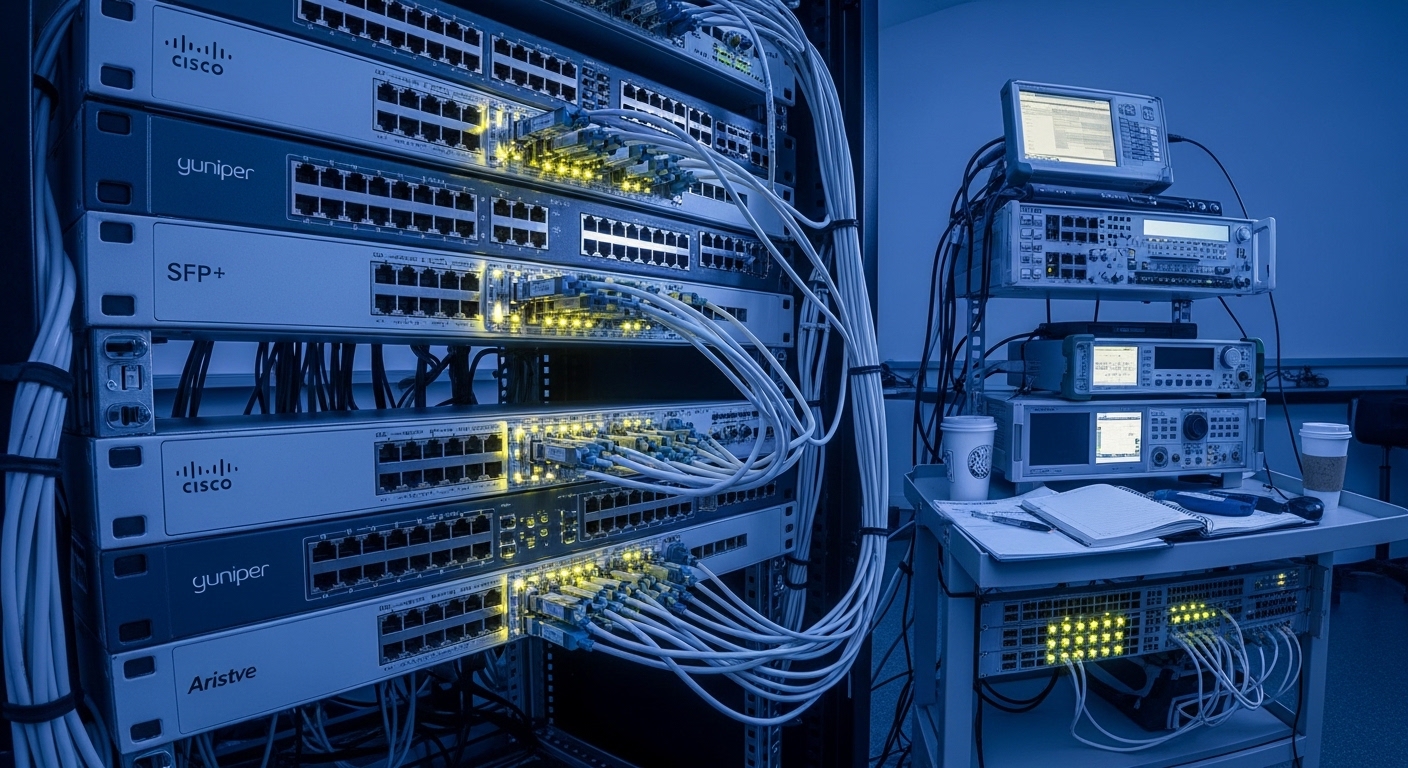
Before you start swapping parts, gather the evidence. For 800G, the usual suspects are optics compatibility, fiber polarity/mating, connector cleanliness, link training/forward error correction (FEC), and even thermal/power margins at the rack level. This saves time because you can correlate symptoms with physical measurements instead of vibes.
Tools and data to have ready: optical power meter or built-in transceiver diagnostics (DOM), a certified fiber inspection scope, lint-free wipes and IPA, label tape, a known-good patch cord set, and access to switch CLI/logs. If you have a transceiver with digital optical monitoring, confirm you can read DOM fields like Tx bias, Tx power, Rx power, wavelength, and temperature.
Also confirm your platform supports the specific 800G optical form factor and coding. Most 800G Ethernet deployments use 800GBASE-FR4 or similar multi-lane optics with FEC; the switch firmware must support the module and FEC mode. Refer to IEEE 802.3 for baseline behavior and vendor docs for exact optics compatibility matrices.
- Expected outcome: You can capture pre-change link state, DOM values, and optic/port identifiers.
Step-by-step implementation guide for 800G fiber link issues
Capture the symptom profile from the switch
Start with software truth. On the ToR/leaf or spine switch, record the exact port status, last link-down reason, and any FEC or error counters. Many platforms show whether the link is failing during training, whether it reaches “link up,” and how error rates change after link establishment.
Example checks (use your vendor CLI): pull interface status, FEC mode, and counters such as rx_errors, fec_corrected, and crc. Also check for alarms like “optics not supported,” “invalid FEC,” or “laser power out of range.”
- Expected outcome: A one-page log snapshot: port ID, admin state, operational state, FEC mode, and error counters.
Verify optics identity, DOM health, and compatibility
In 800G links, the optics must match not only speed and wavelength, but also the vendor’s expected electrical interface and sometimes FEC capability. Read DOM: confirm Tx power, Rx power, Tx bias, and temperature. If Rx power is near the receiver sensitivity floor, you will see training instability even if the link eventually “comes up.”
Cross-check module part numbers. Common examples include Cisco and Finisar-style optics and third-party equivalents; for SR/FR families, you must match the specific reach and lane configuration. For reference on transceiver electrical/optical behavior, consult vendor datasheets and IEEE 802.3 for the relevant PHY requirements. anchor-text: IEEE 802.3 standards portal
- Expected outcome: You confirm the optics are recognized, DOM values are within the vendor ranges, and FEC mode matches the platform.
Inspect fiber cleanliness and connector mating
Connector contamination is the uninvited guest that always shows up. Inspect both ends of the patch cords and any bulkhead connections using a microscope/inspection scope. Even a small smear can add enough loss or create intermittent reflections to break training or cause high corrected errors.
Clean with proper methods: remove dust caps only when ready to mate, wipe with lint-free wipes, and use approved IPA technique. Re-seat connectors firmly and verify you did not mix LC polarity keys or duplex orientation. For multi-lane 800G optics, one miswired lane group can produce “partial up” behavior or rising FEC correction.
- Expected outcome: Connectors are clean, properly mated, and lane mapping is consistent end-to-end.
Measure optical power and budget the link
If you can measure optical power, do it. A typical workflow is: measure Tx output (from the transmitting transceiver side) and Rx receive (at the far end) using the correct reference wavelength and method. For multi-lane optics, measure each lane group if your gear supports it; otherwise, use adapter-based measurements per your optics vendor guidance.
Compare measured values to receiver sensitivity and vendor recommended operating ranges. If you have Rx power too low, suspect excessive loss: dirty connectors, damaged patch cords, wrong cable type, or too many mated pairs in the path. If you have Rx power too high, suspect wrong attenuation, mismatched optics class, or a cable plant that is too “hot.”
- Expected outcome: Optical loss is within budget, and measured values align with transceiver DOM trends.
Confirm polarity, lane order, and patch cord mapping
800G multi-lane systems often rely on strict lane ordering. Verify that the patch cords are connected in the correct transmit-to-receive orientation and that polarity is consistent across both ends. Use labels on both sides of the patch panel and avoid “creative” swaps during maintenance.
If your environment uses MPO/MTP fanouts, ensure the fanout direction and keying match the optics and that you did not reverse the ribbon group. For training issues that happen after a cabling change, this step usually pays for itself immediately.
- Expected outcome: Fiber mapping matches the port’s expected lane order and polarity keying.
Check rack power, cooling, and transceiver thermal margins
Thermal and power margins can quietly sabotage optics. Confirm the rack has stable airflow, correct fan tray operation, and no blocked vents. Compare transceiver temperature from DOM against the vendor’s temperature range; if temperature is elevated, you may see laser output drift and link instability.
Also check power delivery: marginal PSU output or PDU issues can cause optics resets. In practice, I have seen a “mystery link flaps” case where a failing PDU feeder caused brief voltage dips and triggered optics reload cycles. Your switch logs will often show module resets or “link training restarted.”
- Expected outcome: Cooling and power are stable; DOM temperature and module reset counters are normal.
800G optics quick comparison: what to verify before you replace anything
Replacement optics are where troubleshooting can either get faster or get expensive. Verify data rate, connector type, reach class, and operating temperature. Also check whether your switch expects a specific FEC/encoding mode and whether DOM fields are supported.
| Spec Category | Typical 800G Short-Reach Example | Typical 800G Reach Example | What to Check in the Field |
|---|---|---|---|
| Data rate | 800G (multi-lane) | 800G (multi-lane) | Port supports 800G PHY + correct breakout mode |
| Wavelength / band | Often 850 nm for SR families | Often 1310 nm or WDM components for FR families | Match to your cable plant and transceiver spec |
| Reach class | Short reach (meters to a few hundred meters) | Longer reach (hundreds to ~2 km, depending) | Don’t exceed link budget; count mated pairs |
| Connector | Often MPO/MTP (or similar multi-fiber) | Often MPO/MTP or high-density interface | Verify keying, fanout direction, and polarity |
| Optical DOM | Tx/Rx power, bias, temperature (vendor-specific) | Same concept, different thresholds | Confirm DOM values are readable and sane |
| Power / thermal | Transceiver cage power varies by vendor | Similar order of magnitude, different thermal profile | Check DOM temperature and switch PSU stability |
| Operating temp | Commercial or extended (depends on module) | Commercial or extended (depends on module) | Confirm module temp stays within range |
When comparing exact modules, use the datasheets for the part numbers you actually stock. Examples you might encounter in the ecosystem include Cisco optics like Cisco SFP-10G-SR for 10G (not 800G), and 800G-capable optics from vendors and third parties; always validate 800G compatibility with your switch model and firmware. For another authoritative baseline on transceiver behavior, consult vendor datasheets and compliance notes. anchor-text: Finisar optics datasheets and documentation
Pro Tip: If the port reaches “link up” but errors climb immediately, look at FEC corrected counters and DOM Rx power together. A clean connector can still fail if you have a subtle lane order reversal; the link trains, but it is essentially decoding scrambled lane groups. Fixing polarity often drops corrected errors dramatically without changing signal strength.
Selection guide checklist: how to choose the right replacement optics
This is the “buy less, fix faster” checklist. It prevents the classic incident where you replace a working optics family with the wrong reach or an incompatible FEC expectation and then wonder why the link is still moody.
- Distance and reach class: match the exact reach type to your fiber plant and budget, including patch panels and mated pairs.
- Data rate and interface: confirm the transceiver is truly 800G-capable for your platform, not a downgraded/compatible-looking cousin.
- Switch compatibility: check the vendor optics compatibility list and firmware release notes for that exact switch model.
- Connector type and polarity: verify MPO/MTP keying, fanout direction, and lane mapping conventions.
- DOM support and thresholds: ensure your switch reads DOM and that measured values fall inside vendor operating ranges.
- Operating temperature: confirm your environment stays within extended temp if you run hot racks; elevated DOM temperature can cause output drift.
- Vendor lock-in risk: consider third-party optics only after validating interoperability in a lab or using a controlled pilot with monitoring.
Common mistakes and troubleshooting tips (top failure modes)
Here are the issues I have personally seen in the wild that waste the most time. Each includes a root cause and a fix that actually works.
“Link down” after a patch move
Root cause: polarity reversed or lane order swapped at one end of the patch panel, especially with MPO/MTP fanouts. The system may fail training or show intermittent flaps.
Solution: re-verify transmit-to-receive orientation, polarity keying, and fanout direction; label both ends and test with a known-good patch cord set.
“Link up” but FEC corrected errors spike
Root cause: excessive loss or subtle contamination causing marginal signal integrity, or a mismatch in expected FEC/encoding mode. You may see Rx power slightly low while corrected counters climb.
Solution: clean connectors, inspect fiber ends for scratches, measure optical power per lane group if possible, and confirm the switch is using the correct optics and FEC configuration.
Transceiver resets or training restarts every few minutes
Root cause: thermal/power instability, a failing fan tray, blocked airflow, or a PDU/PSU dip causing module brownouts. DOM may show temperature excursions or reset indicators.
Solution: check rack airflow, verify fan trays and PSU health, review switch logs for module reset messages, and validate PDU output stability.
Cost & ROI note: what this costs and how to think about TCO
800G optics can range from roughly hundreds to over a thousand USD per module depending on reach class, vendor, and DOM/security features. Third-party optics may be cheaper upfront, but TCO depends on failure rates, warranty terms, and time spent troubleshooting compatibility. If your incident rate is high, investing in spares, a fiber inspection workflow, and a small optics validation lab often beats repeated emergency swaps.
ROI also includes power and cooling efficiency: marginally higher transceiver temperature can drive earlier degradation and increase maintenance cycles. A stable patching process and proper airflow are not glamorous, but they are cheaper than chasing phantom link flaps at 2 a.m.
