
Fiber Optics Triage for 800G Failures: Restore Links Fast
When an 800G fabric drops a link, the clock starts ticking: outages cascade into routing flaps, congestion, and customer-impacting latency. This article helps data center engineers and network operators troubleshoot fiber optics in 800G deployments with fast, measurable actions. You will learn the quickest isolation steps across optics, transceiver diagnostics (DOM), patching, and physical layer power budgets—so you can restore service without guesswork.
How 800G physical-layer failures usually happen
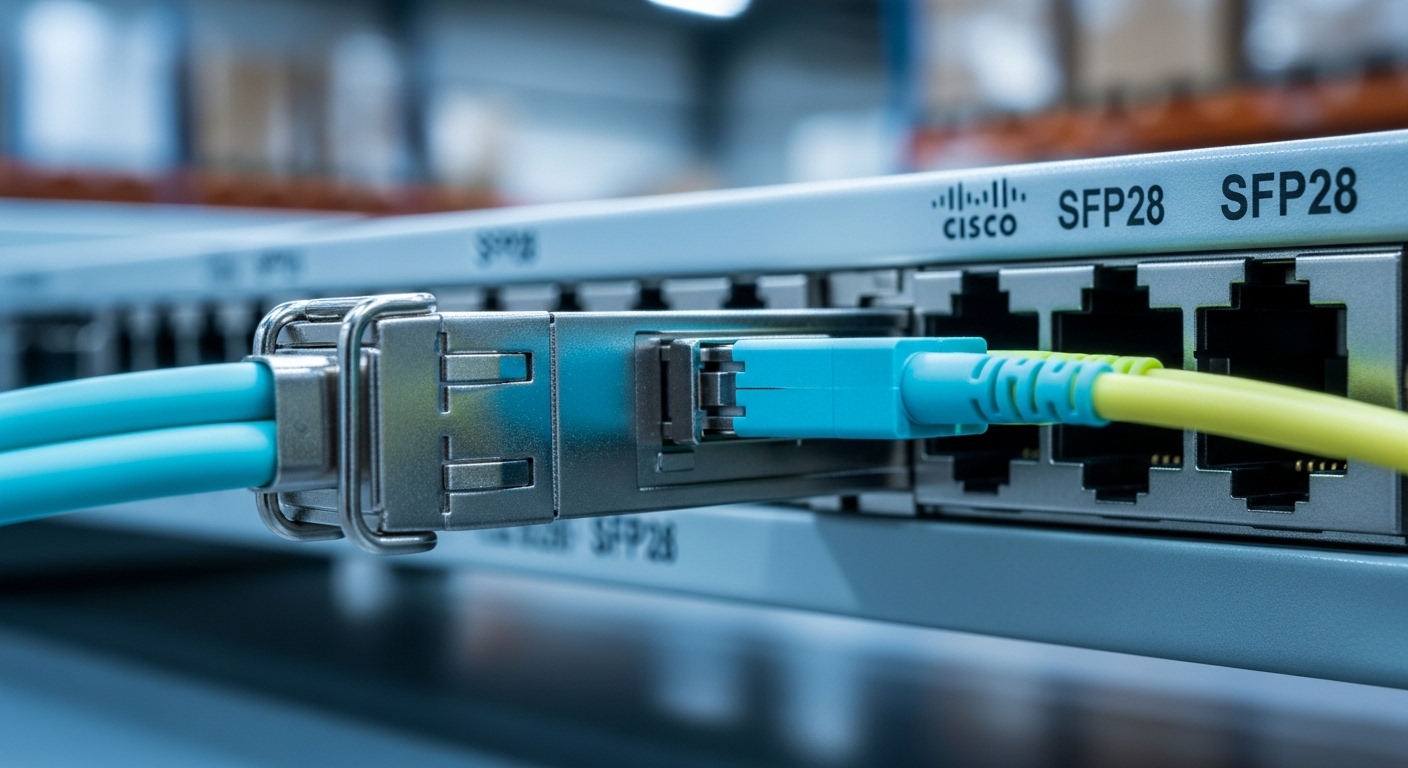
In 800G links, most “mystery” failures trace back to one of four layers: optics compatibility, optical path loss, connector cleanliness, or power/thermal limits inside the transceiver. Even when link LEDs show activity, the receiver can still fail equalization if the signal-to-noise ratio (SNR) is too low. IEEE 802.3 defines key electrical and optical behaviors, but the real-world failure is often mechanical—especially with high-density patching and frequent moves.
Start with the fastest observable signals
On the switch, capture the exact port state and optics alarms: LOS (loss of signal), LOF, Rx power out of range, and any DOM flags. Then check whether the issue follows the transceiver or the port by swapping modules between known-good neighbors. In practice, I have seen a single dirty LC connector create intermittent LOS across multiple reboots, especially in humid or dusty mechanical rooms.
Quick power budget sanity check
Even before you measure, estimate whether the fiber optics path is plausible. Add connector loss (typically ~0.2 to 0.5 dB per connection depending on quality), patch cords, and any splitters or MPO fan-outs. If the vendor datasheet specifies reach and min/max receive power, compare it against your measured Rx power from DOM.
Fiber optics specs that matter for 800G optics and reach
For 800G, you will most often see coherent or high-speed PAM4 based optics depending on the vendor and transceiver family. The troubleshooting approach is similar: verify wavelength, reach class, connector type, and environmental operating range. Always compare the module’s optics class to your channel and cabling plan—especially when mixing OEM and third-party transceivers.
| Key spec | What to verify in DOM | Why it causes 800G failures | Typical values to look for |
|---|---|---|---|
| Data rate / lane mapping | Reported rate, FEC status | Mismatched mode can keep link in a training loop | 800G family, lane-aware diagnostics |
| Wavelength | Tx wavelength, center wavelength | Wrong optics can lead to near-zero coupling | Varies by module (SR/DR/FR/ER or coherent) |
| Reach class | DOM reach/optics type (if exposed) | Exceeding loss budget yields LOS/BER spikes | Within vendor reach spec for your fiber type |
| Connector type | Physical inspection: LC vs MPO | Connector mismatch or poor seating creates high insertion loss | LC for many SR pluggables; MPO for high-density trunks |
| Rx power | Rx power (mW or dBm) | Receiver saturates or under-ranges, failing equalization | Within module min/max Rx range per datasheet |
| Temperature | Module temperature | Thermal throttling or out-of-range optics | Typically within vendor operating range (often ~0 to 70C) |
Compatibility caveat: OEM vs third-party
Third-party optics can work, but you must check switch vendor compatibility lists and DOM behavior. Some platforms enforce specific firmware expectations for diagnostics, including alarms and FEC capability reporting. If you swap a module and alarms change from LOS to unsupported, you may be hitting a compatibility policy rather than a physical fiber issue.
Pro Tip: In many 800G outages, the fastest “fix” is not recabling—it is cleaning and reseating. A single contaminated MPO/LC end can raise insertion loss enough to trigger receiver under-range, and DOM may still show “present” optics while the link never completes training. Use proper lint-free wipes and an inspection scope before you chase exotic causes.
Fast triage workflow: isolate fiber optics vs optics vs port
Use a strict sequence so you do not waste time replacing parts blindly. This workflow is optimized for live data center operations where you need a quick rollback path.
Confirm the failure signature
Record whether the port shows LOS, link down, or high error counters with link up. If errors rise immediately after a maintenance window, suspect patching, connector seating, or polarity/fiber mapping mistakes. If errors persist across reboots, suspect optics health, power budget mismatch, or thermal instability.
Swap transceivers between known-good ports
If the issue follows the transceiver, replace the module. If the issue stays on the port, inspect the port optics interface and check for bent pins or improper seating. I have seen a partially latched module create a marginal optical alignment that passed basic detection but failed at full 800G throughput.
Inspect and clean connectors, then reseat
For LC: clean both ends and re-seat firmly. For MPO: verify polarity (A/B mapping) and clean the ribbon/ferrule end faces. If your environment is high dust or frequent moves, schedule connector inspection as a standard part of 800G operations, not a last resort.
Verify power with DOM and a reference method
Compare DOM Rx power against the module’s min/max range from the vendor datasheet. If Rx power is low, shorten the path with a known-good patch cord or bypass intermediate patch panels. If Rx power is high and you see saturation symptoms, check for incorrect attenuation or wrong wavelength class optics.
Selection criteria checklist for preventing repeat 800G incidents
- Distance and reach class: match your fiber type and actual measured loss to the module reach spec.
- Budget math: include patch cords, connectors, MPO fan-outs, and any splices; confirm against vendor min/max Rx power.
- Switch compatibility: verify platform support for the exact transceiver part number, including DOM and FEC behavior.
- DOM support and alarm mapping: ensure your monitoring stack can read DOM fields you rely on (Rx power, temperature, LOS).
- Operating temperature: confirm the module’s temperature range and airflow profile in the rack.
- Vendor lock-in risk: if you plan to use third-party optics, validate with a limited pilot and measure failure rates over time.
Common mistakes and troubleshooting tips
Below are failure modes I have personally traced in live data centers. Each includes root cause and a practical solution.
LOS persists after swapping optics
Root cause: connector contamination or an improperly seated MPO/LC end that keeps insertion loss high. Solution: inspect with a scope, clean both ends, reseat, and retest. If possible, test with a known-good patch cord.
Link trains briefly then flaps
Root cause: marginal power budget or wrong fiber mapping/polarity (especially with MPO trunks). Solution: verify polarity mapping (A/B), confirm lane alignment, and shorten the optical path to bring Rx power into range.
DOM shows module present but Rx power is “out of range”
Root cause: attenuation mismatch, wrong optics wavelength class, or incorrect cable plant (e.g., SMF vs MMF). Solution: verify fiber type and wavelength class, check for unintended attenuators, and validate with a reference module on the same fiber.
High temperature alarms under load
Root cause: insufficient airflow due to blocked front-to-back cooling paths or misoriented baffles. Solution: restore airflow, check rack fan health, and retest during steady-state load.
Cost and ROI note: OEM vs third-party transceivers
For 800G optics, costs vary widely by type and vendor, but as a realistic planning range, budgeting can swing from hundreds to several thousand USD per transceiver depending on reach and whether it is coherent or short-reach. OEM modules may carry higher unit price, yet they often reduce incident time by improving DOM consistency and switch compatibility. Third-party optics can deliver strong ROI when validated, but you should account for testing labor, potential compatibility exceptions, and slightly higher early-life failure risk if procurement quality is inconsistent.
If you want fewer firefights, treat optics qualification like a mini project: validate in your actual racks, monitor DOM alarms, and track link error recovery time. That approach typically beats “cheapest module wins” purchasing over a full refresh cycle.
For deeper cabling planning and operational readiness, connect this triage playbook with your rollout standards using fiber optics cable management.
FAQ
Q: What is the fastest first action when an
