
In AI clusters, one flaky link can stall training runs and waste GPU hours. This article helps operations and networking teams use fiber module analysis to compare SFP options for cost, reach, and compatibility—especially in mixed leaf-spine and rack-to-rack designs. You will get a practical decision checklist, real deployment examples, and troubleshooting patterns you can apply during outages.
SFP type matchups for AI cluster links: performance and reach
When AI clusters use Ethernet over fiber, SFP selection is usually driven by distance and optical budget rather than raw “spec sheet” speed alone. For 10G and 25G, common SFP families include SR (multimode, typically 850 nm) and LR (single-mode, typically 1310 nm), with 20 km or 10 km class options depending on the specific vendor and DOM behavior. In practice, the “right” SFP is the one that survives your actual link budget, connector cleanliness level, and temperature profile.
Key optical parameters to compare in fiber module analysis
During fiber module analysis, teams should verify wavelength, nominal reach, transmit power, receive sensitivity, and whether the module is designed for OM3 or OM4 multimode fiber. For single-mode, confirm the fiber standard (often OS2) and the maximum span supported for your exact transceiver model. Always check whether the module is rated for the switch’s port mode and transceiver type (for example, “SFP+” vs “SFP28” behavior on certain platforms) in addition to the nominal Ethernet data rate.
| Spec category | 10G SR SFP (850 nm) | 10G LR SFP (1310 nm) | 25G LR SFP28 (1310 nm) |
|---|---|---|---|
| Typical fiber type | OM3 or OM4 multimode | OS2 single-mode | OS2 single-mode |
| Wavelength | ~850 nm | ~1310 nm | ~1310 nm |
| Nominal reach | ~300 m (OM3) to ~400 m (OM4) | ~10 km class | ~10 km or 20 km class (model dependent) |
| Connector style | LC | LC | LC |
| DOM support | Common; verify per vendor | Common; verify per vendor | Common; verify per vendor |
| Operating temperature | Typically 0 to 70 C (commercial) or -40 to 85 C (extended) | Same pattern; verify per SKU | Same pattern; verify per SKU |
Cost and ROI: OEM optics vs third-party SFPs in AI racks
In an AI cluster, transceivers are a recurring line item because spares, burn-in, and replacements add up over time. OEM modules (from the switch vendor) often cost more but can reduce troubleshooting time by matching the platform’s transceiver validation rules. Third-party SFPs can cut unit cost, yet they may increase operational risk if DOM fields, vendor IDs, or power classes differ from what the switch expects.
Realistic budget framing
For many data center deployments, you might see typical street pricing roughly in the range of $30 to $80 per 10G SR SFP (OEM higher), and $60 to $200 per 10G/25G LR-class module depending on reach and temperature rating. Over a 3 to 5 year lifecycle, ROI often comes less from the sticker price and more from failure rates, return logistics, and how quickly your team can restore service during training incidents.
Pro Tip: In the field, the fastest “fiber module analysis” win is to standardize on one DOM behavior policy per switch family. Even when optics meet IEEE 802.3 electrically, platform-specific optics checks can reject modules with unexpected vendor ID or laser bias ranges, creating avoidable downtime.
Compatibility head-to-head: switch port mode, DOM, and standards
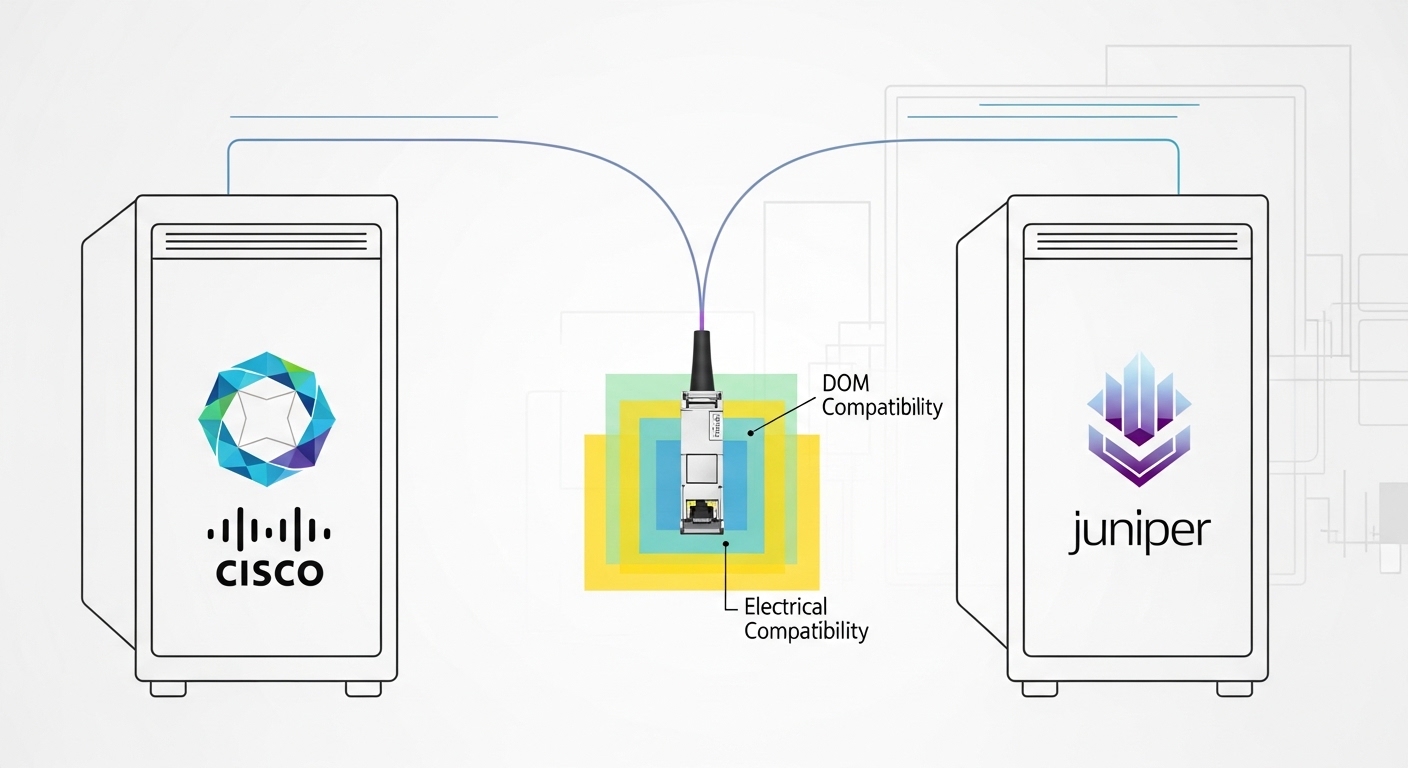
Compatibility issues are where projects lose time. First, confirm the switch supports the module type at the port speed you intend (for example, SFP+ ports versus SFP28 ports). Second, validate DOM thresholds—some platforms poll temperature, laser bias current, and received power and may flag modules as “unsupported” if values are outside expected ranges.
Standards and validation points
Ethernet over fiber uses laser transceiver behavior defined by IEEE families such as IEEE 802.3 for physical layer operation; however, actual interoperability depends on vendor implementation and switch firmware heuristics. Verify in your vendor documentation and test with a small batch before scaling, especially when using third-party modules.
Deployment scenario: what works in a 3-tier AI cluster
Consider a 3-tier data center AI cluster using 48-port 10G ToR switches in each rack and a leaf-spine uplink layer. Within each rack, you may run 300 to 400 m multimode links between server NICs and ToR switches, making 10G SR SFPs on OM4 LC fiber a practical choice. Between aggregation and spine, you may need up to 10 km spans across zones, pushing you toward 10G LR or 25G LR SFP28 depending on bandwidth planning. In this setup, your fiber module analysis should include connector cleaning workflow, because even correct optics can fail if endfaces are contaminated.
Common pitfalls and troubleshooting tips for fiber module analysis
- Pitfall: Using an OM3-rated SR module on OM4 cabling without validating link budget.
Root cause: Different modal bandwidth and attenuation assumptions can reduce margin.
Fix: Measure link loss end-to-end and compare against the module’s expected power budget; prefer OM4-rated transceivers for short-reach density. - Pitfall: Connector polarity or cleaning errors after a module swap.
Root cause: LC polarity mismatch or dirty endfaces causes low received power and link flaps.
Fix: Verify polarity mapping, re-terminate only if needed, and clean with approved fiber tools before retrying. - Pitfall: “Unsupported transceiver” alarms with third-party optics.
Root cause: Platform transceiver validation may reject modules whose DOM vendor fields or laser bias ranges differ.
Fix: Check vendor compatibility lists, match DOM support expectations, and test with your switch firmware version before rollout. - Pitfall: Thermal derating during high-density AI workloads.
Root cause: Elevated ambient temperature in packed racks can push modules toward error thresholds.
Fix: Confirm the module’s temperature rating and ensure airflow paths are not blocked around optics cages.
Decision matrix: which SFP option fits your constraints?
Use this matrix to make a fast call during planning or incident response.
| Requirement | Best-fit SFP option | Why |
|---|---|---|
| Short reach inside racks (under a few hundred meters) | 10G SR (850 nm) on OM4 | Lower cost per port and easier optics handling |
| Inter-zone links around 10 km | 10G LR (1310 nm) or 25G LR SFP28 | Single-mode compatibility and longer reach margin |
| Strict “no surprises” operations | OEM modules | More predictable switch compatibility and DOM behavior |
| Budget-constrained expansion | Third-party modules with validated DOM | Lower unit cost if your switch accepts them reliably |
| High ambient temperature risk | Extended temperature-rated SKUs | More headroom against thermal drift |
Which Option Should You Choose?
If your AI cluster uses mostly intra-rack connectivity with fiber runs under 400 m, choose 10G SR on OM4 for a strong balance of cost and operational simplicity. If you need cross-zone connectivity near 10 km, choose LR-class single-mode optics and prioritize validated compatibility with your switch model and firmware. If you are scaling quickly and must control risk, start with OEM modules for the first batch, then evaluate third-party replacements only after you confirm DOM and platform acceptance in your staging environment.
FAQ
What does fiber module analysis check beyond wavelength and reach?
.wpacs-related{margin:2.5em 0 1em;padding:0;border-top:2px solid #e5e7eb} .wpacs-related h3{margin:.8em 0 .6em;font-size:1em;font-weight:700;color:#374151;text-transform:uppercase;letter-spacing:.06em} .wpacs-related-grid{display:grid;grid-template-columns:repeat(auto-fill,minmax(200px,1fr));gap:1rem;margin:0} .wpacs-related-card{display:flex;flex-direction:column;background:#f9fafb;border:1px solid #e5e7eb;border-radius:6px;overflow:hidden;text-decoration:none;color:inherit;transition:box-shadow .15s} .wpacs-related-card:hover{box-shadow:0 2px 12px rgba(0,0,0,.1);text-decoration:none} .wpacs-related-card-img{width:100%;height:110px;object-fit:cover;background:#e5e7eb} .wpacs-related-card-img-placeholder{width:100%;height:110px;background:linear-gradient(135deg,#e5e7eb 0%,#d1d5db 100%);display:flex;align-items:center;justify-content:center;color:#9ca3af;font-size:2em} .wpacs-related-card-title{padding:.6em .75em .75em;font-size:.82em;font-weight:600;line-height:1.35;color:#1f2937} @media(max-width:480px){.wpacs-related-grid{grid-template-columns:1fr 1fr}}
