
High-speed 5G deployments live or die on the last few meters of fiber and the behavior of your 5G transceivers under real-world stress: marginal optics, dirty connectors, DOM mismatches, and timing-sensitive link negotiation. This article helps field engineers and NOC operators isolate faults quickly across RU-DU-CU backhaul, enterprise private 5G, and small-cell aggregation. You will get a practical troubleshooting flow, compatibility checks, and the spec-level details that explain why links fail even when “the LEDs look fine.”
Why fiber faults look like “radio” problems in 5G backhaul
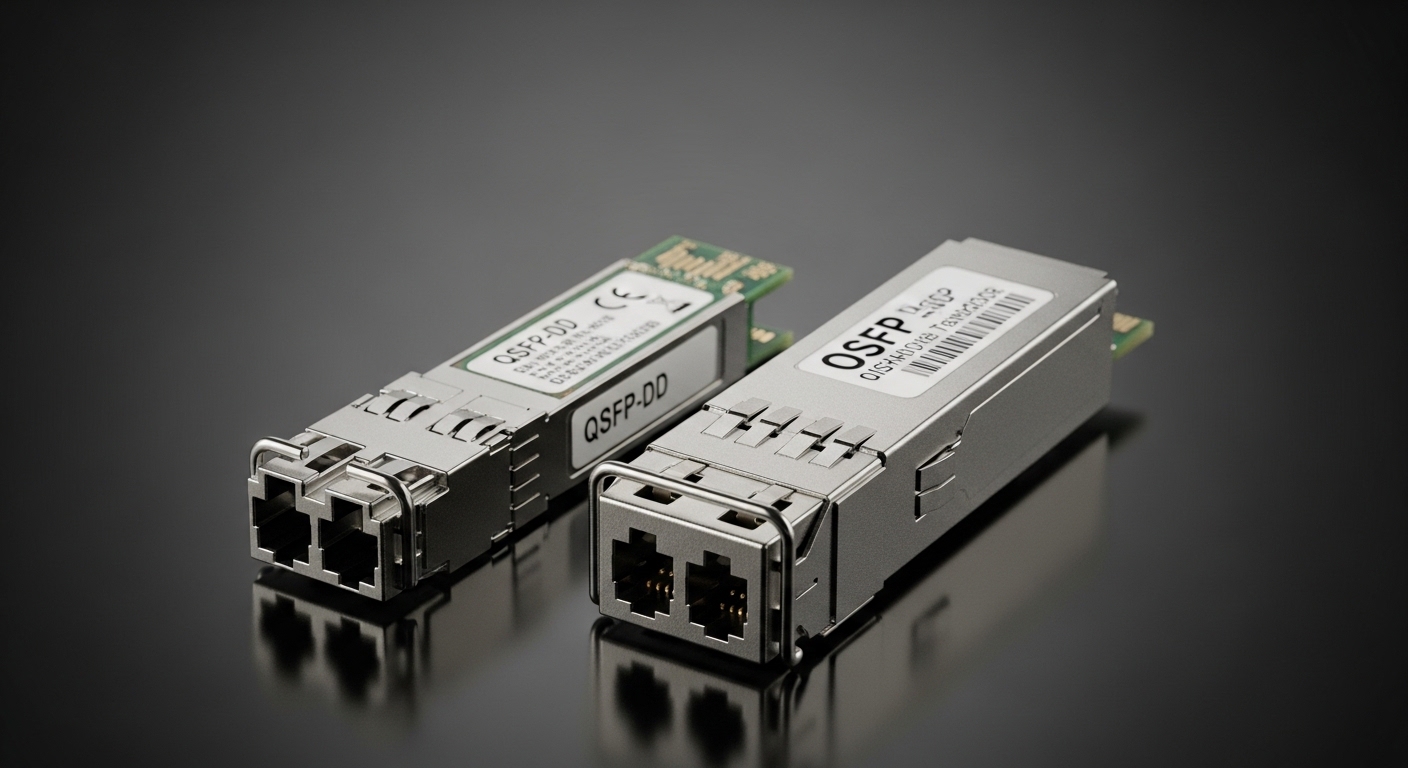
In a typical 5G backhaul chain, the optical interface between routers, aggregation switches, or transport media is the transport substrate for fronthaul or midhaul traffic. When a fiber link degrades, you can see symptoms that resemble packet loss, jitter, or intermittent throughput drops at higher layers. Engineers then chase QoS or routing, but the real root cause is often optical power margin collapse, receiver overload, or connector contamination. IEEE 802.3 physical-layer behavior means link training and autoneg can still succeed while error counters quietly climb.
Map symptoms to physical-layer indicators
Start by correlating network telemetry with optics-level counters. On most switches, check Rx/Tx power (dBm), interface error counters (CRC/FCS, symbol errors), and link flap history. If the link is unstable, review whether the transceiver reports DOM values, whether the vendor matches, and whether the optics are within the rated operating temperature envelope. For 5G transceivers, a small temperature swing can change laser bias and shift optical power enough to push the link over the receiver sensitivity boundary.
Spec-first troubleshooting: what to measure on 5G transceivers
Before you replace anything, measure what the system is actually doing. Field experience shows that the fastest path to resolution is aligning measured values—wavelength, optical power, reach class, and connector type—with the switch port and the fiber plant loss budget. Many failures come from “compatible” transceivers that are electrically fine but are outside the expected optical budget or DOM interpretation details. Use the transceiver datasheet and the switch compatibility matrix.
Key specs to verify (and why they matter)
For a 10G/25G/100G optical interface, you typically care about wavelength (nm), reach class, minimum receiver sensitivity (dBm), typical transmit power (dBm), supported fiber type (OM3/OM4 or OS2), connector (LC/SC), and temperature range. Also confirm whether the platform expects specific digital diagnostic behavior via SFF-8472/ SFF-8431 (commonly “DOM”). If the transceiver supports DOM but the switch reads it incorrectly, you may misdiagnose a marginal link as “healthy.”
| Parameter | Example 5G Transceiver (10G SR) | Example 5G Transceiver (10G LR) | Why it impacts troubleshooting |
|---|---|---|---|
| Data rate | 10G | 10G | Ensures the port speed and coding match |
| Wavelength | 850 nm | 1310 nm | Wrong wavelength class often means instant link failure |
| Reach class | ~300 m (OM3) | ~10 km (OS2) | Loss budget mismatch creates high BER under load |
| Fiber type | OM3/OM4 multimode | OS2 singlemode | Multimode vs singlemode errors are common in field swaps |
| Connector | LC duplex | LC duplex | Connector geometry impacts reflectance and return loss |
| Optical power (typ.) | Tx around -1 to +1 dBm | Tx around -3 to +3 dBm | Used to validate link margin with measured Rx power |
| Receiver sensitivity | Typical -11 to -12.6 dBm | Typical -14 to -15.8 dBm | Determines how much fiber loss you can tolerate |
| Operating temperature | Usually 0 to 70 C (some extended options) | Usually 0 to 70 C (some extended options) | Out-of-range optics drift and increase error rates |
| Diagnostic interface | DOM via I2C | DOM via I2C | DOM mismatches can hide real optical problems |
For concrete part examples, engineers commonly deploy Cisco SFP-10G-SR, Finisar FTLX8571D3BCL, and FS.com SFP-10GSR-85 in multitenant data halls, and long-haul OS2 optics from the same ecosystem for RU aggregation. Always confirm the exact model variant and compliance details from the vendor datasheet and the switch vendor compatibility list. [Source: IEEE 802.3] [Source: Finisar/Viavi optic datasheets] [Source: Cisco transceiver documentation] [[EXT:https://standards.ieee.org/standard/802_3]]
Pro Tip: When a link “comes up” but performance collapses, trust the optical numbers more than interface state. If Rx power sits near the receiver sensitivity boundary, even slight connector contamination or a seasonal temperature shift can push the BER up and trigger retransmissions that look like congestion in the 5G stack.
Rapid fault isolation flow for field engineers
Use a disciplined order: physical inspection first, then optics validation, then configuration and compatibility, then traffic-layer confirmation. In 5G deployments, you often cannot afford long outages, so you need a repeatable runbook that works across vendors. This flow assumes you can access the transceiver, the patch panel, and the switch CLI or management plane.
Inspect and clean before swapping
Dirty connectors are the #1 cause of intermittent link loss in dense deployments. Use a fiber inspection scope and clean with the correct method for the connector type (LC/SC, APC vs UPC). If you see visible scratches or film, clean again and re-inspect. Replace patch cords if the connector has been repeatedly cleaned but still shows residue.
Validate Rx power and DOM readings
Read DOM telemetry: Tx bias current, Tx power, Rx power, and temperature. Compare to the expected range for the transceiver model. If Rx power is significantly higher or lower than expected, suspect wrong fiber pair, polarity reversal, or a mismatched optics type (SR vs LR, OM3 vs OS2). If DOM values show “alarm” flags, verify whether the switch is reading the module correctly.
Check link negotiation and speed/encoding
Confirm whether the port is configured for the same speed and whether autoneg is enabled. Some platforms behave differently with certain third-party optics, especially on high-speed interfaces. Ensure the transceiver supports the exact signaling mode required (for example, 10GBASE-R vs vendor-specific modes). If the port is locked at a fallback speed, verify the transceiver compatibility and the fiber plant loss.
Rebuild the optical loss budget
Compute total loss: fiber attenuation (dB/km times distance), plus connector loss (typically around 0.2 to 0.5 dB per mated pair depending on quality), plus splice loss (often 0.1 dB typical for good singlemode splices), plus patch panel and coupler losses. Then compare to the transceiver budget using the datasheet’s receiver sensitivity and transmitter power. If you are within a few dB of the limit, treat the link as fragile; plan a shortened patch path or a higher-budget optics class.
Common mistakes and troubleshooting tips that save hours
Below are field-proven failure modes that commonly affect 5G transceivers in backhaul and aggregation. Each includes a root cause and a concrete fix.
Connector contamination causing “flap then recover” behavior
Root cause: Microscopic dust or film on LC/SC ferrules increases insertion loss and reflectance, leading to intermittent link drops and high error bursts. Autoneg may recover after transient conditions change, masking the issue. Solution: Inspect with a scope, clean with the correct cassette method, and re-inspect. Replace suspect patch cords if scratches are present.
Wrong fiber type or wrong reach class in the patch panel
Root cause: Mixing OM3/OM4 multimode optics with singlemode OS2 fiber (or vice versa) creates either no link or a link that only comes up under certain conditions. Similarly, using an SR optic on a route exceeding its rated reach will show CRC errors under load. Solution: Verify fiber type at the patch panel label and by testing with a light source and loss meter. Update the runbook to require a fiber map confirmation after every reroute.
Third-party optics “compatible” but DOM alarms misread
Root cause: Some 5G transceivers implement DOM slightly differently, and certain switch firmware versions interpret threshold registers in a non-identical way. You may see no obvious alarms while the optics are actually out of spec. Solution: Cross-check the transceiver model against the switch vendor compatibility list, and validate DOM values against the datasheet. If needed, standardize on an approved OEM or a single third-party supplier with known firmware behavior.
Temperature and airflow differences between indoor and outdoor cabinets
Root cause: Outdoor micro-cabinets and enclosed RU aggregation boxes can exceed the assumed ambient range, driving laser bias changes and increasing BER. Solution: Measure cabinet inlet/outlet temperature and confirm the optics operating temperature rating. Improve airflow or use extended-temperature optics variants where required.
Cost and ROI: OEM vs third-party 5G transceivers
In practice, optics TCO is dominated by failure rate, downtime cost, and labor time—not just the purchase price. OEM transceivers for enterprise and carrier platforms often cost more per unit, but they typically have better compatibility and predictable DOM behavior. Third-party optics can be cheaper, but you must budget extra time for qualification testing and possibly maintain a stricter inventory of approved part numbers.
As a realistic planning reference: common 10G SR optics often land in the range of tens of dollars per unit for third-party and higher for OEM, while 25G/40G/100G modules can scale into the hundreds depending on reach and brand. For ROI, model not only module cost but also the cost of truck rolls and service windows during 5G outages. If you run high-density RU sites, even one avoidable incident can erase the savings from sourcing cheaper optics.
Selection checklist for choosing the right 5G transceivers
Use this ordered list the way a field team would during procurement and pre-install validation.
- Distance and reach class: Verify the actual fiber length plus margin, not just the labeled route.
- Fiber type and connector standard: Confirm OM3/OM4 vs OS2, and LC vs SC plus APC/UPC where applicable.
- Switch and platform compatibility: Cross-check the exact transceiver model in the switch vendor compatibility matrix. [Source: Cisco transceiver compatibility docs]
- DOM support and alarm thresholds: Ensure the module exposes DOM via I2C and thresholds align with switch expectations.
- Operating temperature and airflow: Confirm the transceiver’s rated range for cabinet conditions, including outdoor enclosure heat soak.
- Operating mode and autoneg behavior: Validate whether the platform requires a specific speed mode or prefers manual speed/disable autoneg.
- Vendor lock-in and spares policy: Decide whether you standardize on a single supplier to reduce troubleshooting variance.
For standards grounding, remember that Ethernet physical-layer behavior is defined in IEEE 802.3, while optical module form factors and diagnostics are governed by SFF specifications referenced by vendors. [Source: IEEE 802.3]
FAQ
Q: How do I tell if a 5G transceiver is failing versus a fiber issue?
Compare DOM telemetry across known-good optics and swap one side at a time. If the same port works with a different transceiver but fails with the suspect unit, the optics are likely at fault. If swapping optics does not change behavior, focus on the patch path and connector cleanliness.
Q: What Rx power threshold should I target for reliable 5G backhaul?
Use the receiver sensitivity from the transceiver datasheet and aim for a margin rather than the minimum. In field practice, keeping Rx power several dB away from the sensitivity boundary reduces error bursts caused by cleaning variability and temperature drift. Always compute the budget using measured fiber loss.
Q: Can I mix OEM and third-party 5G transceivers on the same link?
It is often possible, but compatibility depends on both ends supporting the same signaling and DOM behavior. Test in a staged roll-out, and verify port speed negotiation and error counters under load. If you see DOM alarm inconsistencies, standardize to a single approved supply chain.
Q: Why does my link flap only during peak traffic?
