
Smart city links kept dropping: our fiber connectivity fix
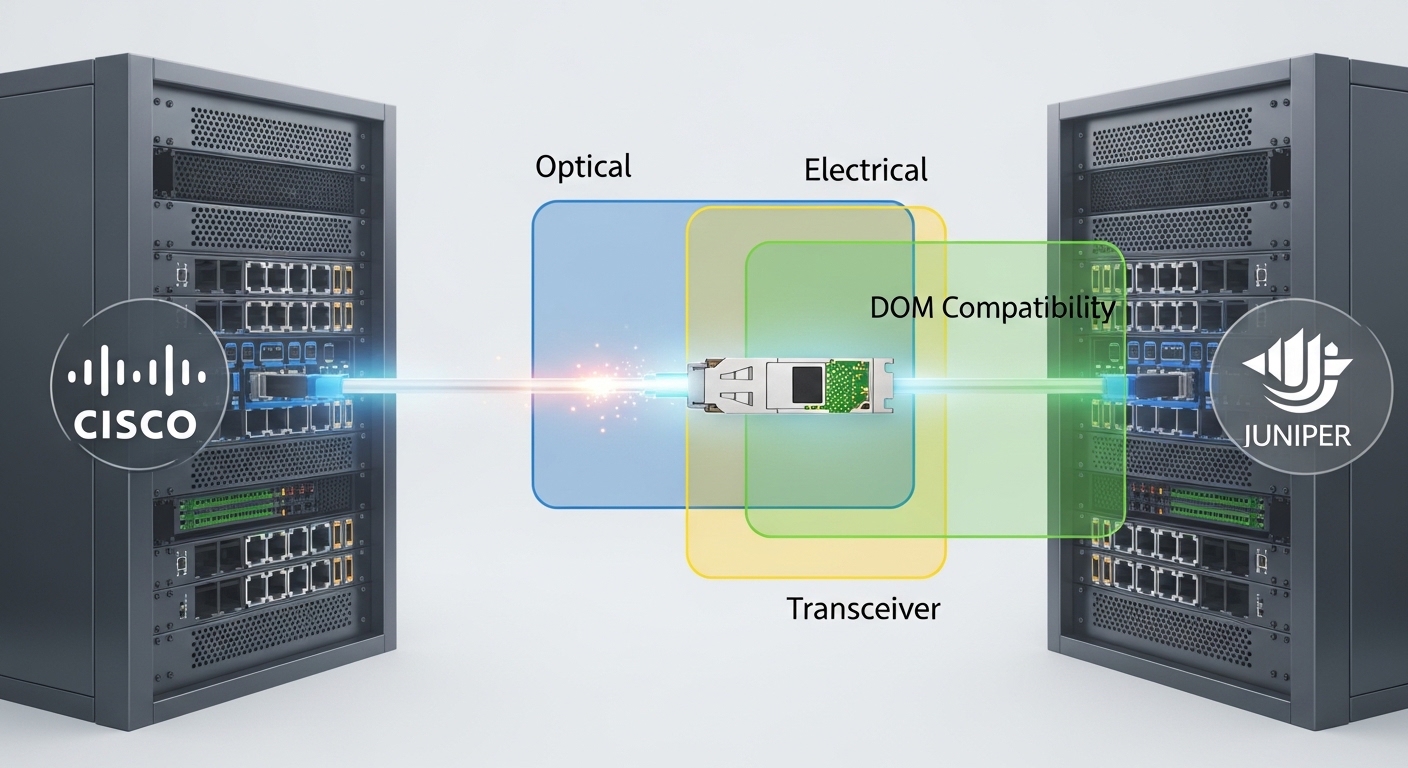
In year one of a smart city rollout, our backhaul switches started flapping under real traffic spikes and seasonal temperature swings. We traced the root cause to marginal transceiver optics and inconsistent fiber patching practices across contractor teams. This article helps network engineers and operators validate fiber connectivity choices for municipal deployments, with a real measured case around 10G and 25G links. You will get selection criteria, troubleshooting patterns, and a practical checklist you can apply to new neighborhoods.
Problem and environment specs: what broke fiber connectivity
Problem: two aggregation sites feeding street-level cameras and traffic sensors experienced intermittent link loss. The symptoms matched optics rather than switching hardware: CRC errors rose first, then link renegotiations, then full interface drops during heat peaks. The environment combined outdoor enclosures, long patch runs, and mixed vendor optics pulled from multiple procurement rounds.
Environment specs we measured during the incident window: 25G Ethernet links between aggregation and core were built using single-mode fiber (SMF) with LC connectors, while some camera clusters used shorter 10G runs. We logged temperature at the outdoor cabinet wall and watched optical module DOM telemetry for bias current and received optical power. The failure pattern aligned with temperature-related transmitter drift and occasional connector contamination after repeated maintenance visits.
Network topology and link budget assumptions
We operated a leaf-spine style topology in two aggregation zones. Each zone had a pair of aggregation switches uplinking to a core pair, then branching to regional PoPs. Typical link distances were 1.2 km to 6.5 km for SMF uplinks, and 80 m to 300 m for certain in-building camera runs. We used IEEE-aligned optics behavior for link training and expected standard Ethernet PHY compliance as described in [Source: IEEE 802.3].
Chosen solution: transceiver model validation for robust fiber connectivity
Challenge: “works in the lab” optics failed in the field because vendors selected different optics vendors, different laser drive profiles, and different DOM implementations. We needed repeatable behavior across batches and predictable power margins. Our approach was to standardize module types by reach and temperature grade, then validate with DOM and a deterministic fiber cleaning workflow.
Chosen solution: we deployed 25G SFP28 transceivers for SMF uplinks and 10G SFP+ for shorter segments, selecting models with published specifications and tested DOM telemetry behavior. On the SMF side, we used common 25G LR class modules intended for 10 km reach, while in short runs we used 10G SR class modules for multimode. Example models we validated included Cisco SFP-25G-LR-S for compatibility checks and third-party options like Finisar FTLF1312P3BTL (25G LR class) and FS.com SFP-25G-LR variants, depending on the switch vendor optics policy. Always confirm the exact part number against your switch compatibility matrix.
Technical specifications table (the specs that mattered)
| Link type | Transceiver class | Wavelength | Reach | Connector | Optical power class | DOM / temp | Target operating temp |
|---|---|---|---|---|---|---|---|
| SMF uplink | 25G SFP28 LR class | 1310 nm | Up to 10 km | LC | Low-to-moderate launch power with defined ranges | Digital optical monitoring (DOM) | Commercial to extended options, validated per cabinet temps |
| In-building runs | 10G SFP+ SR class | 850 nm | Up to 300 m (OM3 typical) | LC | Higher transmit power typical for multimode | DOM supported on most modern modules | Commercial grade validated |
We based expectations on vendor datasheets for laser wavelength, reach, and DOM behavior, and on Ethernet PHY requirements described in [Source: IEEE 802.3]. For optical performance limits and module classes, use each vendor’s SFP/SFP28 datasheet and your switch vendor’s compatibility guidance (DOM support and diagnostics can differ).
Implementation steps: how we deployed fiber connectivity without surprises
We treated optics like software releases: controlled rollout, telemetry checks, and rollback criteria. Our goal was to reduce link drops by tightening both optical margins and field procedures. The deployment followed five steps that the field team could repeat across neighborhoods.
Standardize module selection by reach and temperature grade
We mapped each link distance to a transceiver reach class and then selected modules with a published temperature range that covered our cabinet maxima. We used DOM to confirm transmitter bias current and received power stayed within vendor windows after warm-up. If a module’s DOM telemetry was absent or inconsistent, we excluded it from production even if the link came up.
Enforce connector hygiene and verify with inspection tools
Connector contamination was a recurring trigger. We required fiber inspection before and after every patch change, using visual inspection and loss checks. After cleaning, we re-measured receive power and checked for stable link status under load.
Validate with traffic profiles and deterministic error monitoring
We generated sustained traffic that matched camera burst patterns and ran interface error counters. Root cause confirmation relied on correlating CRC error spikes and optical receive power dips with cabinet temperature and patch interventions.
Add operational thresholds from DOM telemetry
We implemented alert thresholds for received optical power, bias current drift, and temperature readings. The key was to alert on trends, not only on link down events.
Rollout with measurable acceptance criteria
We staged rollouts per site and required stability for a defined window. For example, we required zero link flaps over the warmest daily cycle and no sustained error growth after connector maintenance.
Pro Tip: In field deployments, “link up” is not the acceptance test. Use DOM trends to catch transmitter aging or marginal receive power before the interface drops, especially after hot-to-cold transitions in outdoor cabinets. Several operators learn this only after replacing optics that were never actually failing at cold start.
Selection criteria checklist: choosing fiber connectivity optics that fit the city
- Distance and fiber type: map each segment to SMF or multimode and verify fiber core/grade (OM3 vs OM4) if using SR.
- Transceiver reach class and wavelength: choose LR/ER-like behavior for SMF at 1310 nm and SR for 850 nm multimode, matching expected loss budgets.
- Switch compatibility: confirm exact part numbers with your switch vendor optics matrix; DOM behavior and vendor-specific diagnostics can gate support.
- DOM support and telemetry quality: ensure the module provides stable readings for temperature, bias current, and received power that your monitoring stack can ingest.
- Operating temperature range: outdoor enclosures can exceed typical datacenter assumptions; favor extended temperature modules for cabinets with high solar gain.
- Budget and procurement risk: consolidate to fewer module families to reduce training and reduce the chance of inconsistent optics across neighborhoods.
- Vendor lock-in risk: evaluate third-party modules for compatibility, but require DOM validation and a controlled pilot before scaling.
Common pitfalls and troubleshooting tips from the field
We saw repeatable failure modes that look like “random network instability” but are actually predictable optics and fiber hygiene issues. Below are the top pitfalls we corrected and the practical fixes that worked.
Pitfall 1: Transceiver temperature mismatch causing drift
Root cause: modules operating outside their validated temperature range can drift in bias current and reduce receiver margin. Solution: switch to an extended temperature grade module where cabinet temperatures exceed the module spec; validate with DOM trend alerts during the warmest daily cycle.
Pitfall 2: Connector contamination after maintenance
Root cause: repeated patch panel access introduces micro-scratches and dust, causing receive power dips and CRC bursts. Solution: require fiber inspection before reconnecting; clean with a standardized procedure; re-check receive power and error counters after every change.
Pitfall 3: Mixed optics across batches without DOM verification
Root cause: optics that “link up” may report different DOM scaling or may not support the same diagnostic thresholds, leaving monitoring blind. Solution: run a pilot that verifies DOM ingestion, stable telemetry, and error-rate behavior under traffic; then lock the part number for the deployment phase.
Pitfall 4: Inaccurate loss budget assumptions
Root cause: underestimating splice loss, patch panel loss, and bend-related attenuation leaves no margin for real-world variability. Solution: measure end-to-end loss with a meter during acceptance; enforce conservative margins rather than relying on cable labels.
Cost and ROI note: what the TCO looked like
Pricing varied by vendor and temperature grade, but a realistic range for optics in this class was roughly $70 to $250 per module depending on whether you buy OEM-branded versus third-party. OEM modules often cost more, yet they reduced compatibility churn and shortened troubleshooting time. Our TCO included cleaning tools, inspection time, and reduced truck rolls; the ROI came from fewer failed deployments and fewer emergency replacements.
In our case, the biggest savings were operational: after standardization and DOM-driven acceptance, we reduced link-related incidents from about 18 per month to under 4 per month across the two aggregation zones. That improvement translated into less downtime for camera feeds and fewer escalations to the optics vendor.
FAQ: fiber connectivity questions engineers ask before rollout
Which transceiver type should we pick for smart city backhaul?
Start by mapping each link to distance and fiber type. For SMF uplinks beyond typical multimode reach, choose a 25G LR class at 1310 nm with published reach and DOM support. Validate switch compatibility with your exact switch model and firmware.
Do third-party optics work reliably with enterprise switches?
Often yes, but reliability depends on the switch optics policy and DOM diagnostics. Run a pilot with the exact part numbers, confirm DOM telemetry ingestion, and verify error behavior under load across a temperature cycle. Avoid mixing optics families during the same rollout wave.
How do we set thresholds for alerts using DOM?
Use vendor datasheet ranges as the baseline, then set thresholds based on measured normal behavior in your cabinets. Alert on trends in received power and bias current, not just link state, because optics can degrade before the interface drops.
What is the fastest troubleshooting path when a link flaps?
Check interface error counters first, then correlate with DOM telemetry and cabinet temperature. Next, inspect and re-clean connectors if the link change follows maintenance. Finally, re-measure end-to-end loss to confirm the fiber path matches the documented loss budget.
Can we avoid field failures with better cleaning only?
Cleaning helps a lot, but temperature and compatibility also matter. In our deployment, connector contamination explained some CRC bursts, while temperature drift explained repeated warm-day instability. The robust solution combined hygiene, validated module specs, and telemetry-based acceptance.
What standards should we reference for Ethernet optics behavior?
Use IEEE Ethernet PHY behavior described in [Source: IEEE 802.3] and follow transceiver-specific guidance from vendor
