
When your router WAN interface goes dark at the worst moment, the root cause is often an SFP transceiver mismatch, fiber polarity issue, or unsupported optical profile. This article helps network engineers and field technicians deploy an enterprise edge SFP safely on router WAN ports, with practical steps, measured checks, and compatibility pitfalls. You will get a deployment workflow, a decision checklist, and troubleshooting for the most common failure modes.
Step-by-step prerequisites for an enterprise edge SFP WAN install
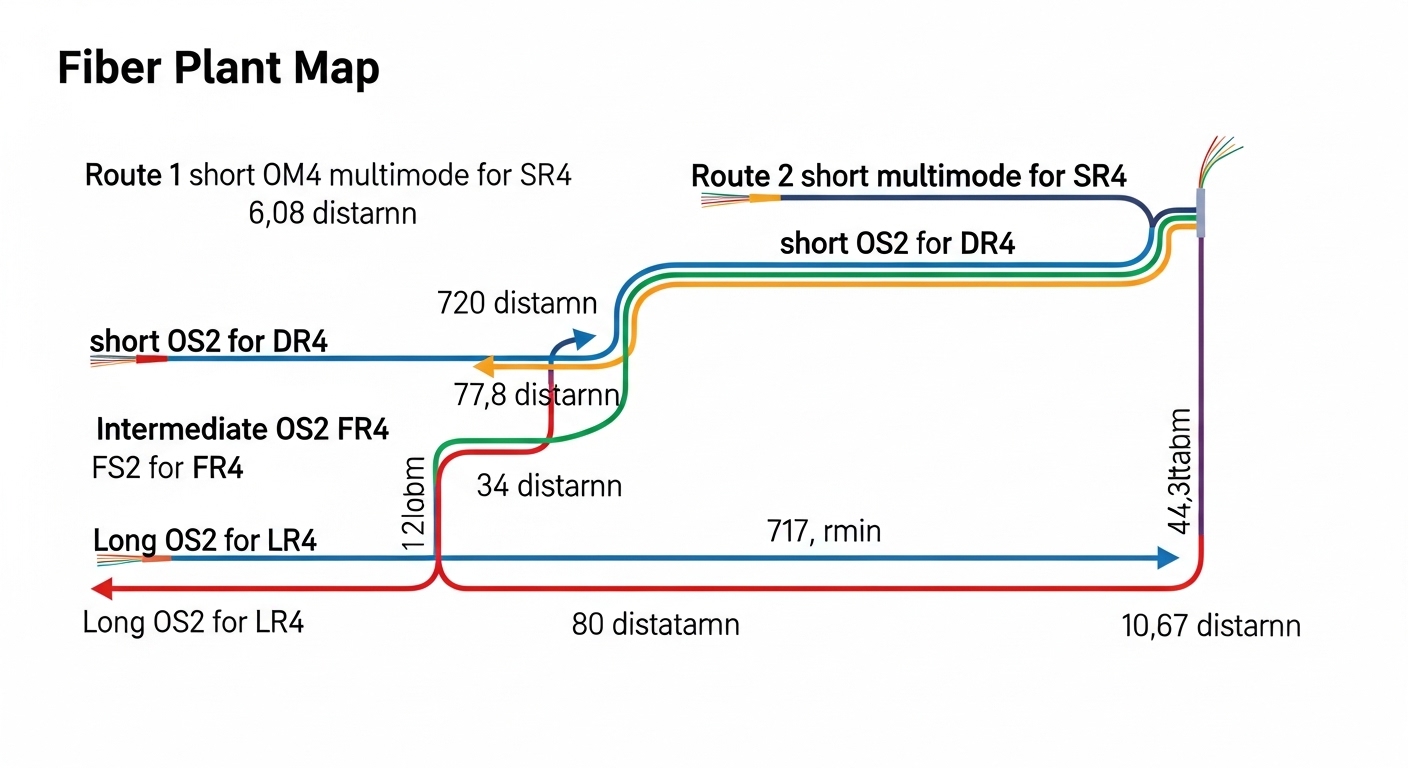
Before you touch the transceiver, confirm that the WAN port, optics class, and optics vendor are aligned with the router’s requirements. In practice, I treat this like a change window task: I collect the port’s transceiver type, the expected link speed, and the fiber type, then verify the optical budget against the real fiber plant. I also confirm whether the router expects DOM (Digital Optical Monitoring) and whether the optics must support specific temperature and vendor ID behaviors.
Prerequisites checklist
- Router WAN port details: model number, port speed (for example, 1G, 10G), and whether the port is SFP or SFP+ (or SFP28).
- Fiber plant facts: fiber type (single-mode OS2 or multimode OM3/OM4), measured link length in meters, and whether there are patch panels, splitters, or splices.
- Transceiver compatibility: confirm supported part numbers from the router vendor compatibility matrix or optics vendor interoperability notes.
- DOM support: confirm that the router reads DOM values reliably; verify it won’t hard-fail on certain vendor EEPROM formats.
- Polarity plan: know whether the link uses LC duplex with standard polarity or requires polarity reversal (common with some deployments).
- Tools: a fiber scope or at least a cleaning kit (lint-free wipes, 99 percent isopropyl, approved swabs), and an OTDR plan if allowed by your change policy.
Expected outcome: You start the install with a validated optics profile, a known fiber path, and a compatibility path that avoids “it fits but it won’t link” surprises.
Match the enterprise edge SFP to the WAN port and optical standard
Router WAN ports are picky. Even when the connector is the same, the electrical interface and optical profile must match the port’s expectations. For Ethernet over fiber, the industry baseline is defined by IEEE 802.3 for optical PHY behavior, while the specific transceiver form factor and optics parameters come from vendor datasheets and the SFP MSA (Multi-Source Agreement) ecosystem.
How I verify compatibility in the field
I start with the router’s interface spec: for example, a 10G WAN port may require an SFP+ 10GBASE-SR (multimode, nominal 850 nm) or 10GBASE-LR (single-mode, nominal 1310 nm). If you pick the wrong wavelength family, you will see either no link or constant link flaps even after cleaning. I then cross-check the transceiver part number against the router’s documented supported optics list.
Key optics parameters you must line up
- Wavelength (for example 850 nm SR, 1310 nm LR)
- Data rate (1G/10G/25G depending on the port)
- Connector (LC is most common for SFP/SFP+)
- Reach and the assumed link budget
- DOM behavior (temperature, bias current, received power fields)
- Operating temperature (commercial vs industrial)
Use a reach and loss budget that reflects your real fiber
Marketing reach numbers are not your deployment truth. In a WAN edge, you are dealing with patch cords, aging connectors, splices, and sometimes unexpected attenuation from upgrades. I compute a conservative budget using measured loss estimates for each component and then compare it to the optical budget assumptions in the transceiver datasheet.
Reference comparison: common enterprise edge SFP options
The following table reflects typical enterprise edge patterns engineers see when selecting optics for router WAN interfaces. Always confirm the exact maximum reach and optical budget in the specific transceiver datasheet you buy.
| Enterprise edge SFP type | Wavelength | Typical reach | Connector | Data rate | DOM | Operating temp |
|---|---|---|---|---|---|---|
| 10GBASE-SR SFP+ | 850 nm | ~300 m (OM3) / ~400 m (OM4) | LC duplex | 10 Gbps | Common | Commercial or Industrial variants |
| 10GBASE-LR SFP+ | 1310 nm | ~10 km | LC duplex | 10 Gbps | Common | Commercial or Industrial variants |
| 1GBASE-LX SFP | 1310 nm | ~5 km | LC duplex | 1 Gbps | Common | Commercial or Industrial variants |
| 25GBASE-LR SFP28 | 1310 nm | ~10 km typical | LC duplex | 25 Gbps | Common | Commercial or Industrial variants |
Real-world budgeting method that actually works
In a typical edge build, I estimate component losses as follows: connectors (about 0.2 dB each for good LC connections), patch cords (about 0.3 to 0.5 dB per short cord depending on length and fiber quality), and splices (about 0.1 to 0.3 dB each). Then I add a margin for aging and cleaning variance (often 1 to 2 dB). Finally, I compare the sum to the transceiver’s stated optical budget and minimum received power threshold.
Expected outcome: You avoid selecting an SFP that meets spec on paper but fails after patch panel rework or connector wear.
Validate DOM and admin settings before you declare success
Modern enterprise edge SFP modules usually support DOM, exposing temperature, laser bias, and received optical power. I treat DOM as a health telemetry source, not just a “works/doesn’t work” flag. Some routers will bring up the interface even if DOM reads are limited, but that can mask marginal optical conditions that later become link flaps.
Operational checks I run after insertion
After seating the transceiver and connecting fibers, I wait for the link negotiation and then validate both interface state and optics telemetry. Commands vary by platform, but the workflow stays the same: check link status, confirm negotiated speed and duplex, and read DOM fields if available.
- Interface state: ensure “up/up” and stable carrier detection.
- Speed: confirm the expected Ethernet PHY rate (example: 10G).
- DOM received power: confirm it is within the module’s recommended range.
- DOM temperature: ensure it’s plausible for the environment.
Pro Tip: If you see “link up” but intermittent errors, check received optical power via DOM before you assume congestion. I have repeatedly seen marginal receive power from one slightly dirty connector pass initial insertion tests, then fail under thermal cycling and vibration. Cleaning and reseating can stabilize the DOM readings by more than a few dB, which is often the difference between stable and flapping links.
What to reference for standards and module behavior
For Ethernet optical PHY behaviors and link layer expectations, consult IEEE 802.3 for the relevant 1G/10G/25G optical Ethernet variants. For physical module behaviors, reference the SFP MSA documents and vendor datasheets, and for transceiver interoperability, check the router vendor’s optics support list. [Source: IEEE 802.3] [Source: SFP MSA] [Source: Cisco interoperability and transceiver documentation]
Confirm fiber polarity, cleaning quality, and connector health
Even with the correct wavelength and reach, polarity and cleanliness can stop an otherwise perfect install. In LC duplex systems, transmit and receive fibers must align correctly across the two ends. I always clean both sides of the connector interface before mating, because dust is the most common “mystery” cause of low received power and intermittent CRC errors.
Field procedure that reduces repeat truck rolls
- Clean LC connector tips on both transceiver and patch cord using approved swabs and dry technique.
- Inspect the connector endface if you have a fiber scope; if not, assume it is contaminated after any prior disconnect.
- Mate connectors gently and fully; verify latch engagement.
- If link does not come up, swap fiber polarity at one end (swap TX/RX by re-cabling or using a polarity reversal approach).
- After link stabilizes, record DOM received power and interface error counters for baseline.
Expected outcome: You eliminate “it should work” failures and establish a baseline so you can detect drift later.
Selection criteria and decision checklist for enterprise edge SFP
When choosing an enterprise edge SFP, engineers weigh both technical fit and operational risk. The best module is the one that consistently brings up the link and stays stable across temperature swings, connector wear, and vendor firmware behavior.
- Distance and fiber type: choose SR vs LR vs LX vs other profiles based on OS2/OM3/OM4 and measured span length.
- Switch or router compatibility: confirm the exact port type and supported optics list; avoid guessing based on connector alone.
- Budget and optics class: pick a module with optical power and sensitivity that covers your real link budget plus margin.
- Data rate and lane behavior: ensure the transceiver supports the port’s negotiated speed (for example 10GBASE-SR vs 10GBASE-LR).
- DOM support and readability: verify the router can read DOM fields; check for any known EEPROM quirks.
- Operating temperature: select industrial (-40 to 85 C class) when the edge site experiences high heat or cold.
- Vendor lock-in risk: decide whether you can standardize on OEM modules or whether third-party modules are acceptable with your change control.
- Return and RMA practicality: choose vendors with clear DOA processes; optics failures can be intermittent.
Common mistakes and troubleshooting tips (top failure points)
Below are the failure modes I see most often when deploying an enterprise edge SFP on router WAN interfaces, along with root causes and fixes.
Link never comes up after insertion
Root cause: Wrong optics profile or wrong wavelength family (for example, SR on a single-mode LR-required port, or mismatched data rate). Sometimes it is also an unsupported EEPROM/DOM behavior that the router treats as incompatible.
Solution: Verify port spec and transceiver standard; use the router vendor compatibility list; reseat the module and confirm DOM is readable. If you have a second known-good module, swap to isolate whether the problem is the optics or the fiber path.
Link comes up but errors spike or it flaps
Root cause: Dirty connectors or marginal received optical power due to exceeding the real optical budget. Polarity errors can also cause intermittent behavior if the link is not fully stable.
Solution: Clean both ends, inspect with a scope, and re-cable to correct polarity. Then compare DOM received power against the module datasheet recommended range and check interface CRC or FEC error counters.
Works initially, then fails after thermal or vibration changes
Root cause: Connector wear, poor patch cord strain relief, or an SFP variant with a temperature operating range that is too narrow for the environment.
Solution: Upgrade to an industrial temperature class module if the site is harsh. Add proper strain relief, confirm patch panel routing is not pulling on LC connectors, and re-check DOM temperature stability and received power drift.
Cost and ROI note for enterprise edge SFP modules
Pricing varies widely by speed, reach, and temperature class. As a realistic field estimate, OEM 10GBASE-SR or 10GBASE-LR SFP+ modules can cost roughly 150 to 400 USD each, while reputable third-party compatible modules often land around 60 to 200 USD depending on brand and DOM quality. TCO should include power draw (usually small per module but relevant at scale), failure rates, and the operational cost of truck rolls during intermittent issues.
In edge environments, I favor a balanced approach: standardize on one or two optics vendors that have predictable DOM behavior for your router platform, and keep spares staged at each region. If you rely on third-party optics, enforce incoming testing: insert, verify link stability for a full burn-in window when possible, and record DOM baselines for future comparisons.
FAQ
What is the safest way to choose an enterprise edge SFP for a router WAN port?
Start with the router’s WAN port spec and supported transceiver list, then match wavelength family (SR vs LR) to your fiber type and measured distance. After insertion, validate link state and read DOM received power to confirm the optical budget is truly sufficient. [Source: IEEE 802.3] [Source: vendor router optics documentation]
Do I need DOM support, or will the interface work without it?
Many deployments work without relying on DOM, but DOM is valuable for early warning and troubleshooting. If your router treats certain DOM EEPROM formats as incompatible, you may see “no link” even when the optics are electrically correct. Verify DOM readability as part of your acceptance checklist.
Can I use third-party enterprise edge SFP modules with Cisco or other enterprise routers?
Sometimes yes, but compatibility is not guaranteed across all platforms and firmware versions. The practical approach is to test in a lab or during a controlled change, confirm stable link and DOM reads, and track any vendor-specific quirks. Always consult the vendor support matrix and documented interoperability notes. [Source: Cisco transceiver compatibility guidance]
What causes link flaps even when the fiber distance is within spec?
Most often it is connector contamination, insufficient cleaning, or a fiber budget that was underestimated due to real patch cords and aging connectors. Thermal effects can worsen marginal optical power, causing CRC errors and renegotiation. Use DOM received power and error counters to pinpoint the issue quickly.
Should I use 10GBASE-SR or 10GBASE-LR for WAN edge distances around 2 to 5 km?
If your fiber is single-mode OS2, 10GBASE-LR is usually the more forgiving choice for reach and alignment tolerance. If you only have multimode OM3/OM4, 10GBASE-SR can work for short-to-mid spans, but you must validate the exact patch panel and connector losses. Always budget conservatively and verify with DOM after installation.
How can I reduce repeat troubleshooting after a successful install?
Record a baseline: interface speed, negotiated mode, DOM temperature, DOM received power, and error counter values. If anything changes later, you can compare against the baseline instead of guessing. Store this data in your change ticket so the next engineer can act fast.
If you follow the prerequisites, match optics profile to the WAN port, budget using real fiber losses, and validate DOM plus cleanliness, your enterprise edge SFP deployments will be dramatically more predictable. Next, check fiber polarity and cleaning best practices to harden your physical-layer process before the next field change.
About the author: I have deployed and troubleshot optical WAN links across enterprise edge sites for over a decade, focusing on repeatable change control and measurable optics telemetry. I write from field notes and verification steps so your team can avoid avoidable truck rolls.
