
Edge computing optical links: choosing low-latency transceivers
In edge computing sites, a single mis-sized optical link can add tens of microseconds and break real-time workloads. This guide helps network and field engineers select SFP/SFP+/QSFP transceivers for low-latency fiber runs, with compatibility checks, power and temperature constraints, and practical troubleshooting. You will get a decision checklist, a specs comparison table, and deployment math you can reuse in commissioning.
Why optical transceivers matter for edge computing latency
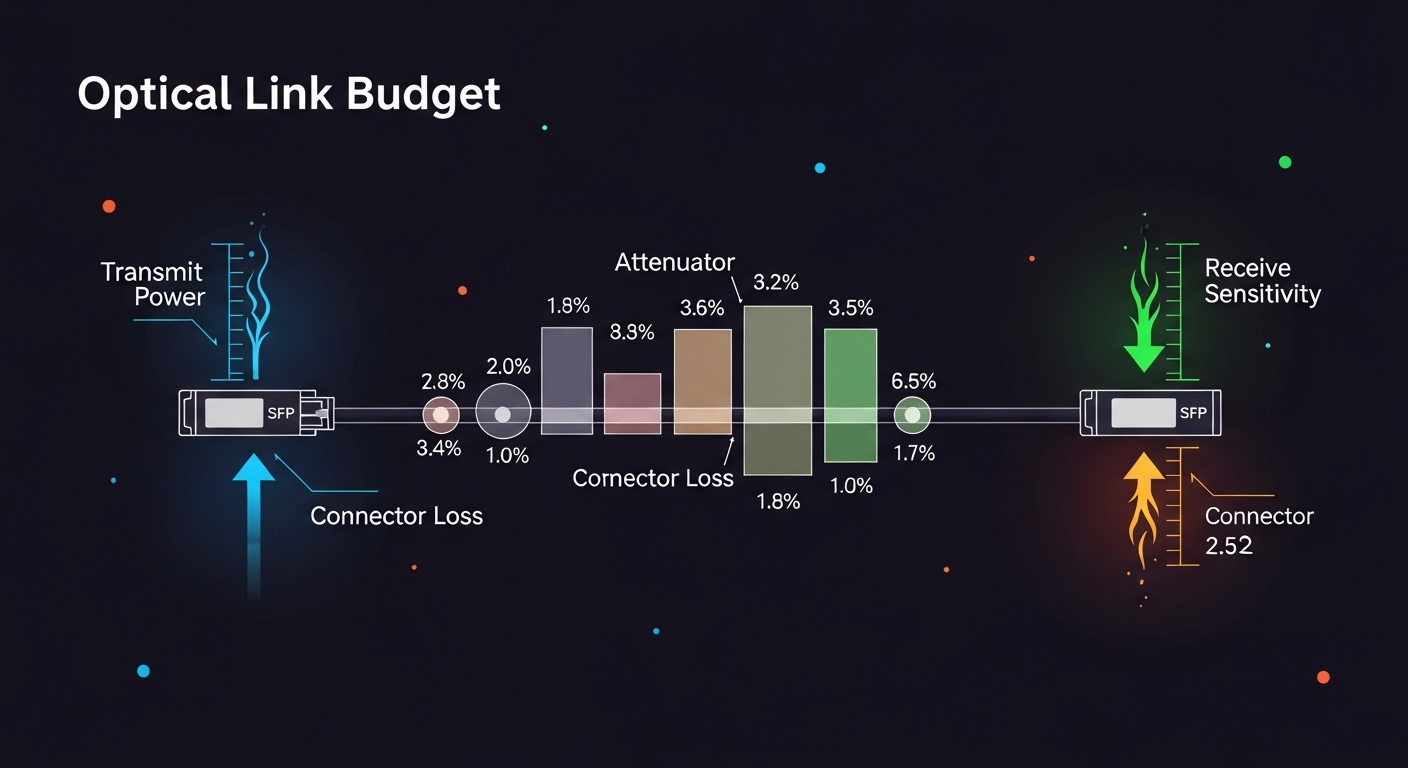
Low latency in edge computing is usually dominated by propagation delay on fiber, serialization delay, and any queuing inside switches. Fiber propagation delay is roughly 5 microseconds per kilometer in standard glass; for a 2 km run, that is about 10 microseconds before any switching. Optical transceivers do not change physics, but they can change forward link behavior: link training stability, lane alignment, and how the switch handles DOM telemetry and FEC modes. Selecting the wrong module family can also trigger fallback modes, link flaps, or higher error rates that increase retransmission or buffering.
Latency contributors you can actually measure
In commissioning, engineers often validate latency with hardware timestamping (where available) and verify link quality with counters. Track CRC/alignment errors, FEC corrected, and link up/down events over at least 24 hours. Also confirm the transceiver speed grade matches the switch port configuration (for example, 10G vs 25G vs 40G). When you compare candidates, treat DOM readings (optical power, temperature) as a leading indicator, not just a compliance feature.
Optical module types for low-latency edge links (10G to 100G)
Edge computing deployments commonly use short-reach multimode fiber (MMF) for cost and ease of installation, and single-mode fiber (SMF) when you need longer spans or better long-term stability. For data rates, 10G SFP+, 25G SFP28, 40G QSFP+, and 100G QSFP28 are typical. The key is to match the wavelength and reach to your fiber plant and to ensure the switch supports that module type and optics mode.
Specs snapshot: common candidates engineers evaluate
The table below compares representative optics used in edge computing for low-latency fiber runs. Always verify exact compatibility with the switch vendor’s transceiver matrix and the module datasheet; vendor part numbers here are examples used in field planning.
| Module example (vendor) | Data rate | Wavelength | Fiber type | Typical reach | Connector | DOM / telemetry | Operating temp |
|---|---|---|---|---|---|---|---|
| Cisco SFP-10G-SR (example) | 10G | 850 nm | MMF | ~300 m (OM3) | LC | Supported (per Cisco platform) | 0 to 70 C (typical) |
| Finisar FTLX8571D3BCL (example) | 10G | 850 nm | MMF | ~300 m (OM3) | LC | Supported (per datasheet) | -5 to 70 C (typical) |
| FS.com SFP-10GSR-85 (example) | 10G | 850 nm | MMF | ~300 m (OM3) | LC | Varies by SKU | Commercial / extended (check SKU) |
| QSFP28 100G SR4 (example class) | 100G | 850 nm | MMF | ~100 m to 150 m (OM4 typical) | MPO-12 | Supported | Varies by vendor |
| QSFP28 100G LR4 (example class) | 100G | ~1310 nm (LR4) | SMF | ~10 km (typical) | LC | Supported | Varies by vendor |
Latency-safe physical layer choices
For low-latency edge computing, prioritize deterministic link behavior: consistent optical power, stable temperatures, and a clean fiber plant. In MMF deployments, confirm OM3/OM4 grading and cleanliness at LC or MPO endfaces; contamination can elevate error rates and trigger link renegotiation. In SMF deployments, confirm connector polish type and budget for aging; optical power drift can increase bit error rate, which can indirectly increase buffering in some switch implementations.
Pro Tip: In many edge sites, the fastest “latency improvement” is not changing optics speed, but eliminating link instability. If you see microbursts of errors that cause brief link resets, your application latency can spike far more than the raw fiber propagation delay would suggest.
Deployment scenario: 3-tier edge network with measured link budgets
Consider a retail edge computing rollout with 12 sites, each hosting an edge gateway and local analytics server. In a 3-tier topology, the site ToR switch uplinks to an aggregation switch over 2 km of SMF, while downlinks to servers use 10G SR over 300 m OM3. The uplink carries east-west traffic for model inference bursts; engineers target end-to-end latency under 2 ms for control-plane responses.
Quick propagation math used during commissioning
For the 2 km SMF uplink, propagation delay is about 10 microseconds one-way. Serialization delay depends on line rate and frame size; at 10G, a minimum Ethernet frame is on the order of microseconds, and at 100G it is smaller. The larger risk is queuing: if the transceiver choice forces a different speed or disables FEC, the switch may buffer more under error conditions. Therefore, engineers validate with traffic load tests and confirm that the module remains within DOM thresholds (optical power and temperature) during sustained operation.
Selection criteria checklist for edge computing optics
Use the ordered checklist below during procurement and site acceptance. It is designed to reduce the risk of incompatibility, unstable optics, and unexpected behavior that harms latency-sensitive workloads.
- Distance and fiber type: Confirm OM3/OM4 grading for MMF, or SMF span length for LR/LR4 style optics.
- Switch compatibility: Validate the exact module family in the switch vendor’s optics compatibility list; do not rely on generic “works with” statements.
- Data rate and breakout mode: Ensure the port supports the module speed and any breakout (for example, QSFP28 to 4x25G if applicable).
- DOM support and telemetry mapping: Confirm that DOM fields (temperature, Tx power, Rx power, bias current) are visible and correctly mapped in your network management system.
- Operating temperature and airflow: Edge cabinets often exceed nominal rack ambient; verify module temperature range and ensure airflow targets are met.
- DOM and FEC mode behavior: Some platforms apply different FEC handling; confirm the optics type does not force a less efficient mode.
- Vendor lock-in risk: Compare OEM optics vs third-party with documented compatibility; plan for spares and firmware interactions.
- Power and thermal budget: Check module power class and confirm the switch PSU and thermal design margins for your cabinet environment.
Common pitfalls and troubleshooting tips
Below are failure modes that repeatedly appear in field troubleshooting for edge computing optics. Each includes a root cause and a practical solution.
Link flaps during temperature swings
Root cause: Module or switch port experiences thermal stress; optical bias current shifts with temperature, pushing Rx power out of the receiver linear region. Solution: Verify the module temperature range vs measured cabinet ambient; improve airflow and confirm proper insertion seating. Use DOM to trend temperature and Rx power; if you see excursions near thresholds, replace with an extended-temperature module rated for the site.
High error counters on otherwise “good” links
Root cause: Fiber endface contamination or damaged MPO/LC connectors; elevated bit errors can trigger buffering or retransmission behavior. Solution: Clean connectors with lint-free wipes and approved cleaning tools; inspect with an optical microscope where possible. Reseat fibers after cleaning and re-run error counter baselines under load.
Works in the lab, fails in production after switch upgrades
Root cause: Firmware changes alter transceiver qualification checks, DOM parsing, or speed negotiation behavior. Solution: After any switch firmware upgrade, run a controlled acceptance test: link stability for 24 hours, DOM sanity checks, and traffic load verification. Maintain a validated optics inventory aligned to the current firmware baseline.
Mismatched fiber grade or incorrect patching
Root cause: OM3/OM4 confusion, mixed patch channels, or wrong polarity causing link loss and intermittent behavior. Solution: Label fibers, verify using an OTDR or at least attenuation tests, and confirm polarity for duplex links. For MPO, confirm correct polarity mapping and cleaning direction.
Cost and ROI note for edge computing optics
In practice, OEM optics often cost more upfront but can reduce commissioning time and compatibility risk. Typical street pricing for 10G SR modules can range from roughly USD 50 to USD 200 per module depending on brand, temperature grade, and DOM support; 100G optics can be materially higher. For TCO, include labor: each incompatible module can consume hours of truck-roll time, remote troubleshooting, and downtime. A third-party module can be cost-effective if you have a validated compatibility record and a spares strategy, but you should budget time for acceptance testing in each switch model and firmware version.
FAQ
What optics are most common for edge computing server downlinks?
Many deployments start with 10G SFP+ over 850 nm MMF (SR) for short runs, especially when server racks are within a few hundred meters. For higher density or future-proofing, teams evaluate 25G SFP28 or QSFP28 variants depending on switch support and fiber plant.
Does choosing an SR vs LR module change application latency?
It does not change serialization latency at the same data rate, but it changes propagation delay by distance and can change queuing behavior if the link becomes unstable. If LR optics eliminate error bursts caused by marginal MMF, you can see lower tail latency even when average latency stays similar.
How do I validate compatibility without risking production outages?
Use a pre-production staging switch that matches the exact model and firmware, then run a 24-hour soak with traffic at the expected peak rate. Also confirm DOM telemetry visibility and error counter baselines; if the platform shows “non-qualified” optics behavior, resolve it before rolling to production.
What DOM metrics should I alert on for edge computing?
Alert on sustained drift in Tx power, Rx power, and module temperature, plus any increase in link flaps or corrected error counts. Set thresholds based on your module datasheet and your observed baseline after installation.
Are third-party optics safe for low-latency edge links?
They can be safe, but only when you have switch-specific validation and documented DOM/FEC behavior. Treat third-party optics as a controlled change: test on the exact switch SKU and firmware, then keep records for warranty and RMAs.
What is the fastest troubleshooting step when a link drops?
Check DOM status and immediately inspect cleaning and seating of connectors before swapping optics. If DOM shows optical power is out of range or the module temperature is abnormal, replace the module or correct airflow; if DOM looks normal, focus on fiber polarity, patching, and endface cleanliness.
Choosing optics for edge computing low-latency links is mostly a compatibility and stability problem, not just a reach problem. Next, use edge computing fiber planning to align your distance, transceiver type, and acceptance tests to your site constraints.
Author bio: I work with field deployments of low-latency Ethernet over fiber, validating transceiver DOM telemetry, error counters, and switch firmware compatibility in production edge sites. I also author commissioning runbooks that translate optical link budgets into measurable acceptance criteria for operations teams.
