
You deploy edge computing nodes where downtime hits revenue fast: a leaf-spine edge closet, a remote cell site, or a factory annex. This guide helps field engineers isolate fiber faults using link-layer symptoms, optics diagnostics, and rack-level power and cooling checks. You will follow step-by-step procedures you can run during a maintenance window, with practical thresholds and part-number examples.
Prerequisites: what to have before you touch the fiber
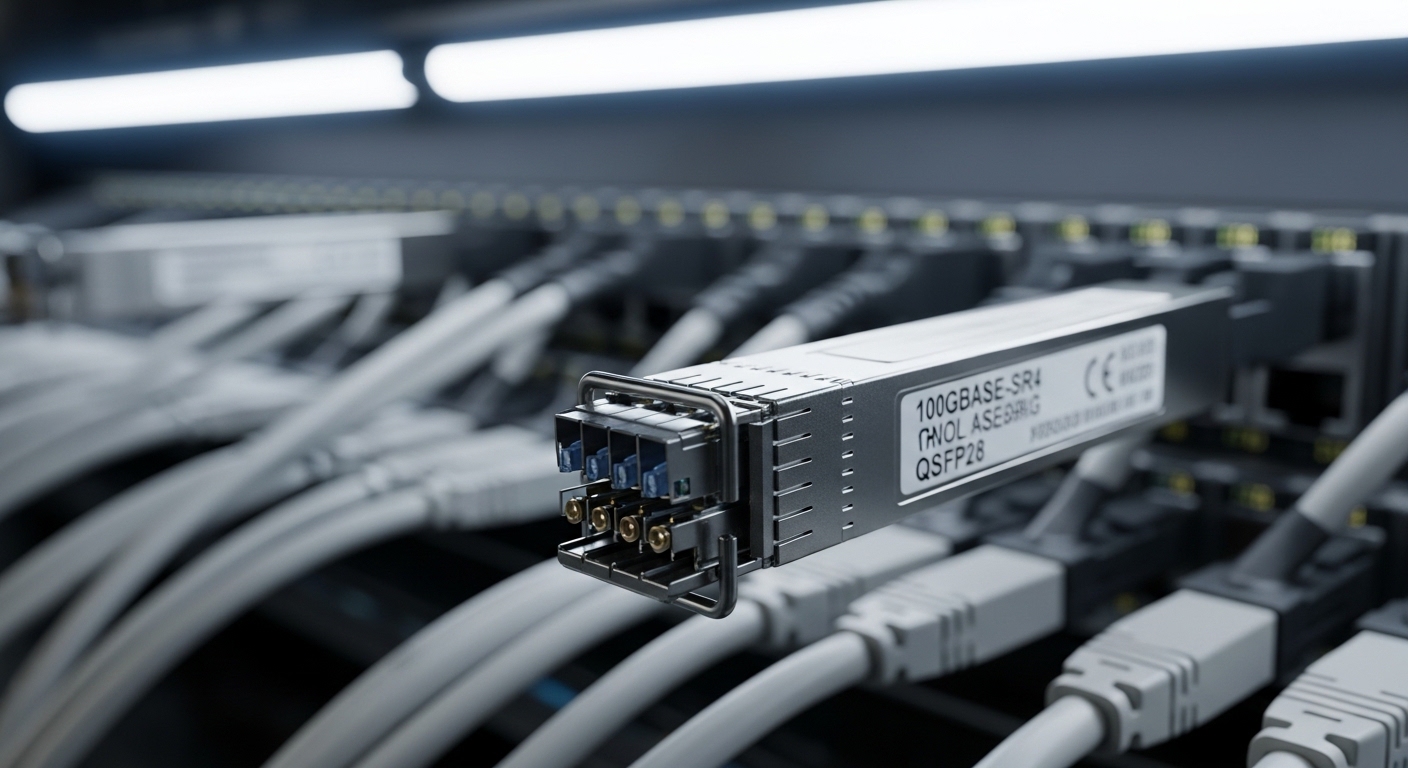
Before you open patch panels or reseat optics, confirm you have the right tools and baseline telemetry. In edge computing deployments, the most expensive mistake is swapping multiple variables at once, then losing the original failure signature. Plan for safe access to powered racks and ensure you can observe switch logs and transceiver diagnostics.
- Test gear: optical power meter with calibrated wavelengths (e.g., 850 nm and 1310/1550 nm), and an OTDR or at minimum a visual fault locator (VFL).
- Switch-side access: console/SSH, and ability to run transceiver and interface diagnostics.
- Optics inventory: exact vendor and model of SFP/SFP+/QSFP transceivers currently installed (example: Cisco SFP-10G-SR, Finisar FTLX8571D3BCL, FS.com SFP-10GSR-85).
- Rack context: PDU outlet mapping, airflow direction, and any recent changes to cooling setpoints or fan modules.
If you are following IEEE Ethernet PHY behavior, remember that link flaps often mask the true fault location. IEEE 802.3 defines optical PHYs and link training, but it cannot tell you whether the patch cord, connector polish, or transceiver temperature drift caused the issue. Use measurements to avoid guesswork. anchor-text: Source: IEEE 802.3
Pro Tip: In edge computing racks, “link up but no traffic” frequently traces back to power and thermal drift rather than a dead fiber. Watch transceiver DOM values (Tx bias current, laser temperature) and compare against the optics vendor’s datasheet limits; a marginal connector can still pass link training while dropping frames under real load.
Step-by-step: isolate the fault from switch ports to fiber path
Use a disciplined order: validate the electrical/logical state, then optics, then fiber continuity, then path loss. This prevents chasing a connector issue when the real cause is a transceiver mismatch or a port channel misconfiguration.
Capture the exact symptom and timing
Record whether the interface shows down, up/down flaps, errors (CRC, FCS), or link up with zero traffic. Note the time window and whether it correlates with fan speed changes, door openings, or power events. In edge computing sites with limited monitoring, this simple timeline often reveals the root cause faster than repeated reseating.
Verify port configuration and optics compatibility
Confirm the port is administratively enabled, correct speed/duplex, and expected media type. Many switches log media mismatch events when optical parameters are off. If you use optics that are not OEM, validate that the switch supports that transceiver family and that the DOM fields are readable.
- Check interface counters and last link events.
- Verify no VLAN or LAG mismatch is blocking traffic while link is up.
- Confirm the transceiver type matches the intended fiber (SR vs LR vs ER; multimode vs single-mode).
Read DOM diagnostics and compare against limits
Pull DOM values for each transceiver: laser temperature, Tx power, Rx power, and bias current. For example, a typical 10G SR module (850 nm) might show Rx power near a few dBm under normal conditions, but the key is trend and out-of-range alarms. If DOM reports low Rx power or high laser temperature, treat optics and connectors as suspects before touching the OTDR.
Verify optical budget with real measurements
Do not rely on cable labels alone. Measure transmit and receive power at the known ends using the correct wavelength. Then compare to the module’s specified budget and receiver sensitivity. If you do not have the receiver sensitivity number in the datasheet, treat the measurement as your truth and compare before/after reseating.
Inspect connectors and polarity, then test continuity
Cleanliness and polarity errors are common. Check that the duplex polarity is correct at both ends (Tx-to-Rx mapping). Inspect connector end faces; even a small film can cause excessive loss. Use a VFL for gross breaks, then confirm with continuity and OTDR if needed.
Use OTDR only when you have a suspect fiber path
OTDR is most useful after you narrow down the segment. At edge sites with limited spare parts, you want to avoid long troubleshooting cycles that consume the maintenance window. If you see a high-loss event at a known patch panel location, focus there and stop the search.
Key fiber and transceiver specs to match edge computing links
Edge computing often uses shorter runs for cost and space, but the optics choice still determines reach and tolerance to loss. The table below compares common 10G small-form-factor optics families and the connector and wavelength choices you must keep consistent end to end.
| Transceiver example | Data rate | Wavelength | Typical reach | Fiber type | Connector | Operating temp (typ.) | Power class (typ.) |
|---|---|---|---|---|---|---|---|
| Cisco SFP-10G-SR | 10G | 850 nm | ~300 m over OM3 | Multimode | LC duplex | 0 to 70 C (check datasheet) | Low power, SFP |
| Finisar FTLX8571D3BCL | 10G | 850 nm | ~300 m over OM3 | Multimode | LC duplex | -5 to 70 C (check datasheet) | SFP class |
| FS.com SFP-10GSR-85 | 10G | 850 nm | ~300 m over OM3 | Multimode | LC duplex | -5 to 70 C (check datasheet) | Third-party SFP class |
For single-mode long runs, the wavelength and fiber type shift to 1310 or 1550 nm optics with different budgets. Mixing multimode and single-mode fibers is a fast way to get “link down” or extremely low Rx power. Use the intended fiber plant type and keep connector polarity consistent.
Selection criteria checklist for edge computing fiber troubleshooting readiness
When you plan the next edge refresh or you are stocking spares, treat troubleshooting readiness as a design requirement. The right optics and patching scheme reduce time-to-repair when a link fails.
- Distance and fiber type: confirm OM3/OM4 vs OS2, and ensure the module reach matches the measured loss.
- Switch compatibility: validate that the switch firmware supports the transceiver vendor and that DOM is readable.
- DOM and alarm behavior: choose modules that expose Tx/Rx power and temperature so you can pinpoint marginal links.
- Connector strategy: LC duplex end-to-end, consistent polarity labeling, and cleaning kits in the site spares.
- Operating temperature: edge enclosures can exceed 40 C; confirm transceiver temperature range and derate if needed.
- Vendor lock-in risk: OEM optics may be pricier; third-party options can be viable but require compatibility testing.
- Power and cooling stability: confirm fan control behavior and PDU outlet mapping to avoid “random” thermal faults.
Common mistakes and troubleshooting tips in the field
These are the most frequent edge computing failure modes I see during live rollouts and RMA replacements. Fix them systematically and you will reduce repeat visits.
Failure mode 1: polarity reversed at one end
Root cause: duplex LC Tx/Rx mapping crossed during patching, often after maintenance or re-termination. Symptom: link may come up inconsistently or fail at higher traffic rates. Solution: verify patch cord polarity, swap the duplex connector positions end-to-end, and re-measure Rx power.
Failure mode 2: connector contamination after reseat
Root cause: end faces touched, dust cap removed too early, or no cleaning before insertion. Symptom: link flaps, CRC/FCS errors, or high Rx loss readings. Solution: clean with approved methods (lint-free wipes + isopropyl is not always sufficient), then inspect with a scope if available; replace patch cords if cleaning does not recover power.
Failure mode 3: transceiver mismatch (SR vs LR, MM vs SM)
Root cause: incorrect optic type installed during spare swap, or a label mismatch in the patch panel. Symptom: link down or very low Rx power; sometimes only one side negotiates. Solution: confirm wavelength and fiber type; standardize part numbers in your spares list and add a visual labeling convention for MM/SM.
Failure mode 4: thermal or power instability in the edge rack
Root cause: blocked airflow, failing fan, or PDU rail instability; optics heat rises and laser bias drifts. Symptom: DOM temperature alarms, link flaps during peak load. Solution: check fan status, verify airflow direction, and correlate DOM trends with environmental sensor logs.
Cost and ROI note: what you should expect to pay
For edge computing, optics are small but frequent line items. OEM 10G SR SFP modules often cost roughly $80 to $250 each depending on vendor and supply chain; third-party may be $25 to $120, but you must factor compatibility testing and potential higher early failure rates. The ROI comes from reduced truck rolls: accurate DOM support and good patching hygiene can cut repair time from hours to minutes.
Also include TCO for spares and consumables: cleaning kits, dust caps, and a basic power meter or VFL for each site. If you regularly face thermal issues, budget for enclosure airflow upgrades, not just optics swaps.
FAQ
What is the fastest way to confirm a bad fiber in an edge computing rack?
Start with Rx power from DOM, then use a VFL for gross breaks. If Rx power is near the receiver sensitivity limit, inspect and clean connectors before moving to OTDR.
Can I troubleshoot link flaps without an OTDR?
Yes. Use DOM temperature and Tx bias trends, check interface error counters, and validate polarity and patch cord cleanliness. OTDR is best after you narrow the suspect segment to a specific patch panel span.
Are third-party optics safe for edge computing deployments?
They can be, but you must validate switch compatibility and DOM behavior in your exact firmware version. Keep
