
A DSLAM fiber upgrade is often blocked less by fiber availability than by transceiver and optics mismatches between DSLAM shelves, aggregation switches, and the outside plant. This quick reference helps ISP planners and field engineers choose the right optics for xDSL to fiber migration, minimize truck-rolls, and keep service targets during cutover. You will get selection checklists, spec comparisons, troubleshooting patterns, and realistic cost expectations.
Where transceivers break during a DSLAM fiber upgrade
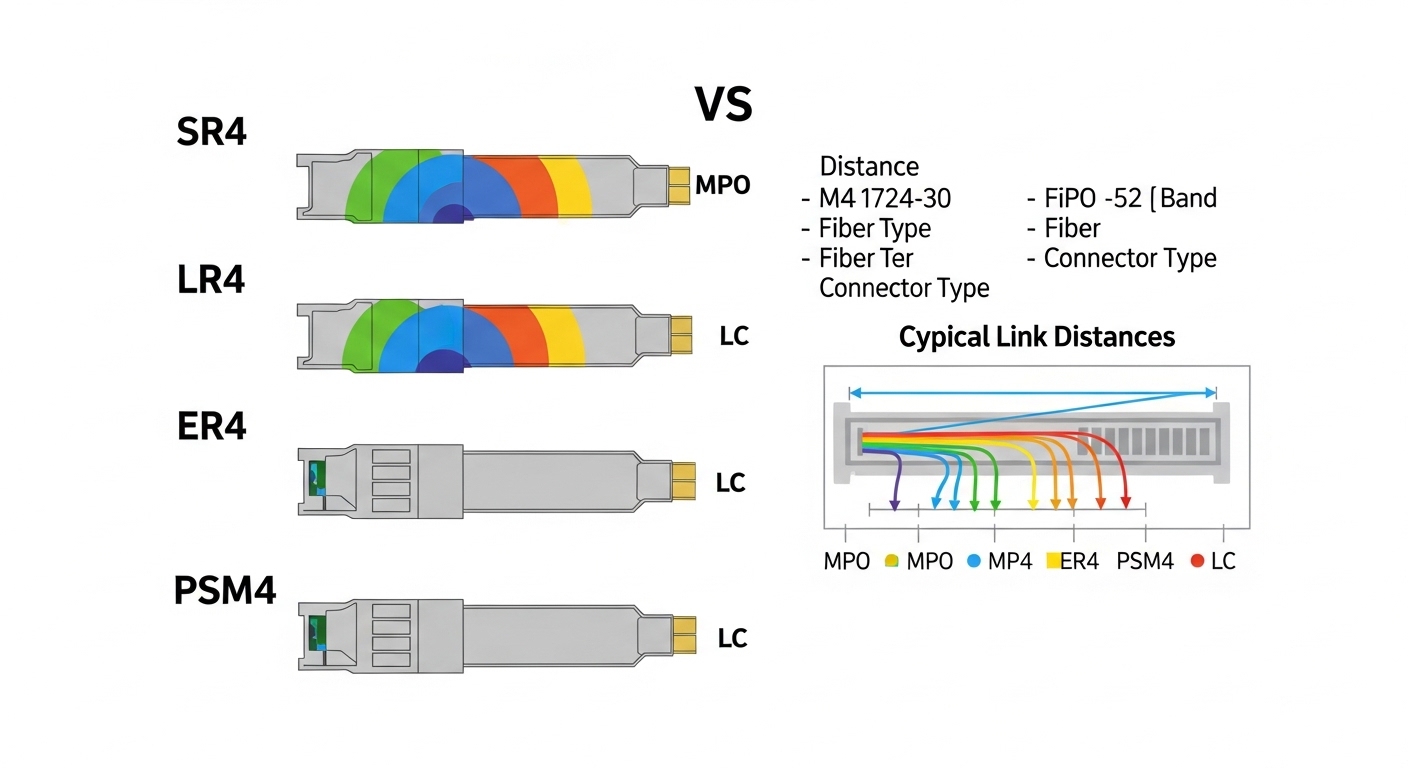
In xDSL to fiber migration projects, the DSLAM side typically changes the physical reach and optical layer while keeping higher-layer service logic. The most common failure mode is not “bad fiber,” but incorrect transceiver type (10G vs 1G optics), wrong wavelength band, or incompatible connector and optics budget. Another recurring issue is DOM handling: some vendor platforms require readable DOM fields or enforce power/temperature thresholds that third-party optics do not satisfy.
For field reality, plan around the optical interface you are actually replacing: the DSLAM uplink might move from copper-based uplink to 10GBASE-SR (short reach) or 10GBASE-LR (long reach) depending on distance to aggregation. Use the IEEE physical layer targets from IEEE 802.3 and vendor datasheets for the exact optics and DOM behavior.
Core optics options: SR vs LR for DSLAM fiber upgrade
Most ISP first-wave migrations use 10GBASE-SR for shorter aggregation distances and 10GBASE-LR when you need more reach or when the route is longer. SR typically uses 850 nm multimode fiber (MMF) and LR uses 1310 nm single-mode fiber (SMF). Verify whether your network uses OM3/OM4 MMF, and ensure the DSLAM uplink port supports the data rate and optics standard.
| Parameter | 10GBASE-SR (850 nm) | 10GBASE-LR (1310 nm) |
|---|---|---|
| IEEE target | 10GBASE-SR | 10GBASE-LR |
| Wavelength | 850 nm | 1310 nm |
| Fiber type | MMF (commonly OM3/OM4) | SMF (typically OS2) |
| Typical reach (engineering) | ~300 m on OM3, up to ~400 m on OM4 (verify budgets) | ~10 km (verify link budget) |
| Connector | Duplex LC (common) | Duplex LC (common) |
| Transceiver class | SFP+ 10G SR | SFP+ 10G LR |
| DOM support | Usually yes (SFF-8472/SFF-8431) | Usually yes |
| Operating temp (typical) | Commercial or industrial depending on vendor | Commercial or industrial depending on vendor |
For concrete module examples field teams often stock: Cisco SFP-10G-SR, Finisar FTLX8571D3BCL, and FS.com SFP-10GSR-85 are frequently deployed in ISP environments, but always validate compatibility with your specific DSLAM and upstream switch model. DOM behavior and vendor-specific optics qualification can differ even when the module is “standards-based.”
Pro Tip: Before ordering spares, capture one working optics module’s DOM profile (vendor OUI, laser bias current ranges, RX power thresholds). During a DSLAM fiber upgrade, matching DOM behavior can prevent “link up but unstable” cases caused by strict platform optics alarms.
Selection checklist for a DSLAM fiber upgrade cutover
Use the following ordered decision list to avoid rework. Teams that follow this sequence typically reduce cutover rollback events.
- Distance and fiber type: Measure actual route length and confirm OM3 vs OM4 vs OS2. Do not rely on “as-built” drawings.
- Data rate and port type: Confirm the DSLAM uplink port supports the target optics (for example, 10G SFP+ vs 1G SFP).
- Wavelength and standard: Pick SR (850 nm MMF) or LR (1310 nm SMF) based on the route and budget.
- Connector and polarity plan: Ensure duplex LC and correct A/B polarity labeling at both ends.
- Optical budget and margins: Include splice loss, patch cord loss, and aging margin; validate against the module vendor’s link budget curves.
- DOM and compatibility policy: Check the DSLAM vendor’s supported optics list and DOM requirements. Decide OEM-only vs qualified third-party.
- Operating temperature and enclosure airflow: Outdoor huts and poorly ventilated cabinets can push modules beyond datasheet limits.
- Vendor lock-in risk: If you must use OEM for DOM compliance, negotiate pricing and failure replacement SLAs. If third-party is allowed, standardize on a small set of qualified part numbers.
Deployment scenario: leaf-spine aggregation with 10G uplinks
Consider a 3-tier ISP topology: 48-port ToR switches at the access layer aggregate to two regional aggregation switches in a leaf-spine design. Each DSLAM shelf provides 10G uplinks to the nearest aggregation site, averaging 1.2 km of outside plant. Because the route exceeds typical SR budgets on MMF, the migration plan uses 10GBASE-LR optics over OS2 SMF, with duplex LC connections. Field teams pre-stage 20 spare transceivers per site, run OTDR on the new fiber pair, and verify RX power and link stability after cutover during a low-traffic window.
Common pitfalls and troubleshooting during DSLAM fiber upgrade
When links fail or flap, narrow root cause fast. These are the most frequent failure modes and how to fix them.
- Pitfall: Wrong optics standard (SR vs LR)
Root cause: Installing 850 nm SR optics onto an SMF path or selecting LR optics for an MMF design.
Solution: Confirm wavelength and fiber type at both ends; label patch panels with wavelength band and fiber type; verify module part number before insertion. - Pitfall: Polarity reversal on duplex LC
Root cause: A/B transmit-receive swapped causing link down or high error rates.
Solution: Use a light tester or continuity check; re-terminate or swap the duplex LC fibers; standardize polarity labels during cutover. - Pitfall: Link up but high CRC/FCS errors
Root cause: Exceeding optical budget due to dirty connectors, excessive splices, or aged fiber; sometimes marginal RX power.
Solution: Clean LC connectors with approved lint-free wipes and isopropyl alcohol, re-check with a calibrated power meter, and re-measure loss with OTDR. - Pitfall: DOM alarms or intermittent link resets
Root cause: Third-party optics that do not match the platform’s DOM thresholds or reporting format.
Solution: Use optics qualified by the DSLAM vendor or a previously validated third-party SKU; compare DOM telemetry from a known-good module.
Cost and ROI note for transceiver strategy
In typical ISP purchasing, OEM optics often price higher (commonly a few hundred USD per module depending on speed and temperature grade), while third-party qualified optics can be meaningfully lower. However, the real TCO difference is operational: OEM modules may reduce compatibility incidents, lowering truck-roll frequency and cutover rollback risk. For planning, include spares inventory carrying cost, cleaning supplies, and field test equipment time; teams that enforce DOM/compatibility qualification usually see fewer mid-migration failures and faster mean time to repair.
FAQ
What fiber type should drive the DSLAM fiber upgrade optics choice?
Select SR only when you truly have MMF (OM3/OM4) within budget. If the route is longer or you have OS2 SMF, choose LR (1310 nm) and validate the link budget with measured loss.
Can I use third-party transceivers for a DSLAM fiber upgrade?
Yes if the DSLAM vendor qualifies them and the platform accepts their DOM behavior. Otherwise you risk link instability and alarm-triggered resets even when the optics physically transmit.
How do I confirm optical budget before cutover?
Run OTDR on the intended fiber pairs and measure end-to-end loss. Then compare against the transceiver vendor’s link budget and include connector cleaning and splice margin.
What connector and polarity mistakes cause the most downtime?
Using the wrong connector type (or mismatched LC vs other formats) and swapping duplex LC polarity are common. Standardize patch panel labeling and verify with a light source or power meter before finalizing the cutover.
Do I need DOM support for every DSLAM platform?
Many platforms read DOM for monitoring and alarm thresholds. If DOM is required, treat it as a hard compatibility constraint and test with a known-good module before scaling.
What is the fastest troubleshooting path for a link that won’t come up?
Start with module part number and wavelength, then verify fiber type and polarity, then check optical power and cleanliness. Only after physical and optical checks should you investigate higher-layer configuration.
For related planning, see DSLAM migration planning.
Author bio: I
