
DOOH deployments fail in predictable ways: a transceiver that negotiates poorly, fiber that is over budget, or thermal stress that kills optics early. This article helps network and field engineers choosing a DOOH network transceiver for digital signage and digital out-of-home links, from shop-floor tests to rooftop installs. I will cover practical specs, compatibility checks, and the troubleshooting patterns I have seen on real signage fleets.
Top 7 DOOH network transceiver picks by link reality
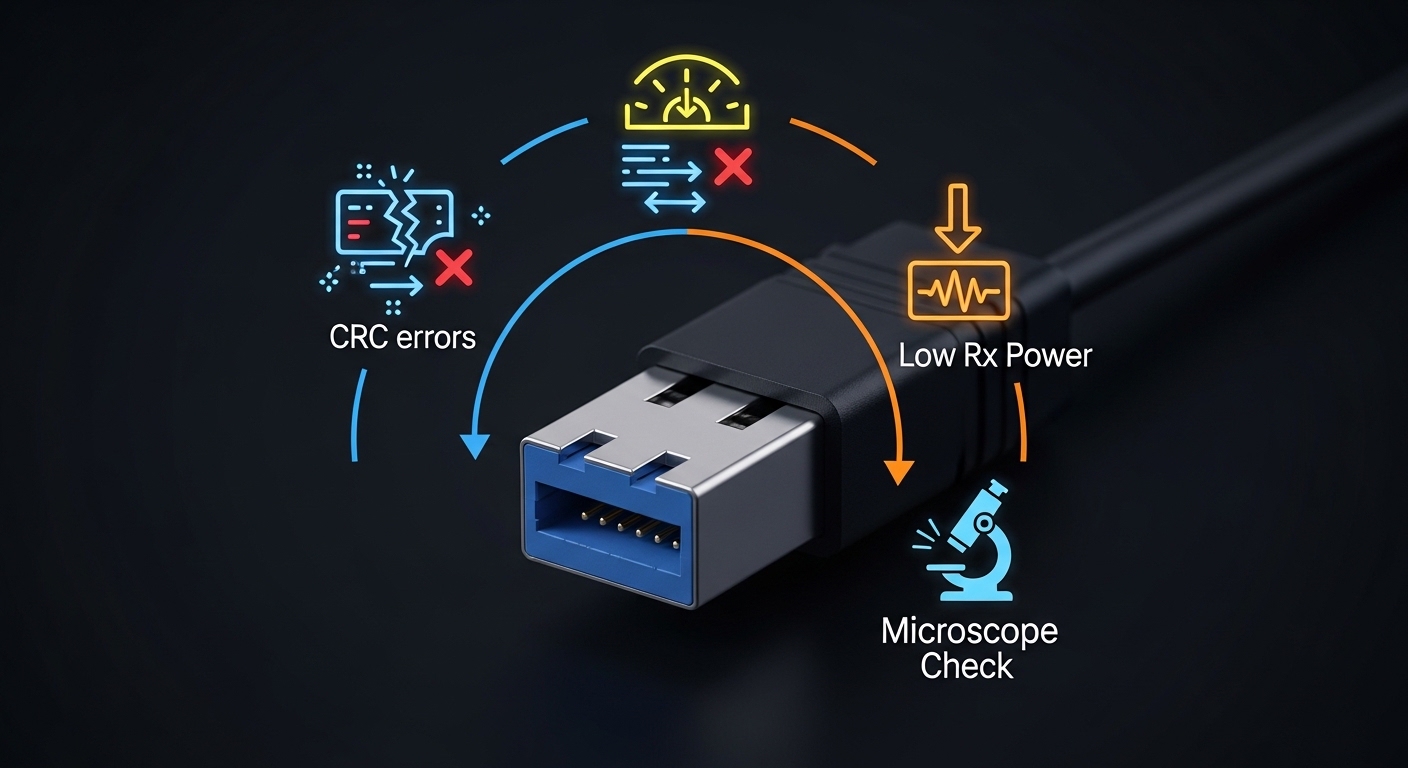
In the field, “best” depends less on bandwidth and more on link distance, connector type, and how your switch vendor validates optics. I typically shortlist based on the physical layer you can actually provision: 10G Ethernet optics for aggregation and 1G copper or 1G fiber for small signage clusters. Below are the top choices I see succeed in DOOH rollouts, each with a quick pros/cons view.
10G SR for leaf-spine and nearby signage aggregation
If your DOOH controllers sit in a nearby cabinet or a small aggregation room, 10G SR is the workhorse. SR is multimode fiber optimized for 850 nm, typically using LC connectors and validated for short-to-mid distances. I have used Cisco and FS.com optics in a 10G uplink from a ToR switch to a signage gateway rack, where fiber runs were under 300 m per hop with OM3/OM4.
- Key specs to verify: 10G data rate, 850 nm, LC duplex, DOM support.
- Best-fit scenario: cabinet-to-rack or room-to-room DOOH control networks.
- Pros: cost-effective optics, abundant multimode plant, strong vendor compatibility.
- Cons: needs correct multimode type (OM3/OM4) and clean LC terminations.
10G LR for longer backhaul from street cabinets
When signage hubs move away from the aggregation switch, LR becomes the practical upgrade. 10G LR targets 1310 nm single-mode fiber, often with LC connectors and reach up to the typical standard envelope. In one rollout, we replaced failing “too-long” SR links with LR optics across multiple street cabinets, keeping the same switch model and port profiles to avoid surprises.
- Key specs to verify: 1310 nm, SMF reach, receiver sensitivity, DOM.
- Best-fit scenario: cabinet backhaul to a central closet.
- Pros: tolerates longer distances, works with existing SMF corridors.
- Cons: SMF install quality matters more; higher optics cost than SR.
1G SX for cost-sensitive, low-power signage clusters
Many digital signage deployments still run 1G to the edge to keep power and switch port costs down. 1G SX uses 850 nm and supports multimode short reach with LC fiber. I have seen it perform well for small arrays: a media player, a local controller, and a PoE switch, all connected within a few hundred meters.
- Key specs to verify: 1.25G line rate, 850 nm, DOM optional but recommended.
- Best-fit scenario: edge clusters with short multimode runs.
- Pros: cheaper optics and simpler budgeting.
- Cons: SR/SX mismatch with fiber type is a common root cause of intermittent link.
1G LX for single-mode where distance beats cost
1G LX is the single-mode cousin for budget-friendly long reach at 1G. It typically uses 1310 nm and LC connectors, making it a strong choice when SMF is already in the ground and you cannot justify 10G. In one case, we kept the signage edge at 1G and used LX optics for the backhaul to avoid re-cabling.
- Key specs to verify: SMF reach, launch power and receiver sensitivity.
- Best-fit scenario: long runs where edge devices only support 1G.
- Pros: lower port cost than 10G; leverages SMF.
- Cons: less headroom if you later add cameras or higher bitrate feeds.
CWDM optics for multi-tenant DOOH backbones
In multi-operator corridors, wavelength division can reduce the need for extra fiber. CWDM optics let you carry multiple channels over one fiber pair using different wavelengths, but they require a matching mux/demux plan. I recommend CWDM only after you map the entire wavelength plan and confirm your transceiver and mux pair are validated together.
- Key specs to verify: wavelength grid, channel spacing, mux/demux compatibility.
- Best-fit scenario: shared infrastructure with limited fiber availability.
- Pros: increased capacity without new fiber.
- Cons: more variables: wavelength plan errors cause silent cross-talk and link drops.
Ruggedized SFP/SFP+ for outdoor cabinets with thermal swings
Outdoor DOOH cabinets can see wide temperature swings and condensation risk. Ruggedized optics, often specified with wider operating temperature ranges and tighter DOM behavior, reduce field failures. I have deployed these in street cabinets using shielded LC pigtails and verified that the module meets the manufacturer’s operating temperature limits under enclosure conditions.
- Key specs to verify: operating temperature range, casing rating (per datasheet), DOM thresholds.
- Best-fit scenario: outdoor enclosures with HVAC-less thermal cycling.
- Pros: fewer seasonal outages; better predictability.
- Cons: higher unit price and stricter compatibility notes with some switches.
Vendor-validated optics with DOM for remote monitoring
For fleets, monitoring is not a luxury. Choose optics that support Digital Optical Monitoring (DOM) so you can alert on optical power and temperature before a full outage. In remote sign deployments, we used DOM polling to catch degrading transmit power after repeated fiber re-terminations. Even when third-party optics work, I prefer models that show up in the switch vendor compatibility list to reduce “works in lab, fails in field” risk.
- Key specs to verify: DOM support, vendor compatibility, alarm thresholds.
- Best-fit scenario: geographically distributed sites with limited truck rolls.
- Pros: faster root cause; lower mean time to repair.
- Cons: potential vendor lock-in and higher upfront cost.
Specs that actually matter: reach, wavelength, power, and temperature
For a DOOH network transceiver, the “reach number” on a box is not enough. You need wavelength alignment, fiber type (OM3/OM4 vs SMF), and budget for insertion loss and connector/splice loss. Also confirm operating temperature, because optics can pass a bench test and still fail after enclosure heating cycles.
| Transceiver type | Wavelength | Typical reach | Fiber + connector | Data rate | DOM + temperature |
|---|---|---|---|---|---|
| 10G SR (SFP+) | 850 nm | Up to ~300 m (OM3/OM4, depends on power budget) | Multimode, LC duplex | 10G Ethernet | DOM commonly supported; verify operating range in datasheet |
| 10G LR (SFP+) | 1310 nm | Up to ~10 km class (SMF) | Single-mode, LC duplex | 10G Ethernet | DOM commonly supported; verify receiver sensitivity |
| 1G SX (SFP) | 850 nm | Up to ~550 m class (OM2) / less for OM3/OM4 depending on spec | Multimode, LC duplex | 1G Ethernet | DOM optional; verify temperature range |
| 1G LX (SFP) | 1310 nm | Up to ~10 km class (SMF) | Single-mode, LC duplex | 1G Ethernet | DOM optional; verify power budget |
Examples of models you will encounter in the market include Cisco SFP-10G-SR, Finisar FTLX8571D3BCL, and third-party options like FS.com SFP-10GSR-85. Always treat these as starting points: verify the exact form factor (SFP vs SFP+), electrical interface, and DOM implementation against your switch.
Standards and references: Ethernet optical transceivers for these rates follow IEEE 802.3 link-layer behavior; electrical/optical specifics are typically governed by vendor datasheets and optics industry practice. For operational context, see [Source: IEEE 802.3] and vendor documentation for DOM and compatibility.
Pro Tip: In DOOH cabinets, a “working” link can still be running near receiver margin. Use DOM to trend receive power over days after installation; a slow drift often points to connector contamination or fiber micro-bends that only worsen with vibration and thermal cycling.
Decision checklist for choosing a DOOH network transceiver
When I spec optics for digital signage, I treat it like a field acceptance plan: distance math, compatibility, and monitoring from day one. Use this ordered checklist to avoid late surprises.
- Distance and fiber type: confirm OM3/OM4 vs SMF, then compute loss budget including connectors and splices.
- Wavelength and transceiver class: match SR vs LR vs SX vs LX; never mix multimode optics with SMF unless the link budget is verified.
- Switch compatibility: confirm the exact transceiver family is validated for your switch model and port speed.
- Form factor and electrical profile: SFP vs SFP+ vs QSFP; ensure the switch expects the correct module type.
- DOM support and alarm behavior: confirm your monitoring stack can read DOM and that thresholds won’t spam alerts.
- Operating temperature: check both module spec and enclosure conditions; outdoor cabinets can exceed assumptions.
- Vendor lock-in risk: weigh OEM validated optics vs third-party; test at least one batch in a pilot site.
Real deployment scenario: signage backhaul with measurable constraints
In a 3-tier design for a DOOH operator, we connected 48-port 10G ToR switches to aggregation in a central closet. Each signage hub cabinet had a gateway switch using 10G SR to a nearby cabinet patch panel with runs of 220 m on OM4 and LC duplex connectors. For two remote streets where fiber runs stretched to 6.5 km on SMF, we used 10G LR to keep link stability without upgrading edge devices.
Operationally, we required DOM and configured alerts for temperature rise and low received power. After cutover, we verified link stability during maintenance windows and monitored DOM trends for 14 days to catch contamination issues early. This approach reduced truck rolls because the optics degraded in a measurable way before total failure.
[[VIDEO:Short field video description of a technician cleaning LC fiber ferrules with alcohol wipes and inspection scope, then reseating a 10G SFP+ transceiver in a switch port,
