
I have built and debugged fiber links for edge sites where you do not get a second chance: remote cabinets, tight power budgets, and switches that hate “almost compatible” transceivers. This article is a practitioner-focused set of deployment case studies and decision steps for choosing the right optical modules for edge computing use cases. If you manage leaf-spine rollouts, industrial sites, or telco edge micro data centers, you will leave with a checklist you can actually use on-site.
Edge computing deployment case studies: what actually breaks
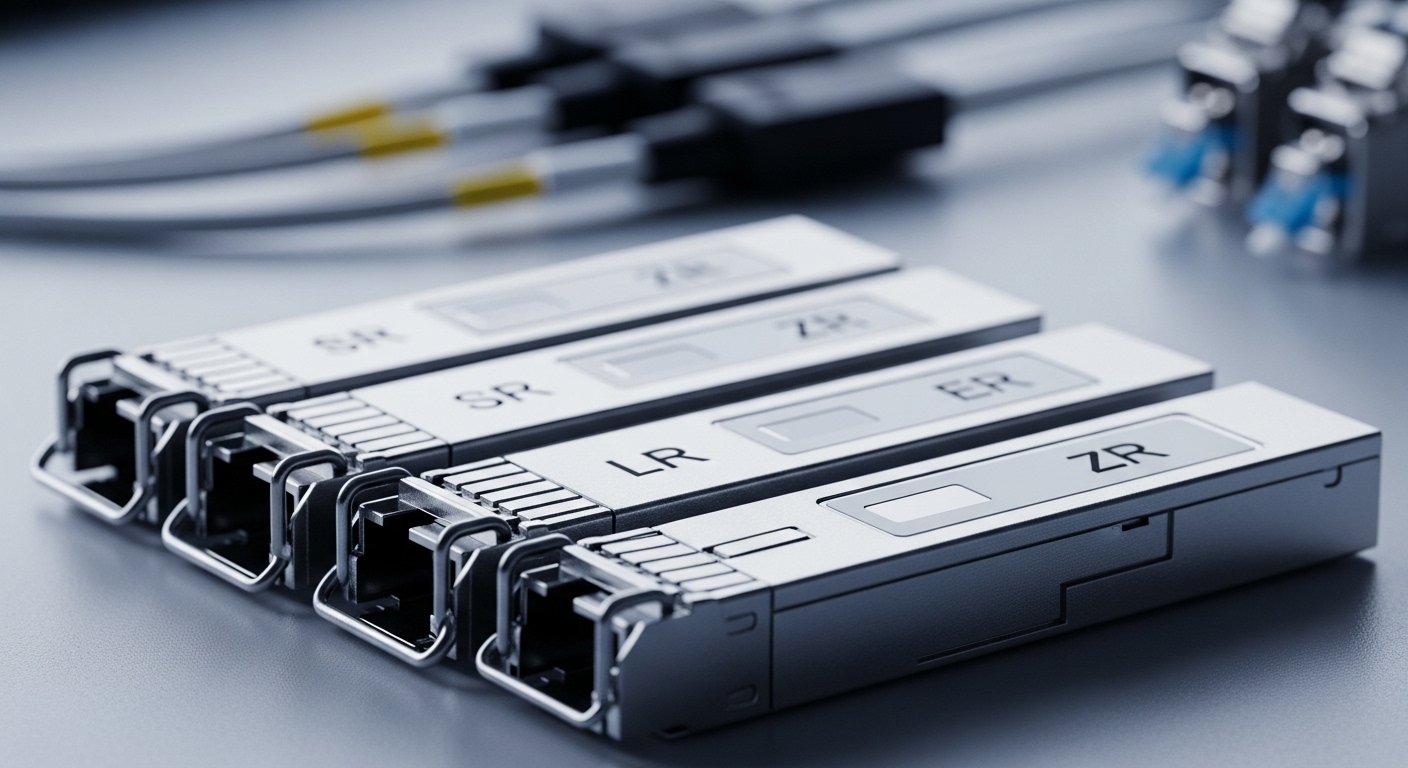
In edge networks, the biggest surprises are rarely the optics themselves; they are the operational constraints around them. In one deployment I supported, a roadside edge cabinet used two 10G uplinks from an aggregation switch to a nearby PoP over OM3 multimode fiber, and the vendor expected specific transceiver behavior for link training and diagnostics. The first batch of modules negotiated at 10G for about 20 minutes, then started flapping after the cabinet warmed from 18 C to 44 C, which pointed to thermal margin and temperature-qualified variants.
Case study A: 10G uplinks from a remote edge cabinet
Environment: a hardened cabinet with a managed switch (48V input, DC-DC internal airflow), two 10G SFP+ uplinks, and a ring backhaul. Distance was 220 m on OM3 with a mix of patch cords and factory jumpers. We used Cisco-compatible 10G SR optics (example part: Cisco SFP-10G-SR class) and validated that the switch accepted vendor DOM readings and did not reject the module’s ID.
Operational details that mattered: we measured insertion loss with a light source plus power meter before sealing the cabinet. Total link loss was about 2.6 dB end-to-end, comfortably inside typical OM3 10G SR budgets (the exact budget depends on module and fiber type). The flaps that occurred in the first run were traced to modules with a narrower operating temperature spec than the cabinet’s worst-case.
Case study B: 25G on a small edge micro data center
Environment: a micro data center in a warehouse, with 25G downlinks to compute nodes and 25G uplinks to an upstream switch. Distances were 35 m over OM4 and 2.2 km over single-mode, split across different module types. We standardized on vendor-approved transceivers for the uplinks to reduce support churn, while allowing third-party for the short-reach OM4 links where thermal headroom was safer.
Result: fewer RMA cycles and faster troubleshooting. In practice, DOM support and correct vendor ID strings reduced “ghost” alarms in the monitoring system, especially when the upstream switch tried to correlate transceiver model data with QoS profiles.
Pro Tip: For edge sites, treat DOM behavior as part of the link budget. I have seen “works in the lab” optics that still caused alarms or port resets because the switch relies on DOM thresholds (Tx bias, Rx power) to decide whether the link is within spec.
Optical module selection for edge: specs that map to reality
When you pick optical modules for edge computing use cases, you are really mapping three constraints: reach vs fiber type, temperature vs enclosure conditions, and switch compatibility vs DOM behavior. The IEEE Ethernet standards define electrical and optical performance requirements, but vendor switch firmware often adds policy checks.
For Ethernet over fiber, the transceiver families you will see most often are 10G SFP+ SR for multimode and 25G SFP28 SR, 40G QSFP+ SR, or 100G QSFP28 SR4 for higher density. For longer reach, look at LR (single-mode) or ER/ZR style modules depending on the distance and optics type.
Quick compatibility sanity checks
- Switch model and port type: confirm SFP+ vs SFP28 vs QSFP28; do not assume backward compatibility.
- DOM expectations: verify the monitoring system reads Rx power, Tx bias, and temperature without raising “unsupported module” events.
- Connector cleanliness: edge cabinets with frequent maintenance need strict cleaning discipline; dust can dominate your link margin.
Technical specifications table (typical examples)
This table compares common module classes you will encounter in edge deployments. Exact reach and power consumption vary by vendor and temperature grade, so treat these as starting points and verify with datasheets.
| Module class | Wavelength | Reach (typical) | Data rate | Connector | Target fiber | Operating temp (typical) | Examples |
|---|---|---|---|---|---|---|---|
| SFP+ SR | 850 nm | 300 m on OM3, up to 400 m on OM4 | 10G | LC | Multimode | -5 C to 70 C (varies) | Cisco SFP-10G-SR, Finisar FTLX8571D3BCL |
| SFP28 SR | 850 nm | 100 m on OM3, up to 150 m on OM4 | 25G | LC | Multimode | -5 C to 70 C (varies) | FS.com SFP-10GSR-85 (10G example), generic 25G SR variants |
| QSFP28 SR4 | 850 nm | 70 m on OM3, up to 150 m on OM4 | 100G | LC | Multimode | -5 C to 70 C (varies) | Vendor QSFP28 SR4 models |
| SFP+ LR | 1310 nm | 10 km typical | 10G | LC | Single-mode | -5 C to 70 C (varies) | Common 10G LR SFP+ parts |
Authority references worth keeping open: IEEE Ethernet PHY requirements and optical interface expectations are grounded in Ethernet standards like IEEE 802.3, while transceiver operational limits come from vendor datasheets and module specifications. Source: IEEE 802.3 Standards Source: FS.com transceiver datasheets and specs pages
Deployment decision checklist: how engineers choose modules fast
Here is the ordered checklist I use when planning edge deployments case studies across multiple sites. It is designed to minimize “surprise incompatibility” during commissioning.
- Distance and fiber type: confirm OM3 vs OM4 vs single-mode, plus actual route lengths including jumpers.
- Budget vs link margin: estimate connector loss and splice loss; plan for worst-case patch cord swapping and aging.
- Switch compatibility: verify the exact transceiver form factor and speed (SFP+ vs SFP28 vs QSFP28) and check vendor compatibility lists.
- DOM support: confirm the switch reads DOM fields and your monitoring tool expects them (Tx power, Rx power, temperature, vendor ID).
- Operating temperature: match module temperature grade to enclosure worst-case; edge cabinets can exceed room estimates when fans stall.
- Power and thermal impact: compare typical module power draw and ensure airflow supports the combined thermal load.
- Vendor lock-in risk: decide where you can tolerate third-party optics versus where you enforce OEM-only for operational stability.
- Maintenance workflow: confirm you have cleaning tools and test gear for field verification (light source/power meter or link testing).
Field-friendly “minimum acceptance” test
Before you close the cabinet, do a deterministic check: verify link up stability under sustained traffic, read DOM values, and confirm optical power stays within module thresholds for the entire temperature ramp if possible. In one rollout, we ran a 30-minute traffic soak while logging Rx power and temperature; the failing modules were obvious before the site operator noticed symptoms.
Common pitfalls and troubleshooting tips from the field
These are the failure modes I have personally seen in deployment case studies. Each includes a root cause and a practical fix.
Link flaps only after the cabinet warms up
Root cause: module operating temperature spec mismatch, borderline thermal design, or fan control issues that raise internal temp. Some optics degrade with Tx/Rx bias drift as temperature increases.
Solution: confirm the module temperature grade in the datasheet; measure cabinet internal air temperature and transceiver temperature via DOM. Add airflow margin or choose a temperature-qualified module variant.
Works at first, then “unsupported transceiver” alarms
Root cause: switch firmware rejects modules with different vendor IDs or missing DOM fields. Even if the physical link negotiates, monitoring and port policy can trigger resets.
Solution: use vendor-approved optics for the first deployment wave; verify DOM readout fields. If third-party is required, test with the exact switch model and firmware version.
Severe errors despite correct reach on paper
Root cause: fiber cleaning problems and connector contamination. Dust and micro-scratches can cause high insertion loss and elevated BER.
Solution: clean using proper connector inspection and cleaning workflow; re-terminate or replace suspect patch cords. Re-measure link loss with a power meter after every maintenance event.
“Wrong lane” behavior on multi-lane optics (SR4 style)
Root cause: polarity mismatch or lane mapping issues can degrade performance or cause intermittent loss of synchronization on 100G SR4-type optics.
Solution: confirm MPO/MTP polarity method and correct cabling harness. Validate with vendor polarity guidance and run a link stability test under load.
Cost and ROI note: OEM vs third-party in edge rollouts
In edge computing use cases, the ROI comes from uptime and reduced commissioning time, not just the per-module price. As a rough market reality, OEM 10G SR optics often cost more per unit than third-party compatible modules, but third-party can still be economical if your acceptance testing is strict.
Typical cost ranges you might see: OEM 10G SFP+ SR modules often land in the higher tens to low hundreds USD per unit depending on vendor and region; third-party alternatives can be meaningfully less. Over a year, TCO is dominated by failure rate, RMAs, time-to-replace, and downtime costs at remote sites. In one deployment, we reduced repeat truck rolls by standardizing on modules with reliable DOM behavior, which paid back quickly even when unit costs were higher.
Practical rule: if your monitoring and field workflow depend on DOM and predictable alarms, pay for the optics that behave consistently with your switch firmware. If you only need basic link up for short-reach links and can validate with your own optical tests, third-party is often viable.
FAQ: deployment case studies questions engineers ask
Q: What optical module should I standardize for edge uplinks?
Start by standardizing on one multimode option for short runs (SR over OM4 is usually the safer bet) and one single-mode option for longer runs (LR/ER depending on distance). Then enforce compatibility with your specific switch models and firmware before scaling.
Q: Are third-party SFP and QSFP modules safe for production?
They can be, but only after you test with your exact switch model, firmware, and monitoring stack. The biggest risk is DOM mismatch and unexpected port policy behavior, not the raw optical performance.
Q: How do I verify optical margin on-site?
Use a light source and power meter (or an approved link tester) to measure receive power and estimate margin, then compare to module datasheet thresholds. Also inspect connectors and clean before re-measuring; contamination can erase your margin overnight.
Q: Why do my ports flap even when the link reaches are within spec?
Common causes include thermal drift, marginal fiber loss, connector contamination, or DOM/firmware policy triggers. Logging DOM temperature and Rx power during traffic is usually the fastest way to pinpoint the root cause.
Q: What temperature range matters most for edge cabinets?
Edge cabinets can experience higher internal temperatures than the outdoor weather forecast. Check both enclosure worst-case conditions and the module’s rated operating temperature; prioritize modules with adequate temperature headroom.
Q: Do I need DOM support for edge deployments?
If your operations team relies on alerts and automated diagnostics, yes. DOM fields help detect aging optics early and reduce time-to-fix when a link starts degrading.
That is the core of deployment case studies for edge optical modules: match distance to fiber, match temperature to enclosure reality, and match DOM behavior to your switch and monitoring. If you want the next step, build your site acceptance checklist using edge fiber testing workflow as a starting point.
Author bio: I travel between data centers and remote edge sites, helping teams deploy and troubleshoot fiber networks end to end. I focus on practical acceptance testing, module compatibility, and operational reliability under harsh conditions.
