
High-density transceiver deployments can quietly erase data center efficiency when heat removal lags behind line-rate growth. This quick reference helps network and facilities teams align airflow, rack design, and optical module limits so your optics stay within spec while cooling power stays controlled. You will get deployment-ready selection criteria, a troubleshooting checklist, and realistic cost guidance for OEM versus third-party optics.
Cooling bottlenecks that hit transceivers first
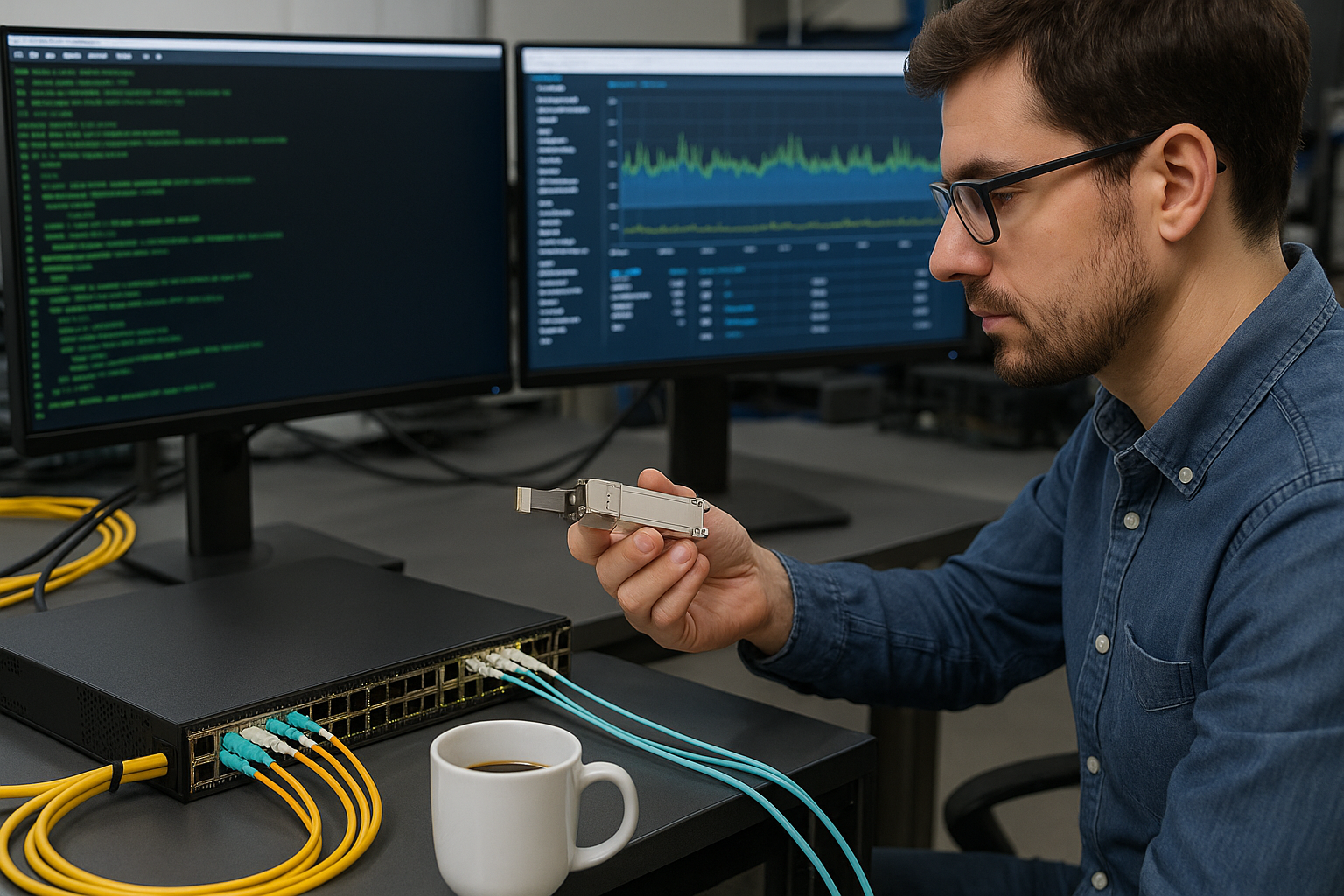
Transceivers concentrate heat near the cage, and their operating temperature margin is tight once you push port density. In practice, you often see failures or link instability when inlet air temperature creeps above vendor thresholds while exhaust recirculation warms the intake. For 10G to 400G optics, the dominant variables are inlet temperature, airflow velocity, hot-aisle containment, and localized obstruction from patch cords or cable management. IEEE 802.3 defines the electrical/optical interfaces, but it does not manage thermals—vendors do via datasheets and qualification reports. anchor-text: IEEE 802.3
What “within spec” means for real hardware
Most pluggable optics specify an ambient or case-related operating range, typically around 0 to 70 C or -5 to 70 C depending on the product grade. Many switch vendors also publish a system-level thermal envelope (inlet temperature, airflow direction, and minimum fan speed). If you run a high-density ToR or spine with aggressive fan curves, the transceiver temperature can still spike at the module level due to blocked intake or uneven rack pressure.
Specs that drive cooling decisions (wavelength is not the only constraint)
Distance and optics type matter, but cooling planning starts with the transceiver mechanical and thermal profile. Below is a practical comparison commonly used when aligning module choice with rack cooling capability and fiber plant design. Always confirm the exact operating temperature and DOM behavior from the specific vendor datasheet. anchor-text: FS.com optics datasheets (example source)
| Transceiver example | Data rate | Wavelength / type | Typical reach | Connector | DOM | Operating temperature (typ.) | Cooling implication |
|---|---|---|---|---|---|---|---|
| Cisco SFP-10G-SR | 10G | 850 nm MMF | ~300 m (OM3) | LC | Yes (2-wire) | 0 to 70 C | Thermal margin shrinks fast with blocked airflow |
| Finisar FTLX8571D3BCL | 10G | 850 nm MMF | ~400 m (OM4) | LC | Yes | 0 to 70 C | Watch inlet temperature during fan-speed reductions |
| FS.com SFP-10GSR-85 | 10G | 850 nm MMF | ~300 m (OM3) | LC | Varies by SKU | 0 to 70 C (typ.) | Validate DOM compatibility and thermal grade |
Pro Tip: In the field, the fastest way to regain data center efficiency is not adding cooling capacity—it is eliminating exhaust recirculation by tightening aisle containment and installing blanking panels. Even a small reduction in recirculated hot air can drop transceiver case temperatures enough to prevent marginal link behavior.
Deployment scenario: tuning airflow for 48-port 10G ToR racks
In a 3-tier leaf-spine topology, a common setup uses 48-port 10G ToR switches with 40–48 active optics per rack. Assume each rack runs 48 links at 10G (480 G total east-west capacity) and the facility targets 22 C average aisle supply air. During a seasonal optimization, the team reduced fan speeds by 15% to save power, pushing rack inlet air to 27–30 C in one hot aisle. Within days, the network team saw intermittent CRC errors concentrated on ports near the center of the switch and on specific transceiver rows—classic localized thermal stress. The fix was to add blanking panels, reroute patch cords to remove intake obstruction, and restore fan curve behavior only for that hot aisle, returning inlet temps to 24–25 C while keeping overall cooling power controlled.
Selection checklist: choose optics and cooling together
Use this ordered checklist when planning high-density deployments where data center efficiency is a goal.
- Distance vs optics type: Confirm reach requirements (e.g., OM3/OM4 for 850 nm MMF). Do not over-spec reach if it increases module power or complexity.
- Switch compatibility: Validate the switch vendor’s supported optics list for that exact model and firmware. Some platforms are sensitive to DOM implementation details.
- DOM support and monitoring: Verify whether the module supports digital optical monitoring and whether the switch reads temperature/bias/power correctly. DOM mismatch can hide thermal drift.
- Operating temperature grade: Match the module’s specified operating range to your measured rack inlet temperature under worst-case conditions.
- Operating airflow assumptions: Ensure your rack design maintains intended airflow direction. If you have front-to-back cooling, avoid side obstructions that block intake.
- Vendor lock-in risk: Compare OEM versus third-party optics for both cost and operational risk. OEM optics may be priced higher but can reduce support escalations.
- Power and TCO: Track total cost across acquisition, spares, and failure replacement cycles—not just purchase price.
Common mistakes and fast troubleshooting
When optics behave badly, thermal issues are often the root cause—even if the link loss looks like a fiber or configuration problem.
- Mistake: Ignoring inlet temperature variation across the rack.
Root cause: Hot spots from blocked intakes, uneven perforated tile flow, or missing blanking panels.
Solution: Measure inlet air at multiple switch locations; restore blanking panels and re-seal gaps to reduce recirculation. - Mistake: Assuming DOM data is “nice to have.”
Root cause: Some optics report temperature/bias differently; the switch may misread values or not alarm.
Solution: Confirm DOM fields and alarm thresholds during commissioning; verify temperature telemetry against an external IR or contact sensor. - Mistake: Swapping optics without checking switch optics qualification.
Root cause: DOM protocol or optical power levels outside the platform’s expected window can cause intermittent errors.
Solution: Use the switch vendor’s supported optics list and test with a small port group before scaling. - Mistake: Treating fiber issues as purely optical loss.
Root cause: Thermal stress can shift laser output and bias, increasing BER even when link stays “up.”
Solution: Correlate error counters (CRC, FEC if applicable) with temperature telemetry; compare weekdays vs cooling changes.
Cost and ROI: where efficiency gains come from
Budget reality: a 10G SR transceiver often lands in a wide range depending on OEM vs third-party and warranty terms. OEM modules may cost roughly $80–$150 each, while third-party or compatible optics can be lower, often around $30–$80 depending on SKU and grade. Cooling ROI comes from reducing overcooling and preventing failures: if you can maintain a stable inlet temperature without running fans at maximum, you can reduce HVAC fan energy while avoiding replacement downtime. TCO should include spare inventory strategy, RMA rates, and the labor cost of repeated troubleshooting when compatibility or DOM behavior is inconsistent. [[Source: Cisco transceiver documentation and switch cooling guidance (vendor datasheets)]]
FAQ
Q: How does cooling relate to data center efficiency when optics are the limiting component?
A: High-density optics generate localized heat and can force facilities to run fans harder than needed for the rest of the rack. By improving airflow containment and validating module operating temperature margins, you can keep cooling power lower while preventing transceiver-induced errors. This directly supports data center efficiency goals.
Q: Should I choose higher-reach optics to reduce transceiver count?
A: Sometimes, but do not assume “longer reach” automatically improves efficiency. Higher-reach optics can have different electrical/thermal characteristics, and you still need to keep inlet air within the module’s operating envelope. Verify the specific thermal grade and switch compatibility.
Q: What temperature should I target at the rack inlet?
A: Start with your facility design target (often around 22–25 C inlet for many deployments) and then validate against the worst-case aisle condition. Use telemetry from commissioning to ensure transceivers remain within the vendor operating range during peak load and during any fan-speed schedule changes.
Q: Are third-party optics safe for production?
A: They can be, but safety depends on switch qualification, DOM behavior, and warranty/RMA process. In practice, teams reduce risk by pilot testing on a small set of ports, confirming DOM telemetry and error counters under load, then scaling with a documented compatibility matrix.
Q: What are the fastest troubleshooting steps when links flap?
A: Check inlet temperature and airflow containment first, then correlate interface errors with transceiver DOM temperature/bias/power. Next confirm fiber cleanliness and patching, and only then evaluate optics replacement using the supported list. This order prevents wasting time on fiber work when the root cause is thermal drift.
Q: Do I need DOM monitoring for efficiency improvements?
A: DOM monitoring is not just for alarms; it helps you detect early thermal or bias drift before errors spike. When you can see temperature trends, you can tune fan curves and containment changes with confidence, improving data center efficiency while reducing downtime risk.
For best results, align optics selection with measurable rack inlet conditions and validated switch compatibility, then tune airflow containment before changing cooling capacity. If you are planning the fiber side too, review fiber plant planning for high-density racks to keep reach, connector quality, and patching losses from undermining your thermal gains.
Author bio: I design
