
You can almost hear the CFO whispering when the network team says, “We need 800G instead of 400G.” This article helps data center and network engineers run a practical cost analysis for migrating high-speed links, including optics, switching, power, and operational risk. You will get a field-ready checklist, a troubleshooting section for the usual “why is it flapping” suspects, and a short FAQ for buyers who have to sign the purchase order.
Why the 400G to 800G move hits your budget in surprising places
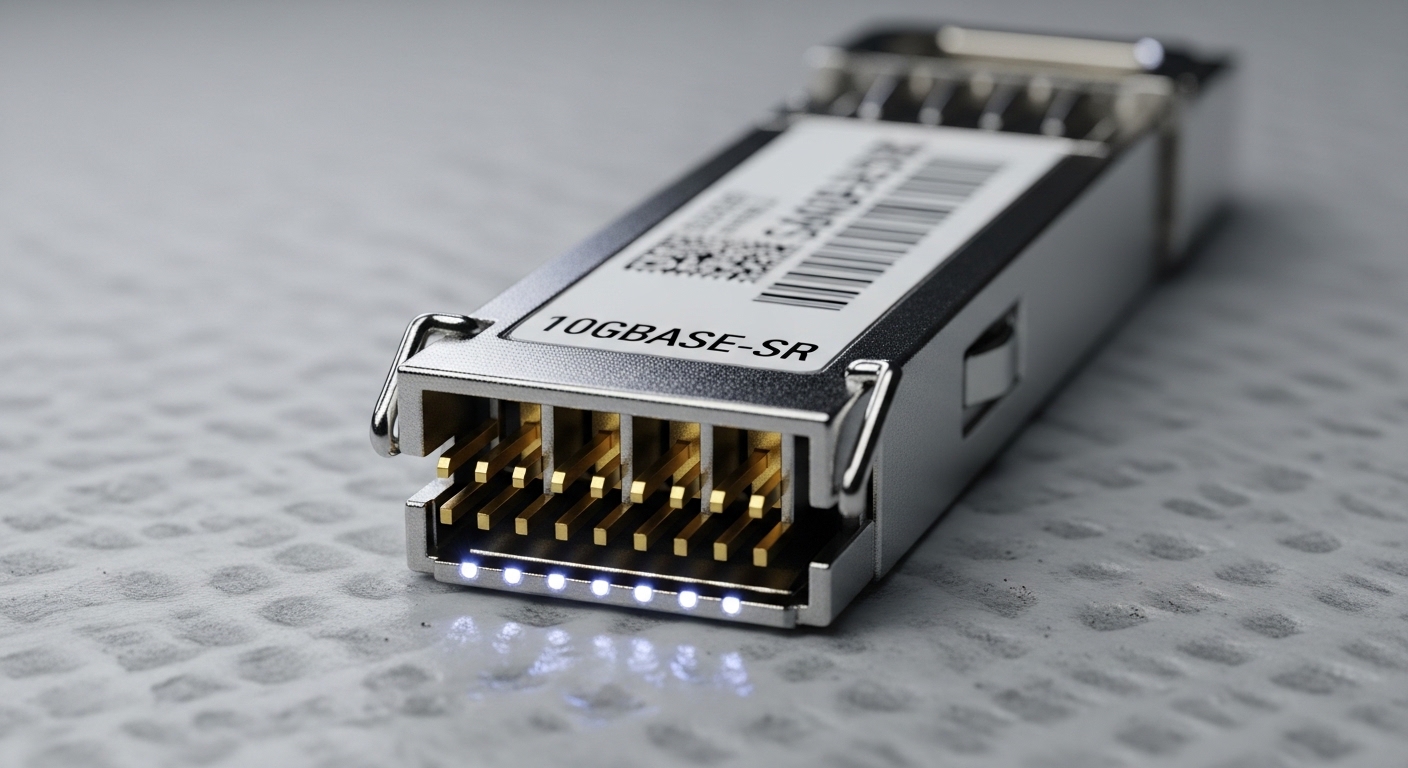
On paper, doubling line rate sounds like a clean upgrade. In real networks, the cost shows up in ports, optics types, transceiver power, and sometimes in fabric constraints that force more than just swapping modules. Per IEEE 802.3, 800G Ethernet uses defined physical layer characteristics, but vendors implement reach, lane mapping, and optics support differently, so compatibility work can quietly inflate labor hours. If you are doing this in an active leaf-spine or super-spine topology, downtime planning also becomes a line item.
For a crisp anchor, here is what typically changes when you jump from 400G to 800G:
- Port economics: fewer high-rate ports can reduce switch port pressure, but you may need different breakout behavior or different optics SKUs.
- Optics bill: 800G optics are often higher cost per module, with wattage differences that affect cooling and power budgets.
- Operational risk: firmware, DOM handling, and transceiver compatibility mismatches show up as link training failures or intermittent CRC errors.
What to price: optics, switch ports, power, and labor (with real specs)
A meaningful cost analysis starts with a “what exactly are we buying” inventory. Most teams underestimate labor for transceiver validation, optics mapping, and burn-in testing. Also, your power model should use actual transceiver power numbers from vendor datasheets, not vibes. For example, common 400G and 800G optics variants differ in wavelength and reach, and that changes both module cost and the number of links you can support per row.
Quick optical comparison for common short-reach deployments
Below is a practical comparison for short-reach Ethernet optics typically used in data center top-of-rack and spine interconnects. Exact pricing varies by vendor and region, but these specs drive compatibility and TCO.
| Parameter | 400G SR8 (example) | 800G SR8 (example) | Typical impact on cost analysis |
|---|---|---|---|
| Data rate | 400G Ethernet | 800G Ethernet | May reduce port count pressure but increases module rate |
| Wavelength | Multi-lane short-reach (nominal around 850 nm) | Multi-lane short-reach (nominal around 850 nm) | Both usually use MMF; SR optics often fastest to deploy |
| Reach | Up to ~100 m over OM4/OM5 (depends on spec) | Up to ~100 m over OM4/OM5 (depends on spec) | Reach limits determine whether you need new fiber or patching |
| Connector | Commonly MPO/MTP | Commonly MPO/MTP (often higher lane density) | Connector density can raise handling and cleaning costs |
| DOM / diagnostics | Usually supported (I2C/DOM) | Usually supported (I2C/DOM) | DOM support affects compatibility and monitoring effort |
| Operating temp | Typically around 0 to 70 C for datacenter optics | Typically around 0 to 70 C for datacenter optics | Cooling margin changes risk of thermal-induced errors |
For concrete part numbers you might see in the wild: Cisco 400G SR8 optics like Cisco SFP-400G-SR8 (naming varies by platform), and 800G SR8 optics commonly sold by OEMs and third parties. Example third-party references include Finisar FTLX8571D3BCL (400G-class SR examples appear in catalogs) and FS.com listings such as FS.com SFP-10GSR-85 (10G example) for general reach/DOM practices; always validate against your switch’s optics compatibility matrix. For standards grounding, see IEEE 802.3 for Ethernet PHY definitions and vendor datasheets for reach and electrical parameters. [Source: IEEE 802.3 Ethernet specifications] [Source: Vendor transceiver datasheets and optics compatibility matrices]
Pro Tip: In most 400G to 800G rollouts, the hidden cost is not the optics sticker price. It is the first-week failure curve: mismatched transceiver firmware/compatibility and dirty MPO/MTP endfaces that cause CRC errors, link resets, or “link up then down” behavior. Plan time for cleaning, reseating, and running link diagnostics after every patch change—yes, even if the fibers “look fine.”
Deployment math: when 800G saves money vs when it burns it
Let’s do a realistic scenario. In a 3-tier data center leaf-spine topology with 48-port 400G ToR switches, you might have 24 active leaf uplinks per ToR (oversubscription depending on design) and 2 spines per leaf for redundancy. Suppose you are using ~60 m of OM4 fiber per uplink and aiming to increase east-west throughput during a storage-heavy quarter.
If you upgrade from 400G to 800G, you may be able to reduce the number of uplink ports needed for the same aggregate bandwidth. But you must price the full set: transceivers, switch port licensing (if applicable), and the operational labor for staged migration. If your switch supports 800G on the same physical interface type, you can avoid extra hardware swaps; if not, you may need to replace line cards, which dwarfs optics cost in the cost analysis.
Typical cost components to include in your spreadsheet
- Transceivers: OEM vs third-party unit price and lead time.
- Switch capacity: line cards, port licenses, and any required firmware updates.
- Power and cooling: module wattage and the incremental rack power change.
- Labor: validation, spares management, patching windows, and rollback readiness.
- Risk cost: downtime penalties, incident response time, and QA time for optics compatibility.
Selection criteria checklist for a sane 800G business case
Engineers rarely lose money on bandwidth—they lose money on assumptions. Use this ordered checklist during your cost analysis:
- Distance and fiber grade: confirm OM4/OM5, patch loss, and connector hygiene; do not assume 100 m works everywhere.
- Switch compatibility matrix: verify exact transceiver part numbers and revision support.
- DOM and telemetry integration: ensure your monitoring stack reads module diagnostics without errors.
- Operating temperature margin: validate airflow and rack thermal profile; optics are not fans, but they feel heat.
- Reach vs BER targets: confirm vendor reach specs at your actual link budget, including patch cords.
- Operating mode and lane mapping: ensure your switch can map lanes correctly for 800G Ethernet.
- Budget and lead time: price include shipping, spares, and any expedited freight.
- Vendor lock-in risk: compare OEM optics support terms vs third-party warranties and RMA speed.
Common mistakes and troubleshooting tips (the “why is it unhappy” list)
Here are real failure modes that show up during 400G to 800G migrations, along with root causes and fixes. If you want fewer fire drills, read this before the window opens.
- Pitfall 1: Link flaps after install — Root cause: optics not seated fully or MPO/MTP polarity/positioning mismatch; Solution: reseat both ends, verify polarity method per optics documentation, and clean connectors with an approved fiber cleaning process. Re-run interface diagnostics and confirm stable error counters.
- Pitfall 2: CRC errors rising over hours — Root cause: contaminated endfaces or microbends in patch cords; Solution: inspect and clean, replace suspect patch cords, and check bend radius and cable management. Validate with vendor-recommended link test modes.
- Pitfall 3: “Transceiver not recognized” or DOM telemetry gaps — Root cause: unsupported transceiver part number, revision mismatch, or firmware incompatibility; Solution: use the switch’s optics compatibility matrix, update switch firmware to a tested version, and confirm DOM/I2C accessibility and monitoring configuration.
- Pitfall 4: Unexpected power draw — Root cause: using higher-power optics variants than required for your reach; Solution: compare transceiver power specs and select the lowest-power option that meets your link budget and temperature constraints.
Cost & ROI note: what “worth it” usually means
In many environments, 800G becomes ROI-positive when it reduces the number of active uplink ports and buys headroom for traffic growth without a full switch refresh. Typical optics pricing ranges vary widely by OEM, region, and volume; in practical purchasing, teams often see third-party optics as a meaningful cost reducer, but OEM optics can have faster compatibility validation and clearer warranty paths. TCO also includes spares: higher-rate optics may have higher failure exposure to handling/cleaning, so you may need additional spares and testing time.
For ROI, model at least a 3-year horizon: include labor and downtime risk as expected cost, not just purchase price. If your migration forces line card replacements or major firmware requalification, the ROI timeline stretches fast. If, however, your switch supports 800G on the same hardware interfaces and your fiber plant already supports SR reach, the upgrade often pencils out sooner.
FAQ
Will 800G optics work with my existing 400G switch ports?
Only if your switch platform explicitly supports 800G on the relevant physical interface and if the transceiver is listed in the optics compatibility matrix. Check the exact part number and revision support; “similar” optics can still fail recognition or diagnostics.
What should I use in my cost analysis: OEM or third-party transceivers?
Use both prices, but weight them by risk. OEM optics often reduce compatibility and RMA friction, while third-party can lower unit cost; include lead time and validation labor in your expected cost model.
Do I need new fiber when moving from 400G SR to 800G SR?
Not necessarily. If you remain within SR reach and your patch loss and connector conditions are controlled, existing OM4/OM5 can work. Validate with link budget assumptions and clean every MPO/MTP interface before blaming physics.
How much power impact should I expect?
It depends on transceiver wattage and how many links you keep active after the upgrade. Update your rack power model with module power from datasheets and confirm airflow constraints; do not rely on “typical” values.
What downtime strategy reduces risk during the migration?
Use a staged cutover: migrate a subset of links, run stability validation for error counters, and keep a rollback plan with pre-tested spare optics. Schedule cleaning and reseating time right after each patch
