
If your Cognex or SICK machine-vision network link is dropping frames, going into link-flap, or failing after a swap, the root cause is often optical-module mismatch rather than “bad Ethernet.” This quick reference helps field engineers and automation leads choose the right SICK fiber transceiver for vision systems, validate compatibility, and troubleshoot the most common failure modes. You will get practical selection criteria, a specs comparison table, and operator-grade steps you can use during commissioning.
How machine-vision fiber links differ from data-center optics
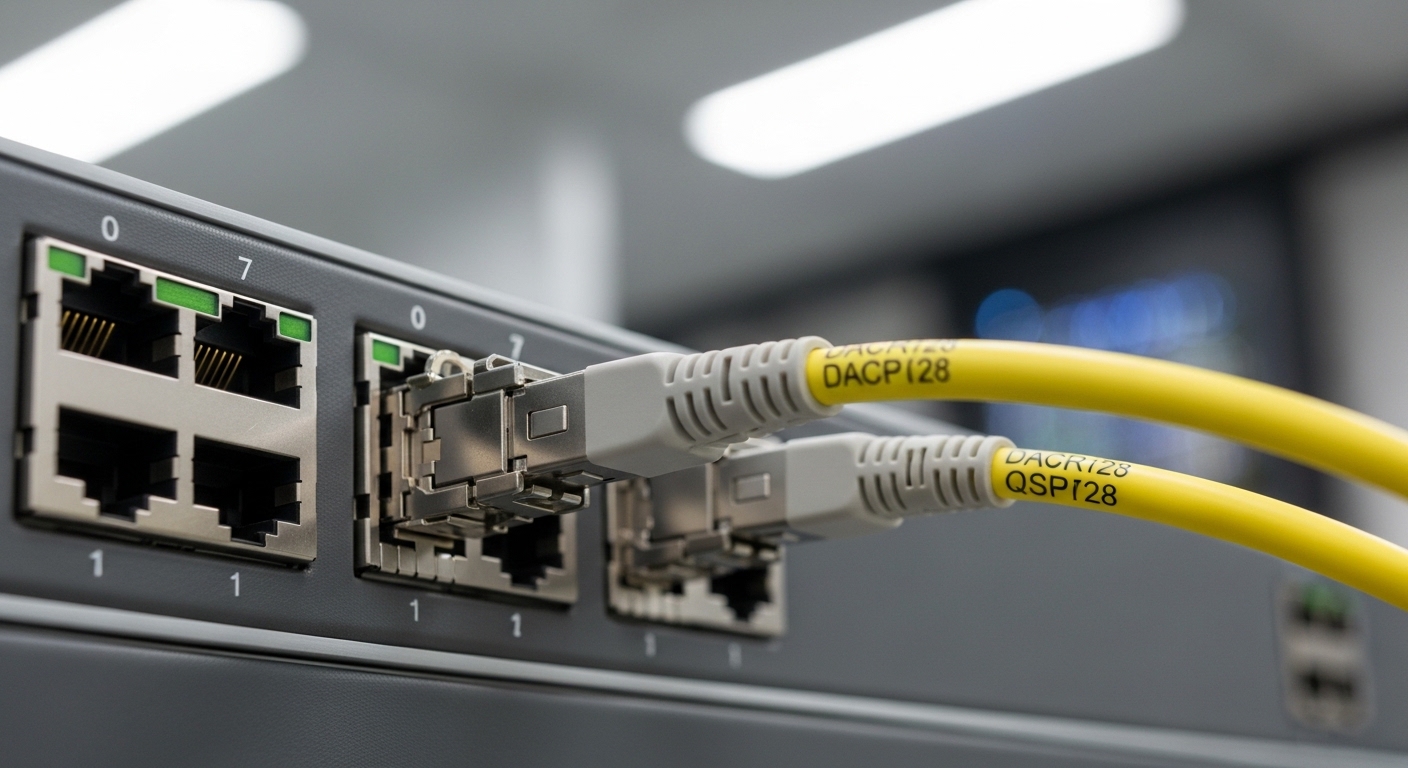
Machine-vision deployments prioritize deterministic behavior, stable link negotiation, and low maintenance inside industrial cabinets. In practice, that means your optical transceiver must match the switch or media converter’s electrical interface (typically SFP/SFP+ or 100BASE-FX style, depending on the design) and the fiber plant (multimode vs single-mode, core size, connector type, and patch-cord loss). For SICK and Cognex setups, the vision controller often rides on an industrial switch that may be managed or tightly monitored; link instability can surface as dropped frames, timeouts, or “camera offline” alarms even when bandwidth seems sufficient.
Also, industrial environments expose modules to vibration, temperature cycling, and dust ingress. The practical engineering takeaway is to validate not only the optical budget and wavelength, but also DOM (Digital Optical Monitoring) support, vendor temperature range, and whether the module is rated for the cabinet’s minimum and maximum ambient temperatures. In vendor documentation, you will often see guidance around fiber type and recommended transceiver families; deviating without checking compatibility can lead to intermittent link issues.
Core specs that decide whether your SICK fiber transceiver will actually link
Before you buy, capture the existing transceiver parameters from the switch port, the machine-vision controller, and any media converters. Engineers typically confirm data rate, wavelength, connector, fiber type, and reach. For SICK and Cognex industrial links, the most common patterns are short-reach multimode (MMF) for plant floors and single-mode (SMF) for longer runs or separate buildings.
Typical optical formats you will encounter
- 850 nm multimode (MMF) SFP/SFP+ SR: common for short distances in machine rooms and industrial floors.
- 1310 nm single-mode (SMF) SFP/SFP+ LR: used when you need longer reach over SMF.
- Connector: LC is most common in industrial switches and fiber patch panels; SC appears in some legacy cabinets.
- DOM: helpful for monitoring optical power at the switch and detecting aging or fiber contamination.
Engineering comparison table (what to verify on the label)
Use this table to quickly sanity-check the module you are selecting. Always verify the exact data rate and interface standard supported by your switch or vision controller.
| Spec category | 850 nm MMF SR (example: 10G-SR) | 1310 nm SMF LR (example: 10G-LR) | What it means for SICK/Cognex links |
|---|---|---|---|
| Typical wavelength | 850 nm | 1310 nm | Mismatch here can prevent link entirely or cause severe errors. |
| Fiber type | Multimode (commonly OM3/OM4) | Single-mode (OS2) | Your patch cords and plant backbone must match. |
| Connector | LC (often) | LC (often) | Connector mismatch requires an adapter or re-termination. |
| Representative reach | ~300 m to ~400 m depending on OM spec | ~10 km class reach | Reach affects optical budget and link margin. |
| Data rate | Often 10 Gbps for SR optics | Often 10 Gbps for LR optics | Vision controllers may require specific line-rate support. |
| Power / DOM | DOM often available (TX bias, RX power) | DOM often available | DOM lets you confirm fiber cleanliness and aging. |
| Operating temperature | Industrial modules may be -20 C to 70 C or wider | Industrial modules may be -20 C to 70 C or wider | Cabinet heat can push modules beyond consumer-grade ratings. |
Standards and documentation to reference
When you validate compatibility, align to the relevant optical transceiver and Ethernet PHY expectations. For example, the 10 Gigabit Ethernet optical interfaces are described in IEEE 802.3 documents, and transceiver electrical/management behaviors are commonly discussed using SFP management conventions and vendor datasheets. For optical connector and cabling practices, ANSI/TIA cabling guidance is often used by integrators when documenting loss budgets and cleaning/inspection processes. For authority, review vendor datasheets and platform documentation, and cross-check optical interface requirements with [Source: IEEE 802.3], [Source: ANSI/TIA-568.3-D].
Match the optics to your SICK and Cognex equipment model and port
In machine vision, “it fits” is not the same as “it negotiates reliably.” Your SICK fiber transceiver must be compatible with the exact port type (SFP vs SFP+ vs dedicated fiber interface) and the transceiver management expectations. Some industrial switches and vision gateways restrict optics via vendor-qualified lists, while others accept third-party modules but may have reduced diagnostics or different DOM behavior.
Start with the switch or media converter part number and the port speed. If your vision controller uses an industrial switch with 10G SFP+ uplinks, you must use the same line rate and correct optical wavelength for the fiber plant. If you are converting from copper to fiber, confirm whether the media converter expects a specific duplex or optical budget class; mismatches can create subtle packet loss that looks like application instability.
Selection criteria checklist (ordered by what fails first)
- Distance and fiber type: verify MMF vs SMF and whether the plant uses OM3/OM4 or OS2.
- Wavelength and optics class: confirm 850 nm vs 1310 nm (or other) matches the other end.
- Data rate and interface standard: confirm SFP vs SFP+ and the exact Ethernet speed required by the vision controller or switch.
- Switch compatibility and vendor lock-in risk: check the switch vendor’s qualified optics list and documented third-party support.
- DOM support: confirm whether your platform reads DOM values; if not, ensure diagnostics are not required for your maintenance workflow.
- Operating temperature: match the module’s rated range to the cabinet ambient and airflow conditions.
- Connector and patch panel reality: confirm LC vs SC, and verify patch cord loss and cleanliness.
Examples of optics families engineers commonly deploy
In the field, teams often use well-known 10G SR and 10G LR optics families from major vendors. Examples include Cisco-branded optics such as Cisco SFP-10G-SR for 850 nm multimode use cases and Finisar-style modules such as FTLX8571D3BCL for 10G SR applications. Third-party suppliers also offer compatible variants like FS.com SFP-10GSR-85 (exact specs depend on the SKU). Always treat model numbers as starting points and confirm the wavelength, reach, and temperature grade from the specific datasheet.
Pro Tip: If your link “comes up” but vision frames intermittently drop, check DOM RX power and compare it to the vendor’s recommended thresholds. Fiber contamination and patch-cord wear can still allow link negotiation while pushing the optical link near the error-rate cliff, especially after cabinet vibration.
Cost and ROI: OEM optics vs third-party modules in industrial service
Budget decisions often focus on unit price, but total cost of ownership (TCO) is dominated by downtime risk, warranty handling, and spare parts strategy. OEM transceivers typically cost more upfront but may reduce commissioning friction due to tighter compatibility testing. Third-party optics can be cost-effective if they are proven to work with your specific switch model and you have a clean acceptance process (DOM checks, link error counters, and link margin validation).
In practical deployments, engineers often keep at least a one-spare per critical link policy for vision-critical uplinks. If an OEM module is, for example, several times the price of a third-party option, the ROI still favors whichever option minimizes the probability of a “swap that fails” during a production outage. For power and cooling, the difference between quality optics is usually modest compared to the impact of additional maintenance time and rework; focus on reliability and measurable link quality rather than micro-level power savings.
Common pitfalls and troubleshooting tips during commissioning
Most field failures are repeatable patterns. Below are concrete mistakes that cause real-world issues with SICK fiber transceiver links, along with root causes and fixes.
Pitfall 1: MMF vs SMF mismatch (or wrong OM grade)
Symptom: Link fails to come up, or it flaps after a few minutes.
Root cause: Using an 850 nm multimode transceiver with single-mode fiber, or deploying OM3/OM4 optics with cabling that has higher loss than expected.
Solution: Confirm fiber type and measure end-to-end loss. Verify the link pair: TX wavelength must match RX wavelength at the other end. If you inherit unknown cabling, run an OTDR test and re-terminate or replace patch cords.
Pitfall 2: Connector cleanliness and micro-scratches
Symptom: Link comes up, but you see rising CRC errors, intermittent packet loss, or vision application timeouts.
Root cause: Dirty LC connectors or damaged fiber end faces introduce attenuation that stays below “link-down” thresholds but degrades BER.
Solution: Clean with approved fiber inspection and cleaning tools, then re-check DOM RX power and switch error counters. If you see repeat failures, replace patch cords rather than repeatedly re-cleaning the same damaged ends.
Pitfall 3: DOM/telemetry assumptions break monitoring workflows
Symptom: Alarms show “optics telemetry unavailable,” or maintenance scripts report missing DOM fields.
Root cause: A transceiver that lacks DOM support or behaves differently may still pass data but not provide expected diagnostics to the monitoring system.
Solution: Confirm DOM capability in the module datasheet and validate it in a staging rack. If your operations team relies on telemetry for predictive maintenance, choose modules explicitly supporting DOM and verify the switch reads and logs the values.
Pitfall 4: Temperature derating in sealed cabinets
Symptom: Links fail only during peak production hours, then recover after cooling.
Root cause: Consumer-grade or insufficiently rated optics operating beyond their specified temperature range.
Solution: Measure cabinet ambient temperature and airflow. Select an industrial-grade module with a rated temperature range appropriate for the cabinet and verify that the switch slot ventilation is not blocked.
Pitfall 5: Wrong transceiver form factor or port speed negotiation
Symptom: Link stays up but runs at a lower effective speed, or the switch reports unexpected speed/duplex.
Root cause: A module with different capabilities than the port expects, or a misconfigured media converter that supports a different Ethernet mode.
Solution: Verify the switch interface type and configured speed. Use the platform’s show commands or status LEDs to confirm negotiated rate before blaming the application.
FAQ for engineers deploying SICK fiber transceiver links
What does a SICK fiber transceiver need to match on both ends?
You must match data rate, wavelength, and fiber type (MMF vs SMF). Also ensure connector type compatibility (often LC) and confirm the switch or media converter supports the transceiver’s management and electrical interface.
Can I use third-party SICK fiber transceiver modules with Cognex vision switches?
Often yes, but not universally. Validate against the exact switch or gateway model, test in a staging environment, and confirm DOM and error counters behave as expected after at least a full production shift.
How do I confirm optical budget without guessing?
Measure end-to-end link loss with a test plan using OTDR or calibrated loss testing for the installed fibers and patch cords. Then verify the module’s stated max loss and minimum received power requirements from the datasheet, and confirm DOM RX power stays within the recommended operating window.
Why does the link come up but vision still fails?
Intermittent packet loss can occur when the optical link is near the BER threshold due to contamination, marginal loss, or temperature stress. Check switch CRC/packet error counters and correlate with DOM RX power readings to confirm whether the fiber link is the bottleneck.
What are the fastest troubleshooting steps during an outage?
Swap with a known-good module of the same exact type, clean and inspect both ends of the connectors, and verify negotiated speed on the switch port. Then check DOM telemetry (if available) and monitor error counters for a short interval to confirm the fix.
What temperature range should I require for industrial deployments?
Use the cabinet’s measured ambient conditions and select an optics module rated for that range. If your cabinet routinely exceeds the module’s max rating during peak operation, you should expect instability and plan for better airflow or a higher-grade module.
If you want a related angle on plant-wide reliability, see related topic: industrial fiber maintenance checklist for a practical cleaning, inspection, and spare strategy that reduces repeat outages. For your next procurement cycle, start with the checklist above, validate on a staging rack, and only then standardize the SICK fiber transceiver model across your machine-vision fleet.
Author bio: I design and operate high-availability industrial networking systems, including optics selection, link validation, and failure-mode playbooks for machine-vision environments. I have deployed fiber networks in production cabinets and validated transceiver behavior with measurable DOM and error-counter evidence.
