
Why your spares plan fails without a transceiver inventory
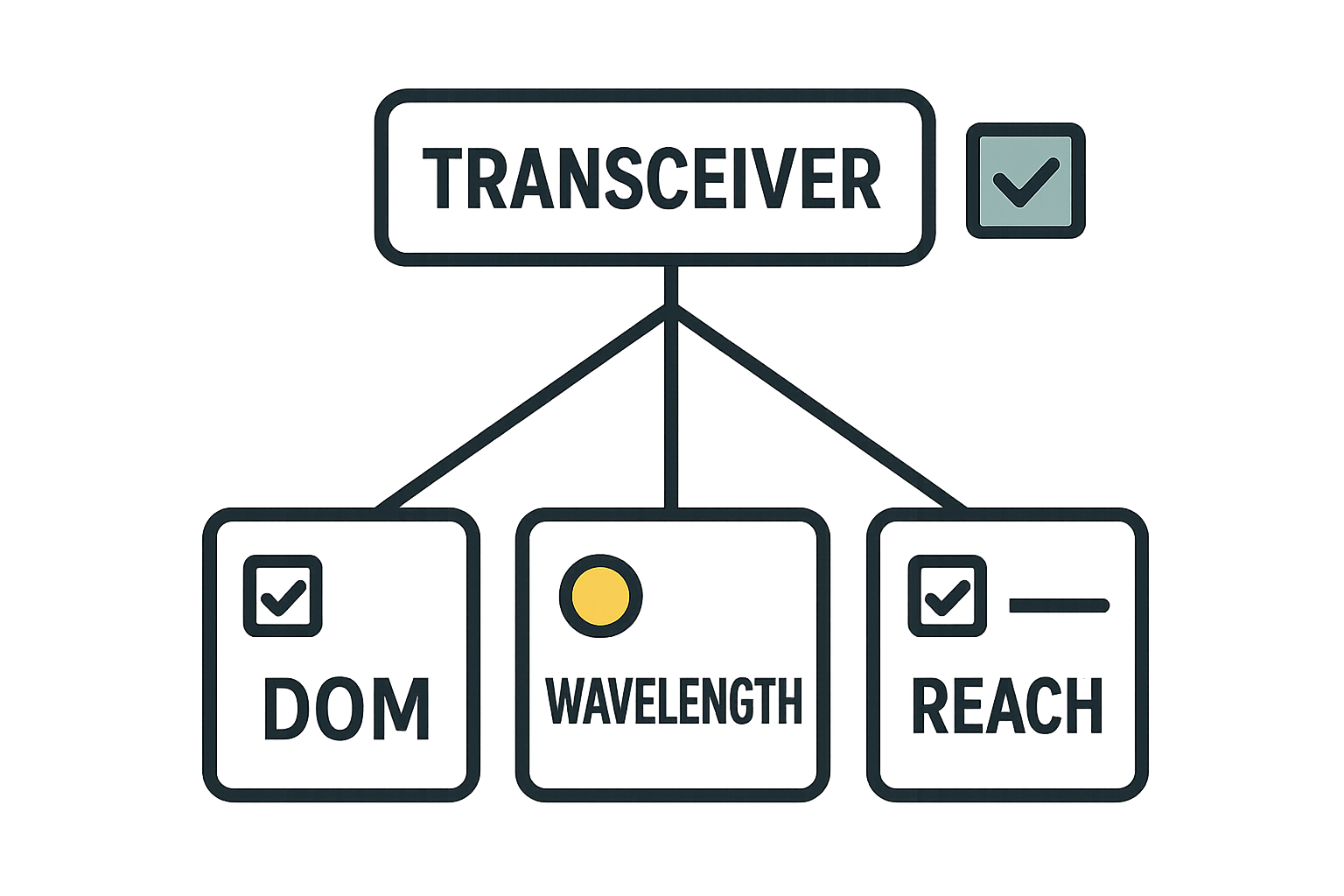
In high-density networks, bulk optical transceiver procurement often goes wrong in the last mile: mismatched part numbers, missing DOM data, or spares that do not align with your actual port mix. This article helps network operations and procurement teams build a practical transceiver inventory that supports volume pricing, reduces RMA churn, and improves repair turnaround. You will get an implementation-style checklist, a comparison table of common optics, and troubleshooting guidance grounded in IEEE 802.3 expectations and vendor datasheets. Updated: 2026-05-02.
Prerequisites: data sources and governance for accurate inventory
Before ordering pallets of modules, collect the source-of-truth inputs that define what “compatible” means in your environment. The goal is to map each installed optic to a stable identity (vendor part number, optics type, speed, wavelength, reach, connector, and DOM behavior) and to record where it is used. For most teams, the minimum inputs are: switch model/firmware, port-to-transceiver mapping, transceiver serial and DOM data (where available), and your spares usage history. If you cannot extract DOM data reliably, you must compensate by enforcing stricter part-number matching during receiving inspection.
What to pull from operations systems
Use your network management platform (NMS) and switch CLI exports to produce a table of installed optics. Capture port name, interface speed, optic type (SR/LR/DR, DAC/AOC, etc.), connector (LC duplex, MPO), and vendor part number. Then join that with procurement records (purchase order line items) and RMA outcomes. For environmental constraints, also record switch operating location temperature ranges and any airflow restrictions near cages.
Standard compatibility framing
IEEE 802.3 defines signaling and link-layer behavior for many Ethernet rates, but transceiver “compatibility” is still more than standard compliance. Switch vendors may enforce optics support via firmware allowlists, DOM interpretation, or specific optical power thresholds. Treat IEEE compliance as necessary, not sufficient, and validate against your switch vendor’s transceiver matrix. For authority, see IEEE 802.3 standards portal.
Implementation steps: inventory design for bulk optical procurement and spares
This section is a step-by-step build process designed to work during procurement cycles, not after outages. Each step includes an expected outcome so you can verify progress quickly.
Create a port-to-optic identity map
Export the current configuration from each switch and build a dataset keyed by switch serial number, line card, and port. For every optical port, record: installed transceiver vendor part number (example: Cisco SFP-10G-SR), optics class (SFP/SFP+/QSFP/QSFP28/CFP2), and physical interface (LC or MPO). Where available, also record the DOM vendor and values you can read (Tx/Rx power, bias current, temperature).
Expected outcome: a single table showing exactly which transceiver models are in production, by port and site.
Normalize into “inventory SKUs” that match purchasing units
Procurement cannot order “whatever the port says.” You need normalized SKUs that reflect what suppliers quote and ship. A robust SKU scheme separates optics by: data rate (10G/25G/40G/100G), wavelength (for example 850 nm SR vs 1310 nm LR), reach (OM3/OM4/OM5 assumptions), and connector. Include a “DOM required” flag based on switch behavior in your environment.
Expected outcome: a spreadsheet where each SKU corresponds to a purchasable catalog item and a known set of ports.
Add spares policy using consumption and lead-time math
For volume procurement, spares are not a fixed percentage; they should reflect failure patterns and lead time. Collect last 12 to 36 months of transceiver replacements and categorize by speed and optic type. Then compute a target spares buffer using: (average monthly demand for replacements) multiplied by (lead time in months) plus a safety factor for supply disruptions. If your average replacement lead time is 6 weeks and historical failure is 0.3% per year, a common field approach is to target a smaller base plus reorder triggers rather than large always-on stock.
Expected outcome: a recommended order quantity per SKU and a reorder point that triggers before shortages.
Build a compatibility test matrix before you buy bulk
Bulk procurement increases risk if you mix transceiver vendors without validation. Create a compatibility matrix per switch model and firmware revision, then test at least one unit per SKU class. Validate link establishment, DOM readings, and link stability under temperature cycling. If your switch rejects optics, do not assume “standard compliant” equals “operationally compatible.”
Expected outcome: documented pass/fail compatibility for each SKU by switch model and firmware.
Pro Tip: Many teams track “SR vs LR” but miss that switch firmware can treat DOM fields as strict contracts. If you rely on third-party optics, verify DOM sensor scaling and threshold behavior during commissioning; a module can link up yet still fail monitoring alarms or violate vendor-specific power-bias limits under load.
Standardize receiving inspection and traceability
When modules arrive, record manufacturer lot codes, serial numbers, and DOM identity (where readable). Run a fast acceptance test: insert into a controlled port, verify link up for the intended rate, read DOM values, and check for alarm flags. Store modules in ESD-safe packaging and track temperature exposure during handling. This prevents “it works on my bench” surprises when you later deploy spares across multiple sites.
Expected outcome: a traceable receipt log tied to your inventory SKU and spares bin.
Key optical transceiver specs to standardize in your inventory
Your inventory should capture the parameters that actually drive reach and cost. The table below compares common short-reach and long-reach optics and includes practical constraints engineers use during planning. Note that exact performance depends on module class, fiber type, and link budget; always refer to the vendor datasheet and your switch vendor compatibility guidance.
| Transceiver type (examples) | Data rate | Wavelength | Typical reach | Connector | Operating temperature | Power class (typ.) |
|---|---|---|---|---|---|---|
| SFP-10G-SR (Cisco SFP-10G-SR) | 10G | 850 nm | Up to ~300 m on OM3; ~400 m on OM4 | LC duplex | 0 to 70 C (typ.) | ~0.5 to 1.5 W |
| SFP+ 10G SR (FS.com SFP-10GSR-85) | 10G | 850 nm | OM3/OM4 dependent; commonly 300 to 400 m class | LC duplex | 0 to 70 C (varies) | ~0.7 to 1.5 W |
| QSFP28 100G SR4 (common vendor families) | 100G | 850 nm | ~100 m on OM4 (typ.) | MPO-12 (12-fiber) | 0 to 70 C (varies) | ~3 to 5 W |
| QSFP28 100G LR4 (common vendor families) | 100G | 1310 nm | ~10 km class (SMF) | LC duplex (typ.) | -5 to 70 C (varies) | ~3 to 5 W |
Examples of optical families you may encounter include Finisar/Fiber-optic vendor modules such as Finisar product pages and switch vendor catalogs. For Cisco-specific examples, see Cisco transceiver documentation and datasheets for models like Cisco SFP-10G-SR. Always verify exact part numbers and reach specifications.
Wavelength and fiber type assumptions
For 850 nm “SR” modules, your reach depends heavily on fiber grade and link margin. OM3 supports shorter distances than OM4 at the same data rate, and connectors/patch cords can dominate loss. For inventory accuracy, record whether your site uses OM3, OM4, or OM5 and whether MPO polarity and patching rules are enforced.
Selection criteria checklist for transceiver inventory decisions
Use this ordered checklist when converting your normalized inventory SKUs into a bulk order and a spares plan. The goal is to prevent compatibility surprises while still capturing volume pricing.
- Distance and fiber grade: confirm OM3/OM4/OM5 usage and patch cord lengths; map each SKU to a reach class.
- Switch compatibility: validate against your switch vendor’s supported optics list and firmware revision.
- Data rate and form factor: ensure exact module family (SFP vs SFP+ vs QSFP28) and lane mapping (SR4 vs LR4).
- DOM support and monitoring: confirm DOM availability and whether your NMS expects specific thresholds.
- Operating temperature: match module temperature rating to cabinet airflow and measured ambient; treat “-5 to 70 C” as meaningful only if validated.
- Lead time and spares buffer: use supplier lead times to set reorder points, not just historical failure percentages.
- Vendor lock-in risk: balance OEM modules (often easier monitoring) against third-party options (often cheaper) with compatibility testing.
Common pitfalls and troubleshooting tips for inventory and spares
Even a well-built transceiver inventory can fail if receiving, labeling, or monitoring assumptions are wrong. Below are top failure modes you can use as a runbook.
Pitfall 1: “It linked up once” but fails under load or after warming
Root cause: marginal optical power or thermal behavior not exercised during bench validation; DOM thresholds differ across vendors. Solution: perform an acceptance test that includes sustained link for at least 30 to 60 minutes and record DOM Tx/Rx values during warm-up; reject units that drift beyond expected ranges.
Pitfall 2: Wrong connector polarity or MPO patching errors
Root cause: MPO polarity mismatch or incorrect patch cord type causes receive failure even with correct module SKU. Solution: enforce a site patching standard (polarity A/B), label every patch cord, and include a fiber test (OTDR or power meter checks) during commissioning and when swapping optics.
Pitfall 3: DOM monitoring mismatch breaks alarms and triggers false maintenance
Root cause: third-party DOM scaling or missing DOM fields causes your NMS to misinterpret readings; operators then replace working optics. Solution: validate DOM field presence and alarm thresholds per switch/NMS pair; update monitoring profiles or exclude DOM fields that are not trustworthy for that SKU.
Cost and ROI note: balancing OEM pricing, third-party modules, and TCO
In practice, OEM optics can cost roughly 20% to 2x more than third-party equivalents depending on speed and reach, but OEM often reduces compatibility and monitoring friction. For 10G SR modules, third-party units are commonly priced in a lower single-digit to low tens of dollars range per module in bulk, while OEM can be higher; 100G SR4 and 100G LR4 modules can be substantially more expensive and dominate TCO. ROI improves when your inventory reduces downtime and avoids repeated failed replacements: one avoided outage hour can justify a significant portion of the optics budget.
To quantify TCO, include not only unit price but also: labor time for swaps, RMA logistics, downtime impact, and probability-weighted failure rates. A transceiver inventory that includes compatibility and DOM expectations typically lowers operational labor and reduces “wrong module” events during incident response.
FAQ: transceiver inventory questions from engineers and buyers
Q1: What should be the minimum fields in a transceiver inventory?
Include switch model and firmware, port mapping, transceiver form factor, data rate, wavelength/reach class, connector type, vendor part number, and whether DOM monitoring is required. If you cannot read DOM, record that explicitly and rely on stricter part-number matching.
Q2: Can third-party optics be used safely in bulk procurement?
Yes, but only after compatibility testing on your specific switch models and firmware versions. Validate DOM behavior and optical power under sustained operation, not just link-up.
Q3: How do I size spares when lead times vary by supplier?
Use lead time in months (or weeks) to set a reorder point and a buffer sized to expected replacement consumption. Then add a safety factor for supplier variability and transportation delays.
Q4: Should I standardize on one vendor to reduce inventory complexity?
Standardization can reduce operational errors, but it increases vendor lock-in risk. A hybrid approach works: standardize by SKU class and validate a
