
800G links are unforgiving: one marginal component, mis-seated connector, or optics mismatch can turn a stable data center solutions rollout into intermittent packet loss. This article helps network engineers, field technicians, and data center ops teams diagnose the most common failure modes in 800G deployments across leaf-spine and high-density spine fabrics. You will get a practical comparison of likely causes, a selection checklist, and repeatable troubleshooting steps tied to real operational constraints.
Failure mode comparison: optics, cabling, and switch settings in 800G
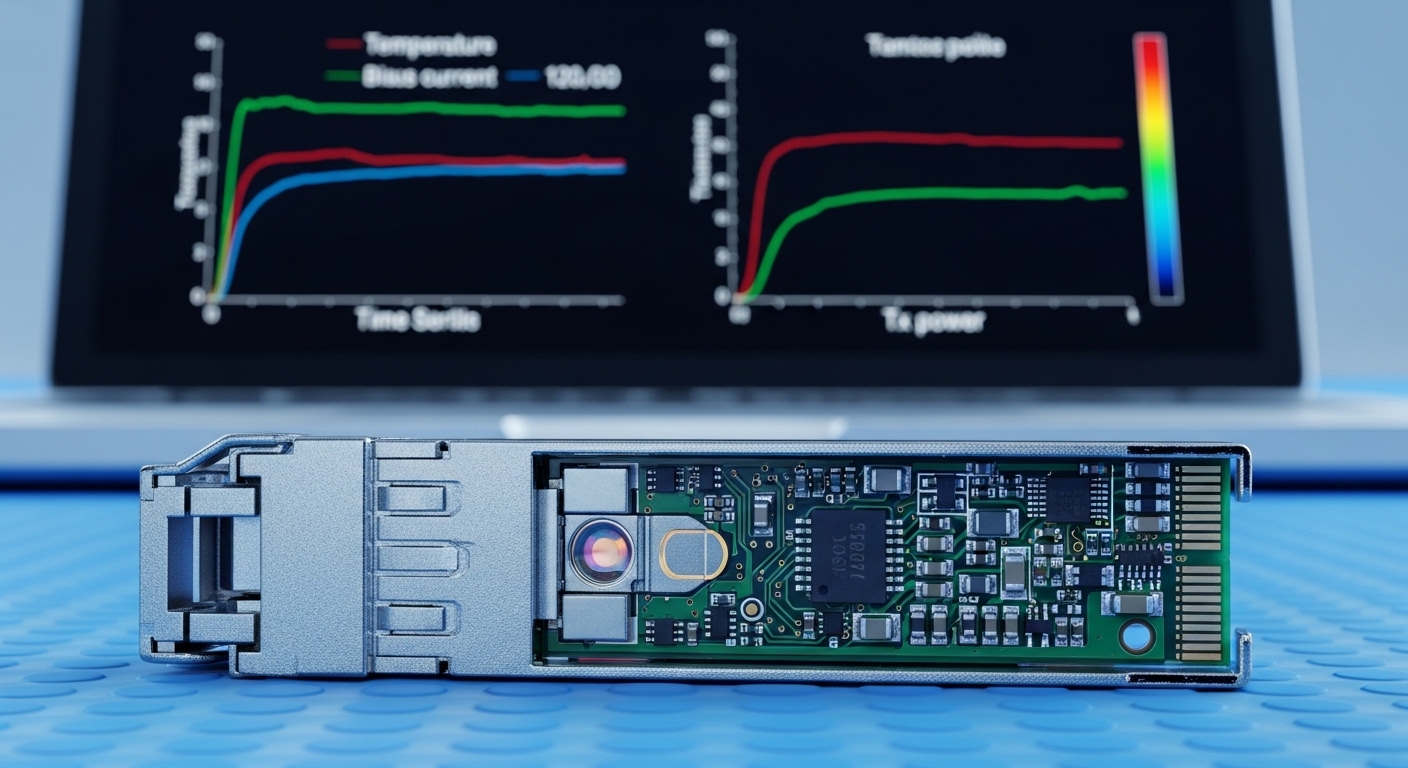
In most 800G incidents, the root cause falls into three buckets: (1) optics and transceiver configuration, (2) fiber plant and polarity/connections, and (3) switch-side optics parameters and link training behavior. Engineers often start with a link that “does not come up,” but the more expensive pattern is “comes up then degrades,” usually tied to power budget margin or receiver sensitivity under temperature drift. The IEEE 802.3 family defines the physical layers for high-speed Ethernet, while vendor transceiver diagnostics expose the operational reality (laser bias, optical power, and error counters). For standards context, review [Source: IEEE 802.3 Ethernet].
At 800G, you may be using OSFP or QSFP-DD style optics for 8x lanes with PAM4 or similar signaling depending on the vendor’s implementation. Even when the optics are “compatible,” lane mapping, breakout behavior, and DOM reporting can differ. This is why head-to-head troubleshooting matters: you can often eliminate an entire class of issues by checking one or two counters and one optical measurement.
| Key Spec | Typical 800G Short-Reach (SR) | Typical 800G Long-Reach (LR) / Extended | What It Impacts in Troubleshooting |
|---|---|---|---|
| Approx. wavelength | 850 nm (MMF) for SR | 1310 nm or 1550 nm (SMF depending on optic) | Wrong fiber type quickly causes no-link or high BER |
| Reach (typical) | Up to ~100 m over OM4/OM5 (varies by vendor) | ~2 km to 10 km (variant-dependent) | Power budget margin drives error bursts |
| Connector | MPO/MTP 12-fiber or 8-fiber style (variant-dependent) | LC duplex (often) or MPO (variant-dependent) | Polarity and indexing mistakes are common |
| Data rate | 800G Ethernet (8x lane aggregation) | 800G Ethernet (8x lane aggregation) | Lane-level errors can hide under aggregate link status |
| Operating temp | Often commercial/internal module limits; verify datasheet | Often wider for certain optics; still verify | Thermal drift can tip marginal links into failure |
| DOM / diagnostics | Laser bias, received power, internal temps, error counters | Same categories; may include additional alarms | DOM helps distinguish optical vs configuration issues |
Optics and DOM checks: what to verify first when 800G is unstable
Start with optics health and link training signals before you touch the fiber. Most platforms expose transceiver presence, lane status, Tx/Rx power, and error counters via CLI or telemetry. A common pattern is that the link “comes up” but one or more lanes show elevated FEC/BER or increasing symbol errors. That points to a power budget issue rather than a complete misconfiguration.
Step-by-step: isolate optics vs configuration
- Confirm transceiver type and vendor support: verify the module model is on the switch vendor compatibility list. For example, vendor-qualified 800G optics may include specific part numbers like Cisco SFP-based optics equivalents or third-party OSFP modules with documented compatibility. Check the switch release notes and transceiver validation list. [Source: Cisco Transceiver Compatibility Documentation].
- Read DOM values: compare Tx optical power, Rx optical power, and temperature to the normal operating ranges from the optic datasheet. If Rx power is near the minimum threshold, the link can pass at room temperature and fail when airflow changes.
- Review lane-level counters: focus on per-lane error rates, FEC status, and any “loss of signal” alarms. Aggregate counters can mask one failing lane while others remain healthy.
- Check optics configuration: ensure the switch port profile matches the transceiver and breakout mode. Mismatched configuration can trigger intermittent training or silent performance loss.
Pro Tip: In many 800G deployments, the fastest win is to correlate DOM-reported Rx power with time-of-day airflow. If the link errors spike when cooling ramps or doors open, you likely have insufficient optical margin rather than a “bad” transceiver. Swapping optics may appear to help once, but the underlying budget will still fail under the next thermal condition.
Cabling and polarity: the most common physical causes in 800G
At 800G, fiber plant mistakes are still the leading cause of “no link” and early instability, especially with MPO/MTP trunks. The key challenge is polarity and mapping: 800G SR optics often use multi-fiber arrays where one connector indexing error can break multiple lanes. Engineers sometimes treat “it links after reseating” as proof that fibers are fine, but reseating can temporarily align dust-free surfaces and delay the inevitable.
What to check in the field
- Fiber type: SR modules expect MMF (commonly OM4/OM5). Using SMF or a mismatched plant can reduce coupling efficiency and push Rx power out of spec.
- Connector cleanliness: inspect MPO/MTP endfaces with a scope. Even a small amount of dust can cause power loss that only becomes visible when margins are tight.
- Polarity and mapping: confirm the polarity scheme end-to-end. Use labeled jumpers and documented mapping for the specific optic and switch port.
- Patch cord length and loss: measure or verify lengths. A “few extra meters” can be fatal if you are already near the budget limit.
Cost and ROI trade-off: OEM vs third-party optics in 800G
When downtime costs are high, the temptation is to buy only OEM optics. But that is not always the best economics for data center solutions, especially when you can validate third-party modules and standardize spare kits. Typical pricing varies by reach and vendor, but as a realistic planning baseline, 800G short-reach optics often land in the hundreds to low-thousands USD per module range depending on brand and volume, while extended reach variants can be higher. TCO also includes labor time for RMA, spares inventory depth, and the operational risk of inconsistent DOM behavior.
Third-party optics can lower unit cost, but they may introduce compatibility caveats: DOM alarm thresholds, supported feature sets, and lane diagnostics formatting can differ. A common ROI pattern is to use OEM optics for “mission-critical” top-of-rack uplinks while allowing third-party optics in less sensitive aggregation zones after a controlled soak test. For procurement guidance, review vendor datasheets and compatibility matrices rather than relying on generic “works with” claims. [Source: Vendor transceiver datasheets and switch optics compatibility guides].
Decision matrix: pick the most likely fix for each 800G symptom
Use the symptom-to-cause mapping below to avoid random swaps that waste outage windows. This matrix is designed for engineers who can read link state, DOM, and per-lane counters within minutes.
| Observed Symptom | Most Likely Cause | Quick Verification | Recommended Action |
|---|---|---|---|
| Port stays down, no link | Wrong fiber type, severe polarity error, incompatible optics | DOM presence OK? Rx power near zero? Scope shows damage? | Verify module compatibility, inspect and re-map polarity, clean connectors |
| Link up but intermittent drops | Marginal optical power budget, airflow/temperature sensitivity | Rx power close to threshold; errors rise with temperature | Reduce loss (shorter jumpers), improve cleanliness, confirm patch lengths |
| High FEC or lane errors on only one lane group | Single-lane mapping/polarity mismatch or one damaged fiber in array | Lane-level counters show localized failures | Swap only the affected polarity path, re-terminate or replace MPO trunk |
| DOM alarms: Tx/Rx out of range | Defective module or contaminated connector causing excess loss | Compare DOM across ports with same optics and cables | Clean and re-test; if persistent, RMA or replace module |
Selection criteria checklist for resilient 800G data center solutions
Before you deploy, make the choice deterministic. Engineers should weigh these factors in order to reduce late-stage surprises.
- Distance and link budget margin: confirm reach against the documented optical budget for your exact fiber type and connector losses.
- Switch compatibility: use the vendor’s optics matrix for the specific switch model and software version.
- DOM and monitoring support: verify that the switch reads relevant diagnostic fields and that alarms behave as expected.
- Operating temperature and airflow: ensure module and switch port thermal performance under your data center cooling profile.
- Connector and polarity scheme: confirm MPO/MTP indexing and documented polarity mapping for the optic and patch harness.
- Vendor lock-in risk: evaluate OEM vs third-party availability, RMA turnaround, and spare inventory strategy.
Common mistakes and troubleshooting tips in 800G deployments
Below are field-proven failure modes with root causes and solutions. Avoid these to reduce mean time to restore (MTTR).
Skipping fiber inspection and assuming “reseat fixed it”
Root cause: dust or micro-scratches on MPO/MTP endfaces cause excess loss that can intermittently pass until conditions worsen. Solution: inspect with a scope, clean with proper tools, and replace damaged jumpers. Validate by checking Rx power after cleaning, not just link state.
Using the wrong polarity scheme for MPO trunks
Root cause: lane mapping errors can break a subset of lanes, leading to high error rates rather than immediate link failure. Solution: re-map polarity end-to-end using the correct scheme for the specific optic type; label jumpers and document orientation.
Underestimating connector and patch cord loss accumulation
Root cause: multiple jumpers, patch panels, and mismatched lengths eat into the optical budget. At 800G, margin is tighter, so “it was fine last month” can become “it fails after a maintenance change.” Solution: re-calculate budget using actual measured lengths and worst-case connector loss assumptions; shorten the path or upgrade fiber/jumpers.
Confusing switch software settings with optics behavior
Root cause: port profiles or FEC-related configuration mismatches can cause intermittent training and elevated errors. Solution: align switch configuration to vendor guidance for that transceiver and software release; roll back only after capturing DOM and counters.
Which option should you choose? A recommendation by reader type
If you are building a high-density fabric and need predictable operations, optimize for compatibility and validation. If you are troubleshooting an outage, optimize for fast isolation and measured proof.
- For reliability-first operations: choose OEM-validated optics and lock port profiles to vendor guidance; maintain an on-site spare set with pre-tested compatibility.
- For cost-optimized scaling: allow third-party optics only after a soak test that includes thermal cycling and at least one full maintenance window; keep OEM optics for critical uplinks.
- For rapid MTTR during incidents: prioritize cleaning/inspection, polarity verification, and DOM-based power margin checks before swapping multiple components.
For next steps, align your fiber plant documentation and monitoring workflows with proven operational practices using data center cabling troubleshooting.
FAQ
What are the first checks I should run when an 800G port won’t come up?
Confirm transceiver presence and basic DOM health, then verify fiber type and polarity mapping. Inspect MPO/MTP connectors with a scope to rule out contamination. If Rx power is near zero, treat it as a physical or compatibility issue before assuming a switch problem.
How can I tell if my 800G issue is optical power margin vs configuration?
Look for lane-level error behavior and Rx power trends over time. Power-margin issues often show elevated errors that correlate with temperature or airflow changes, while configuration issues can show consistent training instability across reboots.
Are third-party 800G optics safe for data center solutions?
They can be, but only if you validate compatibility with your switch model and software version and confirm DOM monitoring behavior. Perform a controlled soak test that includes realistic patch lengths and your expected operating temperature range.
What is the most common physical mistake in MPO-based 800G links?
Incorrect polarity or indexing paired with uninspected connector cleanliness is the most common. Even when a link trains, localized lane damage or mapping errors can cause intermittent FEC stress.
Should I replace optics or fiber first during troubleshooting?
Prefer measured isolation: check Rx power and lane error localization first, then inspect and clean connectors. If DOM indicates out-of-range optical metrics consistently across multiple ports with the same fiber path, replace the optic; otherwise, fix the fiber path.
How do I reduce recurrence after an 800G incident?
Update your runbooks with the exact DOM thresholds and include fiber inspection results in the change record. Standardize polarity labels, patch cord lengths, and port profile settings to prevent configuration drift.
About the author: I lead data center optical and switching reliability efforts, including 400G to 800G rollouts with DOM-driven monitoring and field incident postmortems. I focus on reducing tech debt in cabling standards, compatibility testing, and operational tooling so deployments stay stable under real thermal and maintenance conditions.
