
In the next refresh cycle, your enterprise IT team will face a painful choice: buy 800G optics that work on day one, or debug lane-mapping and DOM quirks while the network is already live. This buying guide helps infrastructure engineers and procurement teams evaluate 800G transceivers for common data center fabrics and campus backbones—fast, practical, and safety-focused. You will get key specs, a decision checklist, and real troubleshooting patterns seen in the field.
What changes in the 800G transition for enterprise IT links
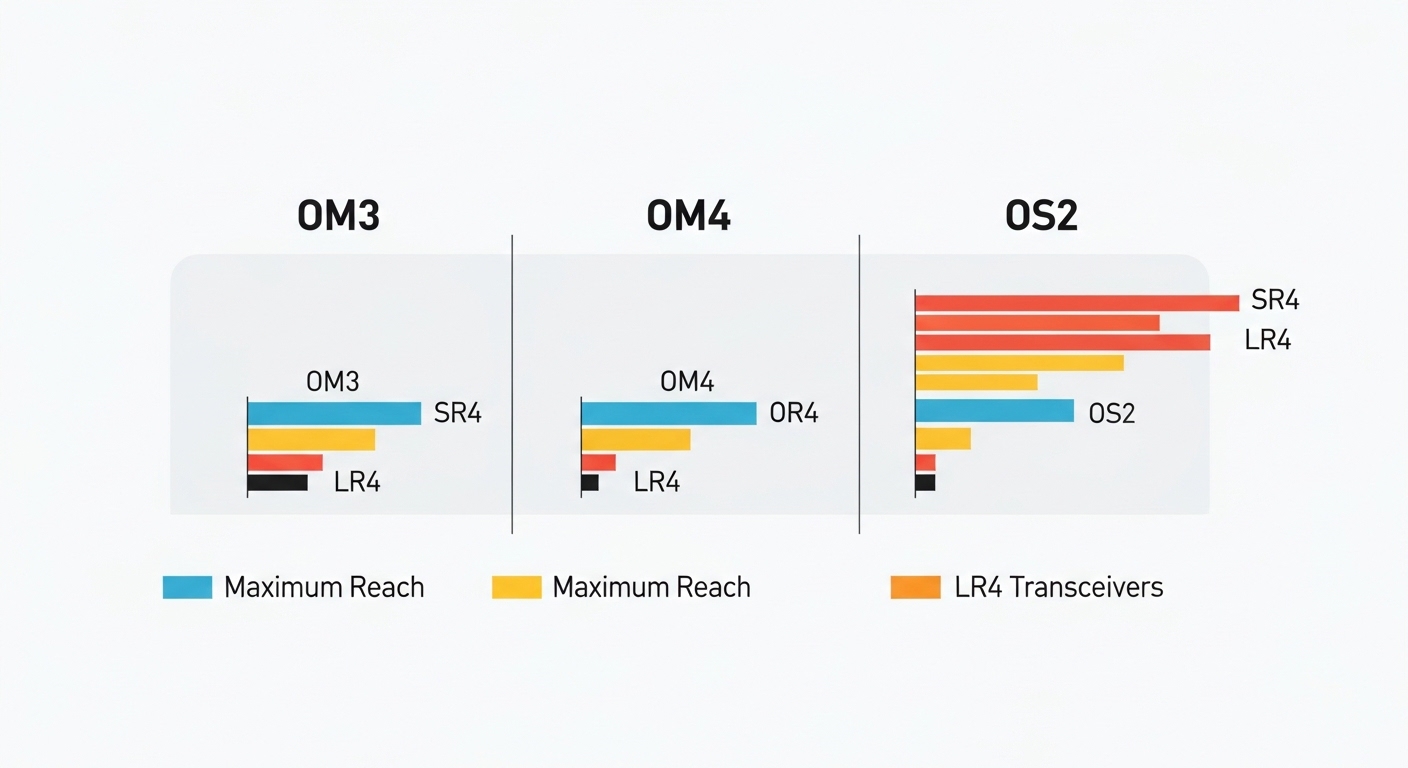
At 800G, the optics strategy shifts from “one wavelength per port” thinking to lane aggregation and stricter electrical/optical budgets. Most enterprise IT deployments use QSFP-DD or OSFP-style footprints depending on the switch vendor, and the module must match the switch’s supported optical interface and lane mapping. Also, power draw and thermal limits matter more because you can pack more optics into the same rack.
For standards alignment, most 800G Ethernet implementations target IEEE 802.3 and vendor-specific implementation details for optics and management. For background on Ethernet PHY behavior and link requirements, see the IEEE 802.3 family at IEEE 802.3 standards. For optics management concepts (DOM), vendors typically follow industry practices documented in transceiver MSA materials such as QSFP-DD MSA.
800G optics comparison: key specs you must verify
Before you quote SKUs, confirm the transceiver form factor, wavelength, connector type, reach, and DOM availability. Below is a practical comparison for common 800G options used in enterprise IT data centers. Treat “reach” as a system-level budget outcome—your fiber plant, patch cords, and transceiver quality all influence it.
| Module type | Typical wavelength | Reach (typical) | Connector | Data rate | Power class | Temperature range | DOM |
|---|---|---|---|---|---|---|---|
| 800G SR8 (multimode) | 850 nm | ~100 m (OM4), ~150 m (OM5) | LC | 800G | Higher than 400G; verify switch thermal limits | Commercial or industrial variants | Usually yes (I2C) |
| 800G FR4 (single-mode) | ~1310–1550 nm band (varies by spec) | ~2 km class | LC | 800G | Moderate; verify vendor power profile | Commercial or industrial variants | Usually yes (I2C) |
| 800G DR8 (longer reach) | ~1310 nm class | ~500 m to 2 km class (varies) | LC | 800G | Moderate to higher; verify heat dissipation | Commercial or industrial variants | Usually yes (I2C) |
Actionable spec check: match the module’s electrical interface to the switch. A transceiver can be “800G” and still fail due to lane mapping, coding mode, or unsupported interface type. Always cross-check against the switch vendor’s compatibility list and the specific port type.
Pro Tip: In many 800G rollouts, the biggest delays come from DOM and optics “management” mismatches (serial ID, vendor flags, or diagnostic thresholds), not from raw optical power. Plan a pre-ship acceptance test that reads DOM over I2C and verifies alarm thresholds before you rack the first pair.
Real-world enterprise IT deployment scenario (what to plan)
In a 3-tier data center leaf-spine topology, a common enterprise IT pattern is 48-port 800G ToR/leaf switches connected to spine switches with ~32 active uplinks per leaf. Imagine 10 leaves, each needing 20 uplinks at 800G, for 200 total optical links during the cutover window. If you use SR8 over multimode, you might target OM5 in the short-reach zone and keep patch cords under the vendor’s recommended length class.
Operationally, you want two transceivers per critical link path for staged upgrades, and you should reserve spares based on your RMA history. In practice, we’ve seen acceptance failures cluster around: (1) wrong fiber type in a cabinet (OM4 vs OM5), (2) patch cord polarity or connector contamination, and (3) unsupported transceiver SKU for that exact switch model. Build your acceptance process around those failure modes.
Selection criteria and decision checklist (engineer-friendly)
- Distance and medium: confirm multimode vs single-mode, fiber type (OM4/OM5), and measured link loss.
- Switch compatibility: verify the exact switch model and port type supports the transceiver form factor and interface mode. Use vendor compatibility lists.
- Reach budget reality: account for patch cords, splitters (if any), and fiber plant aging; don’t rely on marketing reach.
- DOM support: confirm DOM reads correctly and diagnostics map to your monitoring stack (thresholds, alarms, vendor IDs).
- Operating temperature: check module temperature range against your rack airflow profile and expected inlet temperature.
- Power and thermal: confirm the module’s power draw class fits the switch’s thermal design and fan mode.
- Vendor lock-in risk: compare OEM vs third-party; validate interoperability with your monitoring and RMA workflows.
Common pitfalls and troubleshooting tips
Pitfall 1: “It’s the right wavelength but the link won’t come up.” Root cause is often unsupported interface mode, lane mapping, or coding mismatch between the module and the switch port. Solution: confirm switch port type and use the vendor’s supported optics list for that exact model.
Pitfall 2: DOM alarms or “module not recognized.” Root cause can be DOM incompatibility, diagnostic threshold differences, or a monitoring system expecting a different alarm schema. Solution: run a pre-acceptance DOM read test and update monitoring parsing rules if your platform assumes a specific vendor behavior.
Pitfall 3: Works on the bench, fails in the rack. Root cause is usually thermal or airflow constraints, plus connector contamination from repeated handling. Solution: verify inlet temperature, ensure the airflow baffles are installed, and follow a strict cleaning procedure (lint-free wipes and approved cleaning tools for LC).
Pitfall 4: Link flaps under load. Root cause can be marginal fiber plant loss, excessive patch cord length, or mechanical stress on fiber. Solution: measure link attenuation, inspect routing for tension, and replace patch cords with known-good certified cords.
Cost and ROI note for enterprise IT budgeting
800G optics pricing varies widely by reach and vendor, but budget planning often lands in the range of $1,500 to $4,500 per module in many enterprise IT purchasing cycles, with OEM modules typically higher than third-party. Total cost of ownership depends on failure rates, RMA turnaround, and the labor cost of troubleshooting interoperability issues.
ROI improves when you standardize on a small number of compatible SKUs, build acceptance tests, and reduce cutover downtime. If you can tolerate slightly longer lead times, third-party can reduce capex, but only if you validate compatibility and DOM behavior with your specific switch models.
FAQ
Q1: Can we mix OEM and third-party 800G optics in enterprise IT?
Yes, but only if your switch vendor supports that module and you confirm DOM and diagnostics behavior. Plan a compatibility test on a small set of ports before scaling.
Q2: Which matters more for 800G SR versus FR choices: reach or fiber type?
Fiber type and measured link loss matter more than nominal “reach.” If your plant is OM4, SR8 may be fine; if you need more margin, OM5 can help, but still verify with certified measurements.
Q3: What should we test during acceptance before the cutover window?
At minimum: DOM readout, link bring-up, and stable operation under expected traffic profiles. Also verify alarm thresholds and that your monitoring stack correctly interprets link and transceiver diagnostics.
Q4: How do we estimate spares for 800G transitions?
Use your historical RMA and failure rates, then add a buffer for first-article issues during migration. Many teams keep at least a small pool per switch model and optics class for the initial rollout period.
Q5: Are there standards we can point to for enterprise IT governance?
IEEE 802.3 governs Ethernet behavior, while transceiver interface expectations are often driven by MSA documents and vendor port requirements. Use IEEE and your switch vendor documentation as the governance baseline.
