
If you run an SMB network with a growing AI or virtualization workload, “just upgrade” often becomes a budget surprise. This article helps IT and telecom engineers estimate the real cost of an 800G migration by breaking down transceivers, optics, ports, cabling, and power. You will also get selection checklists and troubleshooting patterns seen in production rollouts.
What drives 800G migration cost in SMB gear?
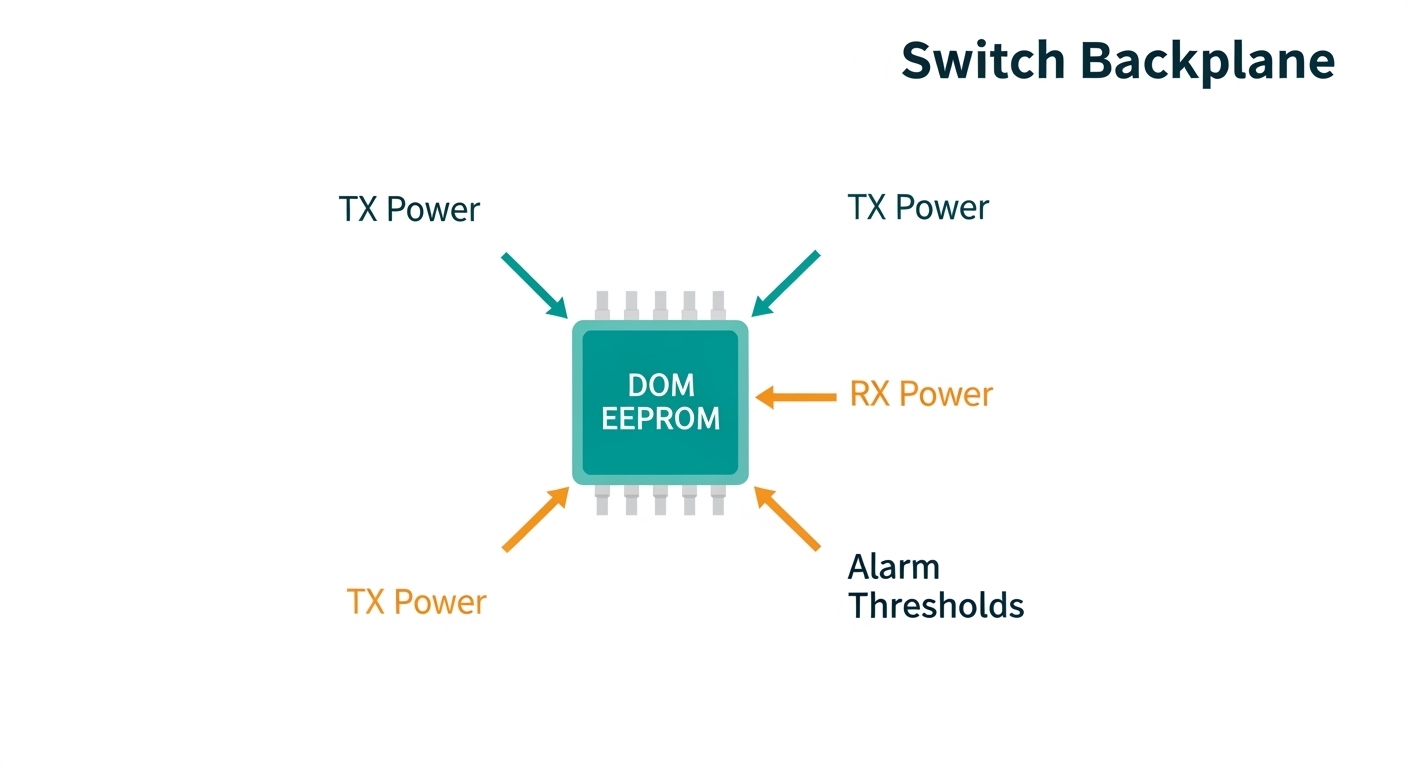
In practice, the cost of an 800G migration is dominated by port economics: how many high-speed interfaces you need, what optics you can reuse, and whether your current switches can fan out to 800G line rates without disruptive re-cabling. For SMB networks, the hidden cost is often downtime planning and labor: staging optics, validating transceiver compatibility, and testing optics DOM readings before cutover.
At 800G, you typically move from older 400G/200G designs and adopt newer coherent-less high-density optics or vendor-specific 800G pluggables. Even when your switch has the 800G fabric capacity, the optics bill can spike due to higher-speed requirements and tighter link budgets on short-reach links. A field pattern I see is teams buying transceivers before confirming fiber type, patch panel cleanliness, and MPO polarity handling.
Port math: how many 800G interfaces do you actually need?
Start with measured utilization. If your ToR or aggregation links average 35% to 55% utilization during peak, you may not need full 800G everywhere; you may need fewer links with higher burst capacity. For example, a 48-port 10G server access tier feeding a 2-switch aggregation pair might only require two or four 800G uplinks to relieve congestion, rather than upgrading every uplink.
Also account for oversubscription. Many SMB deployments oversubscribe 2:1 or 4:1. If your oversubscription is high, you will “feel” congestion sooner, and you may justify more 800G ports even if average utilization looks moderate.
Fiber and optics reuse: the biggest lever
Most costs swing based on whether you can reuse existing multi-fiber infrastructure. If your campus or data hall uses OM4 with short horizontal lengths and existing MPO/MTP patching, you can often keep cabling and only replace transceivers. If you are on OS2 single-mode for longer reach, you may shift wavelength plan and optic type, which can increase both optics unit cost and spares inventory.
800G optics and cabling: realistic spec assumptions for budgeting
Budgeting requires you to translate “800G” into link type. In SMB rollouts, the most common choices are short-reach optics over OM4/OM5 using MPO/MTP connectors, or longer-reach options over OS2 single-mode. Your switch vendor’s SFP/CFP/QSFP form factor support matters because compatibility checks can restrict which third-party optics are accepted.
Typical 800G options you will price
Many vendors support 800G through pluggable modules in QSFP-DD/OSFP-like physical ecosystems, with multiple lanes aggregated. For short reach, you will usually price OM4/OM5-compatible multi-fiber optics; for longer reach, you price OS2 single-mode optics. Before you buy, confirm the exact module part number family supported by your switch and your firmware release.
| Category | Example module family | Connector / Fiber | Typical reach for budgeting | Data rate | Optical power / notes | Temperature range | Power and TCO impact |
|---|---|---|---|---|---|---|---|
| Short reach (MM) | 800G QSFP-DD / OSFP over OM4 | MPO/MTP, OM4 | ~100 m class (depends on module and link budget) | 800G | Higher lane counts; budget insertion loss and patch loss | Commercial or industrial (confirm) | Lower fiber upgrade cost, simpler civil work |
| Short reach (MM, extended) | 800G over OM5 with optimized optics | MPO/MTP, OM5 | ~150 m class (varies widely) | 800G | More forgiving for some wavelength plans, still patch-sensitive | Commercial | May reduce additional transceiver types |
| Long reach (SM) | 800G OS2 single-mode coherent-less option | LC, OS2 | ~2 km class (depends on exact optic) | 800G | Wavelength-dependent budgets; plan spares carefully | Commercial / extended | Higher unit cost, but avoids new fiber runs |
| Compatibility risk | Third-party vs OEM | Same form factor does not guarantee acceptance | N/A | N/A | DOM and vendor checksum rules can block links | N/A | May increase labor and RMA risk |
For standards context, link behavior and electrical interfaces tie back to IEEE Ethernet families and vendor-specific implementations; for example, IEEE 802.3 defines Ethernet PHY operation across many generations. Always cross-check your switch datasheet and transceiver compatibility guide rather than relying on generic “800G supported” claims. [Source: IEEE 802.3 Ethernet standard overview]
When you price, include insertion loss for patch cords and connectors. In real SMB patch panels, a “short” link can exceed budget due to dirty MPO endfaces or too many patch transitions.
Concrete pricing inputs you can use
In the market, SMB teams often see 800G optics priced significantly above 400G equivalents, with wide variance based on reach and whether the module is OEM or third-party. A pragmatic approach is to build three line items: optics, spares, and labor for validation. For labor, include time for transceiver DOM checks, optical power readings, and link bring-up with traffic tests.
Cost model for SMB 800G migration: ports, optics, and power
A useful cost model is “per upgraded uplink” plus “shared costs.” Shared costs include upgrade labor, patch panel work, and switch licensing if required. Per-uplink costs include optics modules, any new patch cords, and potential fiber cleaning consumables.
Step-by-step cost worksheet (engineer-friendly)
- Count uplinks: number of 800G ports you will activate at cutover (example: 4 uplinks).
- Choose reach: determine fiber type (OM4/OM5/OS2) and measured patch-to-switch distance.
- Pick optic type: short-reach MM vs long-reach SM, then decide OEM or third-party.
- Apply spares: commonly 10% spare optics for SMB inventory; for mission-critical, go to 15% to 20%.
- Estimate labor: transceiver staging and testing (often 0.5 to 2.0 hours per port depending on cabling complexity).
- Estimate power delta: include switch and transceiver power. Even if the switch fabric is the same, extra ports draw additional power and heat.
- Account for downtime: if you must schedule after-hours, include change-control overhead.
Power and thermal considerations
At 800G, transceivers can draw meaningful watts per module. While exact values depend on the module vendor and reach, you should plan for additional heat load in the rack. In SMB environments with constrained HVAC, thermal headroom can become a real cost driver because it may force rack cooling upgrades or throttle policies.
Pro Tip: When validating 800G optics, rely on DOM telemetry and link quality counters immediately after insertion. I have seen “it links up” success on the first minute, followed by CRC/BER alarms after traffic ramps due to marginal MPO polarity or an unseated MTP key. Catching it early prevents a costly rollback during peak hours.
Selection criteria checklist: choosing optics without breaking budget
Use this ordered checklist during vendor comparisons. It is designed to reduce both the unit price and the probability of expensive rework.
- Distance and link budget: confirm measured fiber length and loss per patch panel transition, not just “it is under 100 m.”
- Switch compatibility: verify the exact switch model and firmware release supports the optic family. Many platforms enforce compatibility using vendor IDs and DOM fields.
- DOM support and alarms: ensure the module provides reliable temperature, bias current, and received power readings; log behavior during traffic tests.
- Operating temperature: confirm the module’s temperature range matches your rack environment, especially if you have side-by-side airflow restrictions.
- Connector and polarity: MPO/MTP polarity and keying must match your patching plan; budget time for re-termination if polarity is wrong.
- Vendor lock-in risk: OEM optics may be pricier but reduce compatibility friction; third-party can cut CAPEX but may increase validation labor and RMA risk.
- Spare strategy: buy spares that match the same lot or at least the same spec revision to reduce performance variance.
OEM vs third-party: where ROI really comes from
OEM optics can cost more, but the ROI is often labor savings and reduced incident rates. Third-party optics (including reputable distributors) can be cost-effective when the switch compatibility list is clear and you have a repeatable validation process. As a reference for typical transceiver ecosystems, you can compare widely deployed vendor SKUs such as Cisco transceivers (for example, Cisco SFP-10G-SR for earlier generations) and third-party equivalents like Finisar and FS.com optics families; the exact 800G part numbers differ, but the compatibility and DOM considerations remain consistent. [Source: Cisco SFP product documentation], [Source: Finisar optical transceiver datasheets], [Source: FS.com transceiver product listings]
Update note: as of mid-2026, 800G optics pricing remains volatile based on supply, reach class, and region. Always pull live quotes before finalizing the budget.
Common mistakes and troubleshooting tips during 800G migration
Even well-planned SMB migrations fail due to a few recurring issues. Below are concrete pitfalls I have observed in field testing and commissioning.
“Cable is short, so link budget will work”
Root cause: patch panel loss, dirty MPO endfaces, or extra transitions exceed the module’s insertion-loss budget. In MPO-heavy patching, one additional cassette or an unclean connector can push the received power beyond thresholds.
Solution: clean MPO/MTP endfaces with lint-free wipes and approved cleaning tools, then measure with a loss tester if available. Validate received power and error counters right after bring-up and again after traffic ramp.
Polarity or keying mismatch on MPO/MTP
Root cause: MPO polarity configuration (A/B side mapping) is reversed, or the MTP keying is seated incorrectly. The link may come up briefly, then produce elevated CRC or intermittent errors.
Solution: follow your polarity map and verify cassette orientation physically. If errors persist, re-map the patch cords and retest with a known-good module.
Transceiver compatibility blocked by firmware rules
Root cause: the optics physically fits, but the switch firmware rejects the module based on vendor ID, DOM fields, or feature flags. Symptoms include ports stuck in “unsupported” state or repeated resets.
Solution: check the switch vendor’s compatibility matrix and update to a firmware version recommended for 800G optics. If you use third-party modules, buy from a supplier that provides tested compatibility documentation.
Thermal headroom overlooked
Root cause: the rack airflow pattern causes transceiver temperature excursions under load. Errors then appear as the system warms up.
Solution: verify rack inlet temperatures and ensure front-to-back airflow is unobstructed. Consider fan tray configuration changes and add targeted airflow if your SMB cabinets are tightly packed.
Cost and ROI note: what to expect in real budgets
For SMB teams, an 800G migration project often ranges from a modest partial upgrade to a larger refresh depending on how many uplinks you activate and whether you need new cabling. As a rule of thumb, optics CAPEX can dominate the bill, while labor and validation can be the second-largest line item. If you need to re-terminate MPO cassettes or upgrade patch panels, the TCO rises quickly due to downtime coordination.
OEM optics typically cost more per module than third-party options, but they can reduce the probability of failed link bring-up and reduce RMA churn. A practical ROI approach is to compare not only unit price but also total time-to-stable operation and expected replacement probability during the first year. If your network is customer-facing and downtime is expensive, the “cheapest module” may be the most expensive overall once you include incident response.
FAQ
How do I estimate the number of 800G ports for an SMB migration?
Use traffic measurements from your current switches and identify the top congested paths. Then estimate the bandwidth needed at peak and include burst headroom; many SMB upgrades start by upgrading only the most overloaded uplinks rather than every interface.
Should I choose OEM or third-party 800G optics to control cost?
If your switch has strict compatibility enforcement, OEM can reduce validation and downtime risk. Third-party optics can be cost-effective when you have a documented compatibility match and a repeatable DOM and error-counter test procedure.
What fiber type is safest for an 800G migration in a campus or SMB data closet?
For short runs, OM4 or OM5 with well-maintained MPO/MTP patching is usually the lowest-cost path. For longer reach, OS2 single-mode may avoid new fiber runs, but it increases optics unit cost and spare complexity.
What are the most common causes of 800G link instability after installation?
Most issues trace back to MPO polarity mistakes, dirty endfaces, or thermal excursions. Firmware compatibility problems can also cause repeated port resets or unsupported states.
Do I need to re-cable when moving to 800G?
Often, you do not need to re-cable if your existing infrastructure matches the required reach and connector plan. You may still need patch cord swaps, cassette re-orientation, or cleaning and inspection to meet link budgets.
What should I validate before cutover to avoid downtime?
Validate DOM telemetry, check link error counters under realistic traffic, and confirm that transceiver temperatures stay within spec. Also confirm that your patch polarity and labeling match the physical mapping in each cassette.
If you want to reduce risk while keeping costs predictable, start with port math, then budget optics and spares using measured fiber lengths and a compatibility checklist. Next, review 800G optics compatibility and DOM validation to tighten your acceptance testing before cutover.
Author bio: I am a telecom and data-center transmission engineer who has deployed high-speed Ethernet fronthaul and backhaul links, including DWDM and PON-to-core aggregation upgrades, with hands-on optical validation and field troubleshooting.
Author bio: I also support network teams migrating from 200G/400G to 800G by building practical BOMs, compatibility test plans, and operational runbooks for stable cutovers.
