
Many operations teams are being asked to justify an upgrade from 400G to 800G in enterprise networks, but the decision is rarely just about port speed. This article helps network engineers and infrastructure finance owners build an evidence-based ROI case by covering the real cost drivers: transceiver selection, optics power draw, optics replacement risk, and link layer compatibility. You will also get a practical checklist to avoid the common “it works in the lab” failures that show up during rollout.
Where 400G to 800G ROI is won or lost in enterprise networks
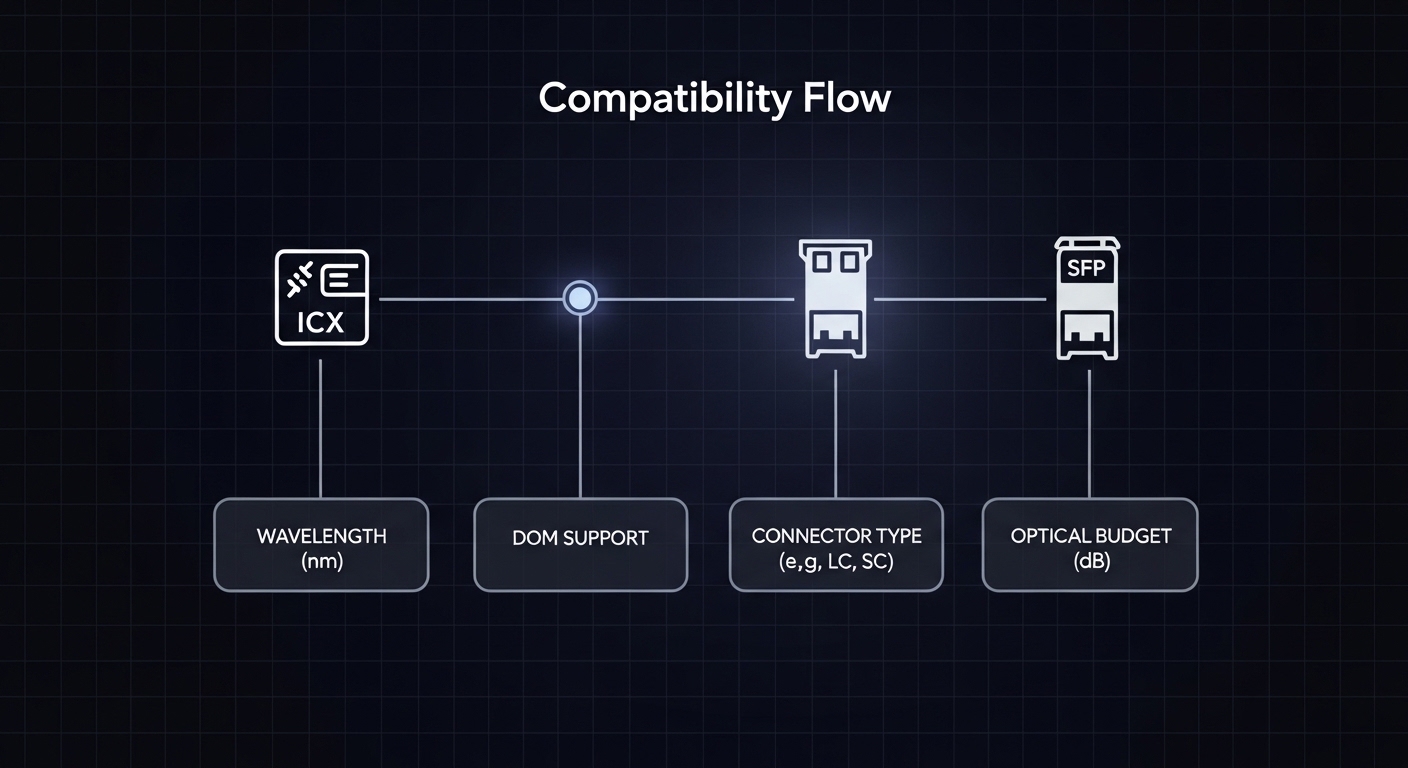
The ROI question usually starts with a capacity story: more traffic growth, flatter oversubscription, or fewer uplinks needed per rack. In practice, ROI is won when the upgrade reduces total cost per delivered bit and lowers operational friction (fewer oversubscription bottlenecks, less congestion, fewer field failures). ROI is lost when the upgrade forces re-cabling, introduces optics compatibility constraints, or increases maintenance overhead due to higher failure rates or mismatched DOM behavior.
Translate “speed upgrade” into measurable enterprise outcomes
To model ROI rigorously, treat each 400G-to-800G port pair as a bundle of capabilities: throughput headroom, latency under load, and failure/repair impact. A useful starting point is to estimate the current utilization distribution (for example, 95th percentile utilization) and then project the utilization after the upgrade. If your 95th percentile is already near 70% and your traffic growth is steep, the business case strengthens because congestion costs show up quickly in application performance and user experience. If utilization is consistently below 30%, you may be paying for capacity that remains idle, and the ROI case must rely on future-proofing or consolidation of links.
On the engineering side, 800G implementations often use different physical layer expectations than 400G, including lane counts and optics form factors, which affect BOM and operational processes. Your model should explicitly include: transceiver unit cost, optics power and airflow impact, spare inventory cost, and the cost of downtime windows.
Technical requirements and key specs: planning the physical layer for 800G
Before running numbers, verify that your enterprise networks can actually support 800G at the physical layer without a disruptive redesign. The most common paths for 800G in enterprise deployments include 800G parallel optics over MPO/MTP with QSFP-DD or similar form factors, or vendor-specific implementations that still require strict optics compatibility. The standards landscape is evolving, but the underlying optics and link behavior are constrained by IEEE Ethernet PHY requirements and by each switch vendor’s optics qualification list.
Reference specs engineers compare during 400G vs 800G planning
While exact reach depends on the transceiver type, wavelength, and fiber type, the decision framework is similar. Engineers typically compare wavelength band, reach (in meters), optical power budgets, connector type, and operating temperature range. For ROI, power and thermal headroom matter because they drive cooling energy and sometimes require airflow or rack-level changes.
| Spec category | Common 400G short-reach (example class) | Common 800G short-reach (example class) |
|---|---|---|
| Data rate | 400G per port | 800G per port |
| Optics form factor | QSFP-DD or similar (vendor-dependent) | QSFP-DD class or vendor-qualified 800G optics |
| Wavelength band | Typically 850 nm for OM4/OM5 short reach | Typically 850 nm for OM4/OM5 short reach |
| Reach (typical enterprise use) | ~100 m over OM4 (varies by optics) | ~100 m over OM4 (varies by optics) |
| Connector / fiber interface | MPO/MTP (often 8-fiber or 12-fiber depending on lane mapping) | MPO/MTP (parallel optics; lane mapping differs) |
| Optical power / budget | Power budget depends on vendor optics; verify with switch CLI | Same: verify with vendor optics and link diagnostics |
| Operating temperature | Commonly 0 to 70 C (check exact module) | Commonly 0 to 70 C (check exact module) |
| Digital diagnostics | DOM via I2C/SFF-8472 class behavior (vendor-specific thresholds) | DOM via vendor-qualified behavior; thresholds can be stricter |
For authority, use the IEEE Ethernet PHY references to understand baseline PHY constraints, and rely on vendor datasheets for module specifics. In practice, the most reliable gating item is the switch vendor’s optics compatibility matrix and their transceiver qualification process. [Source: IEEE 802.3 Ethernet specifications] and [Source: vendor transceiver datasheets and switch optics compatibility guides].
Power draw and cooling: the hidden ROI component
800G optics can draw more power per port than 400G, but the ROI can still be positive if you reduce the number of ports needed for the same aggregate bandwidth. Model power using the module vendor’s typical and maximum values and then translate it into cooling energy using your facility’s power usage effectiveness (PUE). For example, if your additional optics power increases by 15 W per port and you upgrade 200 ports, that is 3,000 W of additional load. With a PUE of 1.6, the facility overhead can be roughly 4,800 W equivalent. That number feeds directly into annual energy cost and can swing ROI if your utilization is not urgent.
Pro Tip: In field deployments, the “DOM passes basic link up” test is not enough. Validate that the switch accepts the module’s DOM vendor ID, temperature alarms, and Tx bias thresholds under your specific firmware build, then run a soak test that includes link flaps and retransmission counters. Many compatibility issues only surface after temperature ramps in cabinet airflow.
ROI model: quantify the upgrade cost, then measure capacity and risk
A credible ROI analysis for upgrading from 400G to 800G in enterprise networks needs a cost model and a benefit model with explicit assumptions. Avoid generic “bandwidth growth” narratives; instead, tie benefits to measurable utilization, reduced congestion events, and fewer physical links for the same throughput. For costs, include not only transceiver unit price but also spares, labor, downtime, and potential re-cabling.
Cost components to include in your spreadsheet
- Transceiver BOM: 800G optics price per module, plus any required breakouts or special cables.
- Installation labor: port provisioning, transceiver insertion, labeling updates, and post-install verification.
- Downtime cost: outage windows for maintenance or risk buffers if you can’t do hitless upgrades.
- Cabling impacts: confirmation that existing MPO/MTP trunks and fiber type (OM4 vs OM5) meet reach and power budget.
- Spare inventory: stocking policy changes because 800G optics are newer and lead times can be longer.
- Power and cooling: module power plus potential airflow changes at rack level.
Benefit components that engineering can actually defend
- Capacity per rack: fewer oversubscription hotspots and reduced queueing during peak windows.
- Reduced port count: sometimes you can consolidate uplinks, which reduces the number of active optics and line card utilization.
- Operational efficiency: simplified cabling management if you re-architect links (only include this if you truly change topology).
- Performance stability: improved tail latency under load due to reduced congestion.
Deployment scenario: a realistic 800G rollout in a leaf-spine enterprise
Consider a 3-tier enterprise data center with a leaf-spine topology: 48-port 10G ToR switches uplink into a pair of spine switches using aggregated links. Today, each leaf has 8 uplinks at 400G for a total of 3.2T per leaf. Traffic averages 45% utilization but reaches 85% during backup windows, causing queue buildup and retransmissions for latency-sensitive replication jobs. The plan is to upgrade to 4 uplinks at 800G per leaf, keeping the same aggregate uplink capacity while reducing port count and optics count, then adding headroom for expected growth to 70% 95th percentile utilization.
In this scenario, the ROI hinges on three things: (1) whether your existing MPO/MTP cabling and fiber type (for example, OM4) supports the reach and power budget for the chosen 800G optics; (2) whether the switch firmware supports the optics model you plan to deploy with stable DOM thresholds; and (3) whether downtime is minimized via maintenance windows and hitless verification where possible. Teams typically run a pilot on 1 leaf pair, validate link stability under temperature ramp, monitor CRC and FEC-related counters (where applicable), and then scale the rollout.
Selection criteria checklist for enterprise networks upgrading to 800G
Use the following ordered checklist to reduce risk and keep the ROI model accurate. Each step should be validated with vendor documentation and your switch CLI diagnostics.
- Distance and reach: confirm actual fiber plant length and margin, not just nominal reach. Include patch panel losses and connector penalties.
- Fiber type compatibility: verify OM4 vs OM5 and fiber grade, plus end-face cleanliness and MPO polarity constraints.
- Switch compatibility matrix: only deploy optics models explicitly qualified for your switch and firmware version.
- DOM and diagnostics behavior: ensure DOM reads correctly and that alarm thresholds align with your monitoring stack.
- Operating temperature and airflow: check module temperature ratings and confirm cabinet airflow meets vendor guidance.
- Vendor lock-in risk: assess whether third-party optics are supported long-term and whether firmware updates might block unqualified modules.
- Spare and lead-time strategy: confirm replacement availability and cost for the specific optics SKU.
Cost & ROI note: realistic ranges and TCO drivers
Pricing varies by region and supply cycles, but for planning purposes, enterprise teams often see 800G optics priced at a meaningful premium over 400G optics per module. In many deployments, the ROI still works because you may deploy fewer ports and fewer optics total for the same aggregate bandwidth, but you must model power and spares realistically. Total cost of ownership is frequently dominated by operational risk: if optics lead times stretch from 2 weeks to 8 weeks, the cost of prolonged degraded service can exceed the initial savings of cheaper modules.
If you evaluate third-party optics, do it with a strict acceptance test and a clear rollback plan. OEM optics can reduce compatibility surprises, but third-party optics can be cost-effective when the switch supports them and your team can validate DOM behavior and stability after firmware upgrades. [Source: switch vendor optics qualification guidance and transceiver datasheets].
Common mistakes and troubleshooting tips during 400G to 800G upgrades
Most failures are predictable once you know where to look. Below are common pitfalls with root causes and practical solutions that field teams encounter during enterprise networks upgrades.
Link comes up but performance is unstable under load
Root cause: marginal optical budget due to patch panel losses, dirty MPO end faces, or incorrect connector mating causing elevated error rates. With 800G parallel optics, small loss increases can have outsized impact.
Solution: inspect and clean MPO/MTP end faces, re-terminate if needed, and run an optical verification test (OTDR or approved loss testing) on the full channel. Validate link error counters during sustained traffic, not only at link-up.
DOM alarms and monitoring show false positives after firmware updates
Root cause: vendor firmware changes can alter threshold interpretation or DOM mapping, especially when using non-OEM optics. Your monitoring system might parse DOM fields differently across module types.
Solution: confirm DOM field mapping in your telemetry pipeline and align alert thresholds with vendor guidance. Re-test after every firmware upgrade in a staging environment, and maintain a known-good optics list per firmware release.
“Works in the lab” but fails in cabinet due to thermal stress
Root cause: airflow patterns in real racks differ from lab benches. Modules can exceed temperature targets during peak cooling events or when adjacent fans cycle.
Solution: measure inlet temperatures at the module area and validate against module operating range (commonly 0 to 70 C, but confirm the exact datasheet). Add targeted airflow improvements or adjust fan profiles, then re-run a stability test with temperature ramp.
Incorrect polarity or lane mapping assumptions with MPO trunks
Root cause: MPO polarity mismatches or incorrect fiber mapping can cause intermittent link failures or persistent training issues.
Solution: verify polarity using a documented labeling scheme, confirm the presence and orientation of polarity adapters, and follow the vendor’s lane mapping guidance. Re-check labeling during physical moves; many failures come from “correct fiber, wrong orientation.”
FAQ
Will upgrading from 400G to 800G always reduce the total number of optics?
Not always. It depends on your topology and whether you consolidate links. If you keep the same number of uplinks and simply double port speed, you may increase optics count and power; ROI improves when you reduce port count for the same aggregate throughput.
How do we choose between OEM and third-party optics for enterprise networks?
Use your switch vendor’s optics compatibility matrix first. Then run a pilot with the exact optics SKU you plan to deploy, validate DOM telemetry, and perform a stability test under sustained traffic and temperature ramp. If firmware updates block the module or change thresholds, you may face operational risk that offsets initial savings.
What if our existing fiber is OM4: is it safe for 800G?
It can be safe, but you must verify reach and power budget with the specific optics model and your actual channel losses. Include patch cords, connectors, and any splitters or additional panels in the loss calculation. Also confirm polarity and MPO end-face cleanliness.
What counters should we monitor during the pilot rollout?
Monitor link up/down events, CRC or equivalent error counters, and any FEC-related indicators if your optics/switch expose them. Track performance metrics like queue depth and retransmission rates under peak traffic windows, not just during idle or low-rate tests.
How should we schedule downtime to protect ROI?
Plan upgrades in maintenance windows and use staged rollouts: pilot a small subset, confirm stability, then scale. If your architecture supports hitless verification, do it; otherwise, quantify downtime cost in your ROI model and avoid large “big bang” cutovers.
Author bio: I have led hands-on field planning for high-density Ethernet upgrades, including optics compatibility validation, DOM telemetry troubleshooting, and rollout playbooks across leaf-spine and core fabrics. I focus on measurable ROI models that connect engineering constraints to operational outcomes in production enterprise networks.
