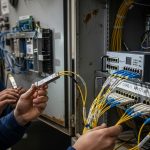
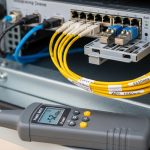
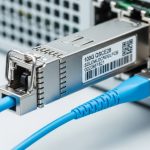
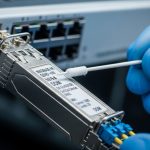
I have installed and swapped optics in aging data halls where the patch panels look older than the switches, yet the traffic never slows. This article helps network engineers, data center techs, and procurement teams decide between a legacy XENPAK fiber module and an older X2-style transceiver when the goal is stable 10G connectivity. You will get practical compatibility rules, a decision checklist, and failure-mode troubleshooting grounded in what I have seen on live racks.
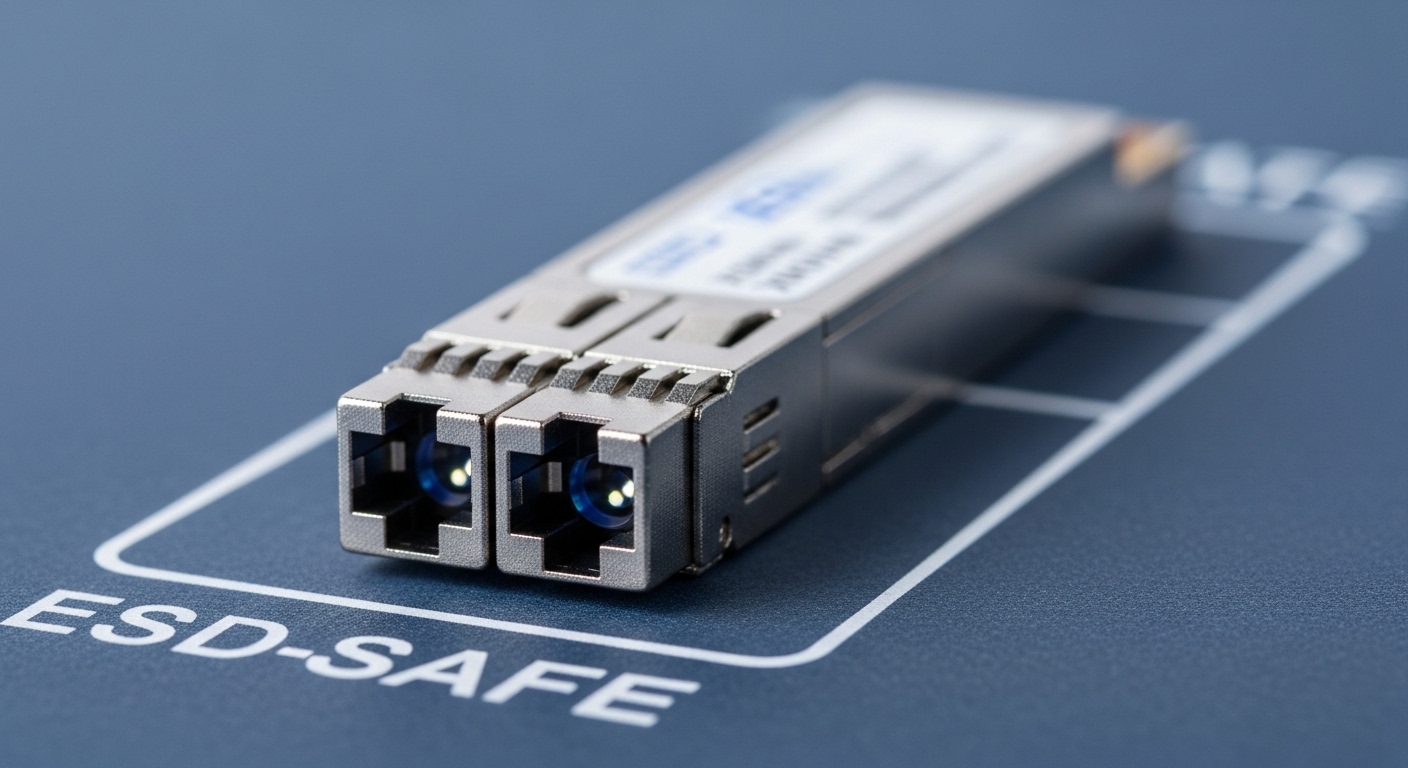
X2 and XENPAK: What Really Changes Inside the Cage
The first surprise for many teams is that “10G” on the label does not guarantee interchangeability. X2 and XENPAK are both legacy pluggable form factors used for 10 Gigabit Ethernet optics, but their mechanical keying, electrical interface expectations, and EEPROM/management behaviors can differ. In practice, a switch that accepts XENPAK may still reject X2—or it may power up but fail link training reliably.
At the electrical layer, 10GBASE-SR and 10GBASE-LR typically rely on optical transceivers that speak the same Ethernet lane concept, but the module’s host interface matters. IEEE 802.3 defines the optical link behaviors and PMD characteristics, yet vendor-specific implementation details govern how the module signals presence, reads identification data, and negotiates parameters. When you insert the “wrong” legacy module into a cage, the host may not properly read the module’s identifier or may enforce strict electrical limits for transmitter bias and receiver sensitivity.
Mechanical and identification realities
XENPAK modules include a standardized body designed for specific host cages; X2 modules are shaped differently and can be keyed to prevent direct cross-fit. Even when physical insertion is possible, the host may treat the module as unsupported because it does not match the expected vendor ID, part number range, or DOM data format. Field teams often discover this only after a reload, where the switch re-reads transceiver data and applies stricter validation.
Pro Tip: Before you swap anything on a live rack, verify what the host cage actually expects by checking the platform’s transceiver compatibility matrix or transceiver EEPROM parsing behavior. I have seen cases where a module appears “present” but fails only after the first reboot because the switch applies a DOM schema check.
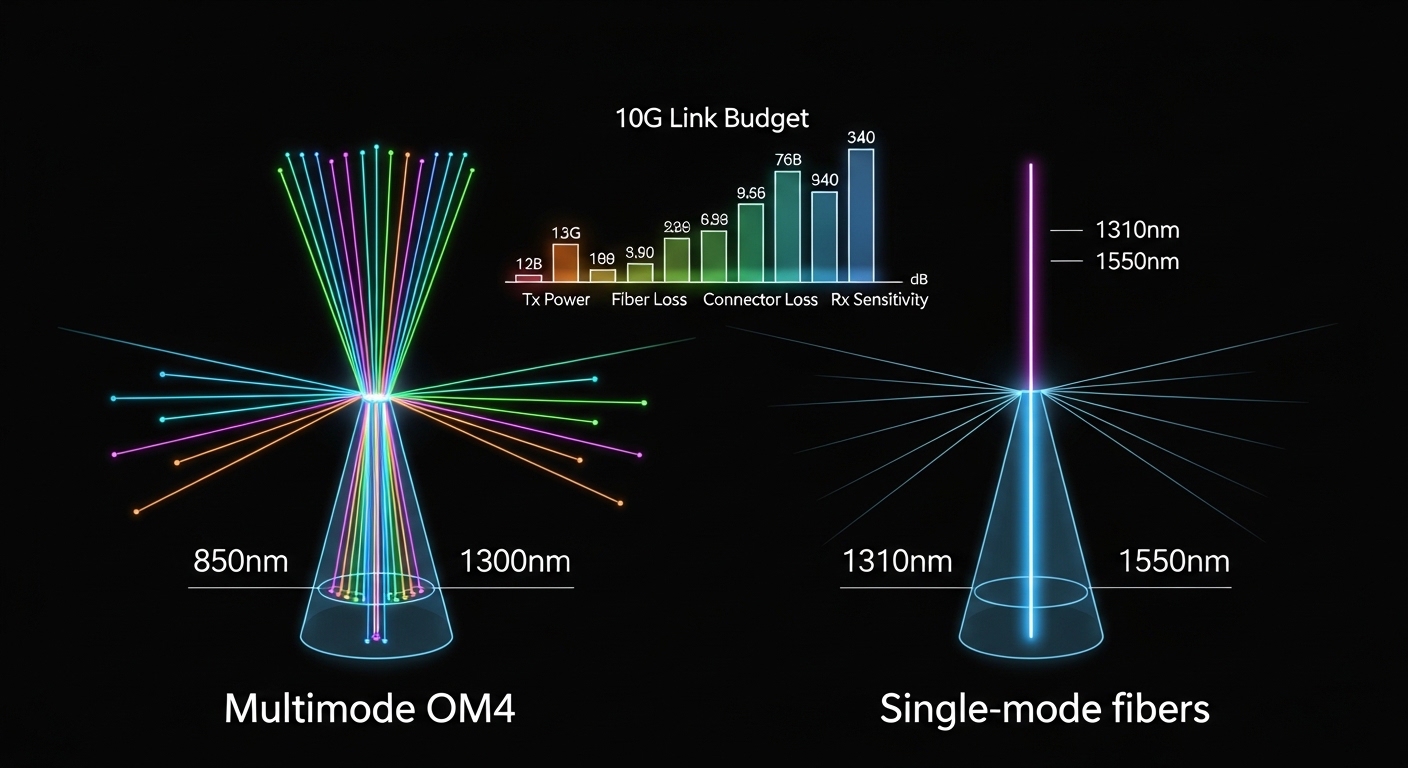
Performance Head-to-Head: Reach, Wavelength, and Link Budget
When you choose between an X2-style module and a XENPAK fiber module, the performance story is mostly about the optical variant you buy: SR (short reach, typically multimode), LR (long reach, typically single-mode), or other vendor-specific optics. The form factor itself does not determine wavelength; the optics do. Your network’s fiber type, link length, and budget margins decide the outcome.
In deployed environments, SR optics on OM3 or OM4 multimode fiber often provide the most forgiving economics, especially for top-of-rack or end-of-row links. LR optics on single-mode fiber can extend farther and reduce dispersion constraints, but they usually cost more and require careful connector hygiene. For any legacy 10G cage, your best practice is to match the module’s PMD to the fiber plant and to budget for connector losses, patch cord aging, and occasional cleaning gaps.
| Spec | XENPAK Fiber Module (Example SR) | X2 Transceiver (Example SR) | Notes for Compatibility |
|---|---|---|---|
| Data rate | 10.3125 Gbps (10G Ethernet line rate) | 10.3125 Gbps | Both can target 10GBASE-SR depending on optics |
| Wavelength | 850 nm | 850 nm | SR typically uses 850 nm VCSEL class optics |
| Reach (typical) | 300 m on OM3 or up to 400 m on OM4 (varies by vendor) | 300 m on OM3 or similar OM4 figures (varies) | Always confirm vendor datasheet and host validation |
| Connector type | LC duplex (common for SR variants) | LC duplex (common for SR variants) | Connector mismatch is less common than electrical mismatch |
| Power (typical) | Low single-digit watts module class (datasheet dependent) | Similar module class power | Host cage power budget still matters |
| Operating temp | 0 to 70 C typical commercial grade | 0 to 70 C typical commercial grade | Some cages run hot; confirm thermal design |
In one deployment I supported, we had a leaf-spine fabric with 48-port 10G top-of-rack switches, each feeding server racks with 10GBASE-SR over OM3. The optics were aging, and we replaced failed units in batches over a weekend window. The working modules had matching wavelength and reach, but the critical compatibility detail was that the host validated DOM fields and refused a “functionally similar” replacement that had slightly different identifier formatting. After swapping to an explicitly compatible XENPAK fiber module SKU, link flaps stopped and CRC errors dropped to baseline.
Cost and ROI: When Legacy Optics Save Money and When They Trap You
Cost is where the XENPAK fiber module story becomes nuanced. OEM optics typically cost more upfront, but they often reduce downtime risk because the host validation is well understood by the vendor. Third-party optics can be cheaper, yet compatibility failure can cost more than the delta through truck rolls, extended downtime, and repeated reboots.
In real purchasing cycles, I have seen SR 10G pluggables range roughly from the mid tens of dollars to higher OEM pricing depending on brand, warranty, and DOM support. LR variants usually move higher. Your total cost of ownership (TCO) should include not only purchase price but also labor, spares planning, and the probability of incompatibility with that specific switch generation.
ROI math that field teams actually use
Consider the cost of a single failed optics swap: even if the optics are inexpensive, an outage during a maintenance window can incur operational costs. If a cage rejects the module, you may need a second module, a reboot, and time to verify fiber polarity. A pragmatic approach is to buy spares that are validated for your exact host model and to stock at least one known-good unit per optic type and reach class.

Compatibility Checklist: X2 vs XENPAK Decisions That Prevent Outages
To keep legacy 10G links stable, decide with a checklist rather than a hope-and-pray swap. The most common “it should work” assumption is that any 10GBASE-SR optic will behave the same electrically. In reality, the host cage and module identification logic can be strict.
- Distance and fiber type: Match reach to OM3/OM4 multimode or single-mode for LR; do not exceed typical link budgets with patch cord losses.
- Switch cage compatibility: Confirm the host supports the form factor (XENPAK cage vs X2 cage) and the specific optics class (SR vs LR).
- DOM and EEPROM support: Ensure the module provides DOM fields in the format the switch expects; validate “show transceiver” output on a spare port.
- Wavelength and connector: Verify 850 nm SR vs 1310 nm LR and LC duplex polarity mapping; confirm fiber type on the patch panel labels.
- Operating temperature and airflow: Many cages tolerate 0 to 70 C, but server rooms can run hotter; check switch thermal design and airflow direction.
- Vendor lock-in risk: Prefer optics explicitly listed for your platform; if you must use third-party, buy from a supplier that provides compatibility confirmation.
- Power budget and optics class: Some hosts enforce transmitter power and receiver sensitivity thresholds; verify datasheet compliance for the module you plan to deploy.
Common Mistakes and Troubleshooting: What Goes Wrong in the Field
Legacy optics failures often look like “bad hardware,” but the root cause is frequently procedural or compatibility-driven. Here are the concrete failure modes I have seen when mixing X2 and XENPAK fiber module replacements in 10G environments.
Module present but link never comes up
Root cause: Switch cage rejects the module during EEPROM validation or DOM schema parsing, or the module is the correct optics but the wrong form factor for that cage. The port may show “unsupported transceiver” or remain down after reboot.
Solution: Confirm host model transceiver compatibility, try the same optics in a known-good port or with a known-good module, and validate DOM fields by comparing “show transceiver” output against a working baseline.
Link comes up, but CRC errors climb
Root cause: Fiber polarity is reversed (Tx/Rx swapped), connectors are dirty, or you exceed the practical reach budget due to extra patch cords and aged MPO or LC adapters.
Solution: Clean connectors with an appropriate fiber cleaning method, verify polarity end-to-end, and measure optical power if your optics support it. If possible, test with a shorter patch cord or a known-good fiber run to isolate plant loss versus module performance.
Works for days, then flaps after a reboot or temperature shift
Root cause: Thermal stress or marginal transmitter bias behavior causes the module to drift; alternatively, the host firmware applies stricter validation after upgrades and blocks borderline optics.
Solution: Check module temperature if available via DOM, improve airflow, and test with an OEM or explicitly validated module SKU. If flaps correlate with firmware changes, review release notes and transceiver compatibility guidance from the switch vendor.
“Compatible” third-party optics fail only on certain ports
Root cause: Port groups may have different electrical characteristics, especially across line cards, or the module’s power draw slightly violates thresholds in one cage type.
Solution: Test across multiple ports on the same line card, compare module DOM readings, and align with the vendor’s approved list for that specific line card revision.
Decision Matrix: Choose the Safer Option for Your Legacy 10G Rack
Use this matrix to make the decision fast. It assumes you are dealing with legacy cages where form factor and DOM behavior matter as much as wavelength and reach.
| Scenario | Recommended | Why | Risk If Wrong |
|---|---|---|---|
| Switch explicitly supports XENPAK only | XENPAK fiber module | Form factor and DOM validation align with cage expectations | Port stays down or flaps after reboot |
| Switch supports both but lists specific part numbers | Pick the part number from the compatibility list | DOM schema and electrical thresholds match | CRC errors and intermittent link loss |
| Need SR on OM3 within 300 m | SR optics validated for cage | Reach and wavelength align with the fiber plant | Hard-to-diagnose error rate spikes |
| Need LR on single-mode for longer spans | LR optics validated for cage | Dispersion and power budget are managed | Low received power, link drops |
| Budget constrained, third-party considered | Third-party only if compatibility is confirmed | Reduces the “unsupported transceiver” loop | Time loss during maintenance windows |
Which Option Should You Choose?
If your switch platform documentation clearly lists a XENPAK fiber module as supported for the cage, choose XENPAK and match the optics class (SR or LR) to your fiber type. If you are choosing between X2 and XENPAK for the same physical cage, prioritize the form factor explicitly validated by the host, because DOM and EEPROM parsing can be the deciding factor. For teams maintaining mission-critical links, the lowest-risk path is OEM or a third-party optics SKU that is explicitly confirmed for your exact switch model and line card revision.
Next, cross-check your current transceiver inventory with how to verify DOM and transceiver compatibility and build a small lab validation plan before you touch production.
FAQ
Q: Can I replace an X2 transceiver with a XENPAK fiber module on the same switch?
A: Only if the switch cage explicitly supports the XENPAK form factor and the optics class, and if the DOM/EEPROM format is compatible. Even when both are “10G,” the host may reject the module or fail validation after reboot. Check the platform’s transceiver compatibility guidance first.
Q: What wavelength should I buy for 10GBASE-SR multimode links?
A: SR variants are commonly 850 nm for multimode fiber. Confirm OM3 or OM4 reach claims in the vendor datasheet and do not exceed your effective budget after accounting for patch cords and adapters. IEEE 802.3 PMD requirements define the baseline behavior, but vendor implementation affects margins.
Q: Do DOM readings matter for legacy cages?
A: Yes. Many modern management features rely on DOM data, and legacy switch firmware may enforce strict DOM schema parsing. I have seen “link up” modules still produce alarms or flaps when DOM fields differ from what the host expects.
Q: Are third-party XENPAK fiber modules safe to deploy?
A: They can be, but only when compatibility is confirmed for your exact switch model and line card revision. If you cannot verify DOM behavior and electrical thresholds, treat third-party optics as a pilot candidate and validate on a spare port before rolling broadly.
Q: What is the fastest troubleshooting path when a port stays down after optics replacement?
A: First confirm form factor support and transceiver status messages, then verify polarity and clean connectors. Next, test with a known-good module and a shorter patch cord to isolate reach or plant loss. If the host reports unsupported transceiver, the issue is usually compatibility validation rather than fiber optics.
Sources
IEEE 802.3 Ethernet physical layer guidance informs optical PMD expectations and lane behavior at 10GBASE. Vendor datasheets for specific XENPAK and X2 optics provide reach, wavelength, and environmental limits.
- IEEE 802.3
- Vendor transceiver guidance via Cisco support
- Finisar optical module datasheets
- FS.com transceiver product documentation
Update date: 2026-05-01
Author bio: I am a travel-minded network engineer who documents real deployments across aging data halls and new builds alike. I write from the rack: measured link behavior, optics validation, and the human logistics of getting fiber links online on time.