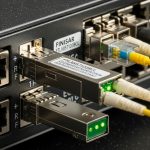
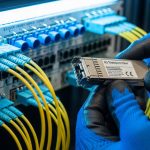
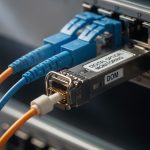
When a cell tower uplink goes dark, the culprit is often not the radio, but the wireless backhaul SFP feeding the fiber back to the aggregation site. This quick reference helps field engineers and network planners choose the right optical transceiver, validate compatibility, and avoid the failure modes that waste outages. You will also get practical selection steps, a spec comparison table, and troubleshooting patterns drawn from tower-to-core deployments.
Where a wireless backhaul SFP fits in the cell tower chain
A typical tower backhaul path looks like: baseband/radio equipment at the site, then an SFP/SFP+ optical transceiver into a managed switch or media converter, then fiber to the nearest aggregation point. In many greenfield deployments, the tower switch runs 10G or 1G uplinks depending on radio generation and capacity targets. Engineers choose the SFP form factor (SFP vs SFP+) and the optical interface (SR vs LR vs ER, or wavelength-locked variants) to match the installed fiber plant.
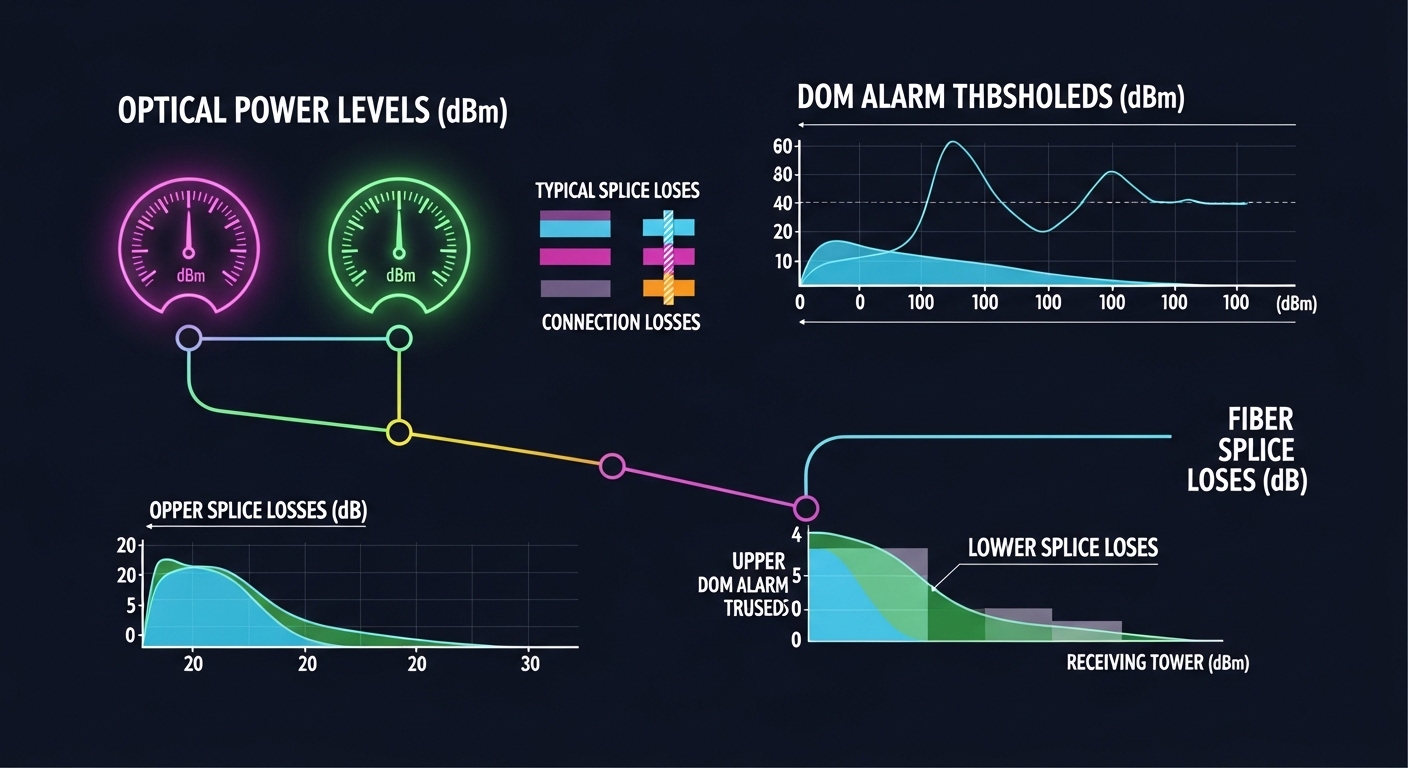
Most “wireless backhaul SFP” purchases are actually about three constraints: (1) distance and fiber type (multimode vs single-mode), (2) switch compatibility and vendor optics validation, and (3) environment (temperature swings, dust, and vibration at the tower base). The SFP’s DOM (Digital Optical Monitoring) support matters because it turns a vague “link down” into measurable thresholds like received power and laser bias current.
Pro Tip: In tower installs, treat DOM readings as a “health telemetry” stream. If your vendor optics show Rx power trending downward by roughly 1 to 2 dB over a few months, schedule cleaning and connector inspection before the link crosses the switch’s alarm thresholds.
Standards and interoperability expectations are grounded in IEEE and vendor practice. IEEE 802.3 defines Ethernet PHY behavior for copper and fiber links, while vendor datasheets define optical power, receiver sensitivity, and DOM signaling behavior. See [Source: IEEE 802.3] and the specific transceiver datasheets for your part numbers via manufacturer documentation like Cisco and Finisar/II-VI.
anchor-text: IEEE 802.3 standard
Optical spec map: wavelength, reach, and connector choices
Before ordering, map your fiber plant and optics budget. SR modules typically use 850 nm over multimode fiber (MMF), while LR/ER modules use 1310 nm or 1550 nm over single-mode fiber (SMF). Your switch or media converter may require LC connectors and may enforce wavelength or speed constraints (for example, 10G SFP+ SR must match a 10G-capable port).
Below is a practical comparison of commonly deployed optics for wireless backhaul SFP use cases. Actual reach depends on link budget, fiber attenuation, splice/connector loss, and safety margins.
| Wireless backhaul SFP type | Typical wavelength | Reach (typical) | Connector | Data rate | DOM | Operating temperature | Common use |
|---|---|---|---|---|---|---|---|
| SFP SR (1G) | 850 nm | Up to ~550 m on OM2/OM3*; varies by spec | LC | 1G Ethernet | Often supported | -40 to 85 C (typical extended) | Short MMF spans inside campus or near sites |
| SFP+ SR (10G) | 850 nm | Up to ~300 m (OM3) / ~400 m (OM4)* | LC | 10G Ethernet | Common on modern modules | -40 to 85 C | Tower-to-nearby aggregation over MMF |
| SFP+ LR (10G) | 1310 nm | Up to ~10 km* | LC | 10G Ethernet | Common on modern modules | -40 to 85 C | SMF backhaul where budget supports longer spans |
| SFP+ ER (10G, where used) | 1550 nm | Up to ~40 km* | LC | 10G Ethernet | Often supported | -40 to 85 C | Long SMF spans with careful link budgeting |
*Reach values vary by exact part number and fiber grade; always confirm with the manufacturer datasheet and your link budget.
When selecting, confirm the transceiver family supports the required Ethernet speed and that the port is physically compatible. For example, a Cisco SFP-10G-SR expects a 10G-capable SFP+ port; inserting it into a 1G SFP port will fail at best and may cause link instability at worst. Likewise, a module with multimode SR optics will not work on a single-mode-only fiber plant without the right transceiver type.
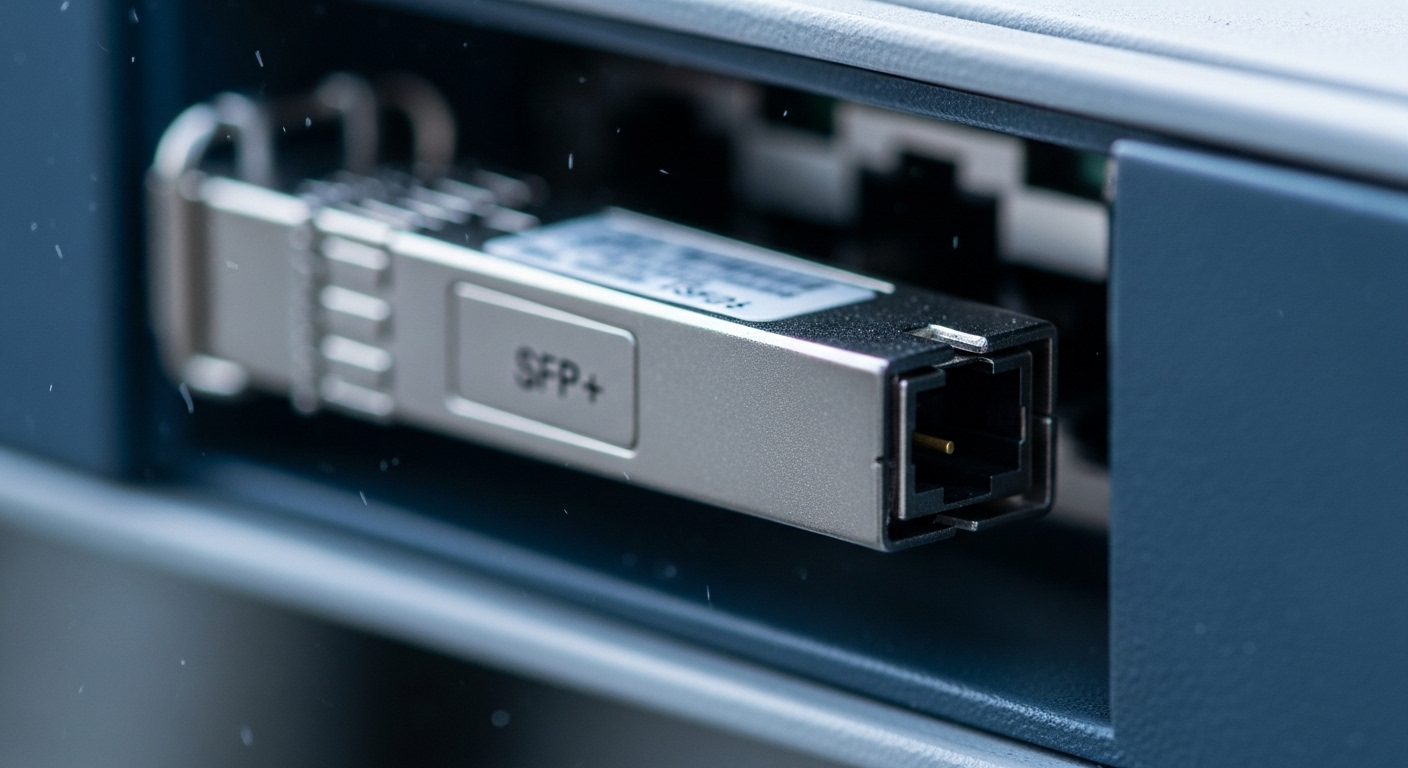
Connector and fiber type checks you can do in minutes
- Connector standard: Most modern optics use LC. Verify patch panel labeling and connector gender.
- Fiber type: Check splice tray labeling for OM3/OM4 (MMF) vs OS2 (SMF).
- Wavelength match: SR uses 850 nm; LR uses 1310 nm; ER uses 1550 nm.
- Speed match: SFP (1G) vs SFP+ (10G). Do not assume “same shape means same speed.”
Deployment scenario: tower uplink with measured margins
Consider a 3-tier architecture with 48-port 10G ToR switches at a regional hub and 10G uplinks from each tower site. At one site, the tower switch connects to an aggregation switch over a 3.2 km single-mode fiber span with 4 splices and two mated connectors. Using typical SMF attenuation and conservative link budgeting, a 10G LR SFP+ (1310 nm) typically has enough optical margin if the installed end-to-end loss stays within spec (commonly validated with an OTDR or a certified optical power meter).
In the field, the engineer inserts the 10G LR SFP+ into the tower switch and verifies link up, then checks DOM values: Rx power within the module’s recommended range and laser bias stable across link renegotiations. If the link flaps under heavy rain or wind-driven vibration, the root cause is often not the transceiver but connector contamination or a marginal splice. Cleaning with lint-free wipes and approved solvent, then re-seating the LC connectors, resolves many “mystery outages” without touching the RF chain.
Selection criteria checklist for wireless backhaul SFP purchases
Use this ordered checklist to prevent rework and avoid the quiet incompatibilities that show up only after installation.
- Distance and fiber type: Determine MMF vs SMF, then choose SR vs LR/ER based on reach and safety margin.
- Data rate and port type: Confirm SFP vs SFP+ and the exact Ethernet speed supported by the switch.
- Switch compatibility: If the switch uses optics validation, check the vendor’s compatibility list or test with your exact model.
- DOM support and thresholds: Prefer modules with DOM so you can monitor Rx power and alarms.
- Operating temperature: Tower enclosures can exceed typical lab conditions; favor -40 to 85 C rated optics unless you can guarantee cooler air paths.
- Vendor lock-in risk: OEM optics may be expensive but predictable; third-party optics can work if they pass your acceptance tests and maintain EEPROM/DOM behavior.
- Optical budget verification plan: Define how you will measure end-to-end loss (OTDR and optical power meter) at install and during maintenance.
Common field-deployed examples include OEM and third-party modules such as Finisar FTLX8571D3BCL (10G SR-class family examples vary by exact suffix), Cisco OEM optics like Cisco SFP-10G-SR, and third-party equivalents from vendors such as FS.com SFP-10GSR-85. Always match exact specs to your switch and fiber plant rather than relying on “similar reach” claims.
anchor-text: Cisco transceiver documentation and compatibility resources
Common pitfalls and troubleshooting patterns on tower links
Most wireless backhaul SFP failures are patternable. Below are concrete mistakes and how to resolve them quickly.
Link never comes up after insertion
Root cause: Speed or transceiver family mismatch (for example, inserting a 1G SFP into a 10G SFP+ port, or using SR optics on a single-mode fiber plant). Some switches also reject optics that do not match expected EEPROM parameters.
Solution: Verify port speed and transceiver type, then confirm wavelength and fiber type. If the switch supports optics compatibility lists, validate the exact part number. If link still fails, swap with a known-good module from another port at the same site.
Link flaps under vibration or weather changes
Root cause: Connector contamination or loose seating, often worsened by wind-driven movement at the tower. Dust on LC endfaces can create intermittent attenuation that pushes Rx power below receiver sensitivity.
Solution: Clean LC connectors with approved fiber-cleaning tools, inspect with a scope if available, and re-seat using consistent torque/strain relief practices. Then monitor DOM Rx power during the flapping window to confirm stabilization.
High error counters despite “link up”
Root cause: Marginal optical budget (too much splice/connector loss), incorrect fiber grade for SR multimode reach, or aging fiber hardware that increases attenuation. Some deployments also suffer from over-aggressive patching that adds extra mated connectors.
Solution: Measure received power and compare against the module’s specified sensitivity and recommended operating range. If you lack an OTDR plan, at minimum inventory splice counts and connector types, then test with a short verified fiber patch to isolate the plant.
DOM alarms but no obvious traffic outage
Root cause: Thermal drift inside an enclosure or a receiver operating near threshold. Even if the link stays up, the system may be accumulating CRC errors that degrade QoE.
Solution: Correlate DOM alarms with environmental logs (temperature, enclosure fan status). Improve airflow or relocate the media converter if thermal margin is small.
Cost, ROI, and risk: OEM vs third-party wireless backhaul SFP
Pricing varies by region, speed, and reach class, but a realistic planning model helps. OEM 10G LR/ER optics often cost more upfront than third-party modules; third-party can be cheaper yet still reliable when sourced from vendors with good QA and when your acceptance tests are strict. For tower fleets, the real ROI comes from reducing truck rolls, not only from unit price.
In many deployments, a single failed optics event can cost more than the module itself once you include labor, travel, and downtime penalties. TCO should include: expected failure rate, warranty terms, lead time for spares, and the time needed to diagnose DOM and compatibility issues. If you standardize on a known-good module family and keep a tested spares list, you reduce mean time to repair and avoid “unknown unknowns” during outages.
Practical budgeting guidance: plan for at least one spare per site cluster during rollout, and maintain a small pool of “golden” optics for validation. Then compare OEM vs third-party not as a price-per-unit contest, but as a price-per-restored-uplink over a defined service period.
FAQ: choosing the right wireless backhaul SFP in the real world
What fiber type do I need for a wireless backhaul SFP?
It depends on the optics class. SR modules at 850 nm are designed for multimode fiber (typically OM3/OM4), while LR/ER modules at 1310/1550 nm are used with single-mode fiber (often OS2).
How do I confirm compatibility with my switch?
Check the switch port type (SFP vs SFP+) and the optics compatibility list when available. Then validate with your exact module part number and review DOM behavior to ensure the switch reads alarms and thresholds correctly.
Do I need DOM for tower backhaul?
DOM is strongly recommended for operations. It gives you measurable received power and laser status, which speeds troubleshooting and helps prevent silent degradation before a full outage.
Can third-party wireless backhaul SFP modules work reliably?
Often yes, but only after acceptance testing in your environment. Confirm EEPROM/DOM behavior, verify optical performance against your link budget, and test with your specific switch models under normal temperature ranges.
What is the most common cause of intermittent link flapping?
Connector contamination or marginal seating is a top culprit, especially on towers where wind and vibration can slightly shift fibers. Cleaning, inspection, and stable strain relief usually resolve the majority of flap cases.
Should I choose SR or LR for my distance?
Start with your measured end-to-end loss and distance, then compare against the datasheet reach and your safety margin. If you are near the edge for SR multimode, LR over single-mode often reduces risk even when it costs more.

Next step: if you are standardizing a tower fleet, shortlist 1G vs 10G SFP families and align them to your fiber map using how-to-build-a-fiber-link-budget-for-cell-backhaul.
Author bio: I have deployed and monitored SFP and SFP+ optics in fiber-based backhaul networks, validating DOM thresholds and running acceptance tests against switch compatibility lists. My work blends field troubleshooting, link-budget math, and measurable reliability targets to cut outage time.