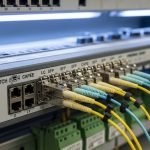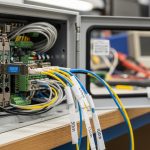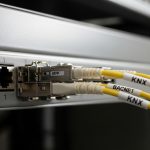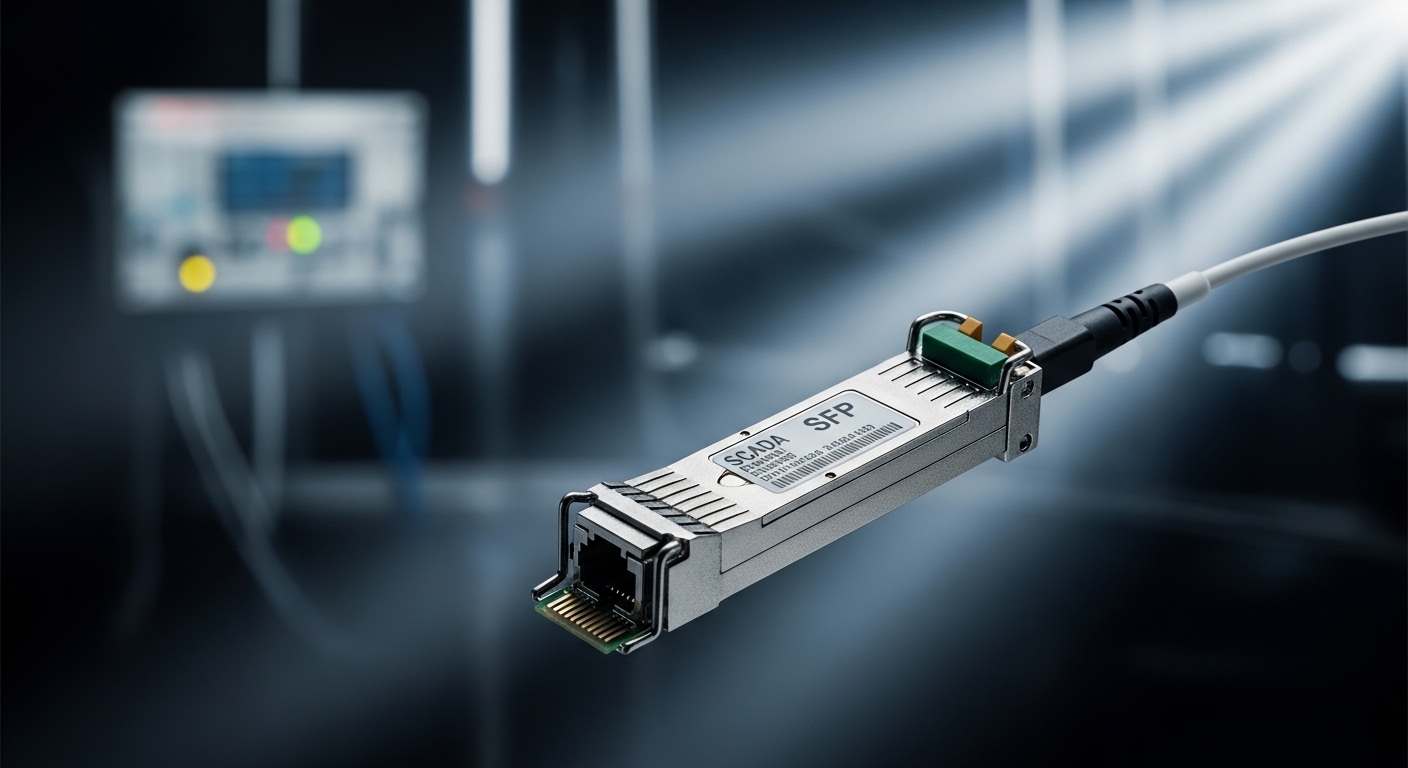
In wastewater treatment plants, a single dead fiber link can stall alarms, pump control, and valve interlocks long enough to turn a routine shift into an investigation. This article helps SCADA integrators and field engineers choose and validate a wastewater SCADA SFP for fiber runs that live in real cabinets, real humidity, and real vibration. You will get practical selection criteria, a specs comparison table, deployment guidance, and troubleshooting patterns you can apply on site.
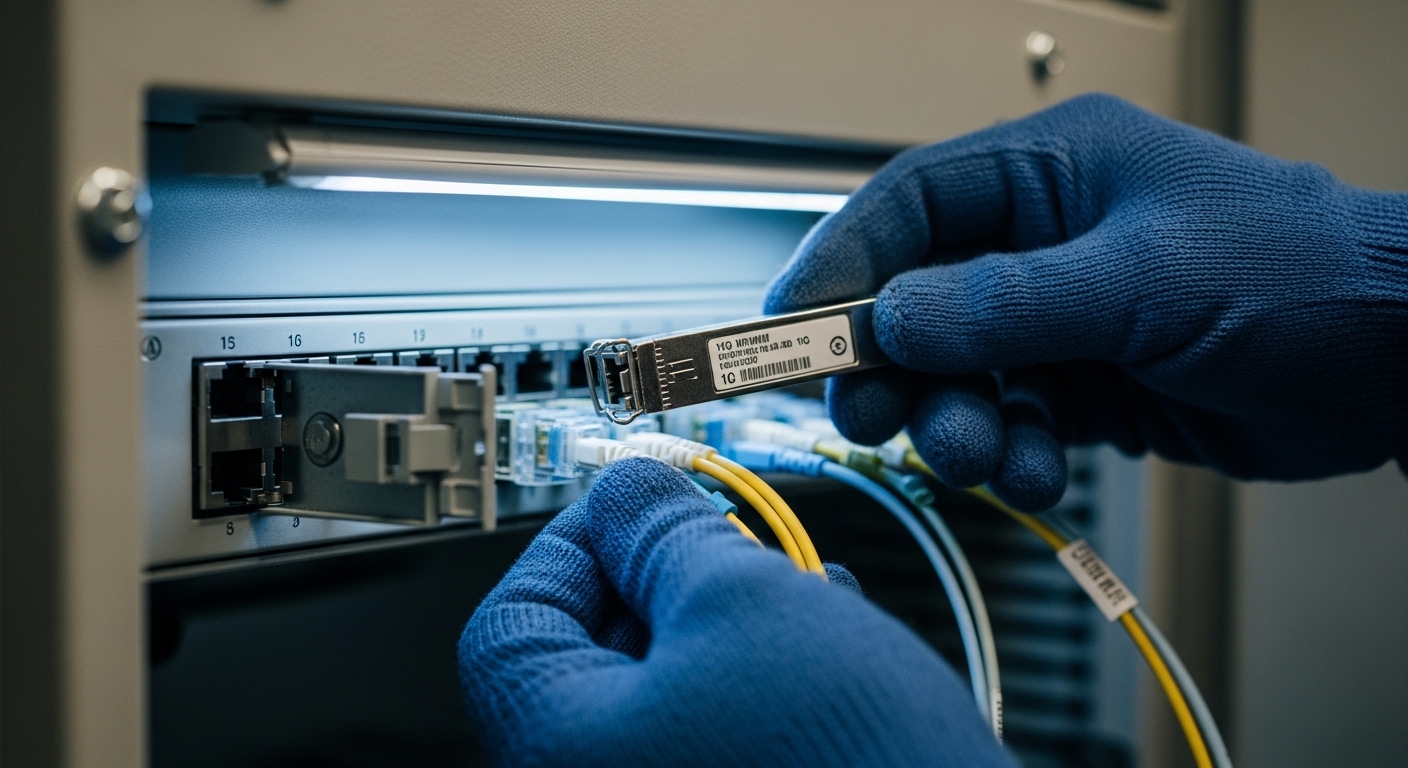
Why wastewater SCADA links demand more than “it lights up”
SCADA traffic for influent monitoring, aeration control, and chemical dosing is often time-sensitive, even when the protocol is not strictly real-time. A wastewater SCADA SFP must therefore meet optical reach and link budget requirements, but it must also behave predictably under temperature swings, power cycling, and cabinet airflow. In practice, engineers validate not only whether the link comes up, but whether it remains stable through maintenance reboots and seasonal temperature drift.
Most plant networks use IEEE Ethernet standards over fiber (commonly IEEE 802.3 for 1G/10G), with transceivers selected to match switch port optics. Vendor compatibility matters because many switches enforce transceiver qualification, and some require specific DOM (Digital Optical Monitoring) behavior. For authoritative baseline requirements, review [Source: IEEE 802.3] and consult your switch and transceiver datasheets for exact optical class and DOM support.
Optics and electrical essentials for wastewater SCADA SFP modules
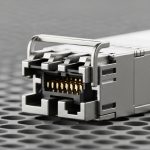
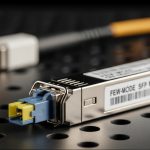
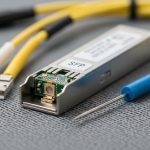
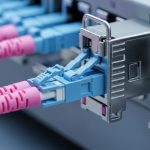
Fiber transceivers are not interchangeable by wavelength alone. A wastewater SCADA SFP is typically specified by data rate, fiber type (single-mode versus multi-mode), nominal wavelength (for example, 1310 nm or 850 nm), optical reach, and connector type (often LC). On the electrical side, the module must match the host switch’s expected signaling and lane mapping, and it must remain within power and thermal limits.
Key specifications engineers verify on the bench
When I deploy these in the field, I treat the module like a component with a measurable envelope. I check the nominal wavelength, Tx/Rx power ranges, receiver sensitivity, and optical budget for the target distance. I also confirm the DOM interface and ensure the host switch can read temperature and bias current without error events. Finally, I verify the operating temperature range is appropriate for the cabinet: many plants have near-freezing nights and warm afternoons, and the air inside cabinets can lag behind ambient.
Comparison table: common wastewater SCADA SFP options
The following comparison focuses on typical transceiver classes used in industrial fiber links. Exact values vary by vendor and part number, so confirm against the specific datasheet before ordering.
| Module type | Data rate | Wavelength | Typical reach | Fiber type | Connector | DOM | Operating temperature |
|---|---|---|---|---|---|---|---|
| 1G SFP SR | 1.25G | 850 nm | Up to 550 m | MMF (50/125 or 62.5/125) | LC | Supported on most models | Commonly 0 to 70 C |
| 1G SFP LX | 1310 nm | 1310 nm | Up to 10 km | SMF | LC | Supported on most models | Commonly -40 to 85 C (extended) |
| 10G SFP SR | 10.3125G | 850 nm | Up to 300 m | MMF | LC | Supported on most models | Often -5 to 70 C |
| 10G SFP LR | 10.3125G | 1310 nm | Up to 10 km | SMF | LC | Supported on most models | Commonly -40 to 85 C (extended) |
For concrete part examples that appear in real network builds, you may encounter modules like Cisco SFP-10G-SR for short MMF runs, and vendor-compatible 10G LR parts such as Finisar FTLX8571D3BCL or FS.com SFP-10GSR-85 for specific wavelengths and reach classes. Treat these as reference points, not as universal fits; always confirm your switch model’s compatibility list and the exact optics class your host expects.
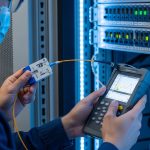
Pro Tip: In plant cabinets, the most common “mystery” outage is not fiber breakage; it is marginal optical power after patch-cord re-termination. I keep a handheld optical power meter and a reference attenuator set, then verify Tx output and Rx input margin after any maintenance that touches LC jumpers—this catches problems that link LEDs can hide.
Deployment scenario: choosing the right wastewater SCADA SFP for a real plant
Consider a three-tier wastewater treatment network on a campus with 48-port 10G access switches at each pump station, uplinked to a central aggregation switch. The fiber spans are measured as follows: station-to-station runs are about 220 m through existing MMF trays, while station-to-central runs are 4.8 km through buried SMF. SCADA traffic includes historian replication and alarm bursts, and the automation vendors require stable link behavior during nightly reboots of edge controllers.
In this scenario, I would select 10G SR optics for the 220 m MMF segments (wavelength 850 nm, LC), and 10G LR optics for the 4.8 km SMF segments (wavelength 1310 nm, LC). I would choose an extended temperature module if the cabinet interior can exceed typical indoor ranges; for many plants, I have seen cabinet air reach the upper tens of Celsius during summer and drop sharply overnight. I also validate DOM compatibility with the switch so that monitoring dashboards reflect temperature and optical power rather than showing blank or error states.
Selection checklist: how engineers decide which wastewater SCADA SFP to buy
When the procurement email arrives, I follow a short, ordered checklist that mirrors what I see fail in the field. This prevents the classic mistake of matching only data rate while ignoring optics, temperature, and host behavior.
- Distance and fiber type: Confirm measured link length, fiber core type (MMF versus SMF), and patch-cord losses. Use an OTDR or at least a certified loss measurement when possible.
- Data rate and host port support: Match the transceiver class to the switch port (for example 1G versus 10G). Confirm the switch firmware supports that transceiver family and speed.
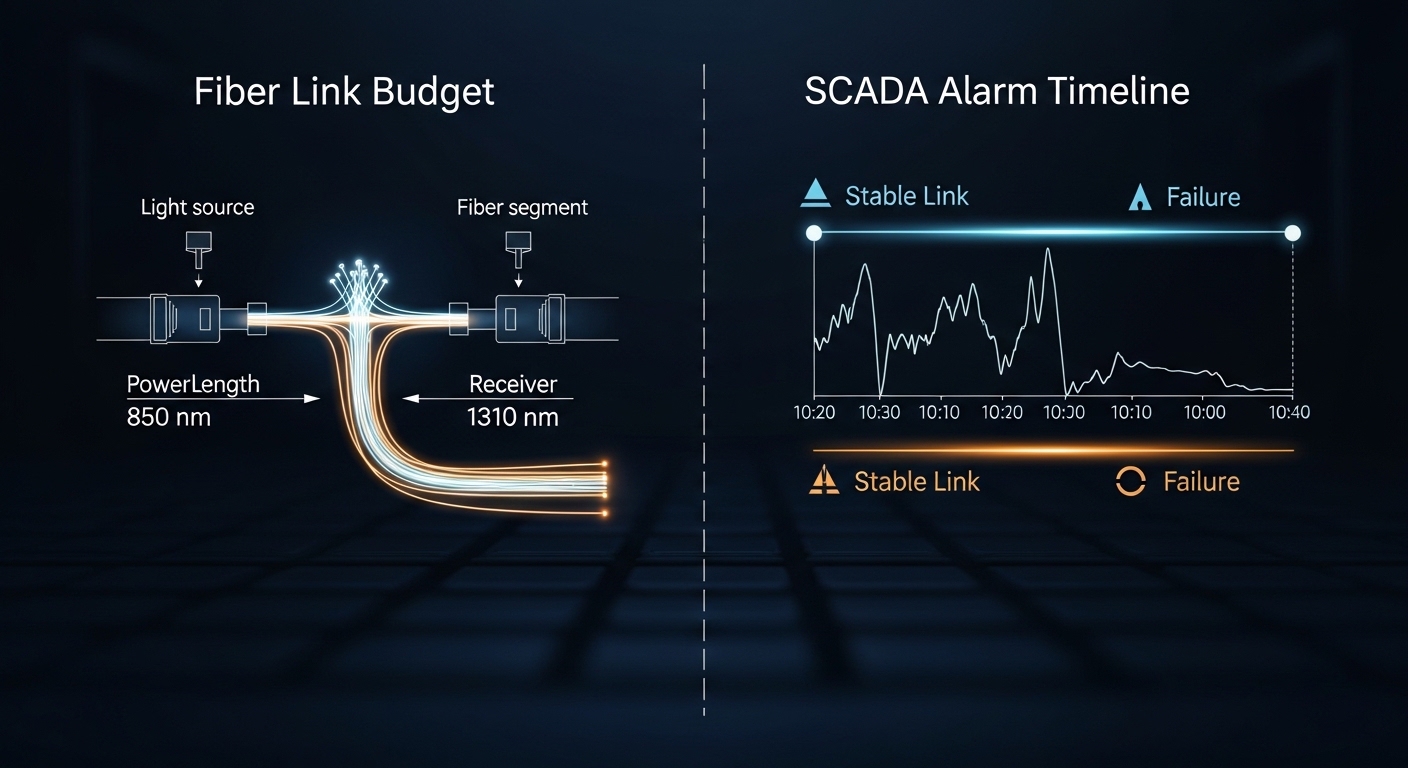
- Wavelength and reach class: Choose 850 nm SR for short MMF runs and 1310 nm LX or LR for SMF runs. Verify optical budget against worst-case connectors and splices.
- Connector and cleaning feasibility: LC connectors are common, but confirm the plant has consistent connector types and cleaning tools. Dirty end faces cause intermittent faults that mimic software issues.
- DOM support and alert behavior: Ensure the host can read DOM values and that alarms are meaningful. Some modules may report values differently, confusing monitoring.
- Operating temperature and thermal design: Choose modules with temperature ranges compatible with cabinet conditions. If the cabinet lacks airflow, assume heat soak after downtime.
- Vendor lock-in risk: Check whether the switch enforces vendor-specific optics. If you use third-party modules, validate compatibility in a pilot and keep a spares plan.
For standards grounding, IEEE 802.3 defines Ethernet physical layer behaviors, but the practical success of a wastewater SCADA SFP depends on the vendor’s transceiver implementation and your switch’s optics validation. Use [Source: IEEE 802.3] for baseline Ethernet optical interfaces, and [Source: ANSI/TIA] guidance for structured cabling practices where relevant.
Common pitfalls and troubleshooting patterns in wastewater SCADA fiber
Fiber optics in treatment plants fail like weather: sometimes sudden, often predictable once you know the signs. Below are field mistakes I have seen repeatedly, with root causes and solutions you can execute quickly.
Pitfall 1: Link comes up but SCADA alarms still flap
Root cause: Marginal optical power due to connector contamination or a slightly higher-than-expected insertion loss after re-termination. The link LED may stay green while packet errors rise.
Solution: Clean LC connectors with proper lint-free wipes and alcohol used per your facility procedure, then re-seat. Measure optical power at both ends with a calibrated meter and compare to the module’s Tx and Rx specifications.
Pitfall 2: Works at boot, fails after a cabinet temperature rise
Root cause: Transceiver operating outside its guaranteed temperature range, or thermal throttling behavior that degrades the receiver margin. In warm cabinets, the bias current for the laser shifts, changing optical output.
Solution: Replace with an extended-temperature module if your environment exceeds typical ranges. Add or improve cabinet ventilation, then confirm with DOM temperature readings during a controlled warm-up period.
Pitfall 3: Switch reports “unsupported optics” or shows DOM errors
Root cause: Host firmware rejects a non-qualified transceiver, or DOM fields do not match what the switch expects. This can happen when third-party modules are purchased without compatibility validation.
Solution: Use the switch vendor’s optics compatibility list, or perform a staged acceptance test: insert the module, verify link stability for at least 24 hours, and confirm DOM polling returns sane values. Keep the original OEM module as a known-good baseline during the test.
Pitfall 4: Correct wavelength, wrong reach class for the actual plant layout
Root cause: The design assumption used a theoretical distance, but actual fiber includes extra slack loops, patching, or higher-loss splices.
Solution: Use measured losses and add a safety margin. If the link budget is tight, upgrade from SR to LR or reduce intermediate patching by re-routing to minimize connectors.
Cost and ROI: what you really pay for a wastewater SCADA SFP
On the invoice, prices vary widely by data rate and reach. As a practical range, 1G SR modules often cost less than 10G optics, while LR modules for SMF typically cost more due to higher-performance components. In many procurement cycles, OEM transceivers carry a premium, while third-party modules can reduce unit cost but may increase validation time and compatibility risk.
From a total cost of ownership standpoint, the biggest ROI lever is failure containment. A transceiver that fails intermittently can consume technician hours and cause SCADA operational delays. If you keep spares on site, test them before deployment, and verify compatibility with DOM and switch firmware, you often reduce downtime more than the initial purchase price savings. For realistic expectations, check multiple distributor listings for your exact part numbers and compare against your maintenance contracts and spares stocking strategy.
FAQ
What does a wastewater SCADA SFP need for fiber reach?
It needs reach that matches the measured fiber length plus connector and splice losses. For short MMF runs, 850 nm SR classes are common; for longer SMF runs, 1310 nm LX or LR is typical. Always verify against the module’s optical budget in the datasheet.
Can I use third-party wastewater SCADA SFP modules in any switch?
Not automatically. Some hosts enforce optics qualification and may show “unsupported” errors or DOM issues with unqualified modules. Validate with a pilot test using your exact switch model and firmware version.
How do I confirm DOM works for SCADA monitoring?
After installing the module, check the switch interface for DOM polling and ensure temperature and optical power values populate normally. If your monitoring platform relies on those fields, confirm the mapping rules before you roll out at scale.
What are the fastest troubleshooting steps when a fiber link drops?
Start with connector inspection and cleaning, then reseat both ends. Next, measure optical power and check link counters for errors. If temperature is a factor, observe DOM temperature trends and reproduce the issue under controlled warm-up.
Should I prioritize extended temperature modules?
If your cabinets see large temperature swings or poor airflow, yes. Extended-temperature optics reduce the risk of receiver margin loss after heat soak. Confirm the module’s specified operating range and compare it to your cabinet thermal profile.
Where can I find authoritative standards for Ethernet optics?
Use IEEE 802.3 for baseline physical layer definitions and behavior. For cabling and infrastructure practices, consult [Source: ANSI/TIA] documentation appropriate to your installation standard. Always defer to vendor datasheets for exact transceiver parameters.
Choosing a wastewater SCADA SFP is an exercise in measured distance, validated compatibility, and optical margin you can defend with repeatable checks. Next, review fiber transceiver compatibility to build a selection process that survives firmware updates, cabinet heat, and real maintenance work.
Author bio: I am a field-deployed network engineer and photographer who documents optical installs in industrial cabinets, from measured link budgets to DOM validation under load. My work blends practical commissioning notes with visual inspection discipline so teams can troubleshoot faster and less expensively.