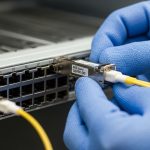
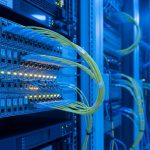
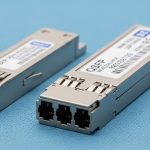
When a production network starts flapping, engineers usually chase the wrong culprit: optics, patch panels, or switch firmware. In many cases, the real stabilizer is a deliberate TX disable SFP strategy paired with correct interpretation of RX LOS. This article helps network reliability teams, field engineers, and small DC operations learn a practical pattern for managing transmit shutdown and loss-of-signal alarms without guesswork.
Case study: TX disable SFP to tame RX LOS storms in a leaf-spine fabric
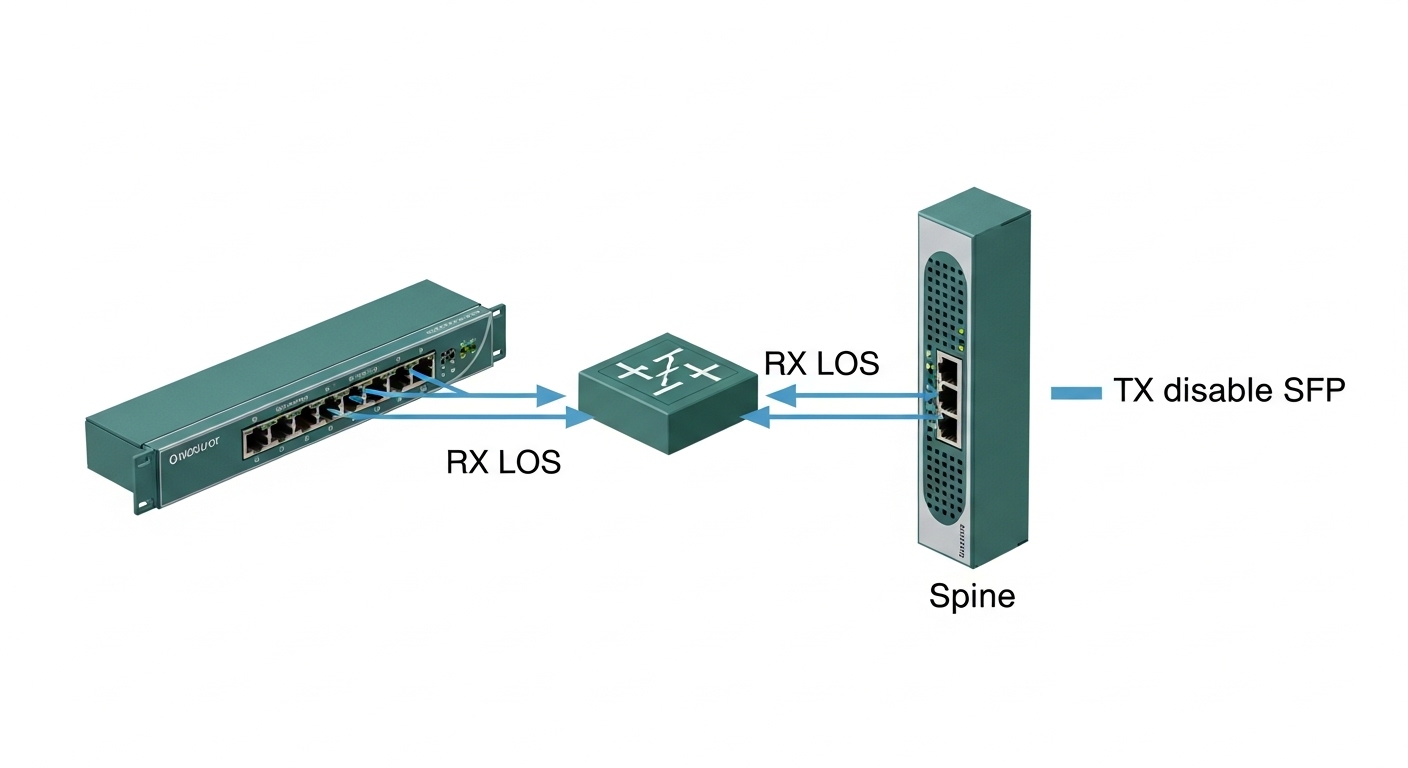
In one deployment, a mid-size enterprise ran a 3-tier leaf-spine design with 48-port 10G ToR switches feeding 12-port 40G spine uplinks. During a fiber re-cabling event, multiple links entered a rapid on-off cycle: the switch reported RX LOS transitions, while the optics kept re-training transmit behavior. The result was microbursts, BGP session churn, and packet loss spikes during peak backups.
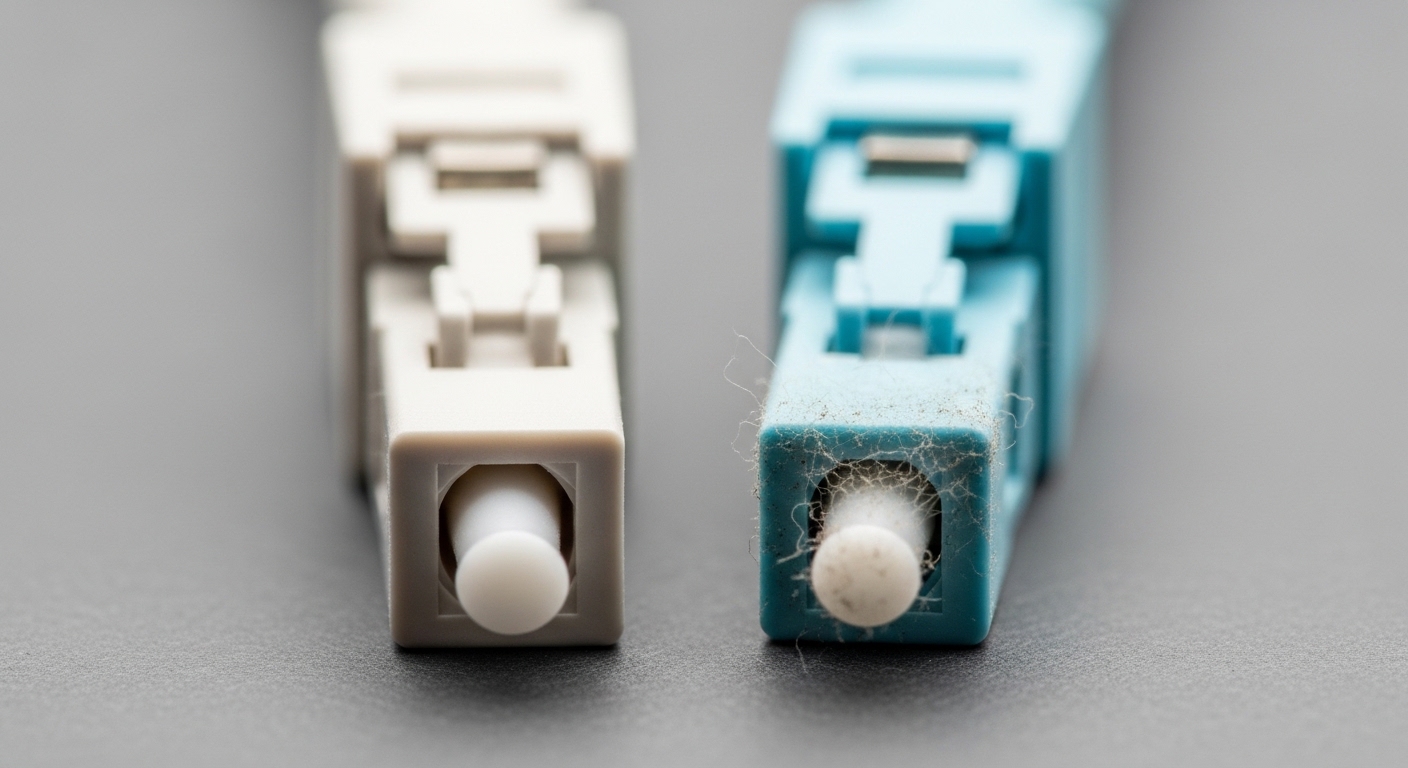
The challenge was not just “bad fiber.” Several runs were marginal at the connector interface, and the optics were sensitive to dirty ferrules and slight angular mismatch. Worse, some transceivers kept transmitting while the receiver was in a loss condition, which amplified instability across the fabric. The fix was a controlled response: when RX LOS asserted, the system would enforce TX disable SFP behavior so the link could recover cleanly once the optical path was truly restored.
How TX disable SFP and RX LOS work together at the signal level
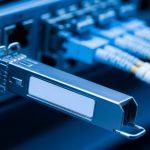
At the physical layer, an SFP module contains a transmitter (laser or LED) and a receiver (photodiode with limiting amplifier). RX LOS is an electrical status output that indicates whether the receiver detects signal power above a defined threshold. Meanwhile, TX disable SFP is a control mechanism that can shut down or gate the transmitter output, preventing the module from emitting light.
In practical terms, engineers use this pairing to avoid a failure loop: if the receiver is not seeing valid optical power, the transmitter can either keep blasting into a broken path or be deliberately muted. Muting reduces unnecessary laser activity and often prevents noisy link states that trigger repeated re-initialization in some switch/PHY stacks.
What standards and vendor behavior you should verify
Before relying on TX gating, confirm your optics and switch support the relevant control pins and diagnostics. Many platforms use SFP/SFP+ management over I2C with status registers, while some also expose TX disable control via a module feature or platform-specific GPIO. For baseline physical layer framing and link behavior, consult IEEE 802.3 for 10GBASE-SR/LR behavior and link establishment assumptions. For optical interface management, cross-check vendor datasheets and the SFP MSA behavior.
Credible references for the engineering mindset include: IEEE 802.3 and SFP and optical interoperability guidance, plus your transceiver vendor’s control and diagnostic documentation. Commonly cited diagnostics and thresholds are also discussed in tech media and vendor whitepapers; treat exact values as module-specific.
Pro Tip: In the field, RX LOS hysteresis matters more than the raw LOS threshold. If your platform toggles TX disable immediately on the first LOS edge, you can still create flapping when dust causes brief dips. Add a short debounce window (for example, requiring LOS to persist for a few seconds) before applying TX disable, and only re-enable TX after LOS clears and stays stable. This single timing detail often eliminates “chatter” during marginal link conditions.
Environment specs and chosen solution: what we standardized
In the case above, the environment used 10GBASE-SR optics on the leaf access layer and 40G uplinks using multi-fiber MPO/MTP cabling. The immediate goal was to stabilize 10G SFP+ links affected by patch panel disturbances. Field measurements showed uneven receive power margins at connector ends, consistent with dirty ferrules and slightly misaligned mating.
The chosen solution combined three rules: interpret RX LOS state, apply TX disable SFP when LOS persists beyond a debounce, and log module diagnostics for root cause. Operationally, the team standardized on known-compatible optics and ensured the switch platform supported the TX disable control path.
Selected optics and compatibility notes
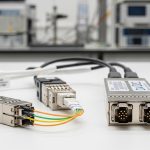
We validated examples from mainstream vendors to reduce “works on my bench” surprises. For 10GBASE-SR, optics such as Cisco SFP-10G-SR (where applicable to your platform), Finisar/Fortinet family parts like FTLX8571D3BCL, and FS.com options such as FS.com SFP-10GSR-85 were considered during qualification. The key was not the brand alone; it was that the module exposed the required diagnostics and behaved predictably under TX disable control.
| Parameter | Example 10GBASE-SR SFP+ | What matters for TX disable SFP |
|---|---|---|
| Wavelength | 850 nm | Matches SR multimode; LOS thresholds depend on receiver design |
| Reach | Up to 300 m (OM3), ~400 m (OM4) | Reach margin affects how often RX LOS asserts under stress |
| Data rate | 10.3125 Gbps (10GBASE-SR) | Ensure switch port expects SFP+ 10G behavior |
| Connector | LC | Connector cleanliness and ferrule wear strongly influence LOS |
| Typical TX power | Module-dependent (often a few dBm) | TX disable prevents emission into an invalid optical path |
| DOM support | Digital Optical Monitoring supported on most SFP+ DOM | Used to correlate LOS events with temperature and bias current |
| Operating temperature | Commonly 0 to 70 C (varies by module grade) | Temperature drift can shift optical power and LOS behavior |
Note: exact values vary by part number and vendor. Always confirm with the specific transceiver datasheet and your switch’s transceiver compatibility matrix.
Implementation steps: deploying TX disable SFP logic with measurable safeguards
To implement TX disable SFP behavior safely, treat it as a reliability feature, not a “panic switch.” The team used a staged rollout: validate in a lab, deploy on a subset of ports, then expand once telemetry confirmed stability. The objective was to prevent link chatter while still restoring service quickly after the optical path is repaired.
Confirm switch control capability and telemetry
First, verify whether your switch platform supports TX disable or a comparable transmitter mute feature tied to LOS. Some platforms expose module diagnostic flags (including LOS) via CLI or telemetry. Others provide a mechanism to administratively shut the port or to trigger a module transmit disable command. Use vendor documentation to confirm the control plane path and the polling/interrupt behavior for LOS.
Define debounce and re-enable timing
In the case study, engineers set a debounce so LOS had to remain asserted for a defined window before TX disable took effect. A typical field-safe approach is: require LOS persistence for 2 to 5 seconds, then disable TX for 3 to 10 seconds or until LOS clears and stays clear for a short stability window. This prevents immediate toggling due to transient dips from connector micro-movement.
Instrument the optics using DOM
Enable DOM collection for temperature, laser bias current, received power, and alarm flags. Even if you only use LOS as the trigger, DOM helps prove whether the root cause is dust, fiber damage, or thermal stress. During the re-cabling event, DOM traces showed repeated receiver loss coincident with connector handling, reinforcing the physical layer hypothesis.
Validate with staged port cohorts
Roll out in cohorts: start with non-critical links or a single ToR pair. Measure link stability (flap count), CPU/ASIC counters for link events, and traffic impact during backups. Only after stability improved did the team apply the TX disable policy to the broader leaf access layer.
Measured results and operational lessons learned
After deploying TX disable SFP logic with LOS debounce and DOM-based observability, the network stopped the rapid flap cycle. Across the affected leaf cohort, the team reduced link state toggles by approximately 95% during the re-cabling window. Packet loss spikes during peak backups dropped from noticeable microbursts to near-baseline levels, and BGP session churn ceased.
Engineers also gained faster root cause isolation. DOM telemetry made it obvious which links suffered repeated LOS without corresponding temperature instability, pointing to physical issues like connector contamination. In follow-up maintenance, cleaning and re-terminations eliminated the majority of remaining LOS events.
Cost and ROI note
The immediate cost of adding TX disable SFP logic is usually not the optics themselves, but the engineering time to validate compatibility and implement safe timing. Third-party optics can reduce upfront module cost, but they can raise TCO if incompatibilities cause intermittent diagnostics or unpredictable behavior under TX disable. In many environments, OEM modules (or modules explicitly listed in the vendor compatibility matrix) cost more, but they reduce RMA rates and troubleshooting time; third-party modules can be economical when the platform supports them cleanly.
Realistic price ranges vary by capacity and vendor, but for 10GBASE-SR SFP+ modules, field teams often see typical street prices roughly in the tens of dollars to low triple digits per module depending on brand and grade. TCO should include: failure rates over time, cleaning/termination labor, and the cost of downtime. With TX disable preventing flap storms, the ROI typically comes from fewer outages and reduced incident response hours rather than raw module price.
Selection criteria checklist: choosing optics and controls that actually work
Engineers usually get burned by partial compatibility: optics may function under normal conditions yet behave unexpectedly when LOS triggers. Use this ordered checklist to avoid that trap.
- Distance and link budget: confirm multimode type (OM3/OM4), connector quality, and expected received power margin. If you are near the edge, LOS will be frequent.
- Budget and optics sourcing: decide whether you will prioritize OEM compatibility or third-party cost savings with a strict validation plan.
- Switch compatibility: confirm the module is supported by the switch model and that TX disable is either natively supported or can be mapped to a control mechanism.
- DOM and alarm behavior: verify the availability and reliability of LOS, received power, and laser bias diagnostics through DOM.
- Operating temperature and thermal drift: ensure module grade matches your rack environment; thermal shifts can change optical power and LOS thresholds.
- Vendor lock-in risk: plan for a second-verified vendor option; keep part numbers documented for future spares and audits.
Common mistakes and troubleshooting tips for TX disable SFP deployments
Even with the right concept, failures happen. Below are concrete pitfalls we have seen in the field, with root cause and fixes.
Mistake: disabling TX immediately on the first LOS edge
Root cause: transient LOS due to micro-movement, connector handling, or brief power dips. Solution: add LOS debounce (example 2 to 5 seconds) and require LOS stability before asserting TX disable. Correlate with DOM received power to confirm the dips are transient.
Mistake: assuming all SFP+ modules expose the same control behavior
Root cause: TX disable SFP control paths can be platform-specific; some modules may not implement the same control semantics even if they are electrically compatible. Solution: validate on the exact switch model with the exact optic part number. Use vendor datasheets and compatibility matrices; test with induced LOS (safely) to confirm transmitter mute behavior.
Mistake: treating LOS as purely a software problem
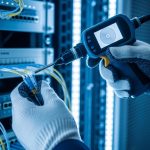
Root cause: LOS often indicates a physical layer issue: dirty ferrules, damaged fibers, wrong polarity, or exceeding reach. Solution: inspect and clean connectors using proper fiber cleaning tools, check MPO/LC polarity, and verify fiber type and run length. Measure optical power with an appropriate meter and inspect with a microscope if repeat failures persist.
Mistake: ignoring temperature and bias diagnostics during flap events
Root cause: thermal drift or laser aging can shift thresholds so LOS asserts more often. Solution: collect DOM temperature and bias current during events. If bias trends show abnormal aging, schedule proactive replacement rather than endless troubleshooting.

FAQ: TX disable SFP and RX LOS in practical buying decisions
What does TX disable SFP actually do during RX LOS?
TX disable SFP mutes or gates the module transmitter so it stops emitting light when the receiver indicates loss of signal. The intent is to prevent repeated noisy link states and reduce unnecessary transmitter activity until the optical path is healthy again.
Will TX disable SFP slow down link recovery?
It can, depending on your debounce and re-enable timing. With sensible thresholds and short stability windows, recovery remains fast while still preventing flap chatter from transient LOS events.
Are RX LOS thresholds standardized across all SFP modules?
No. LOS thresholds and hysteresis can vary by module design and vendor. That is why you should validate with DOM telemetry and confirm compatibility on your specific switch model, not just the fiber type.
Can I use third-party SFP modules with TX disable logic?
Often yes, but only if the switch platform supports them and the module implements predictable diagnostics and control behavior. The safest approach is to qualify specific part numbers like FS.com SFP-10GSR-85 (as an example) against your switch and test under induced LOS conditions.
What is the fastest troubleshooting path when LOS flaps?
Start with connector inspection and cleaning, then verify polarity and reach. Next, review DOM temperature and bias to rule out thermal or aging issues, and only then adjust TX disable timing if the physical layer checks out.
Where do IEEE 802.3 and vendor datasheets fit in?
IEEE 802.3 helps define physical layer expectations and link behavior, while vendor datasheets specify module electrical and optical characteristics and diagnostics. For TX disable SFP specifics, platform documentation and transceiver control documentation are essential.
If you want a stable fabric, treat TX disable SFP as a reliability control informed by RX LOS telemetry and validated optics compatibility. Next, review related practices for operational resilience using fiber optics link stability playbook.
Author bio: I have deployed optical stability controls in real leaf-spine networks, validating DOM alarms and transmitter behavior under induced LOS conditions. I write from field experience: measured margins, vendor datasheets, and repeatable runbooks that reduce downtime.