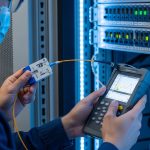
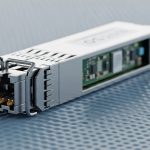
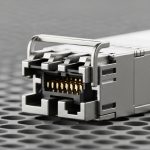
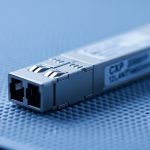
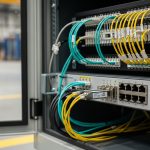
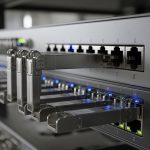
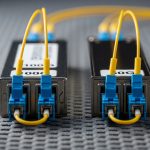
When a 25G, 100G, or 400G link starts dropping frames, the fastest path to root cause is usually a transceiver signal integrity test focused on jitter and eye diagrams. This article helps data center network engineers, field technicians, and validation teams run repeatable measurements on active optics and pluggable transceivers using practical bench workflows. You will also get a spec comparison table, a decision checklist, common failure modes, and a final ranking that you can use during acceptance testing.
Top 8 items to verify during a transceiver signal integrity test
In the field, “signal integrity” often gets reduced to a single pass/fail threshold, but jitter and eye closure depend on multiple variables: optical power, wavelength fit, host lane mapping, and test instrument calibration. The steps below are ordered the way I would execute them when a leaf-spine fabric shows intermittent CRC errors after a transceiver swap. Each item includes what to check, the best-fit scenario, and quick pros/cons.
Confirm the electrical interface lane mapping and rate
Before you touch the scope, verify that the transceiver you are testing is actually running at the expected line rate and lane configuration in the host. For example, a 100G QSFP28 typically uses four 25G electrical lanes; a 400G QSFP-DD can use 8x50G or 16x25G depending on implementation. If lane mapping is wrong, the eye diagram can look “bad” even though the module optics are fine.
What to measure
- Host configuration: breakout mode, FEC state, and whether the port is in the expected modulation profile.
- Link partner settings: ensure both ends agree on line rate and FEC (or disable FEC consistently for testing).
- Module identity: confirm DOM-reported part number, vendor, and temperature.
Best-fit scenario
Use this item when errors begin immediately after a firmware change, a port remap, or a transceiver inventory mix-up (common during maintenance windows).
- Pros: Prevents wasted bench time and avoids false “module failure” conclusions.
- Cons: Requires host-side access and careful documentation of port settings.
Validate DOM data and optical power budget before jitter testing
DOM (Digital Optical Monitoring) won’t directly provide jitter, but it prevents you from testing a link that is already marginal. I routinely check Tx power, Rx power, and temperature because optical power drift can increase receiver noise and cause higher jitter accumulation downstream.
Field checks that matter
- DOM thresholds: ensure the module is not reporting near-alarm Tx/Rx levels.
- Temperature: watch for modules running hotter than their typical range in your rack.
- Cleanliness and connector state: if using MPO/MTP trunks, verify polarity and dust control practices.
Best-fit scenario
Use when you suspect an optics mismatch after a cable move, patch panel rework, or storage time in a humid environment.
- Pros: Fast sanity check; often catches issues before instruments show eye closure.
- Cons: DOM data may not match real-time optical path if the test point is not aligned.
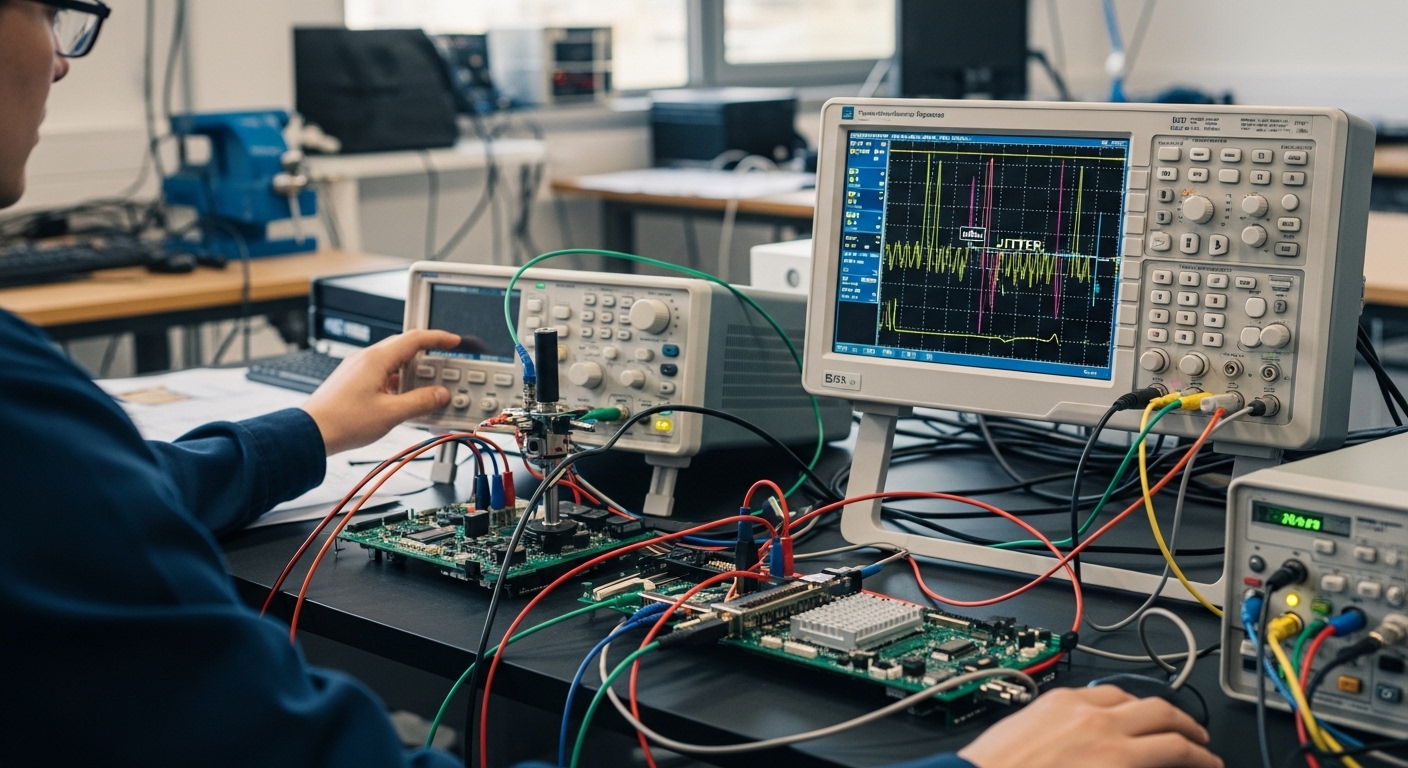
Pick the correct test standard and measurement method
Jitter and eye measurement are only meaningful when you apply the right measurement definitions. IEEE 802.3 physical layer specifications define link performance expectations, but your instrument setup must map to those expectations (bandwidth, de-embedding, and reference clock). In practice, engineers use vendor application notes and IEEE guidance to align test conditions.
Key references
- IEEE 802.3 for Ethernet physical layer performance requirements and jitter concepts. IEEE 802.3 standard
- Vendor oscilloscope and BERT documentation for how they compute eye metrics and jitter components. Tektronix documentation
Technical specifications comparison
Below is a practical comparison of common transceiver categories and the kinds of jitter/eye tests engineers run. Exact parameters vary by vendor and instrument capability, so always confirm with the module datasheet and your scope/BERT manuals.
| Transceiver type | Typical wavelengths | Target reach (typical) | Data rate | Connector | Operating temp range | Common signal integrity tests |
|---|---|---|---|---|---|---|
| QSFP28 SR | 850 nm | 100 m (OM3/OM4 varies) | 100G (4x25G) | MPO | 0 to 70 C (typical) | Eye mask margin, jitter (UI), deterministic vs random components |
| QSFP28 LR | 1310 nm | 10 km (single-mode) | 100G (4x25G) | LC | -5 to 70 C (varies) | Eye height/width, vertical and horizontal closure, BER correlation |
| QSFP-DD SR8 / DR4 | 850 nm | 50 to 500 m (fiber dependent) | 400G (lane-dependent) | MPO | 0 to 70 C (typical) | Per-lane eye capture, lane-to-lane skew impact, jitter decomposition |
Pro Tip: In many failures, the eye looks “uniformly bad” across all lanes only when the issue is upstream (clocking, host mapping, or optical power). If only one lane shows reduced eye height, suspect lane skew, a damaged fiber pair, or a host-side channel problem before blaming the transceiver itself.
- Pros: Aligns your test results with acceptance criteria and reduces disputes.
- Cons: Requires instrument literacy and careful de-embedding practices.
Use a proper compliance setup: de-embed, calibrate, and control bandwidth
Eye diagrams are extremely sensitive to measurement bandwidth and the quality of your probe/sampler path. If your capture includes extra reflections or an uncalibrated channel, you can create artificial jitter and close the eye that would otherwise pass. The fastest way to lose credibility with stakeholders is to generate “bad eyes” from a bad setup.
Steps that I actually do
- Calibrate the measurement channel using the scope’s recommended procedure for the probe/sampler.
- De-embed the connection path if your instrument supports it (especially for high-frequency sampling).
- Confirm trigger and reference clock quality; unstable references distort jitter decomposition.
- Lock test conditions: same fiber patch, same patch panel, same power levels, same host port profile.
Best-fit scenario
Use when you need repeatable results for RMA decisions or when multiple teams will review the same capture.
- Pros: Converts “looks bad” into defensible measurements.
- Cons: Takes setup time; you may need additional cables, calibration standards, or adapters.
[[IMAGE:Photography style, close-up of a high-speed oscilloscope screen showing an eye diagram with clear masks, next to a transceiver module under test on an anti-static mat; lab bench lighting, shallow depth of field, visible BNC/SMA test fixtures, realistic cables and instrument labels, no brand names visible.]
Capture eye diagrams per lane and evaluate eye height/width against masks
Once the setup is calibrated, capture the eye diagram per lane for pluggables with multiple electrical lanes. Evaluate eye height (vertical opening), eye width (timing opening), and trace noise or interference patterns. Eye mask margin is the practical metric most engineers correlate with link health during acceptance testing.
What to look for
- Random jitter: eye edges blur, but center timing remains roughly stable.
- Deterministic jitter (ISI/crosstalk): eye closure appears with structured patterns, often aligned to symbol transitions.
- Lane skew: one lane shows a shifted sampling point, reducing width more than height.
Best-fit scenario
Use when you suspect a specific transceiver lane is degrading, such as after a drop, vibration event, or connector re-seat.
- Pros: Rapidly localizes the problem to lane, host channel, or optical path.
- Cons: Requires good lane-by-lane test access and careful de-embedding.
Quantify jitter components using UI and correlate to BER and error counters
A “pretty eye” can still fail under load if jitter tails are high. A strong transceiver signal integrity test quantifies jitter in UI (unit intervals) and separates components where possible: random jitter, deterministic jitter, and sometimes wander-related effects. Then, correlate those results with BER (bit error ratio) or at least with observed error counters in a controlled test.
Practical correlation workflow
- Run a traffic pattern that stresses the link (continuous PRBS for bench, or production-like bursts for lab validation).
- Capture jitter metrics while traffic is active to avoid “idle optimism.”
- Compare jitter trends versus error counters and CRC/FEC statistics.
- Repeat after thermal stabilization (let the module reach steady temperature).
Best-fit scenario
Use during qualification, when you need to prove that a module will meet performance under realistic traffic patterns.
- Pros: Jitter metrics become actionable, not just visual.
- Cons: More time-consuming; needs a BERT or a host that exposes detailed physical-layer stats.
[[IMAGE:Illustration style, conceptual diagram of a transceiver with four labeled electrical lanes feeding a jitter analyzer; overlay of an eye diagram grid with annotated eye height and eye width arrows; clean flat design, white background, teal and dark blue color palette, high contrast, educational infographic.]
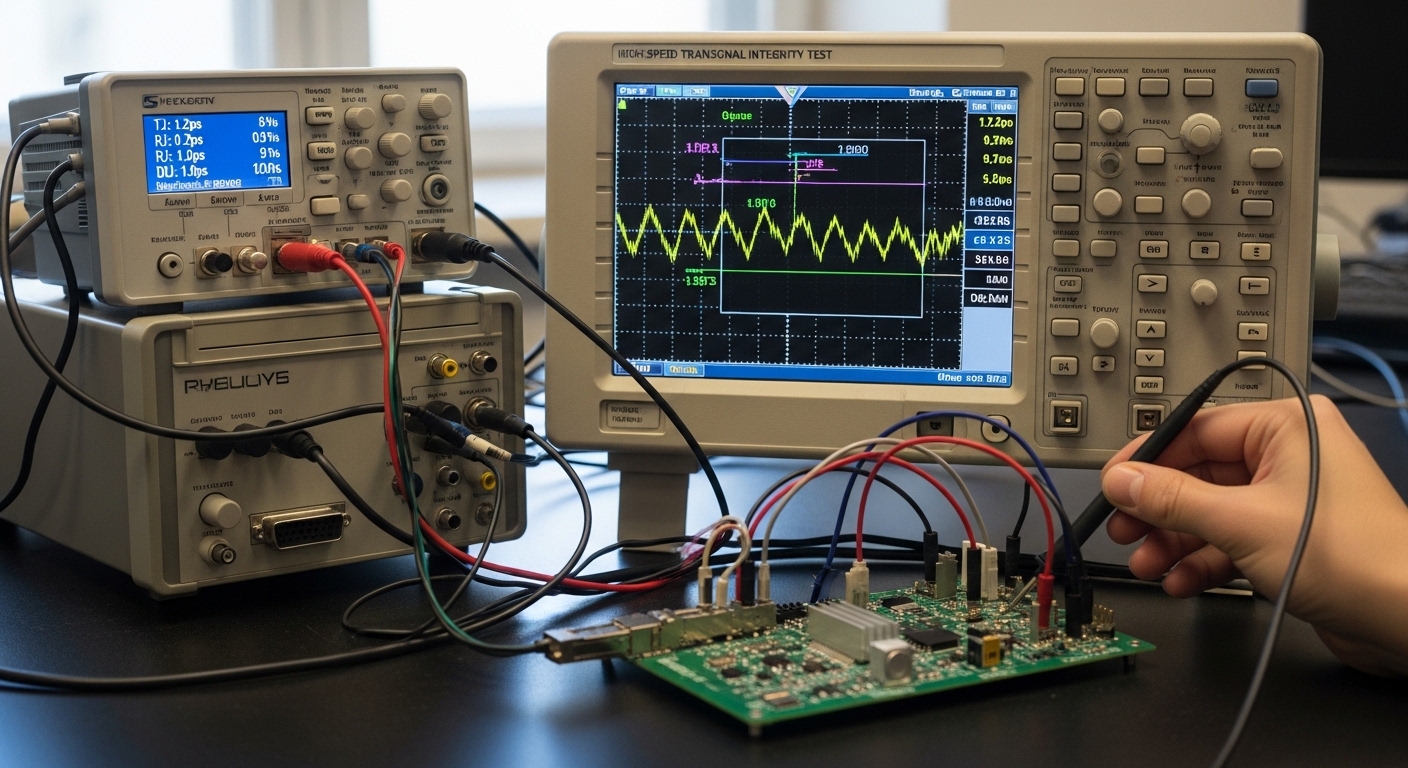
Stress the optical channel: power levels, wavelength fit, and fiber impairments
Optics can dominate the jitter outcome when the receiver is noisy or when the fiber introduces modal dispersion and reflections. Even if the transceiver is healthy, an OM3/OM4 mismatch, dirty MPO/MTP endfaces, or a polarity error can reduce effective SNR and increase jitter. I treat optical checks as part of signal integrity, not as a separate optics exercise.
What to vary in controlled tests
- Optical launch power within allowed DOM limits.
- Fiber type and length: compare a known-good patch against the suspect run.
- Connector state: re-clean and re-seat, then re-test.
- Reflection control: avoid loose adapters and verify proper termination.
Best-fit scenario
Use when the same transceiver passes in one rack but fails in another, or when errors correlate with patch panel changes.
- Pros: Prevents unnecessary RMA by isolating fiber and connector issues.
- Cons: Requires additional known-good reference fibers and connector hygiene steps.
Apply a field decision logic: accept, re-clean, re-seat, or RMA
After you have calibrated captures and measured jitter/eye metrics, decide what to do next using a structured logic. In production, I aim to avoid “replace everything” behavior by combining evidence: per-lane eye closure, DOM trends, optical power, and host error counters.
Selection criteria / decision checklist
- Distance and fiber type: confirm the module category matches the actual fiber plant (OM3/OM4 or single-mode).
- Budget and BOM strategy: choose OEM vs third-party based on acceptance testing maturity and warranty terms.
- Switch compatibility: verify transceiver interoperability lists and host port profiles.
- DOM support: ensure the host can read DOM and that thresholds do not trigger false alarms.
- Operating temperature: validate eye/jitter stability across expected rack temperatures and airflow patterns.
- Vendor lock-in risk: if you rely on a single vendor’s optics, plan qualification coverage for the next procurement cycle.
- DOM and diagnostics alignment: ensure reported Tx/Rx power and temperature are consistent with observed error behavior.
Best-fit scenario
Use during incoming inspection, post-maintenance validation, and RMA triage.
- Pros: Reduces repeat failures and speeds procurement decisions.
- Cons: Needs careful documentation to avoid inconsistent decisions across teams.
[[IMAGE:Concept art style, a data center row with racks and airflow arrows; a technician holding a handheld optical power meter and pointing at a laptop showing jitter plots; warm overhead lighting, semi-realistic characters, cinematic perspective, emphasis on airflow and rack mapping.]
Common mistakes and troubleshooting tips during jitter and eye testing
Most “mystery link” cases are not mysterious at all; they are measurement or configuration mistakes. Here are concrete failure modes I have seen repeatedly, with root causes and fixes.
-
Pitfall 1: Testing with an uncalibrated measurement path
Root cause: probe/sampler or adapter adds frequency response ripple and reflections, artificially closing the eye.
Solution: run the instrument calibration/de-embedding procedure for your exact setup; verify with a known-good reference signal if available. -
Pitfall 2: Mismatched FEC and test expectations
Root cause: enabling/disabling FEC changes effective behavior and can mask or exaggerate error patterns, confusing jitter-to-BER correlation.
Solution: standardize FEC settings during capture; document it with your capture files and acceptance criteria. -
Pitfall 3: Lane mapping mismatch in the host
Root cause: wrong breakout mode or incorrect lane assignment causes the tester to sample a different lane than the one producing errors.
Solution: verify lane mapping using host diagnostics and confirm per-lane eye captures align with port error counters. -
Pitfall 4: Dirty MPO/MTP endfaces after “it was working yesterday”
Root cause: a patch move or connector re-seat introduces dust; optical SNR drops and jitter increases.
Solution: clean with approved procedures, inspect with a microscope, then re-test optical power and eye closure.
Cost and ROI note for transceiver signal integrity test programs
Running a robust transceiver signal integrity test program has a real cost: instrument time, calibration overhead, and engineering effort to maintain repeatable conditions. In many environments, third-party optics can be 10% to 40% lower in unit price than OEM, but the ROI depends on your ability to qualify them with consistent jitter/eye criteria and manage higher variance in DOM behavior. For bench testing, external calibration time and potential rework can increase TCO if your process is not standardized.
As a field rule of thumb: if you are already paying for downtime or repeated truck rolls, investing in a repeatable test workflow typically pays back faster than “swap and hope.” If your acceptance testing is weak, OEM might cost more up front but can reduce failure rates and warranty friction. Always include labor, failure analysis time, spares inventory, and the cost of delayed operations in your ROI model.
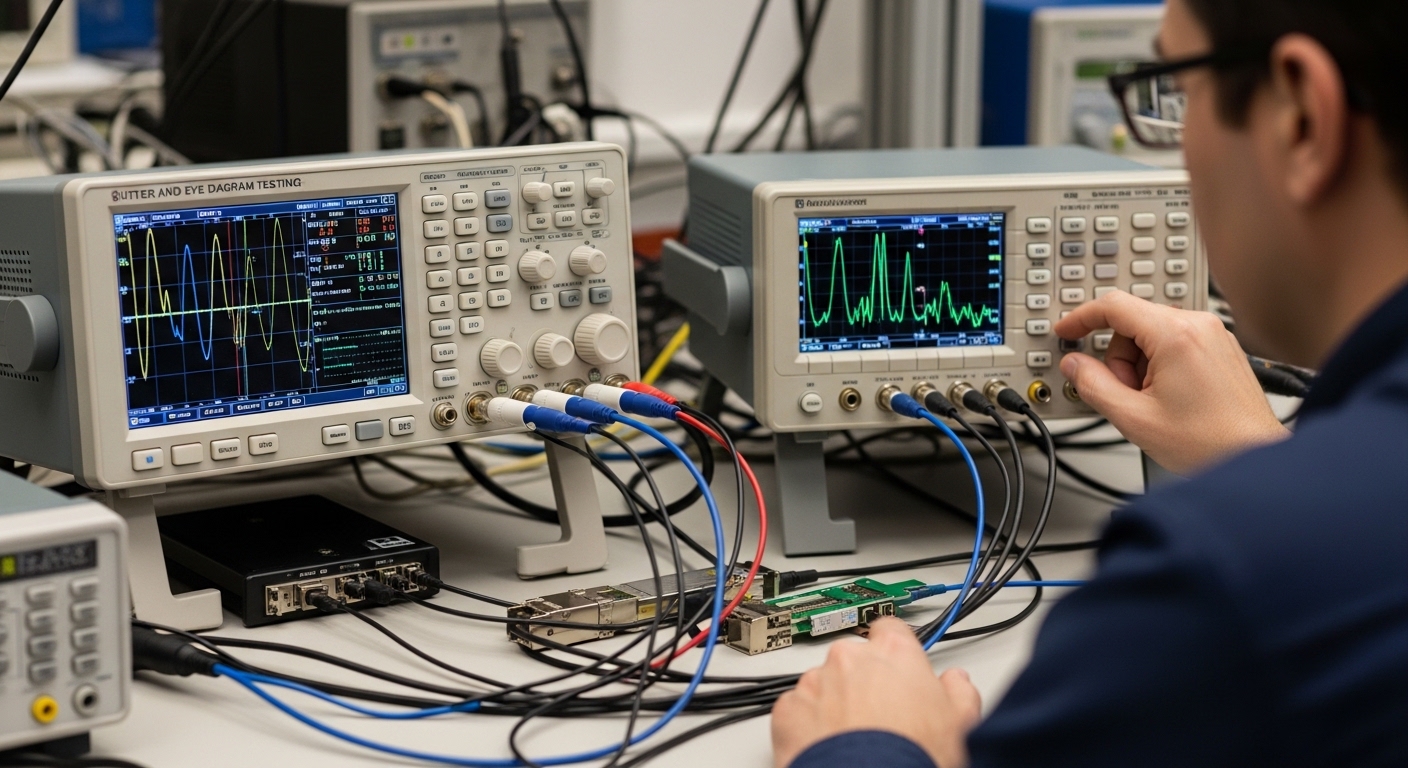
Summary ranking table: which test item gives the fastest insight
Use this ranking when you need to triage quickly under operational pressure. The goal is to get from symptoms (CRC/FEC errors) to evidence (jitter and eye metrics) with minimal bench iterations.
| Rank | Test item | Best for | Time to insight | Risk if skipped |
|---|---|---|---|---|
| 1 | Confirm lane mapping and rate | Post-change failures | Low | High false conclusions |
| 2 | Validate DOM and optical power | Patch and optics issues | Low | Testing marginal links |
| 3 | Pick standard and method | Acceptance and disputes | Medium | Non-comparable results |
| 4 | Calibrate and de-embed | Repeatability | Medium | Artificial eye closure |
| 5 | Eye diagram per lane | Lane localization | Medium | Wrong blame assignment |
| 6 | Jitter components and BER correlation | Load-stress confidence | High | “Looks fine” failures |
| 7 | Stress optical channel | Fiber impairment suspicion |