If your stacked switches keep flapping at 2 a.m., it is usually not the fiber fairy. It is the interplay between the stacked switch SFP optics, the stacking fabric design (VSS or IRF), and the transceiver behavior under link training. This article helps network admins and field engineers choose compatible SFPs, understand practical reach and power limits, and troubleshoot the most common failure modes.
How VSS and IRF stacking changes the SFP job description
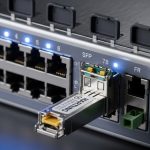
In a stacked design, multiple chassis behave like one logical switch, but the control plane and data plane still rely on high-speed interconnects. With VSS (Virtual Switching System) and IRF (Intelligent Resilient Framework), the system typically uses dedicated stacking ports and expects transceivers that match the vendor’s electrical characteristics, timing, and optics behavior. Even if a transceiver “supports the same wavelength,” stacking links are less forgiving because they often carry both member synchronization and rapid failover events.
IEEE 802.3 defines the baseline Ethernet PHY behavior, but the stacking mechanism adds vendor-specific requirements: compatible DOM handling, supported vendor optic lists, and sometimes specific optical power ranges. Vendor datasheets for stacking modules and transceiver compatibility lists matter as much as the generic “10G SR” label. For authority on Ethernet PHY behavior, see IEEE 802.3 standard and for practical transceiver behavior, see SNIA resources on monitoring and optics practices.
What “stacking-friendly” optics actually means
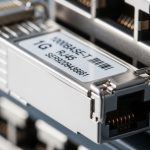
In the field, “stacking-friendly” usually translates to: stable link training, predictable latency and jitter, and DOM telemetry that the switch can parse without throwing alarms. For 10G Ethernet SFP, the optics typically follow SFP/SFP+ standards and use digital diagnostics (DOM) over the I2C management interface. If the switch expects vendor-specific calibration ranges or DOM thresholds, a third-party optic can still pass traffic while stacking software complains loudly.
Pro Tip: When a stacked switch shows member flaps, check DOM readings for both optical power and temperature during link events. A transceiver that is “within spec” at steady-state can still violate the stacking port’s tighter margin during rapid renegotiation, especially in warm racks. This is one reason engineers keep a spare known-good optic from the same OEM family for A/B testing.
Key stacked switch SFP specs that matter in VSS and IRF
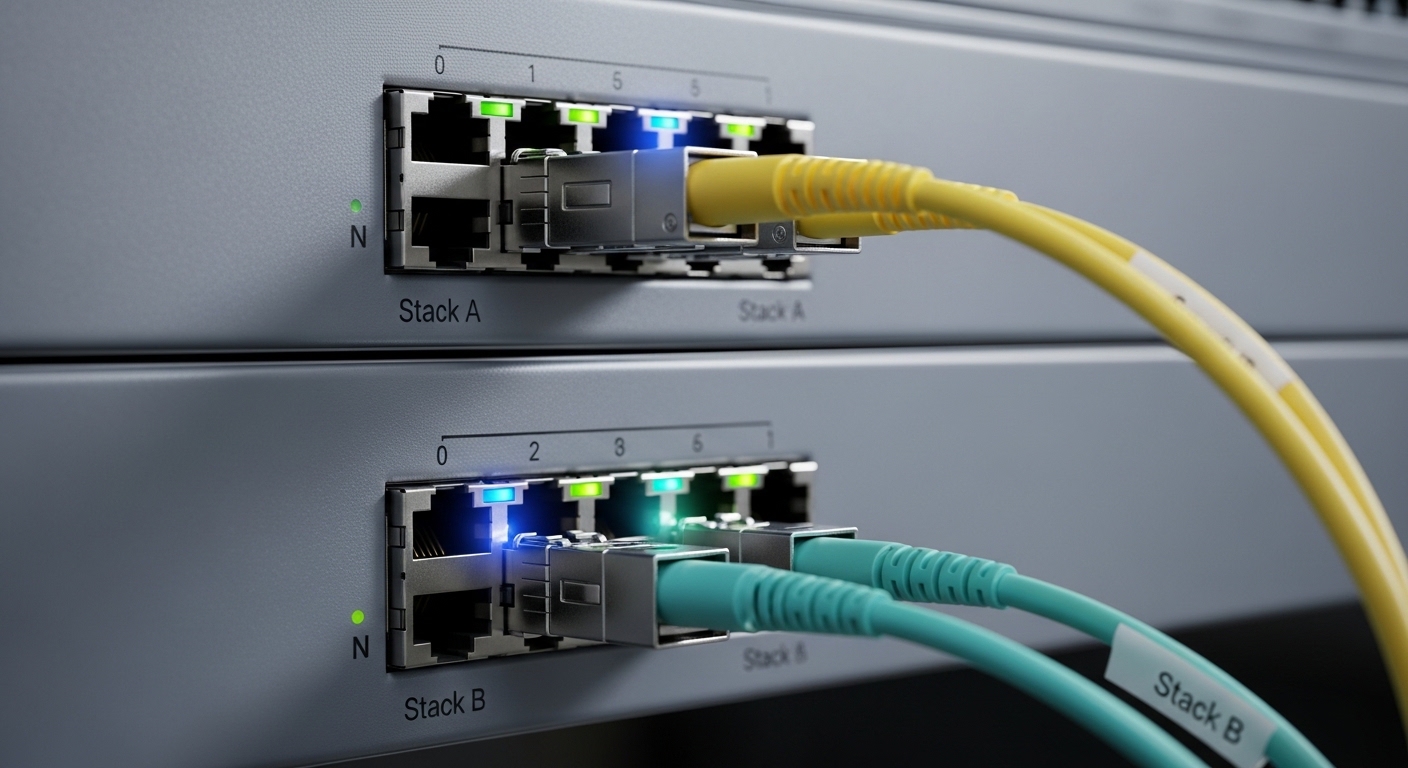
Engineers often shop by reach and speed, but stacking links care about optical budget margins and operating environment. Below is a practical comparison for common stacked switch SFP use cases in data centers and campus core closets. Values vary by vendor, so always confirm against your switch’s compatibility list and the transceiver datasheet.
| Spec | 10G-SR SFP (850 nm) | 10G-LR SFP (1310 nm) | 1G-SX SFP (850 nm) |
|---|---|---|---|
| Typical data rate | 10.3125 Gb/s | 9.953 Gb/s | 1.25 Gb/s |
| Wavelength | 850 nm (MMF) | 1310 nm (SMF) | 850 nm (MMF) |
| Connector | LC duplex | LC duplex | LC duplex |
| Typical reach | ~300 m on OM3 MMF | ~10 km on SMF | ~550 m on OM3 MMF |
| Optical power (typical) | TX about -9 to -3 dBm; RX sensitivity near -14 dBm | TX about -8 to 0 dBm; RX sensitivity near -14 to -16 dBm | TX about -9 to -3 dBm; RX sensitivity near -17 dBm |
| DOM support | Usually supported (temperature, voltage, bias, Tx/Rx power) | Usually supported | Usually supported |
| Operating temperature | Commercial: ~0 to 70 C; sometimes extended | Commercial or extended variants available | Commercial or extended variants available |
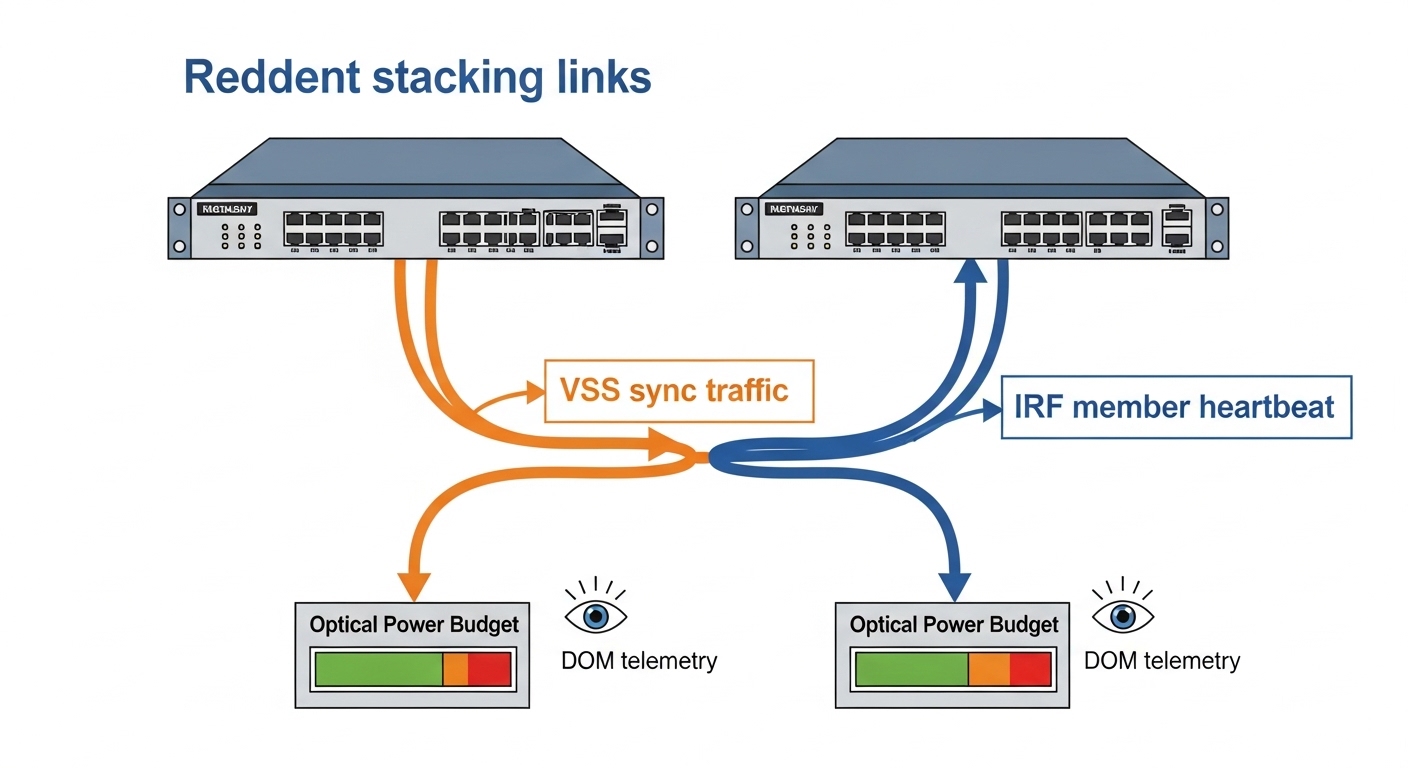
In VSS/IRF deployments, you should treat the optical budget as a “stack margin” problem. If your link is 90% utilized on paper, stacking failover events can push it into the “works until it does not” zone. That is why many teams prefer OEM or carefully qualified third-party modules with documented DOM behavior.
VSS vs IRF: what changes at the ports
Both VSS and IRF rely on inter-chassis connectivity, but the vendor implementation can differ in port mapping, speed modes, and how the control plane consumes transceiver telemetry. Some platforms require specific optics for stacking ports even when normal uplink ports accept more variety. If your switch has a stacking port group with stricter checks, treat it like a “no compromises” lane.
Selection checklist for stacked switch SFP compatibility
Before ordering, run this checklist like you are about to sign for a fragile package. It beats the classic approach of “it should work” followed by late-night troubleshooting.
- Distance and fiber type: confirm MMF vs SMF, OM3/OM4/OS2, and measured link loss with an OTDR or certified loss test.
- Switch model and stacking port constraints: verify exact chassis model and whether stacking ports accept non-OEM optics.
- Data rate and encoding: ensure the SFP matches the expected Ethernet speed mode (for example, 10G SR vs 1G SX). Do not assume “same wavelength equals same PHY.”
- DOM support and thresholds: confirm the platform can read DOM fields and that the transceiver reports compatible values.
- Optical power range and margin: compare vendor datasheet Tx power and RX sensitivity to your measured link loss plus connector/pigtail penalties.
- Operating temperature: stacked enclosures run warmer because multiple line cards draw power. Prefer extended temperature optics if your ambient regularly exceeds 40 C.
- Vendor lock-in risk: for third-party optics, buy from vendors that provide compatibility guarantees and real DOM test results.
- Spare strategy: keep at least one known-good optic per stacking port type to accelerate A/B testing.
When you do need model examples, check common optics families such as Cisco-compatible 10G SR SFPs (for instance, Cisco-branded or compatible equivalents) and third-party parts like Finisar or FS.com optics. Examples you may encounter include Finisar FTLX8571D3BCL or FS.com SFP-10GSR-85; still, treat them as starting points, not approvals, until your switch vendor confirms compatibility.

Common mistakes and troubleshooting tips for stacked switch SFPs
Here are the failure modes that show up repeatedly in real deployments. Each includes a root cause and a fix you can actually perform.
“It links up, so it must be fine” (but stacking still flaps)
Root cause: DOM telemetry mismatch or tighter stacking port margin. The link can establish under nominal conditions, but stacking synchronization traffic triggers renegotiation or control-plane instability. Solution: compare DOM values (Tx power, Rx power, temperature) during flap windows, then test with an OEM optic from the same batch. If OEM stabilizes the stack, treat third-party optics as unqualified for stacking ports.
Wrong fiber type or optimistic loss assumptions
Root cause: using MMF-rated optics on cabling that is effectively older, damaged, or higher-loss than expected. OM3 vs OM4 confusion and unverified patch cord quality are frequent culprits. Solution: run certified loss testing end-to-end and verify connector cleanliness. If you see high insertion loss at one patch panel, re-terminate or replace jumpers.
Cleaning neglect: dirty LC connectors
Root cause: microscopic contamination on LC endfaces increases return loss and reduces received power, especially after repeated insertions. Stacking links often fail faster because they react quickly to transient errors. Solution: clean with lint-free wipes and proper fiber cleaning tools, then inspect with a microscope. Re-seat the transceivers and confirm Rx power returns to expected ranges.
Temperature creep inside stacked enclosures
Root cause: warm racks push transceiver bias and temperature compensation, shrinking the optical margin. A module that works in a cool closet may fail under full load. Solution: measure ambient and confirm airflow paths. If needed, use extended temperature optics and improve fan/duct configuration.
Cost and ROI: OEM vs third-party for stacked switch SFPs
Pricing depends on speed and vendor, but real-world ranges for widely used optics often look like: OEM 10G SR SFPs can be roughly $80 to $250 each, while third-party compatible modules may be $30 to $120. Your ROI comes from more than purchase price: stacking port failures cause downtime, engineer time, and potential escalation. If your environment has frequent maintenance windows and strict uptime targets, the TCO of OEM optics can beat cheaper parts when you factor failure rates and time-to-repair.
Also consider power and cooling indirectly. If an optic triggers repeated link events, it can increase retransmissions and management overhead. That is not “billable like a transformer,” but at scale it adds heat and operational noise. For ROI math, track incident counts by optic vendor and model, not just total spend.
FAQ: stacked switch SFP buying and deployment questions
What does “stacked switch SFP” mean in practice?
It usually refers to SFP optics used on stacking interconnect ports that tie chassis together for VSS or IRF-like behavior. These ports can have stricter compatibility expectations than ordinary uplinks because they carry synchronization and failover-critical traffic. Always verify your switch model’s stacking port requirements.
Can I use any 10G SR SFP in a VSS or IRF stacking port?
Not reliably. Even when wavelength and reach match, DOM behavior, optical power ranges, and vendor-specific checks can differ. Start with your vendor compatibility list, then qualify third-party optics with a staged test.
How do I choose between 850 nm SR and 1310 nm LR for stacking?
Choose based on distance and fiber type. Use 850 nm SR for short runs on MMF, and 1310 nm LR for longer runs on SMF. If your stacking links span multiple rooms or floors, LR often saves headaches—provided your cabling is truly single-mode and loss is certified.
Why do third-party SFPs sometimes work for data but not for stacking?
Stacking can be sensitive to link stability, rapid renegotiation behavior, and the switch’s interpretation of DOM telemetry. A module may pass normal traffic while still triggering control-plane alarms. Testing with OEM optics is the fastest confirmation.
What should I monitor during link flaps?
Monitor DOM temperature, Tx power, Rx power, and any optical alarm counters if your platform exposes them. Pair that with interface error counters and syslog timestamps to correlate events. If DOM values drift sharply during flaps, the module or optics path is the prime suspect.
Is cleaning LC connectors worth it?
Yes, and it is often the cheapest fix. Dirty connectors can silently reduce optical margin until the link becomes unstable under load or temperature changes. Clean, inspect, re-seat, then re-check Rx power.
Stacked systems make optics choices feel personal: the right stacked switch SFP keeps VSS and IRF interconnects stable under real-world temperature, loss, and failover pressure. Next, map your required reach and fiber loss, then validate against your switch vendor’s stacking port compatibility using related topic: fiber transceiver compatibility and DOM monitoring workflows.
Author bio: I have deployed and troubleshot stacked switch fabrics in mixed-vendor data centers, using certified fiber testing and DOM telemetry to isolate failures. I write for engineers who would rather prevent outages than narrate them in hindsight.