When a SONiC-based switch comes up but optics links flap or stay down, the root cause is often not “SONiC itself,” but a transceiver mismatch: DOM behavior, optical type, temperature class, or vendor EEPROM quirks. This article helps network engineers and data center field teams validate a SONiC transceiver before and during rollout, using a real deployment case across 10G and 25G optics. You will get a practical checklist, troubleshooting patterns, and measurable results from a leaf-spine fabric upgrade.
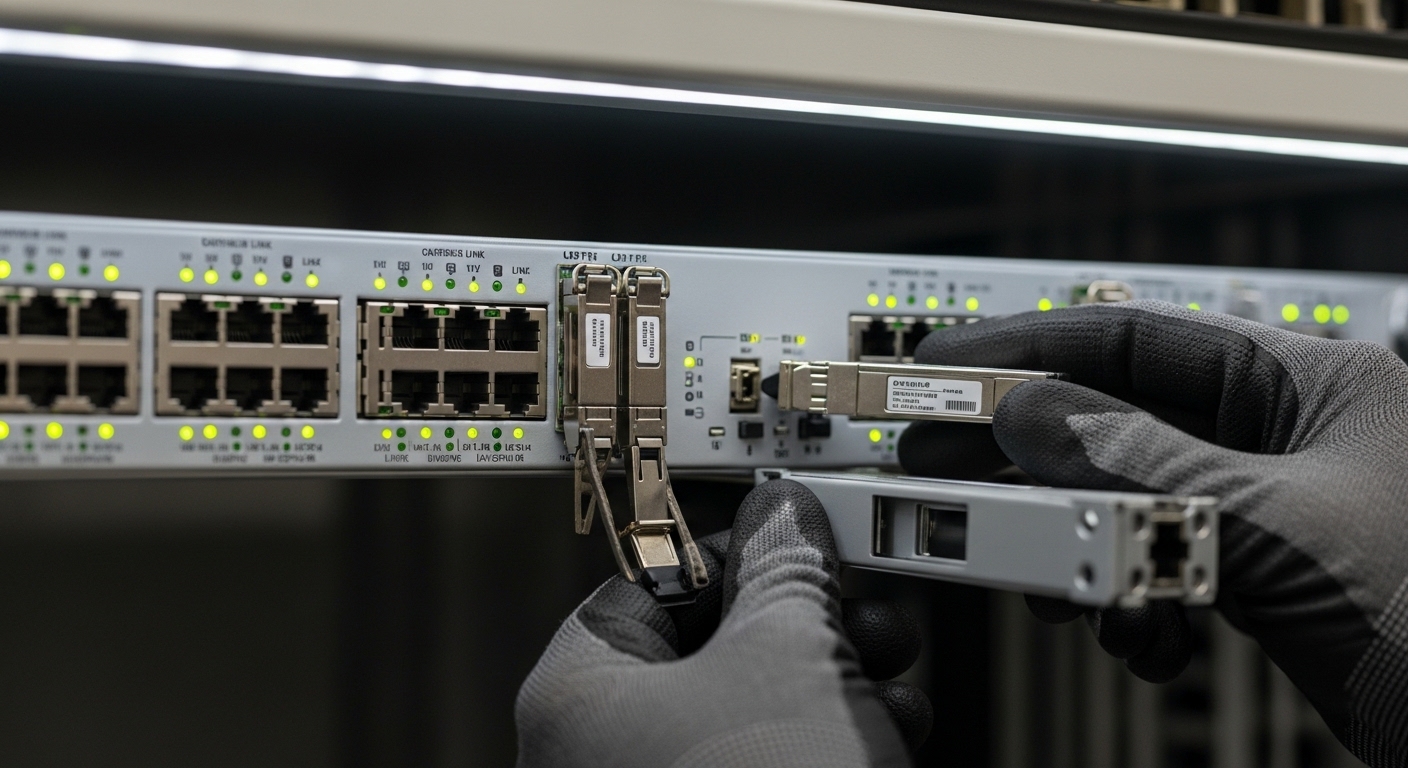
Case study: stopping SONiC optics bring-up failures in a leaf-spine upgrade
Problem / Challenge: In a 3-tier data center leaf-spine topology, we migrated from 10G to a mixed 10G/25G design on existing ToR and spine platforms. After replacing a batch of transceivers, 8% of ports stayed in a “no carrier” state under load, and several interfaces repeatedly renegotiated. The team initially suspected cabling, but link-layer counters showed correct fiber polarity and no CRC storms; the failure pattern aligned with optics identification and DOM reads.
Environment Specs: The fabric used 48-port ToR switches and 100GbE-capable spines with fanout into patch panels. We targeted IEEE-aligned optics types: 10G SR (850 nm multimode), 25G SR (850 nm multimode), and one set of 100G SR4 modules. Temperature control mattered: the row was in a hot-aisle containment zone with measured inlet air frequently near 28 to 32 C, so optics with weaker thermal headroom were a risk.
Chosen Solution & Why: We standardized on optics that clearly met the expected interface profile and that exposed compatible EEPROM fields for DOM. We prioritized modules with vendor documentation stating compliance to common transceiver management expectations and verified behavior using SONiC’s optics tooling. For optics we used examples from multiple vendors, including Cisco-branded optics such as Cisco SFP-10G-SR where needed, and third-party 25G SR modules such as FS.com SFP-25G-SR (with validated DOM behavior in our lab). We also checked optical parameters (wavelength and fiber type) against the existing MPO/MTP patching plan.
Implementation steps we used to validate SONiC transceiver compatibility
- Map port expectations: For each switch model and port speed, we recorded the supported optics types (SR vs LR vs DAC/AOC) and any documented restrictions from the vendor datasheet.
- Verify DOM readability: We tested that SONiC could read key DOM fields (laser bias/current, received power, temperature) without errors. Missing or malformed DOM often correlates with ports that fail to fully initialize.
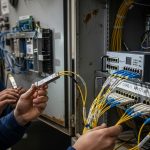
- Confirm connector standard and polarity: For 25G SR and 100G SR4, we verified MPO/MTP polarity conventions and cleaned both ends. We used lint-free wipes and isopropyl alcohol with controlled dwell time, then re-tested insertion loss.
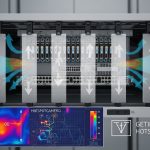
- Stress under realistic airflow: We ran traffic while measuring switch inlet temperatures and module temperatures from DOM. Modules that worked at room lab conditions but failed at 30+ C were removed from the production list.
- Stage rollout by batch: We introduced transceivers in small batches while monitoring interface flaps, link training events, and optical power thresholds.
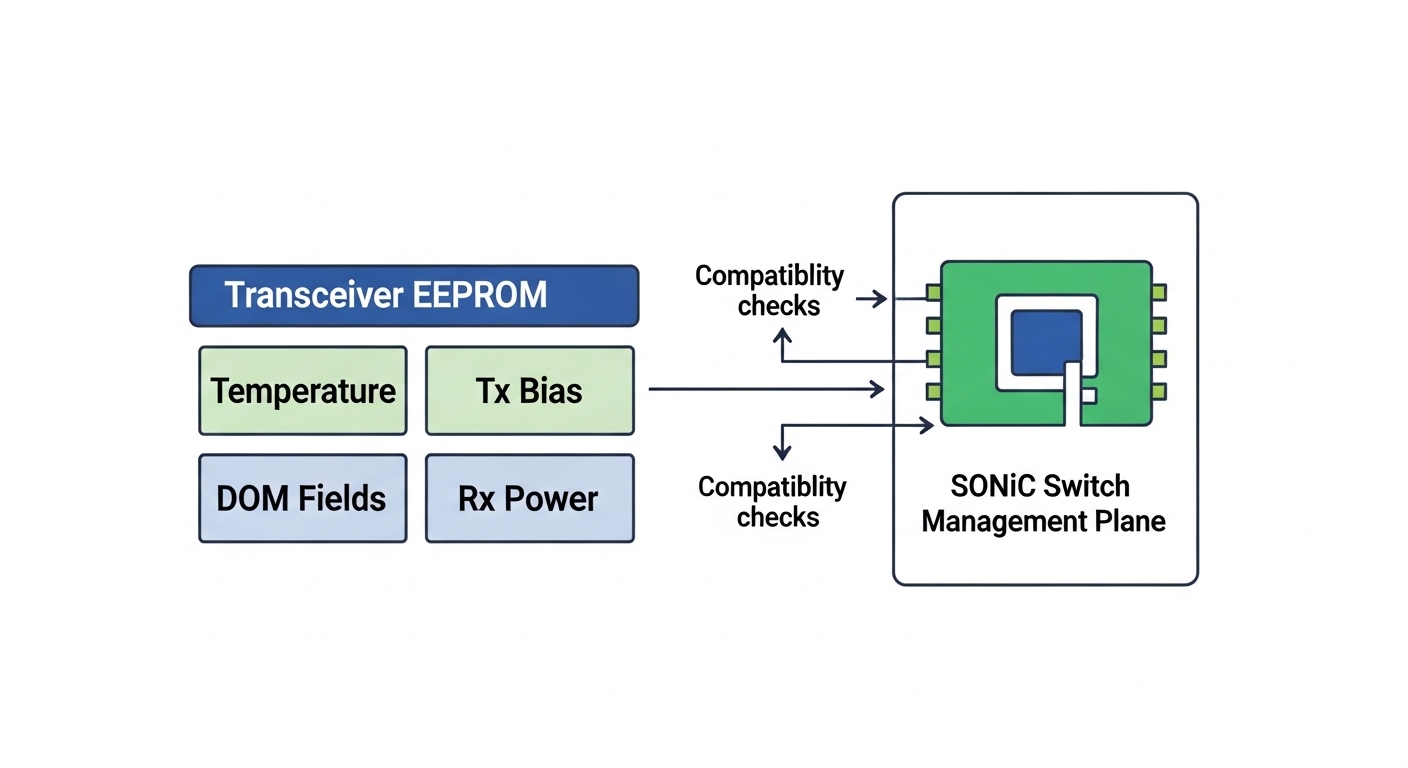
What SONiC expects from optics: DOM, EEPROM, and optical profile
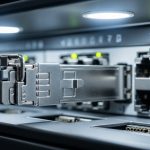
SONiC transceiver handling is primarily about two things: the physical interface standard (for example, SFP/SFP+/QSFP electrical interface and the expected optical type) and the management data exposed through the module’s EEPROM (DOM). Even when the optics “optically work,” a module with inconsistent EEPROM field mapping can cause SONiC to flag it as unsupported or to keep the interface from reaching a stable operational state. The result is often a port that appears present but does not pass traffic reliably.
Key specifications to align with your cabling plant
Before you blame software, align the optics to the actual fiber plant: multimode core size, reach class, and connector type. For SR optics at 850 nm, multimode bandwidth and link budget are the limiting factors, not distance alone. For example, an SR module rated for a certain reach may still fail if the patch cords and cleaning state create too much loss.
| Transceiver type | Nominal wavelength | Typical reach class | Connector | Data rate | DOM / power | Temperature range (typical) |
|---|---|---|---|---|---|---|
| 10G SR (SFP+) | 850 nm | Up to 300 m (MMF, spec dependent) | LC | 10.3125 Gbps | Digital DOM over I2C (Tx/Rx power, temp) | 0 to 70 C (industrial variants differ) |
| 25G SR (SFP28) | 850 nm | Up to 100 m (MMF, spec dependent) | LC | 25.78125 Gbps | Digital DOM; Tx bias and Rx power thresholds | 0 to 70 C (common) |
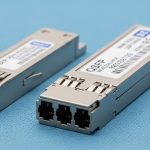
| 100G SR4 (QSFP28) | 850 nm | Up to 100 m (MMF, spec dependent) | MPO/MTP (8-fiber) | 4 x 25.78125 Gbps | DOM; per-lane optical diagnostics | 0 to 70 C (common) |
Standards context: Pluggable optics are governed by industry specifications for form factor and management interfaces. For Ethernet physical-layer behavior, IEEE 802.3 is the reference for link operation, while transceiver management and EEPROM layouts follow common industry conventions used across vendors. For general Ethernet PHY requirements, see Source: IEEE 802.3 Overview. For practical transceiver management expectations and field experience, see Source: SNIA transceiver management notes (public PDF if available) and vendor datasheets for the exact DOM fields.
Pro Tip: In field deployments, the fastest way to predict SONiC transceiver compatibility is to test DOM readout and optical power thresholds under the same inlet temperature the module will face. A module that reads DOM correctly at room temperature but shows missing Rx power or aggressive temperature derating at 30+ C often causes intermittent link drops that look like “software flaps.”
Selection criteria: how engineers choose SONiC transceivers without surprises
Use an ordered checklist that matches how problems actually manifest: identification, optics behavior, and thermal stability. When we applied this sequence to our upgrade, interface stability improved immediately after the bad batch was removed.
- Distance and fiber type: Confirm MMF type (OM3/OM4/OM5), link budget, and connector losses; do not rely on “reach marketing.”
- Switch compatibility: Validate the specific SONiC switch model’s supported optics list and electrical interface expectations (SFP+/SFP28/QSFP28).
- DOM support quality: Prefer modules with documented digital DOM behavior; confirm SONiC can read key fields without timeouts.
- Optical type and wavelength: Ensure SR vs LR, and match 850 nm to your multimode plant; avoid mixing optics families.
- Operating temperature headroom: Compare module temperature specs to your measured inlet conditions; include worst-case fan failures and seasonal extremes.
- Vendor lock-in risk: If you use third-party optics, test for consistent EEPROM field mapping and DOM behavior across batches.
- Failure domain and spares strategy: Keep spares from the same manufacturing lot when possible; inconsistent lots can complicate troubleshooting.

Measured results and operational lessons from the rollout
Implementation Steps: We started with a lab validation that included DOM readout checks and optical power readings, then moved to a production pilot limited to 24 ports. After replacing the problematic transceivers, we expanded to full ToR coverage while monitoring interface flaps, optical receive thresholds, and fan speed curves. We also standardized cleaning procedures for LC and MPO/MTP connectors because residue can mimic “bad optics” by increasing insertion loss.
Measured Results: After the corrected optics batch, port stability improved from 8% failing/no-carrier to <0.5% intermittent issues during the first 72 hours, which were ultimately traced to dirty MPO endfaces and one mis-polarity patch cord. Under sustained traffic, we observed stable received power within expected ranges and no repeated link renegotiations. Thermal margins improved as well: modules that stayed within DOM-reported temperature limits maintained consistent Rx power without rapid decay.
Lessons Learned: First, treat transceiver compatibility as both a software and hardware problem: DOM behavior and optical profile matter together. Second, batch testing saves time; field swaps without pre-checks waste cooling and maintenance windows. Third, airflow is a first-class variable for SONiC transceiver performance in dense racks, not an afterthought.
Common mistakes / troubleshooting (field-proven) for SONiC transceivers
DOM reads fail or show zeros, but the interface still “looks present”
Root cause: EEPROM field mismatch, incomplete DOM support, or I2C timing issues with certain third-party modules. SONiC may not properly validate diagnostics, leading to unstable or non-operational links.
Solution: Confirm DOM readout works on the exact switch model and SONiC release you run. Swap in a known-good Cisco or vendor-validated module (same type and speed) to isolate EEPROM vs cabling.
Wrong optics type for the fiber plant (SR vs LR, or wavelength mismatch)
Root cause: Using optics that “fit” mechanically but do not match your fiber plant and link budget. This can present as marginal Rx power that drops under load.
Solution: Verify wavelength and expected fiber type from datasheets, then re-check patch cord lengths and fiber grade. Use an optical power meter and, if available, an OTDR to confirm loss hotspots.
MPO/MTP polarity errors on SR4 lead to no carrier or intermittent lane drop
Root cause: SR4 uses multiple lanes; incorrect polarity can block one or more lanes, causing link training failures or partial connectivity.
Solution: Re-terminate or re-map using the correct polarity method for your patch panel standard, then clean connectors and re-test. Validate with a known-good polarity cable set before scaling.
Thermal derating under hot-aisle conditions causes late failures
Root cause: Inlet air near 30 C plus dust buildup reduces cooling performance; some modules tolerate it poorly. DOM temperature rising and Rx power decay correlate with the failures.
Solution: Measure inlet temperatures and keep optics within the module’s specified operating range. Improve containment airflow, clean fans/filters, and replace modules that show rapid Rx power drop at stable traffic.
Cost & ROI note: optics spend vs total cost of ownership
In many deployments, OEM optics cost more upfront but reduce compatibility risk. Third-party SONiC transceiver options can be cheaper per module, but the ROI depends on your testing discipline and your failure tolerance. As a realistic range, optics for 10G SR often land in a lower unit-cost band than 25G SR and 100G SR4, and OEM pricing can be several times the third-party cost depending on contract and quantity.
TCO is dominated by downtime, maintenance labor, and cooling energy during troubleshooting. If you can validate DOM behavior and thermal stability quickly, third-party optics can be economical; if not, OEM modules may reduce incident rates. In our case, the savings from removing the problematic batch outweighed any unit price differences because we avoided repeated truck rolls and extended maintenance windows.
Next step: if you are standardizing optics across multiple switches and want repeatable validation, review [[LINK:SONiC optics management and