Upgrading to 800G can stall SMB networking projects when optics, transceiver options, and fiber reach assumptions collide. This guide helps IT managers and field engineers plan an SMB-friendly migration that protects uptime, controls cost, and avoids tech debt. You will get a step-by-step implementation plan, a specs comparison table, and troubleshooting for the most common failure points.
Prerequisites: build an 800G-ready plan before you buy anything
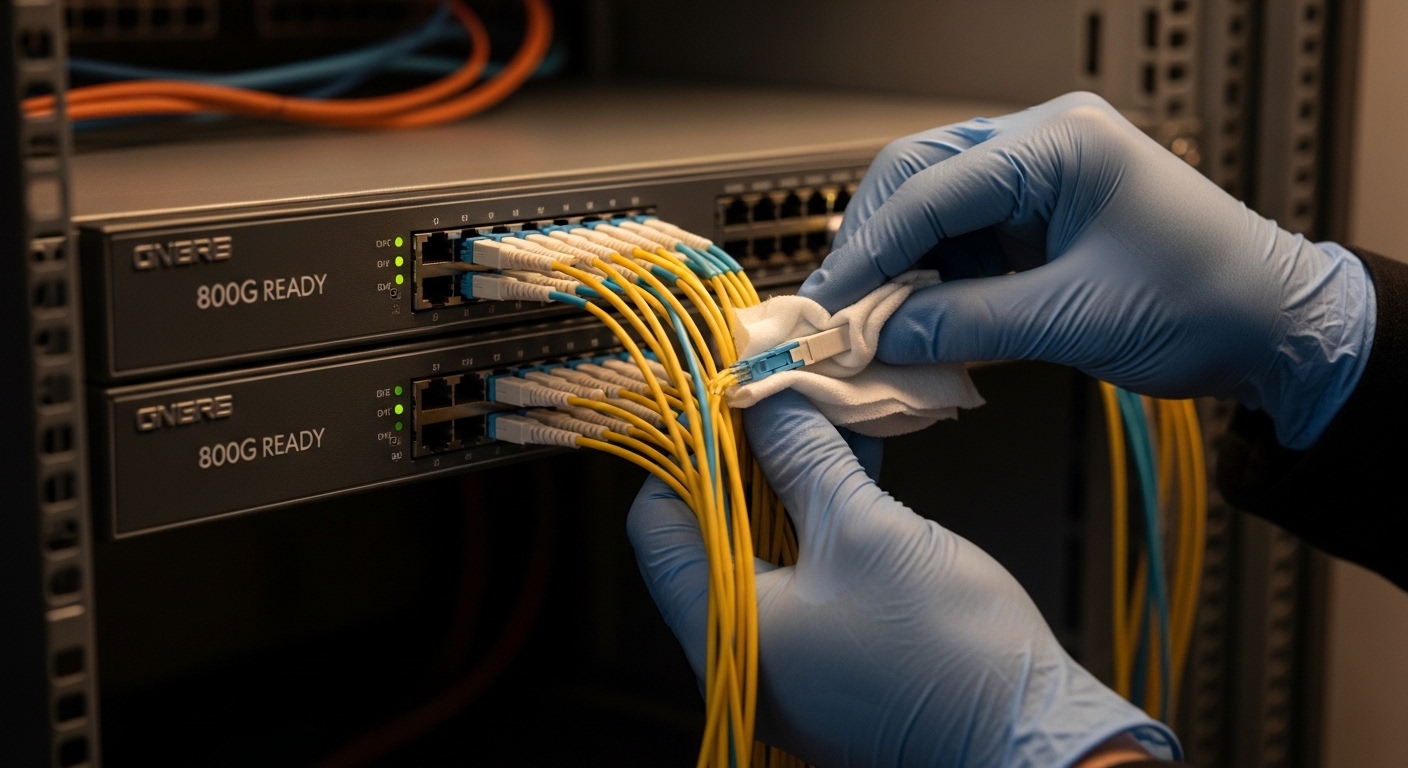
Before ordering transceivers, confirm the switch line cards support 800G (and which breakout modes are valid). Many platforms implement 800G using coherent-ready lanes or specific PAM4/electrical lane groupings, so “it fits” is not enough. Also inventory your existing fiber plant: patch panel type, connector cleanliness practices, and whether you have enough spare strands for lane re-mapping.
Reference baseline Ethernet behavior from IEEE 802.3 to align expectations for line rates and PHY behavior. For optical reach and typical link budgets, consult vendor datasheets and transceiver documentation. [Source: IEEE 802.3 standard] IEEE 802.3
What you must measure
- Switch model and OS: confirm the exact transceiver part compatibility matrix.
- Port count and oversubscription: estimate traffic growth for 12 to 24 months.
- Fiber inventory: strand count, duplex type, connector type (LC/SC), and existing attenuation.
- Power and cooling: verify PSU headroom and airflow paths.
Step-by-step: an SMB networking 800G migration that minimizes downtime
Use this implementation sequence to reduce risk. Each step includes an expected outcome so you can gate progress and stop early if assumptions fail.
Choose the migration scope and “blast radius”
Start with one pair of leaf switches or one spine uplink set, not the entire network. In an SMB environment, a common stable pattern is upgrading two uplinks per ToR first while the rest of the uplinks remain at 10G or 25G. Keep routing stable by using link aggregation where supported, and isolate changes with a maintenance window.
Expected outcome: You validate transceiver compatibility and fiber polarity without interrupting every application.
Select optics based on reach, connector, and DOM requirements
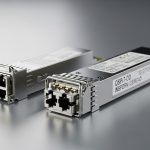
For SMB networking, the easiest win is selecting optics that match your switch vendor expectations for DOM (Digital Optical Monitoring). For short-reach deployments, ensure wavelength and reach align with your patch-panel and backbone distances. For example, 800G SR8-style short-reach optics are typically designed for multimode fiber environments, while long-reach options may require different fiber types.
| Spec | Typical Short-Reach Option (Example: 800G SR8 class) | Typical Long-Reach Option (Example: 800G LR8 class) |
|---|---|---|
| Target data rate | 800G Ethernet | 800G Ethernet |
| Wavelength | Multi-lane short-reach (typical SR wavelengths per vendor) | Multi-lane long-reach (typical LR wavelengths per vendor) |
| Reach | Designed for short campus/data-center spans (vendor-specific) | Designed for longer spans (vendor-specific) |
| Fiber type | Often multimode with strict launch/OM rules | Often single-mode with specific OS2/OS1 assumptions |
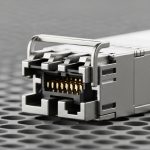
| Connector | Commonly MPO/MTP for high-lane density | Commonly LC or MPO/MTP depending on module |
| DOM | Usually supported; verify switch reads diagnostics | Usually supported; verify switch reads diagnostics |
| Operating temperature | Vendor-rated (commonly industrial ranges exist) | Vendor-rated (verify for your rack environment) |
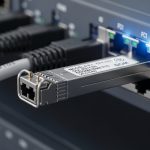
When you compare module vendors, also check whether the switch accepts the optical ID and whether it enforces vendor lock-in. Third-party optics can work, but only when the vendor provides compatibility guidance and firmware expectations. [Source: Cisco SFP and QSFP transceiver interoperability guidance] Cisco transceiver compatibility matrix
Validate fiber polarity, MPO keying, and lane mapping
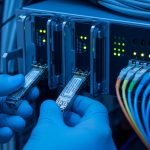
800G short-reach optics often use high-lane connector assemblies (commonly MPO/MTP). Mis-keyed polarity and reversed pairs are a top cause of “link up but errors” or “no signal.” Before you touch live traffic, validate with a continuity tester and follow the vendor lane map documentation.
Expected outcome: Optical power and lane alignment match switch expectations, with clean link health indicators.
Stage configuration and run controlled traffic tests
Bring up the upgraded interfaces using the switch’s approved settings (speed, FEC mode if applicable, and breakout mode rules). Then run a controlled test: sustained throughput for 15 to 30 minutes and monitor error counters, CRC, and optical DOM thresholds. If you use LACP, verify member consistency and ensure hashing behavior matches your traffic profile.
Expected outcome: Stable link operation with no rising error counters and acceptable optical power margins.
Pro Tip: In the field, the fastest way to avoid a “mystery link” at 800G is to compare DOM readings against the switch vendor’s accepted thresholds. If you only check link state, you can miss a marginal signal that will fail under temperature swings later in the day.
Cut over incrementally and document tech debt
Once the test uplinks behave correctly, move the next pair. Keep a migration log: transceiver part numbers, firmware versions, DOM snapshots, and fiber patch locations. This turns the next upgrade into a repeatable runbook rather than a fresh investigation.
Expected outcome: Predictable cutovers and a reusable knowledge base for future expansions.

Common mistakes and troubleshooting for SMB networking 800G links
Even well-planned upgrades fail. Here are the top issues you should expect, with root causes and fixes.
Failure point 1: Link stays down after optics insertion
Root cause: incompatible transceiver ID or unsupported port mode (wrong speed profile or breakout). Solution: confirm exact switch model compatibility matrix and load the recommended OS version; reseat optics and verify correct lane/breakout configuration.
Failure point 2: Link comes up but traffic shows high CRC or drops
Root cause: fiber polarity reversal, MPO keying mismatch, or patch panel connector contamination. Solution: clean connectors with proper inspection, re-terminate if needed, and verify lane mapping using the vendor’s polarity guide.
Failure point 3: Intermittent flaps during high temperatures
Root cause: insufficient airflow or optics operating near the edge of temperature specifications. Solution: check rack fan direction, clear front-to-back obstructions, and compare DOM temperature readings to module limits.
Cost and ROI note: what SMBs should budget for 800G
Pricing varies heavily by vendor, reach class, and DOM support, but an SMB should plan for meaningful optics cost and possible platform refresh. As a realistic planning range, short-reach high-speed optics are often priced in the hundreds to low thousands per module, while long-reach modules can be higher; total TCO should include transceivers, additional patching hardware, inspection tools, and labor time. Build ROI around reduced oversubscription pain, fewer bottlenecks at the ToR/spine boundary, and operational stability from standardized runbooks.
FAQ
What does “800G migration strategy” mean for SMB networking?
It means upgrading interfaces and optics in a controlled order, validating fiber and transceiver compatibility early, and using measured traffic tests before broad cutover. The goal is to increase capacity without turning every change into a high-risk outage.
Can I use third-party optics for SMB networking 800G?
Often yes, but only if the switch vendor’s compatibility matrix and DOM expectations are met. Confirm the exact module part number and verify the switch reads diagnostics correctly after upgrade. [Source: vendor transceiver interoperability guidance]
How do I choose between short-reach and long-reach optics?
Start with your actual distances between patch panels and ensure the fiber type matches the optics design assumptions. Then validate link budget and optical power margins using DOM readings and vendor documentation.
What fiber issues cause the most 800G failures?
MPO polarity mistakes, contaminated connectors, and incorrect lane mapping top the list. A quick inspection and continuity test before cutover