I have installed enough transceivers to develop a sixth sense for “it should work” versus “why is the link flapping at 3 a.m.” This article helps network engineers and data center operators pick the right optics for SFP use cases across distance, speed, and platform constraints. You will see head-to-head comparisons (SFP vs QSFP, SR vs LR), plus practical troubleshooting that shows up in vendor RMA forms.
SFP use cases by distance: SR wins short runs, LR earns its keep
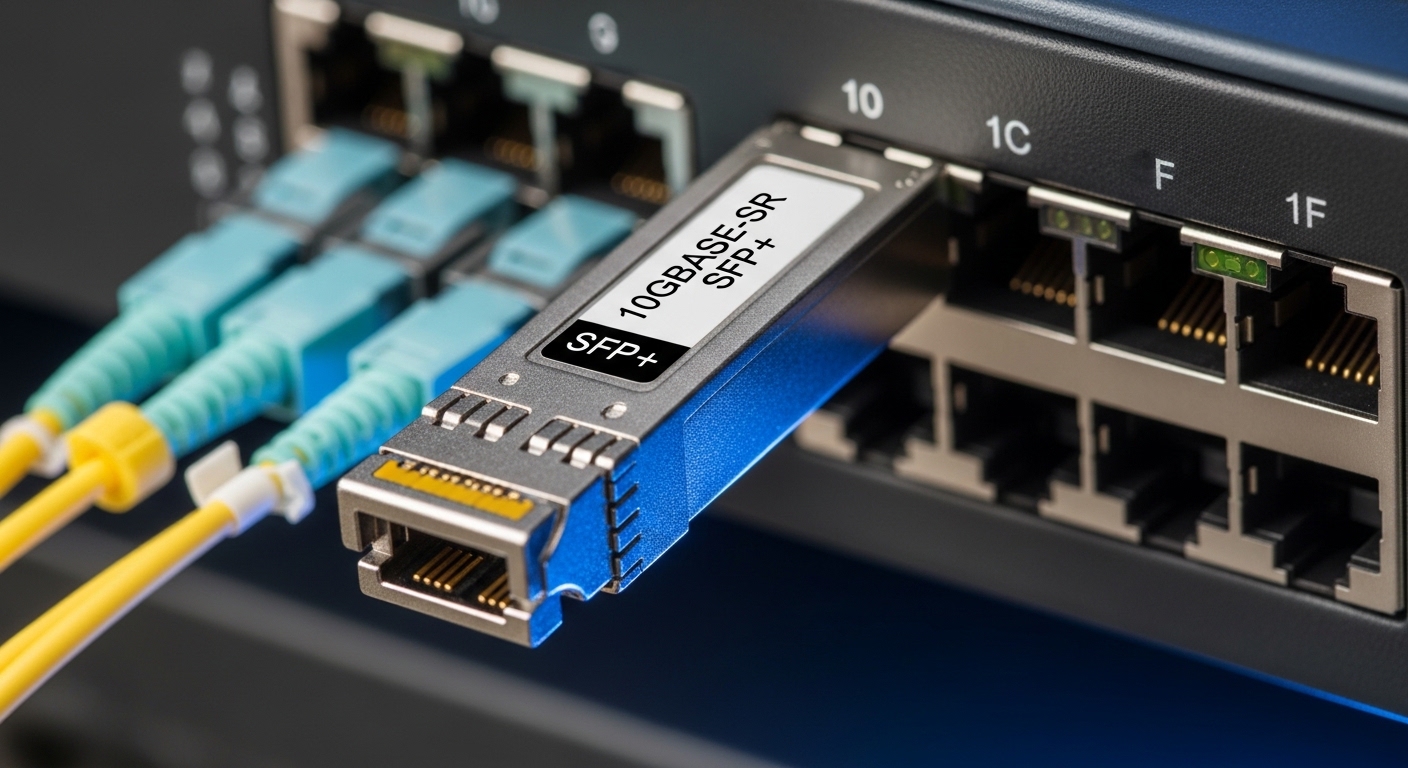
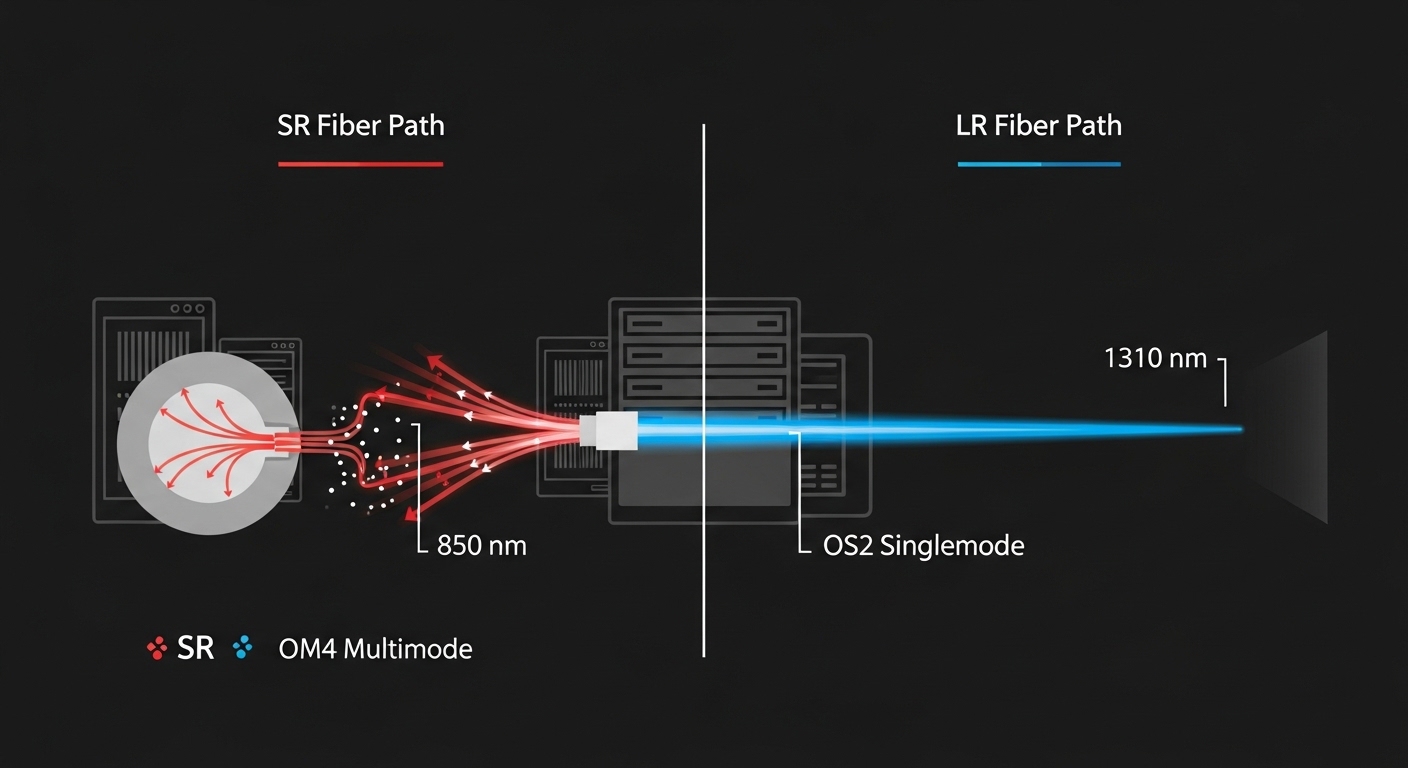
In day-to-day SFP use cases, the first decision is almost always distance and fiber type. For short reaches inside a data center, 10G-SR optics (typically 850 nm over OM3/OM4 multimode) are the budget-friendly workhorse. For campus or inter-building links where you need singlemode, 10G-LR optics (typically 1310 nm over OS2 singlemode) trade higher module cost for fewer optics upgrades later.
Real deployment scenario: leaf-spine with mixed media
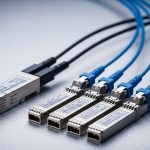
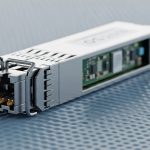
On a 3-tier data center leaf-spine topology, we had 48-port 10G ToR switches feeding 2x spine uplinks. Inside the same row, we used Cisco-compatible 10G-SR modules like FS.com SFP-10GSR-85 (850 nm, up to 300 m on OM3 / 400 m on OM4 depending on spec) on OM4 harnesses. For cross-row links spanning a cable-tray maze, we switched to 10G-LR (1310 nm, up to 10 km on OS2) and saved time by standardizing on OS2 for anything longer than 500 m. The operational win: fewer “wrong fiber” tickets, because the patching team could visually separate OM4 vs OS2 bundles.
SFP vs QSFP: same job, different lane widths and power budgets
Engineers often ask whether QSFP is “just faster SFP.” In practice, QSFP modules (QSFP+ and QSFP28) usually carry multiple lanes (for example, 4 lanes) and can change power, port density, and thermal behavior in compact chassis. For SFP use cases at 1G and many 10G scenarios, SFP remains the simplest fit when you need single-lane clarity and abundant port counts. When you need 25G or 40G at high density, QSFP28 or QSFP+ becomes the natural choice, but you must check switch vendor compatibility and transceiver DOM requirements.
Pro Tip: If your switch supports Digital Optical Monitoring (DOM), prefer modules that expose DOM fields cleanly. In the field, “link up” can still mask a rising laser bias current or temperature drift that later triggers CRC spikes. Monitoring those DOM trends can prevent the slow-motion outage that never makes it into the initial syslog bundle.
Head-to-head comparison: optics types, specs, and where they fit
Below is a practical comparison of common optics you will encounter when designing SFP use cases. Exact limits depend on switch PHY implementation and fiber plant measurements, but these ranges match typical vendor datasheet targets and IEEE guidance for Ethernet optical interfaces.
| Module / Example Models | Wavelength | Fiber Type | Target Reach | Data Rate | Connector | Typical Power | Temperature Range | Where It Shines |
|---|---|---|---|---|---|---|---|---|
| SFP-10G-SR (e.g., FS.com SFP-10GSR-85, Finisar FTLX8571D3BCL) | 850 nm | OM3 / OM4 multimode | ~300 m (OM3) / ~400 m (OM4) | 10G | LC | ~0.8–1.5 W class (varies by vendor) | 0 to 70 C (common) | In-rack, same-room, short patch runs |
| SFP-10G-LR (e.g., Cisco SFP-10G-LR family) | 1310 nm | OS2 singlemode | Up to 10 km | 10G | LC | ~1.2–2.5 W class (varies) | -5 to 70 C (common) | Campus, cross-building, longer runs |
| QSFP28-25G-SR (25G SR over MM) | ~850 nm | OM3 / OM4 multimode | ~100 m typical (varies by spec) | 25G (4x lane aggregation) | LC | ~3–4 W class (varies) | 0 to 70 C typical | High density 25G leaf-spine |
For standards grounding, Ethernet optical transceiver behavior ties back to IEEE Ethernet PHY expectations and link training patterns. For interface baseline and optical Ethernet context, see IEEE 802.3 standards index. For DOM behavior and electrical/optical class constraints, rely on vendor datasheets for your exact module family.
Selection checklist for SFP use cases (the part that saves your weekend)
When choosing optics for SFP use cases, I treat it like a mini engineering review: fast, documented, and hostile to assumptions. Use this ordered checklist before you order a case of transceivers that will later require an awkward swap.
- Distance and link budget: measure fiber length and account for connector loss, patch panels, and expected attenuation. Multimode SR is sensitive to plant quality.
- Fiber type and core grade: confirm OM3 vs OM4 for SR; confirm OS2 for LR. “Singlemode-looking cable” has ruined more than one migration.
- Switch compatibility: validate the exact switch model and transceiver SKU support list. Some platforms are picky about vendor EEPROM layout and power class.
- DOM support and alarms: confirm the switch reads DOM fields reliably. If your monitoring stack expects thresholds, ensure the transceiver provides expected telemetry.
- Operating temperature and airflow: check transceiver temperature range and chassis cooling. In hot aisles, “works on the bench” can fail in production.
- Vendor lock-in risk: third-party optics can be fine, but plan a compatibility test and keep at least one known-good OEM module for rollback.
Common pitfalls and troubleshooting tips I learned the hard way
Optics failures often look like “random link issues,” but there is usually a root cause with a signature. Here are the top failure modes I have seen in the wild for SFP use cases.
Pitfall 1: Wrong fiber grade for SR
Root cause: using OM3/OM4 expectations with a plant that has higher attenuation or mismatched grading. Multimode SR can pass short tests and still fail under full load due to increased bit errors.
Fix: run an optical time-domain reflectometer (OTDR) or at least verify link attenuation with a proper meter. If you cannot guarantee OM4 quality, consider LR on OS2.
Pitfall 2: DOM mismatch or monitoring blind spots
Root cause: a switch may accept a “compatible” module for link bring-up but not expose DOM fields the way your monitoring expects. That can hide rising laser bias current, causing late-stage CRC errors.
Fix: validate DOM readout immediately after install; confirm your telemetry pipeline parses fields correctly. Keep vendor datasheets for the exact module model on hand.
Pitfall 3: Dirty connectors and intermittent link flaps
Root cause: patch panel dust and connector contamination. Intermittent flaps are classic: link toggles during movement or airflow changes.
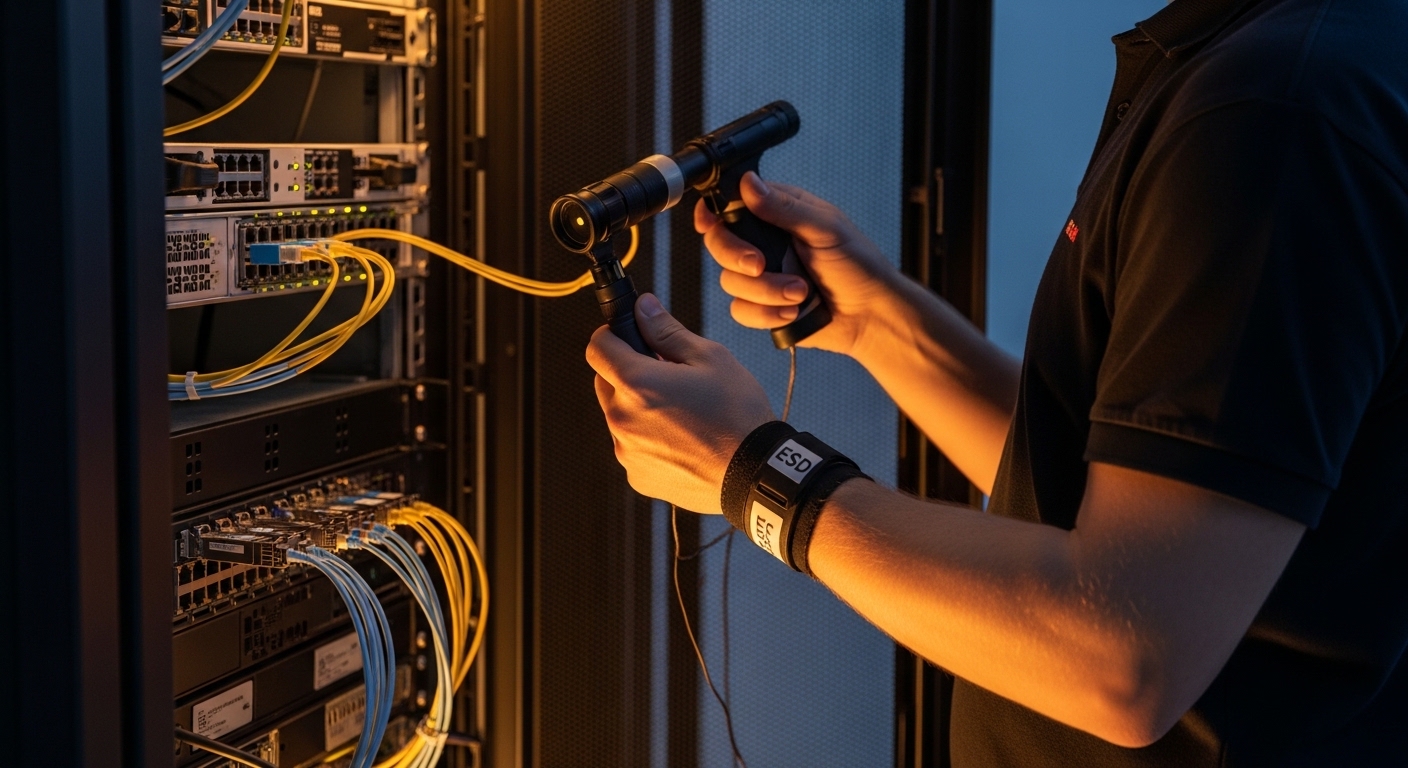
Fix: clean with lint-free swabs and approved cleaning film, then inspect with a fiber scope. Re-terminate only after cleaning and re-checking.
Pitfall 4: Power/thermal mismatch in dense chassis
Root cause: QSFP and higher-power variants can raise local temperatures. Some SFP modules have stricter temperature derating than others, especially in unbalanced airflow.
Fix: check airflow direction, confirm fan speed profiles, and validate module temperature readings via DOM when available.
Cost and ROI note: OEM calm vs third-party savings
In my experience, optics pricing varies wildly by vendor and form factor, but here is the realistic ballpark. OEM SFP+ modules often cost roughly $80 to $250 each depending on reach and brand; third-party compatible optics can be $30 to $120 for common SR/LR SKUs. TCO matters more than unit price: if you reduce maintenance time by buying modules that your switch reads cleanly with stable DOM telemetry, your “cheap” optics can become the expensive ones after the third rollback.
Failure rates are usually low for reputable vendors, but compatibility issues can increase RMA churn. I have seen teams save on optics purchase cost yet spend more on labor due to inconsistent EEPROM compatibility and DOM parsing differences.
Decision matrix: pick the option that matches your constraints
Use this matrix to map your constraints to the likely choice in SFP use cases.
| Your constraint | Best fit | Why | Tradeoff |
|---|---|---|---|
| Short runs inside a data center | SFP SR (850 nm multimode) | Lowest cost and easy patching with LC | Sensitive to fiber plant quality |
| Long distance or campus links | SFP LR (1310 nm singlemode) | Long reach over OS2 | Higher module cost; singlemode handling |
| High density 25G uplinks | QSFP28 SR | More bandwidth per port | Thermal and compatibility checks are stricter |
| Budget constrained but needs stable operations | Third-party SFP with verified compatibility | Lower unit cost | Requires a test plan and known-good fallback |
| Monitoring and automation dependency | Modules with consistent DOM behavior | Telemetry improves proactive maintenance | May reduce “wild west” module sourcing |
Which Option Should You Choose?
If you are building a standard data center patching plan and your runs are mostly under a few hundred meters, choose SFP SR for the bulk of links. If you need cross-building reach or your fiber plant is uncertain, pick SFP LR on OS2 and stop playing fiber roulette.
If you are modernizing to higher uplink bandwidth and have the switch support for it, use QSFP28 for the ports that demand density, but keep SFP use cases for access layers where single-lane clarity and cheaper optics reduce operational risk. For a related topic, see Choosing fiber optic transceivers for high-density data centers.
FAQ
What are the most common SFP use cases in enterprise networks?
Most deployments use SFP for 1G and 10G short-reach links in access and aggregation layers. In data centers, SR optics (850 nm multimode) dominate for patch runs, while LR optics (1310 nm singlemode) appear for longer pathways. Always validate against your switch model’s transceiver support list.
Can I mix SR and LR optics in the same switch?
Yes, you can mix transceiver types across different ports as long as the ports are configured for the correct speed and you use the right fiber. The key is matching fiber type to optics wavelength plan (OM for SR, OS2 for LR). Don’t mix connector types without adapters designed for the correct optics.
Will third-party SFP modules work with Cisco or other switches?
Often they do, but compatibility depends on EEPROM details, DOM behavior, and the switch’s transceiver validation rules. I recommend a small pilot with your exact switch model, plus a rollback plan using one known-good OEM module. Vendor datasheets and switch compatibility matrices are your friends.
Why do my links come up but errors spike later?
That pattern frequently points to marginal fiber quality, dirty connectors,