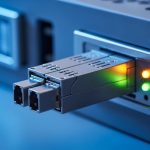
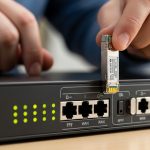
SCADA engineers often discover too late that a “works on the bench” fiber transceiver fails under cabinet heat, vibration, or mismatched optics. This guide helps you select an RTU fiber module that reliably carries Modbus TCP over fiber, including practical compatibility checks for SFP-based links. You will get a field-ready selection checklist, a specs comparison table, and troubleshooting steps for the most common failure modes.
How Modbus TCP over fiber changes what “RTU-ready” means
Modbus TCP is not just a transport choice; it is an application that depends on stable Ethernet framing, low error rates, and predictable link behavior. When you run Modbus TCP over fiber between an RTU, a gateway, and a control network, the fiber link must support the Ethernet layer reliably enough that retransmissions do not create timing surprises for polling logic. In practice, you want optics that meet Ethernet physical layer requirements (IEEE 802.3 for link timing and optical budgets) and a transceiver that matches your switch and media type.
Most SCADA RTU deployments use either SFP or SFP+ depending on available switch ports and link speed. For example, a typical brownfield RTU cabinet might connect to an industrial Ethernet switch using 1000BASE-SX (SFP) for short spans, or 10GBASE-SR (SFP+) for aggregation segments. Your RTU fiber module selection should therefore start with the exact Ethernet speed negotiated on the port and the required reach for the installed fiber.
Field reality: keep the link stable under cabinet conditions
In one common scenario, an RTU enclosure sits in a water treatment pump house with ambient temperatures that swing from 0°C to 55°C. Even if your lab test passes at 25°C, the link can degrade in high heat if the module is not rated for the real environment. Industrial optics typically target wider temperature ranges (often -40°C to 85°C) and include tighter transmit power and receiver sensitivity controls.
Key specs that decide compatibility: wavelength, reach, power, and DOM
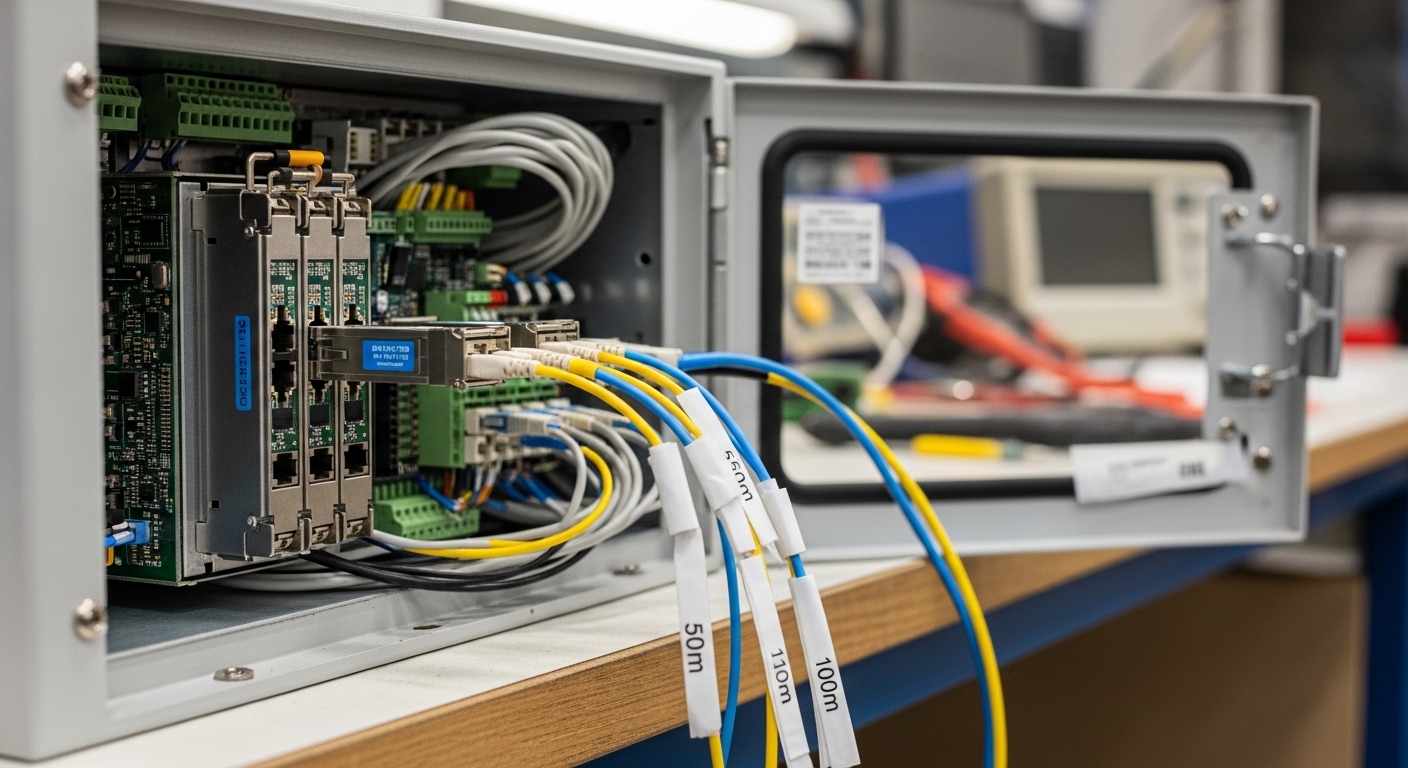
When you choose an RTU fiber module, engineers usually focus on “MMF vs SMF” but the decisive factors are optical and platform compatibility. The SFP must match the switch port speed, the fiber type (multimode or single-mode), the wavelength (850 nm for SX, 1310/1550 nm for longer reach), and the optical budget. Many modern switches also use DOM (Digital Optical Monitoring) data to alarm on aging or out-of-range power.
For Modbus TCP, you typically care about link stability, not just maximum reach. A marginal optical path can produce intermittent CRC errors and micro-outages that trigger RTU polling delays or gateway failover behavior. The table below gives a practical comparison of common SFP options used in SCADA fiber runs.
| RTU fiber module type | Typical data rate | Wavelength | Fiber type | Reach (typical) | Connector | DOM support | Operating temperature (common) |
|---|---|---|---|---|---|---|---|
| SFP 1000BASE-SX | 1G Ethernet | 850 nm | MMF (62.5/50 µm) | ~300 m (depends on MMF) | LC | Usually yes | -40°C to 85°C (industrial class) |
| SFP+ 10GBASE-SR | 10G Ethernet | 850 nm | MMF (OM3/OM4) | ~300 m to ~400 m (OM4) | LC | Usually yes | -10°C to 70°C (many standard) or wider (industrial) |
| SFP 1000BASE-LX | 1G Ethernet | 1310 nm | SMF | ~10 km (varies by optic) | LC | Usually yes | -40°C to 85°C (industrial class) |
| SFP 10GBASE-LR | 10G Ethernet | 1310 nm | SMF | ~10 km | LC | Usually yes | -40°C to 85°C (industrial class) |
Examples of widely used optics include Cisco SFP-10G-SR, Finisar FTLX8571D3BCL, and FS.com SFP-10GSR-85. Always verify the exact part number, because “SR” and “SR-85” naming can imply different compliance and optical targets.
For standards context, consult IEEE 802.3 for the physical layer requirements and typical link behavior in 1G and 10G Ethernet. Also review your switch vendor’s transceiver compatibility guidance, since many platforms apply DOM thresholds and vendor-specific checks. [Source: IEEE 802.3 Standard]
Pro Tip: If your SCADA gateway logs periodic “link flaps” even when signal light levels look “in range,” check DOM alarms for bias current and received power trend, not only current values. Aging optics and dirty connectors can keep average power acceptable while causing short bursts of receive errors that are invisible until you correlate CRC counters with polling windows.
Selection criteria checklist for SCADA RTU fiber modules
Use this ordered checklist before you buy or swap an RTU fiber module. It is designed to match how field engineers prevent rework in installed fiber plants.
- Distance and fiber type: Confirm MMF vs SMF, and verify the installed fiber grade (OM3/OM4 for 10G SR, or 50/62.5 µm for 1G SX). Measure end-to-end loss if you can.
- Ethernet speed and port mode: Ensure the switch port expects the same SFP family (1G vs 10G). Confirm negotiation behavior and whether the switch supports that optic class.
- Wavelength match: SX uses 850 nm; LX/LR uses 1310 nm. Mixing wavelengths across fiber runs will fail immediately or behave unreliably.
- Optical budget margin: Leave headroom for connector loss, splices, and aging. In SCADA, aim for a conservative margin so you can tolerate cleaning events and minor re-termination.
- DOM and alarm thresholds: Prefer modules that implement standard DOM behavior so your switch can report temperature, TX power, and RX power consistently.
- Operating temperature: Pick industrial-grade optics rated for the cabinet environment (commonly -40°C to 85°C). Avoid “works at room temp” modules in outdoor or heated enclosures.
- Switch compatibility and vendor lock-in risk: If the platform enforces transceiver authentication, test the exact module in a staging rack. Vendor lock-in can raise maintenance cost.
- Connector and patching: Verify LC vs other connector types and ensure correct polarity labeling for fiber pairs.
Real deployment scenario: leaf-spine, RTU gateways, and fiber reach math
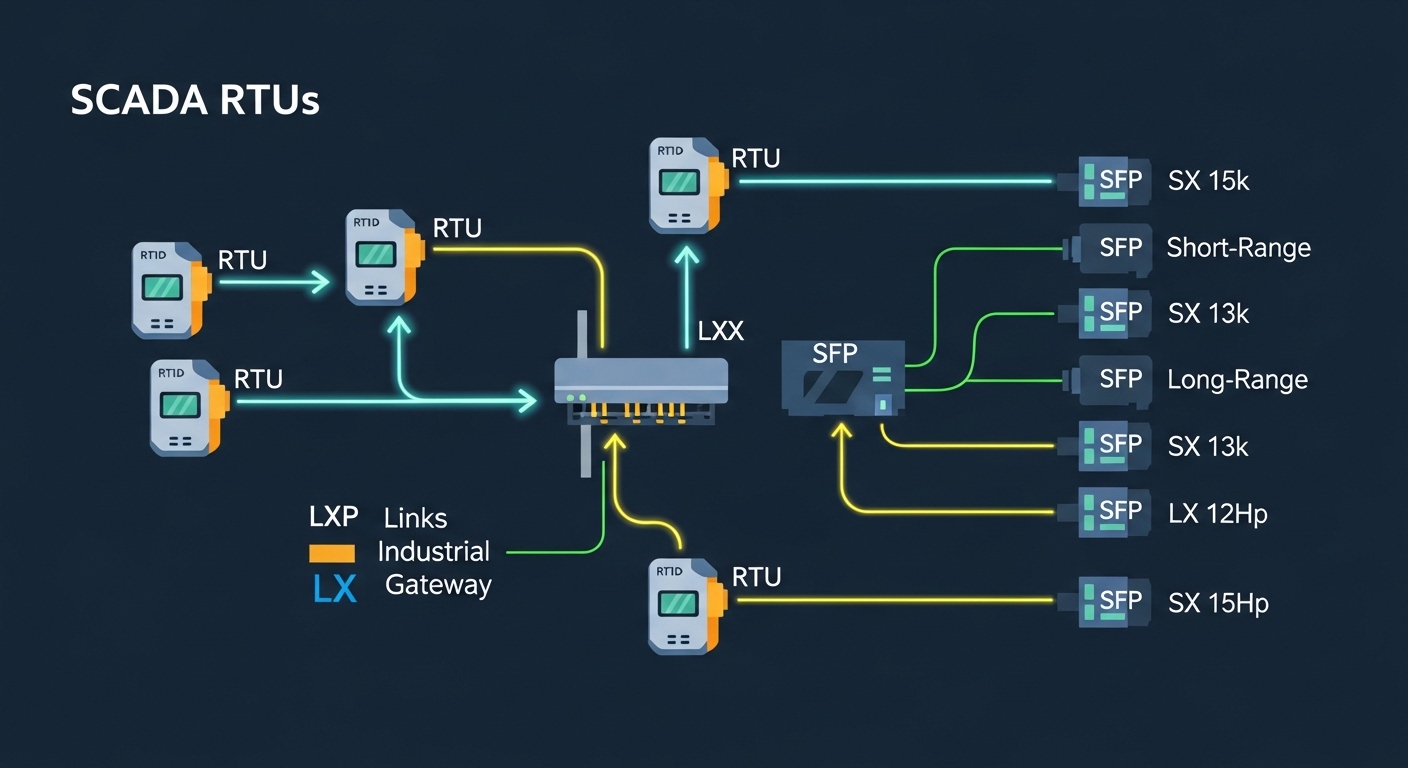
Consider a 3-tier data center leaf-spine topology where 48-port ToR switches aggregate to two spine switches. A separate SCADA network connects through industrial gateways: four RTU clusters each uplink to a gateway switch using 1G Ethernet over fiber. The site uses MMF for one corridor run of 220 m and SMF for two remote corridors of 4.8 km and 7.2 km. Engineers deploy 1000BASE-SX optics on the MMF segment and 1000BASE-LX optics on the SMF segments, both with industrial temperature ratings.
During commissioning, the team verifies link quality by monitoring interface counters on the gateway switch and correlating any Modbus TCP latency spikes with fiber error events. They also validate DOM telemetry: TX bias current remains stable, and RX power stays within expected ranges after they clean connectors with approved procedures. This approach reduces “mystery” Modbus timeouts that otherwise appear as application-layer issues.
Common pitfalls and troubleshooting for RTU fiber module failures
Most SCADA fiber problems are not “bad optics” but predictable issues. Below are concrete failure modes, root causes, and fixes you can apply quickly.
Pitfall 1: Wrong fiber type or cable grade
Root cause: Installing an SX module on fiber that is not suitable for the required bandwidth (for 10G, using OM1 or mismatched MMF). Failure symptom: Link may come up intermittently or errors increase under load. Solution: Verify fiber grade and patch loss; replace with the correct optics (for 10G SR, use OM3/OM4-compatible optics and confirm expected reach).
Pitfall 2: Connector contamination and polarity mistakes
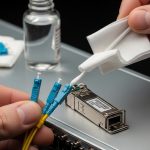
Root cause: Dirty LC end faces or reversed transmit/receive polarity in patch panels. Failure symptom: Link down, or link up with very high error counters. Solution: Clean using approved fiber cleaning tools, inspect with a scope, and confirm polarity with labeling before re-terminating.
Pitfall 3: DOM threshold mismatch or transceiver authentication issues
Root cause: Switch expects specific DOM behavior or blocks non-compatible optics. Failure symptom: Module detected but alarms trigger, or the port flaps after a period. Solution: Check switch transceiver compatibility lists and ensure the replacement part supports DOM reporting that meets platform thresholds.
Pitfall 4: Temperature and power budget not accounted for
Root cause: Using a standard temperature transceiver where the cabinet reaches higher than spec, or operating too close to the optical budget. Failure symptom: Works during commissioning, fails months later after seasonal temperature shifts. Solution: Select industrial temperature-rated modules and re-check optical budget with margin for aging and connector changes.
Cost and ROI note: what you pay for reliability in SCADA
Pricing varies widely by brand and temperature class. In many markets, an industrial-grade SFP or SFP+ can range roughly from $40 to $250 per module depending on speed and reach, while OEM-branded parts may cost more. Third-party modules can reduce upfront cost, but you must budget time for compatibility testing and potential restocking when a switch enforces transceiver behavior.
TCO is often dominated by downtime risk, truck rolls, and spares management rather than the module itself. A practical ROI model: if a single field visit costs $800 to $1,500 and an unreliable optic causes even one extra trip over a multi-year period, the savings from cheaper optics can disappear quickly. Prefer industrial temperature ratings and proven compatibility to minimize maintenance events.

FAQ: choosing an RTU fiber module for Modbus TCP links
Q: Can I use the same RTU fiber module for both Modbus TCP and general Ethernet traffic?
A: Yes, the module carries Ethernet frames for Modbus TCP, so the fiber link quality matters more than the application. However, Modbus polling and gateway logic can amplify the impact of intermittent physical-layer errors, so prioritize low error rates and stable DOM telemetry.
Q: Do I need DOM support for SCADA operation?
A: DOM is not strictly required for basic link operation, but it is strongly helpful for maintenance. With DOM, you can alarm on TX power, RX power, and temperature trends before failures affect Modbus polling windows.
Q: What is the safest way to choose between SX and LX optics?
A: Match MMF to SX (typically 850 nm) and SMF to LX (typically 1310 nm). Then validate reach with your measured fiber loss and connector/splice budget, keeping margin for aging and cleaning.
Q: Will third-party RTU fiber modules work in managed switches?
A: Often yes, but some switch platforms enforce transceiver compatibility checks. Test the exact part number in a staging rack, and confirm DOM behavior and alarm thresholds match what the switch expects.
Q: How do I troubleshoot Modbus TCP timeouts that seem fiber-related?
A: Check interface CRC, FCS, and link flap logs on the gateway and RTU switch ports at the same timestamps as Modbus timeouts. Then inspect and clean connectors, verify polarity, and confirm DOM telemetry stays within thresholds.
Q: What temperature rating should I require for RTU cabinets?
A: If the cabinet can exceed typical indoor ranges, choose optics with an industrial operating temperature rating, commonly -40°C to 85°C. Avoid standard consumer-rated modules where seasonal heat can push components out of spec.
For next steps, review your platform’s transceiver compatibility list and align your fiber budget with the optics you plan to deploy using fiber optic transceiver compatibility checklist.
Author bio: I design and validate fiber and transceiver interfaces in industrial networks, focusing on optical budgets, DOM telemetry, and field maintainability. I have supported SCADA and gateway rollouts where real downtime drivers were heat, connector contamination, and switch compatibility behavior.