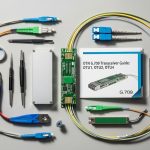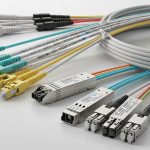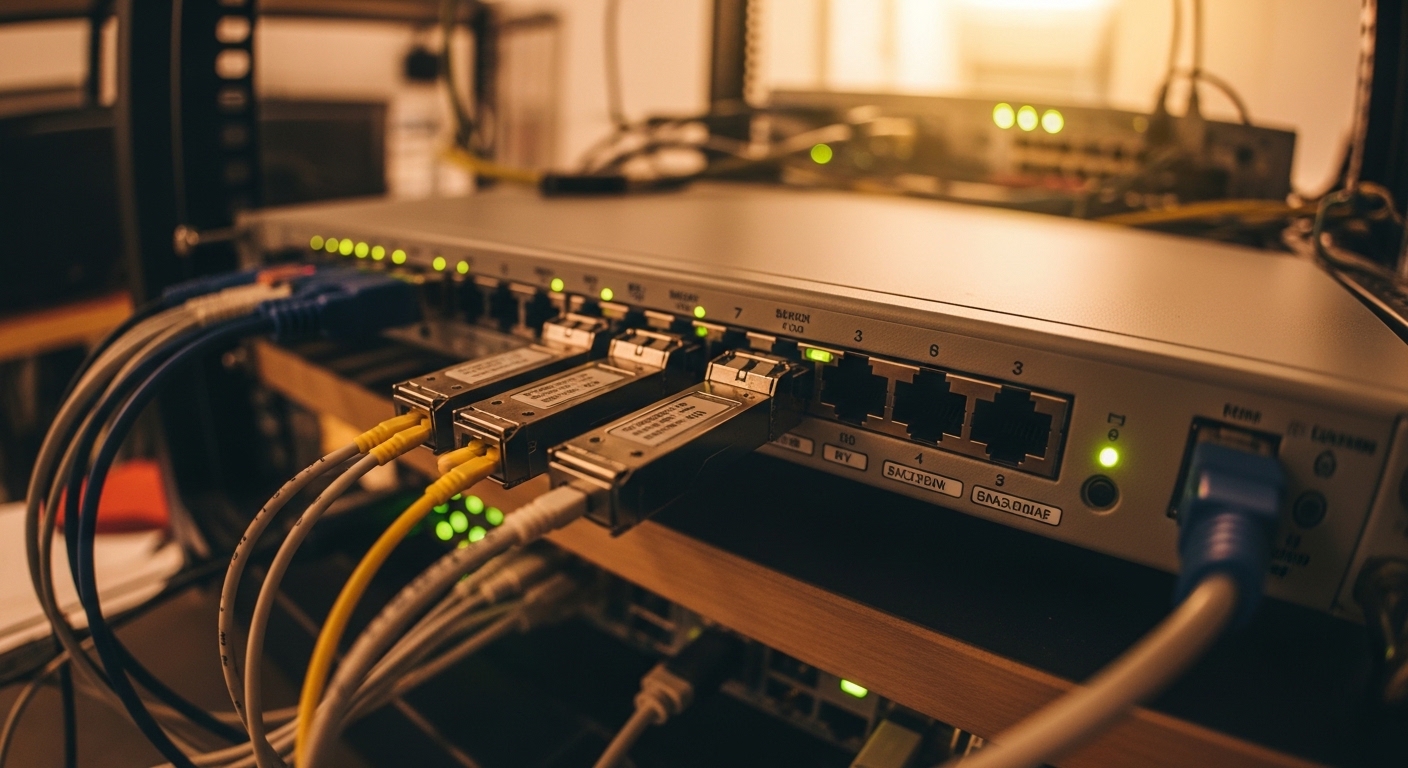
When a router WAN link goes dark, the fastest culprit is often the `router fiber interface` optics, not the switch, not the circuit, and not the fiber pull itself. This article helps network engineers and field techs choosing SFP transceivers for enterprise edge deployments: how to match wavelength, reach, power class, connector type, and DOM behavior to the router and the handoff fiber. I will also cover the operational details I have used on site, including cleaning discipline, link bring-up checks, and troubleshooting patterns that show up repeatedly.
What a router fiber interface expects from an SFP
In most enterprise edge deployments, a router WAN port is wired for fiber using an SFP or SFP+ transceiver. The router’s optics subsystem is designed around IEEE 802.3 physical layer definitions, so the module must match the expected lane rate, modulation, and optical budget. In practice, the router will validate signal presence, receiver sensitivity, and sometimes DOM telemetry via a digital serial interface.
For example, a common pairing is a 10GBase-SR module on a SFP+ cage, running short-reach multimode fiber (MMF). If you accidentally install a 10GBase-LR module meant for single-mode fiber (SMF), the link will fail because the wavelength and optical budget assumptions do not align. Even when the wavelength is correct, connector mismatch (LC vs SC), dirty ferrules, or exceeding the router’s supported temperature range can cause intermittent errors.
IEEE and vendor compatibility signals you should verify
Start by confirming the router port speed and optics type in the platform documentation, then map that to the transceiver’s standard. IEEE 802.3 defines 10GBase-SR and 10GBase-LR behavior, but vendors differ in supported DOM thresholds and how they report faults. In my field work, I have seen routers that accept “compatible” optics electrically, yet refuse to bring up the link if DOM is missing or out-of-range.
As references, use [Source: IEEE 802.3] for baseline Ethernet PHY expectations and [Source: ANSI/TIA-568] for cabling practices. For optics-specific details like wavelength, receiver sensitivity, and DOM behavior, rely on the actual transceiver datasheet and the router’s transceiver compatibility list.
External authority: IEEE 802.3 standard and ANSI/TIA-568 cabling standard.
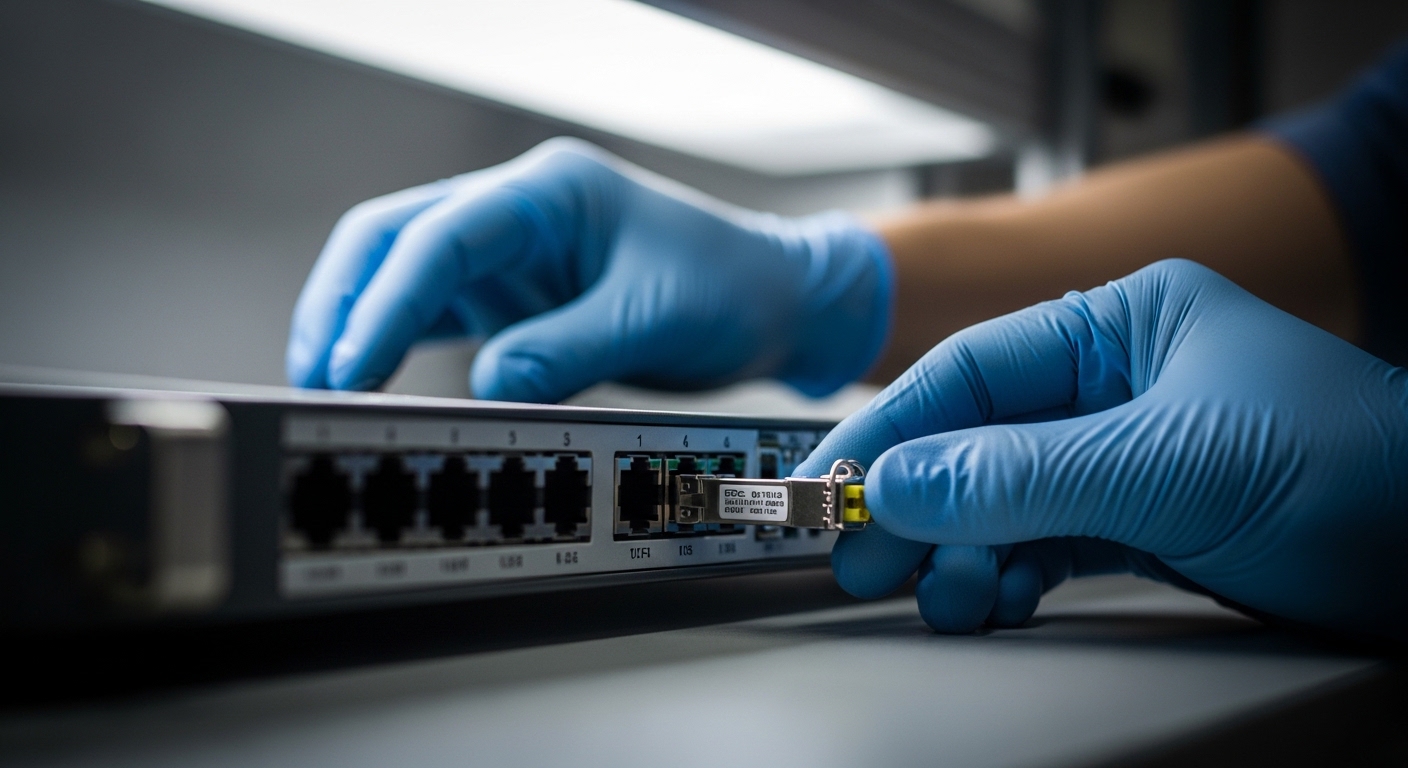
Key SFP options for enterprise edge WAN: SR, LR, and vendor DOM
At the enterprise edge, you typically choose between short-reach multimode (SR) and long-reach single-mode (LR or ER) profiles, depending on the fiber span to the carrier or aggregation point. SR is usually used for intra-building or campus distances where MMF is already installed, while LR/ER is selected for longer spans over SMF. The decision is not only distance; it is also about budget margins, connector cleanliness, and the router’s supported optics category.
Comparison table: what to match to your router fiber interface
Below is a practical comparison of typical SFP+ transceiver profiles you will see on router WAN interfaces. Actual values vary by vendor and module generation, so treat these as reference points and confirm in the datasheet before ordering.
| Profile | Typical data rate | Wavelength | Fiber type | Reach (typ.) | Connector | DOM | Operating temperature |
|---|---|---|---|---|---|---|---|
| 10GBase-SR | 10.3125 Gb/s | 850 nm | MMF (OM3/OM4) | 300 m (OM3), 400 m (OM4) | LC | Common: yes (per SFF-8472) | 0 to 70 C typical; ask router limits |
| 10GBase-LR | 10.3125 Gb/s | 1310 nm | SMF | 10 km | LC | Common: yes | -5 to 70 C typical; confirm |
| 10GBase-ER | 10.3125 Gb/s | 1550 nm | SMF | 40 km | LC | Common: yes | -5 to 70 C typical; confirm |
In real deployments, I have installed modules like Cisco SFP-10G-SR, Finisar FTLX8571D3BCL, and FS.com SFP-10GSR-85 when the optics list allowed them. The key is that these models might share wavelength and reach, but their DOM implementation and transmitter power class can still differ. Always cross-check the router’s supported optics SKU list and the module’s electrical and optical parameters.
Pro Tip: If a link flaps only after you touch or re-seat the module, assume connector contamination before assuming a bad transceiver. I have repeatedly traced “mysterious” WAN instability to micro-film on LC ferrules; a proper fiber inspection and cleaning cycle fixed it faster than swapping optics.
Real-world enterprise edge scenario: 48-port 10G WAN with mixed fiber
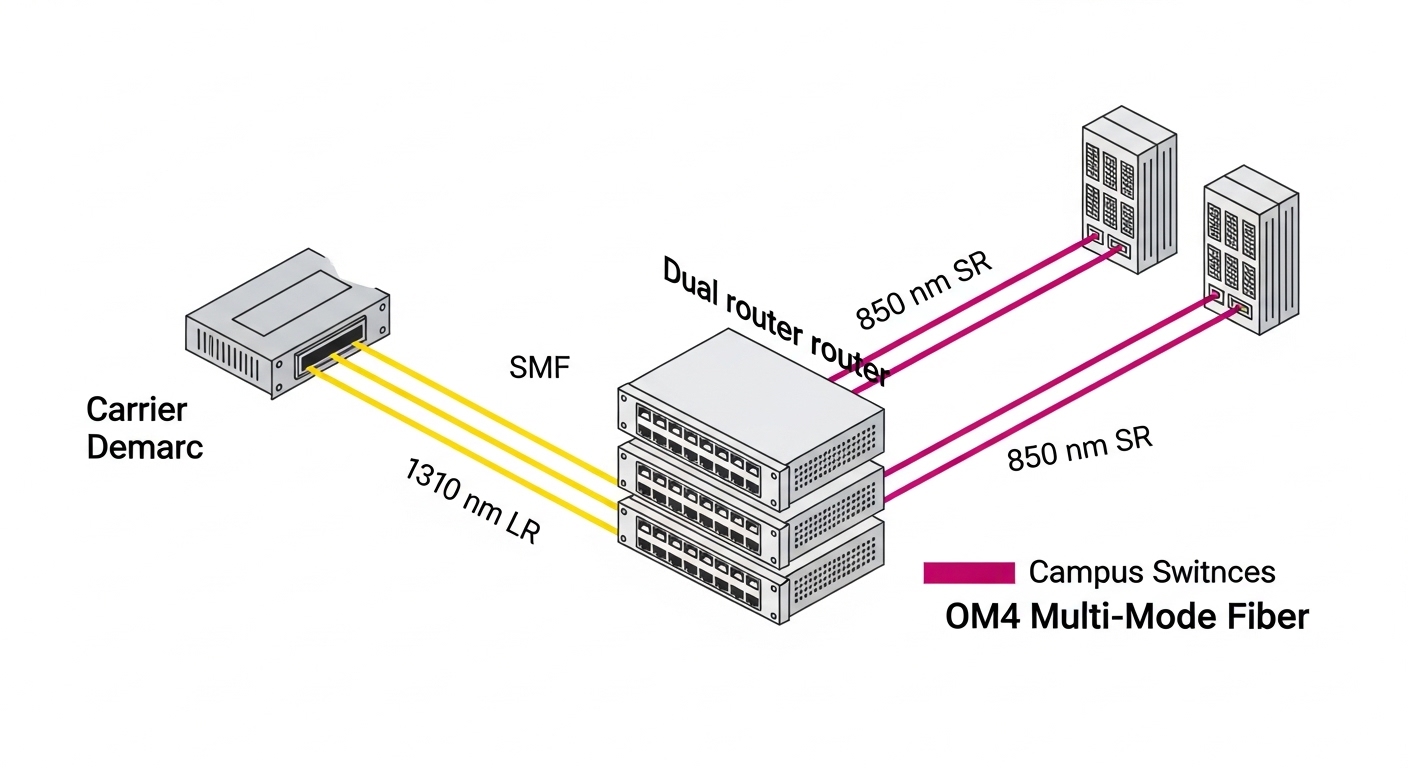
On one enterprise edge build, we supported a 3-tier design with 48-port 10G ToR switches feeding a router pair at the aggregation boundary. The WAN handoff to the carrier used SMF from the demarc to the router: a 6.2 km span with connectors at both ends, measured insertion loss around 1.8 dB total after splicing. For east-west traffic inside the campus, we used MMF OM4 patching between intermediate aggregation points, with typical spans under 120 m.
On the router fiber interface, we deployed 10GBase-LR SFP+ modules for the SMF uplinks and 10GBase-SR modules for the short campus segments. During commissioning, we validated optical budget using the measured fiber loss and the module’s stated transmitter power and receiver sensitivity from the datasheet, then added a margin for aging and temperature effects. The bring-up checklist included: verify the port speed mode, confirm the transceiver DOM reads (if required), inspect and clean LC connectors, and monitor interface counters for CRC and alignment errors for the first 30 minutes.
We also documented the operational reality: modules rated for a wider temperature range tended to behave more consistently in hot aisles where the router inlet air ran close to the vendor’s maximum. That is not a theoretical concern; optics are sensitive to temperature because laser bias and receiver gain drift with heat.
Selection criteria checklist engineers use on edge optics
When you pick a transceiver for a router fiber interface, you are really matching a chain of constraints: electrical rate, optical budget, physical connector standard, and the router’s acceptance behavior. Use this ordered checklist to avoid the common “it should work” trap that costs hours during maintenance windows.
- Distance and fiber type: confirm SMF vs MMF, and measure or retrieve the span loss (dB) and length (m or km).
- Wavelength and Ethernet PHY: select SR for 850 nm MMF, LR for 1310 nm SMF, or ER for 1550 nm SMF, aligned to IEEE 802.3 expectations.
- Connector and patching: LC is most common for SFP/SFP+, but confirm the patch panel and handoff connector type.
- DOM support and router behavior: verify whether the router requires DOM and whether it checks alarm thresholds.
- Operating temperature: compare module rating to router ambient and airflow conditions; check vendor limits, not just the datasheet headline.
- Switch and router compatibility list: reduce risk by selecting modules explicitly listed by the router vendor or verified by the field team.
- Vendor lock-in risk: weigh third-party optics cost versus potential incompatibility; plan spare strategy accordingly.
For standards and cabling practices, anchor your fiber handling to established guidance such as [Source: ANSI/TIA-568] and the fiber cleaning recommendations used by major transceiver vendors. For PHY behavior, [Source: IEEE 802.3] is the starting point, while your router’s hardware guide is the final authority.
Common pitfalls and troubleshooting tips on router WAN optics
Even when the transceiver model number looks “right,” field failures usually trace back to measurable root causes. Here are the patterns I have seen most often during enterprise edge deployments.
Link does not come up after insertion
Root cause: wrong PHY profile for the fiber (e.g., LR on SMF expected but MMF installed, or SR on OM3/OM4 mismatch). Solution: verify the router port standard, check the fiber type at the demarc, and confirm the module wavelength and reach family in the datasheet.
CRC errors and high error counters within minutes
Root cause: dirty or damaged connector end faces causing elevated bit error rate. Solution: inspect with a fiber microscope, clean with lint-free methods, and re-test. Replace any connector with visible scratches or chips; do not reuse damaged patch cords.
Flapping link after re-seat or during temperature changes
Root cause: marginal optical budget or thermal drift near operating limits, sometimes amplified by connector insertion loss growth. Solution: re-calculate the budget using measured loss plus conservative margin; validate that both ends meet the module’s receiver sensitivity requirements across temperature.
DOM alarms or “unsupported transceiver” messages
Root cause: DOM implementation differences or missing DOM support; some routers enforce strict thresholds. Solution: use a module listed as compatible, or match the DOM capability described in the transceiver datasheet. If the router supports DOM pass-through, confirm which alarms it logs versus which it blocks.
Cost and ROI: what you really pay for in optics
Pricing varies widely by vendor, but as a field expectation: OEM SFP+ transceivers often cost in the range of $80 to $250 per module, while third-party compatible optics may be $35 to $120 depending on reach and DOM support. The ROI comes from avoiding downtime and reducing mean time to repair, not from chasing the lowest unit price.
Total cost of ownership (TCO) includes spare inventory, compatibility testing time, and the engineering hours spent during maintenance windows. In my experience, third-party modules can be cost-effective when the router explicitly supports them or the compatibility list is known; however, the “cheap module” risk appears when DOM behavior triggers port disable or when slight optical power differences push links near the margin.
If you are operating at the edge of the optical budget, spending more on the correct profile and verified compatibility often prevents truck rolls and extended outages. That is the practical ROI story: fewer link failures, faster replacements, and reduced troubleshooting overhead.
FAQ
How do I know which router fiber interface speed my SFP supports?
Check the router platform documentation for the specific port type and supported optics (SFP vs SFP+). Then match the transceiver’s data rate and PHY family to the port configuration. If the router supports auto-negotiation for optics, confirm it in the hardware guide; many fiber ports are fixed-speed.
Can I use a 10GBase-LR SFP on a short multimode link?
It will usually not work correctly because the wavelength and fiber type assumptions differ. Even if the link light appears, you may still get excessive errors. The safest approach is to match SR to MMF and LR/ER to SMF as defined by IEEE 802.3 families.
What DOM features should I look for?
Look for compliance and the presence of monitored parameters like temperature, supply voltage, laser bias current, and received optical power. Confirm whether the router requires DOM and whether it blocks ports when DOM is absent or out of range. Use the module datasheet and the router compatibility guidance together.
How much optical margin should I keep for an edge WAN uplink?
A common engineering practice is to include margin beyond measured insertion loss to account for connector aging and temperature effects. The exact value depends on your link budget method and measured fiber specs, but you should not plan to run at the minimum receiver sensitivity with zero headroom.
Why does the link work on day one but fails later?
Dirty connectors, intermittent patch cord damage, or links operating near budget can all create delayed failures. I have also seen failures after maintenance when a patch cord is re-seated without cleaning. Re-inspect and re-test with optical power and error counters as your primary evidence.
Are third-party SFPs safe for production?
They can be safe if they are verified compatible with your router model and meet the same PHY and optical budget requirements. The main risk is DOM behavior and subtle transmitter power differences that push marginal links over the edge. Start with a small pilot before scaling to production.
Choosing the right router fiber interface optics is a systems problem: fiber type, wavelength, optical budget, DOM behavior, and operational temperature all matter together. If you want the next step, review your exact fiber plant and port requirements, then cross-check against the router’s optics compatibility list using the selection checklist above: How to build an optical link budget for router WAN interfaces.
Author: I have deployed SFP and SFP+ optics across enterprise edge routers, validating link budgets, DOM telemetry, and fault patterns in live maintenance windows. I focus on practical compatibility and operational reliability, not just datasheet reach claims.