If you are wiring a 1G leaf-spine or access uplink and you keep running into “it should work” surprises, this is for you. This article explains how RJ45 SFP copper transceivers behave electrically and operationally, what to check before you buy, and how to troubleshoot the common failure modes field teams see. You will also get a realistic cost and ROI perspective for OEM vs third-party modules.
What an RJ45 SFP actually does in a 1G copper uplink
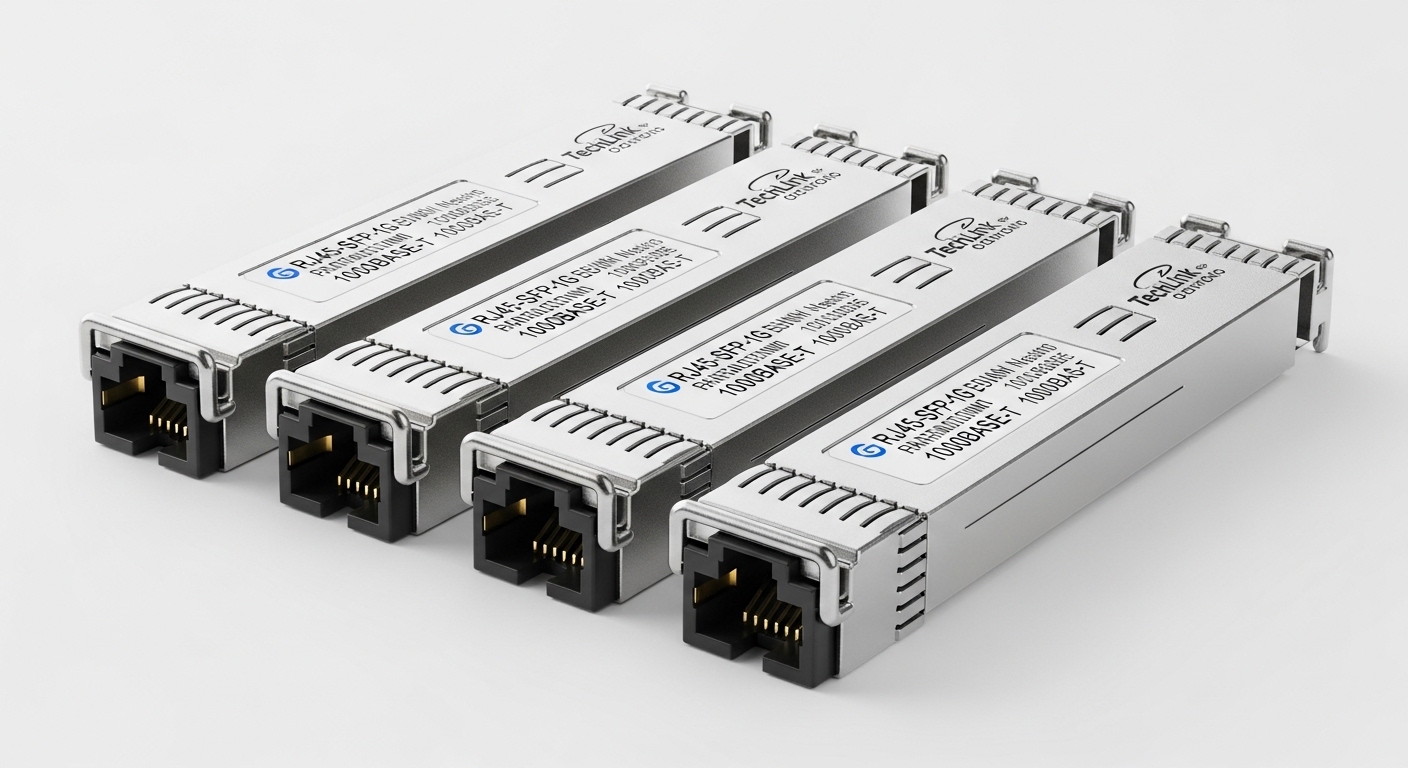
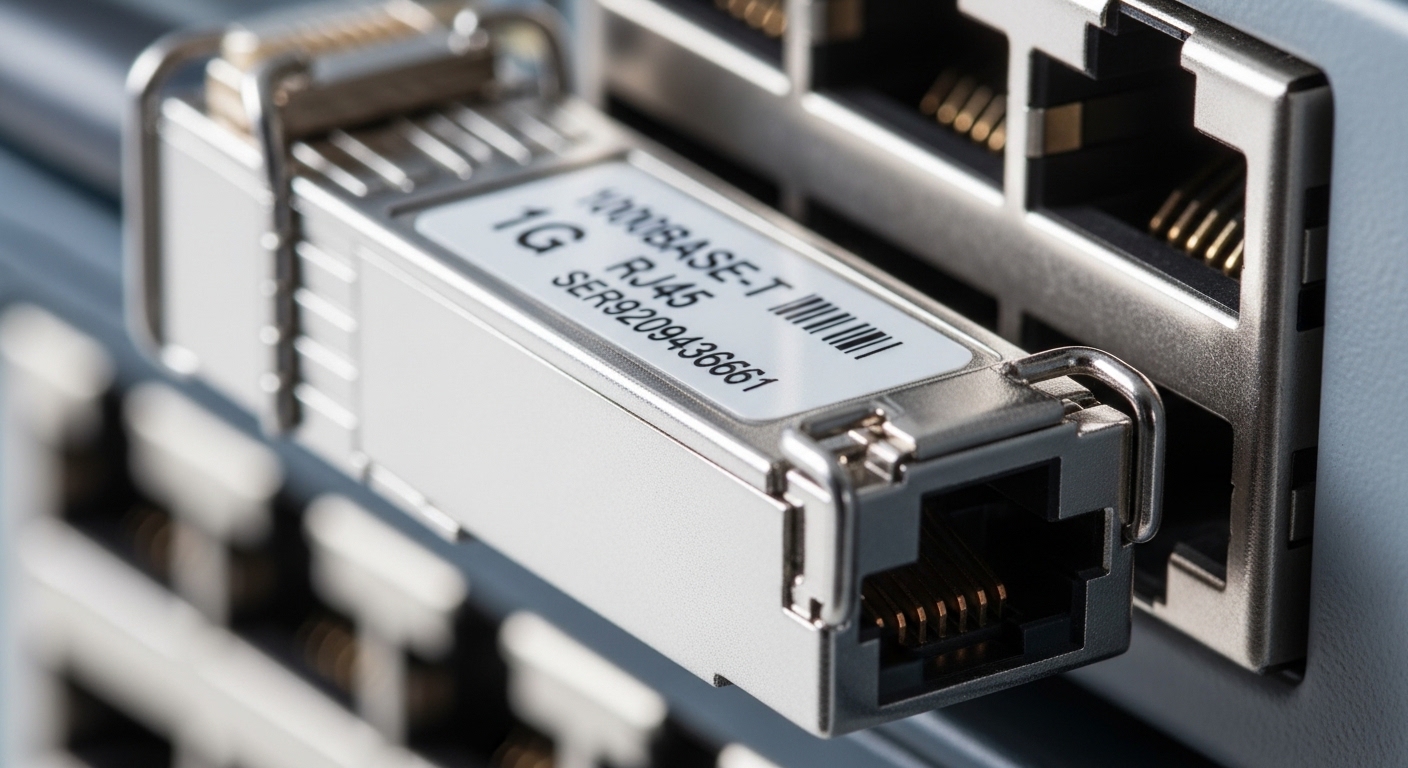
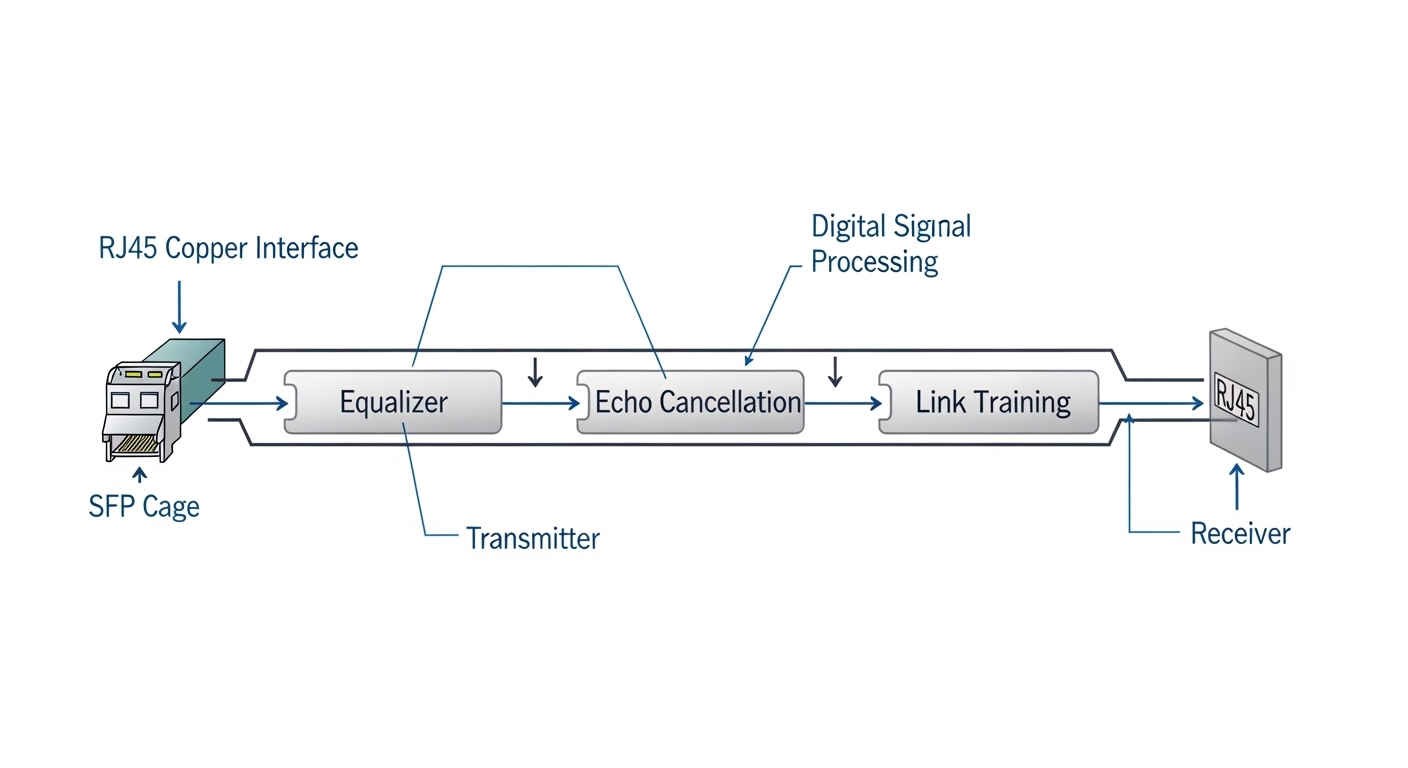
An RJ45 SFP is a small-form pluggable module that carries 1GBASE-T over twisted-pair copper, typically up to 100 m on CAT5e for 1G. Electrically, it converts the switch’s internal SERDES signaling to the PHY required for 1000BASE-T, including echo cancellation and adaptive equalization. Most switch vendors treat it as a standard SFP with an integrated digital management plane (SFP EEPROM), so the switch can read DOM values like vendor ID, temperature, and sometimes received power equivalents.
Compatibility is the big practical issue: SFP slots are not all created equal. Some switches support copper SFP behavior only for specific PHY settings, and some require strict optics module identification. If your switch expects particular EEPROM fields or rate negotiation behavior, an “equivalent” module can still fail link despite being the right nominal speed.
Key specs that matter for RJ45 SFP copper modules
Below are the fields engineers actually compare when validating a 1G copper SFP for uplinks. Values vary by vendor and by whether the module is truly 1000BASE-T or a managed copper variant.
| Spec | Typical RJ45 SFP (1GBASE-T) | Why you care |
|---|---|---|
| Data rate | 1.25 Gb/s line rate (1000BASE-T) | Must match switch port capability |
| Connector | RJ45 on module face | Confirm patch cord type and reach |
| Reach | Up to 100 m (CAT5e+) | Distance planning for uplinks |
| Wavelength | N/A (copper) | Don’t mix with fiber SFPs |
| Power (typical) | ~1.0–2.5 W (module dependent) | TCO and thermal budget |
| Operating temperature | 0 to 70 C or wider (industrial variants) | Check for hot/cold aisle constraints |
| DOM / management | EEPROM present; DOM varies by module | Monitoring and troubleshooting |
For standards context, the underlying Ethernet PHY behavior follows the IEEE 802.3 family for 1000BASE-T link operation and management expectations. For module identification behavior, OEMs often reference SFP management conventions described in vendor documentation and common transceiver management practices. [Source: IEEE 802.3-2018, IEEE 802.3ab for 1000BASE-T]
Real deployment scenario: 1G uplinks in a 48-port ToR rollout
In a 3-tier data center leaf-spine topology with 48-port 1G ToR switches, you may standardize uplinks on 8 ports per leaf using RJ45 SFP copper modules to avoid fiber patching during phased builds. Suppose each leaf needs 8 uplinks at 1 G to a distribution layer switch over 70 m horizontal runs. Your field team installs CAT6A patch cords for the final 5 m and uses shielded twisted pair in the cable tray for the remaining distance, aiming to stay well within the 100 m ceiling. After installation, the switch reads module ID from EEPROM and performs link training; if link flaps appear only on certain ports, you typically find a mismatch in patch cord category, a damaged latch, or a module with marginal thermal behavior.
In this setup, you also plan thermal headroom: if the ToR is in a constrained rack with high inlet temperatures, you validate module operating temperature and ensure airflow is not blocked by cable bundles.
Pro Tip: In many deployments, the “mystery” link failures are not the RJ45 SFP itself but the patch cord geometry and shielding. Even when the cabling passes a basic length test, link training can be unstable with marginal NEXT/FEXT performance, especially when the module is near its temperature limit. Do an end-to-end copper test (not just continuity) before you blame the transceiver.
Selection checklist engineers use before ordering
When you are picking an RJ45 SFP for switch uplinks, run this ordered checklist to avoid rework.
- Distance and cable grade: confirm you truly have CAT5e+ for 100 m class links, and prefer CAT6A for noisy areas.
- Switch compatibility: verify the exact switch model and port type supports RJ45 SFP copper; check the vendor’s transceiver compatibility list if provided.
- Data rate and PHY mode: ensure it is intended for 1000BASE-T behavior, not an “auto” claim that hides a different mode.
- DOM support: confirm whether the module reports temperature and alarm thresholds, and whether the switch surfaces those values.
- Operating temperature: match your rack inlet conditions; consider industrial-grade modules for hot aisles.
- Vendor lock-in risk: test a small batch first; some OEM platforms are stricter about EEPROM identification than others.
- Power and thermal: check worst-case power draw and ensure airflow across the cage area.
OEM vs third-party: what changes in the field
OEM modules often have the cleanest EEPROM identity match and the best odds of first-boot success. Third-party modules can be cheaper, but you may see higher variation in DOM reporting and, occasionally, stricter compatibility constraints by switch firmware. If you have a fleet with multiple switch vendors, third-party can still work well, but plan a staged rollout with a port-by-port validation script and a rollback plan.
Common pitfalls and troubleshooting tips (with root causes)
Here are the failure modes that show up repeatedly when teams deploy RJ45 SFP copper modules.
- Symptom: Link up for a minute, then flaps. Root cause: marginal cabling performance (high return loss, poor NEXT/FEXT) or damaged patch cords. Solution: swap to known-good patch cords, then run a copper certification test and reseat both ends firmly.
- Symptom: No link, but the module is detected. Root cause: EEPROM identification mismatch or PHY negotiation incompatibility with specific switch firmware. Solution: try the module in another known-compatible switch, update switch firmware if the vendor recommends it, and confirm the module is explicitly rated for 1000BASE-T.
- Symptom: Port stays down only at higher ambient temperatures. Root cause: module operating temperature margin exceeded or airflow blocked by cable management. Solution: verify rack inlet temperature, improve airflow (re-route bundles), and test with a known industrial-grade module.
- Symptom: DOM alarms or missing telemetry. Root cause: DOM implementation differences; some modules report only limited fields. Solution: treat DOM as “best effort” unless the module datasheet guarantees full field reporting; monitor link counters instead.
Cost and ROI note: what you should budget
Typical street pricing for 1G copper RJ45 SFP modules often lands in the range of $20 to $60 per module, depending on OEM branding, temperature grade, and whether the module includes robust DOM support. Third-party modules can reduce upfront cost, but the ROI depends on your failure rate and the labor cost of swaps. In a large rollout, one extra service call can erase the savings from cheaper optics, so many teams buy a small pilot quantity, validate compatibility, then scale.
Also include TCO factors: module failure rates, switch port diagnostics time, and the cost of copper testing. If you already have certified cabling, the ROI for copper SFPs is better; if you are still cleaning up plant cabling, fiber may reduce rework even if the module price is higher.
FAQ
Are RJ45 SFP modules the same as regular RJ45 ports?
They are similar in that they terminate to copper RJ45, but the switch experiences them as SFP transceivers with module identification and PHY behavior. Always validate with your switch model and firmware rather than assuming “any RJ45 copper” will link.
What cable type do I need for an RJ45 SFP?
For 1G links, you typically need CAT5e or better, and most teams use CAT6A to improve margin in real cable trays. If you are near the 100 m limit, certification testing becomes important.
Will DOM work with every switch?
DOM support varies by module and by switch platform. Many switches can read EEPROM identifiers and temperatures, but alarm thresholds and extended fields may not populate the same way.