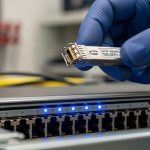
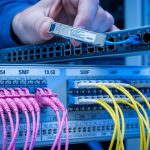
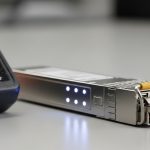
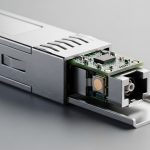
Home labs grow fast: one week you are adding a second switch, the next you want VLANs across fiber to stop copper runs from turning into a cable museum. This guide helps you choose a prosumer fiber transceiver (especially budget SFP models) that will actually link up, stay stable, and match your switch optics. It is written for hands-on builders who care about reach, DOM behavior, and troubleshooting speed—not marketing blurbs.
What “prosumer” means for a home lab SFP budget
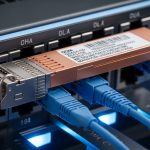
In the field, a “prosumer” fiber transceiver usually means you want reliability close to enterprise optics, but you are not paying enterprise support contracts. For many home labs, that translates to selecting SFP (1G/10G) or SFP+ (10G) that match the switch’s optical interface and support the management you need (often DOM data). The tradeoff is real: cheaper modules can be fine, but you may see higher failure rates, weaker compliance, or DOM quirks depending on the vendor pair.
Know the link type before you buy
- 1G SFP: common in older managed switches and NAS gear; choose based on your wavelength and reach needs.
- 10G SFP+: the sweet spot for many home labs using NAS replication, homelab virtualization, or multi-AP wireless backhaul.
- Single-mode vs multi-mode: single-mode is longer reach but costs more for optics and fiber infrastructure; multi-mode is cheaper short-reach but needs correct cabling.
If you skip this step, you risk buying the right “speed” but the wrong “fiber physics,” leading to weak receive power or no link.
Core compatibility checklist: SFP electrical, DOM, and optics
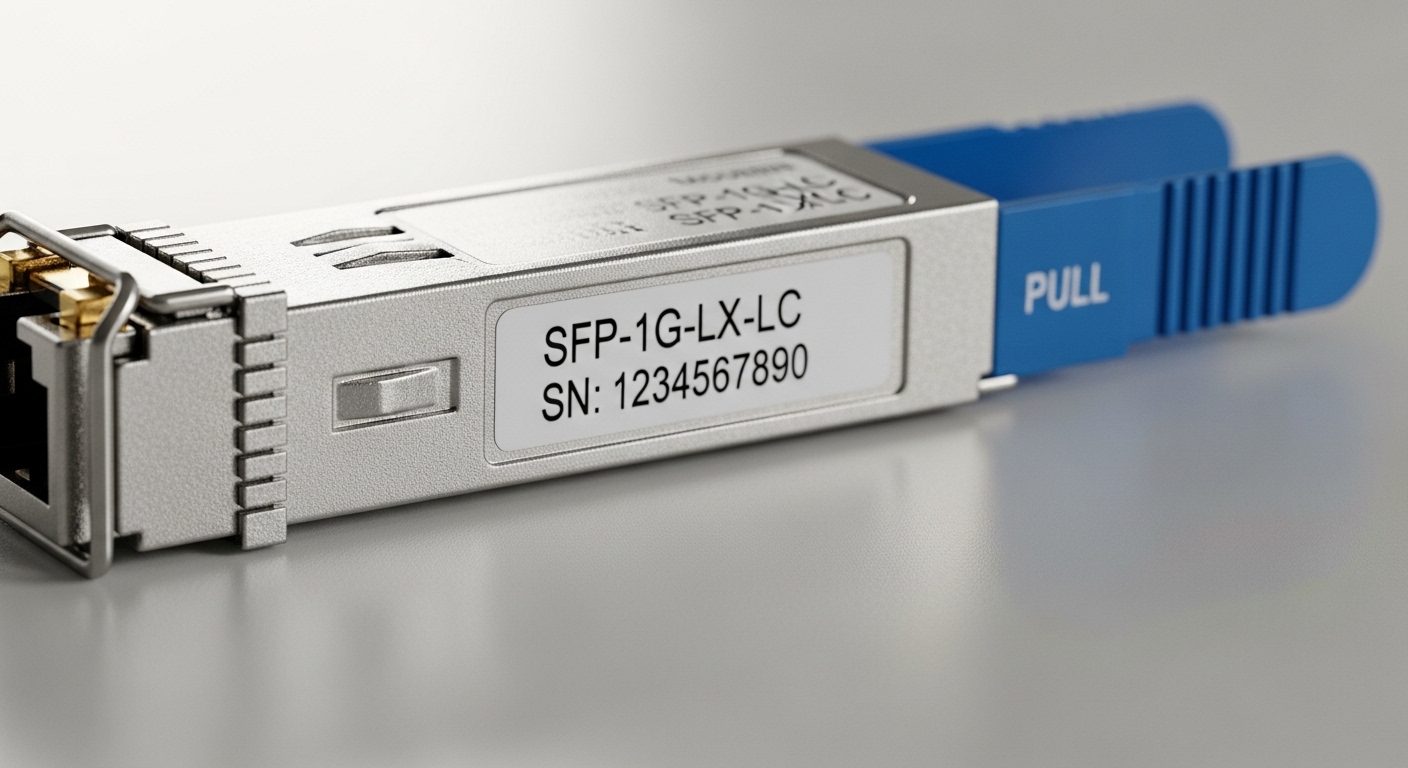
Budget SFPs usually work, but your switch’s transceiver compatibility rules matter. Many managed switches implement vendor-specific checks or require standard behavior for Digital Optical Monitoring (DOM). Before ordering, confirm the switch model’s supported optics list (often in the transceiver compatibility matrix) and check whether the platform expects DOM registers.
Technical specs you must match
At minimum, align these parameters with your switch and fiber plant:
- Data rate: 1.25G (1G) or 10.3125G (10G SFP+).
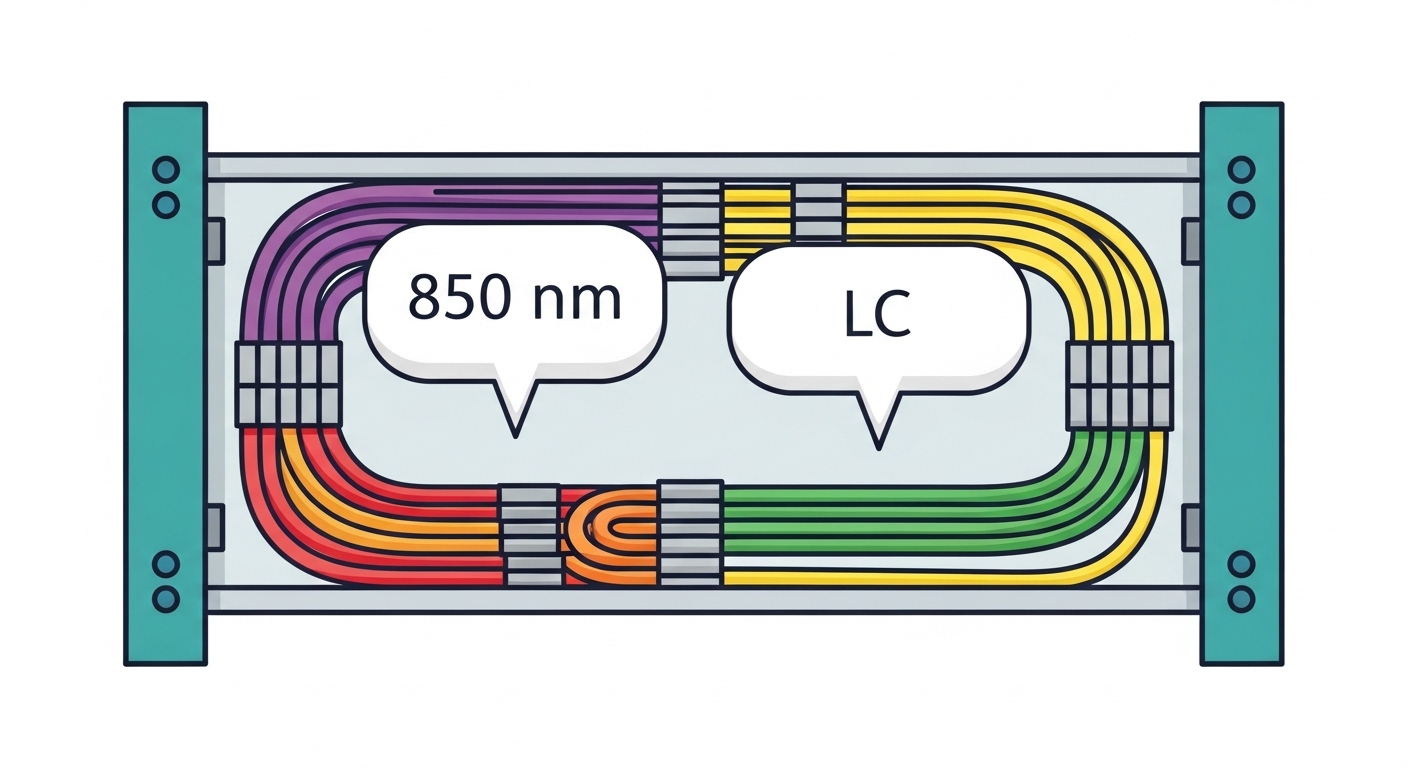
- Wavelength: typical values include 850 nm for multi-mode and 1310 nm or 1550 nm for single-mode.
- Reach: depends on fiber type and optics; do not assume “it says 10 km” is usable on your real cabling.
- Connector: LC is common for fiber patch panels; check whether you need LC or SC.
- DOM support: verify whether the module presents DOM safely for your switch.
- Operating temperature: home labs are not always climate-controlled; budget modules can throttle or fail outside spec.
Quick comparison table: common budget-friendly options
| Module type (typical) | Wavelength | Target fiber | Connector | Nominal reach | DOM | Typical operating temp | Common use in home labs |
|---|---|---|---|---|---|---|---|
| SFP-1G-SR | 850 nm | OM3/OM4 multi-mode | LC | 300 m (OM3) / 400 m (OM4) | Often yes | 0 to 70 C | Linking a NAS to a rack switch |
| SFP+-10G-SR | 850 nm | OM3/OM4 multi-mode | LC | 300 m (OM3) / 400 m (OM4) | Often yes | 0 to 70 C | 10G to nearby racks and short patch runs |
| SFP+-10G-LR | 1310 nm | Single-mode (OS2) | LC | 10 km | Often yes | -5 to 70 C (varies) | Long run to a detached office/garage |
| SFP+-10G-ER | 1550 nm | Single-mode (OS2) | LC | 40 km | Often yes | -5 to 70 C (varies) | Rare in home labs; for campus-like distances |
Standards to keep in mind: SFP/SFP+ optical specifications are aligned with IEEE 802.3 requirements for 1GBASE-SX/10GBASE-SR and 10GBASE-LR/ER families. DOM behavior generally follows vendor implementations, but the optical form factor is standardized under SFF-8472 and related SFP MSA documents. [Source: IEEE 802.3] [Source: SFF-8472 / SFP MSA]
Pro Tip: In many real builds, the fastest “buy and verify” path is to match your optics to the switch vendor’s stated optics list, then choose third-party only after confirming DOM behavior in a lab test. A module that links at first power-on can still fail during link renegotiation, especially when temperature swings occur in enclosed racks.
Distance math that prevents “it should work” failures
“Reach” on a datasheet is not the same as your usable link budget. You must account for fiber type (OM3 vs OM4), patch panel losses, connector cleanliness, and any splices. For multi-mode, OM4 typically gives you more margin at 850 nm than OM3, which matters when you have older patch cords or unknown cleaning practices.
Field method: verify the fiber plant, not just the optics
- Measure or estimate the total fiber length from switch port to switch port.
- Count connectors and patches in the path (each adds attenuation and risk).
- Use a fiber tester if possible; otherwise, treat unknown fiber runs as “less than ideal.”
- Start with conservative assumptions: if you are close to the reach limit, buy higher-margin optics or re-cable.
Home lab scenario that matches real gear
In a 3-tier home lab (core router + managed ToR switch + lab access switch), you might run 10G SFP+ uplinks between two racks. Example: 10GBASE-SR optics at 850 nm over OM4 LC fiber for a 120 m run with two patch panels and four connectors total. In practice, this is usually stable when the patch cords are clean and the modules are compatible with the switch’s DOM expectations. If you instead buy budget LR optics for a multi-mode fiber path, you will often get intermittent link or no link at all.
Selection criteria: how prosumer buyers avoid vendor traps
When you are choosing a prosumer fiber transceiver for a budget SFP purchase, decisions should be deliberate. The goal is to minimize “trial and error” while keeping cost reasonable.
- Distance and fiber type first: pick SR (850 nm) for OM3/OM4 multi-mode; pick LR (1310 nm) for OS2 single-mode.
- Switch compatibility: check the exact switch model’s supported optics list, especially for DOM and vendor lock behavior.
- Connector standard: LC vs SC; confirm patch panel and bulkheads match.
- DOM support: if your switch shows transceiver alarms, choose modules known to report DOM cleanly.
- Operating temperature: if your rack hits >40 C, prefer modules rated for wider temperature ranges.
- Bit error tolerance and compliance: reputable OEM or tested third-party modules reduce the chance of marginal optics.
- Vendor lock-in risk: buy from a seller with clear return policies; keep at least one spare module of the same type.
Module examples you can look up (for sourcing)
- OEM-style 10G SR SFP+ optics often appear as part numbers like Cisco SFP-10G-SR (exact behavior depends on switch generation).
- Many third-party optics use known laser/receiver assemblies; you may see components like Finisar FTLX8571D3BCL in some SR implementations.
- Trusted third-party brands frequently sell SFP-10GSR variants such as FS.com SFP-10GSR-85 (always confirm connector type and DOM behavior).
Always verify exact wavelength, reach, and DOM support on the module listing for the specific SKU you are buying.
Common mistakes and fast troubleshooting
Even when you buy the “right” module family, real failures usually come from a few predictable issues. Here are concrete pitfalls I see during home lab rollouts and small office upgrades.
Wrong fiber type (multi-mode vs single-mode)
Root cause: Using 850 nm SR optics on single-mode fiber, or using 1310 nm LR optics on multi-mode fiber. This can lead to very weak receive power or no optical handshake.
Solution: Confirm fiber type in the cable label or documentation (OM3/OM4 vs OS2). Then match optics accordingly (SR for OM, LR for OS2). If the fiber is misidentified, test it with a fiber tester or a known-good optical link.
Connector cleanliness and damaged ferrules
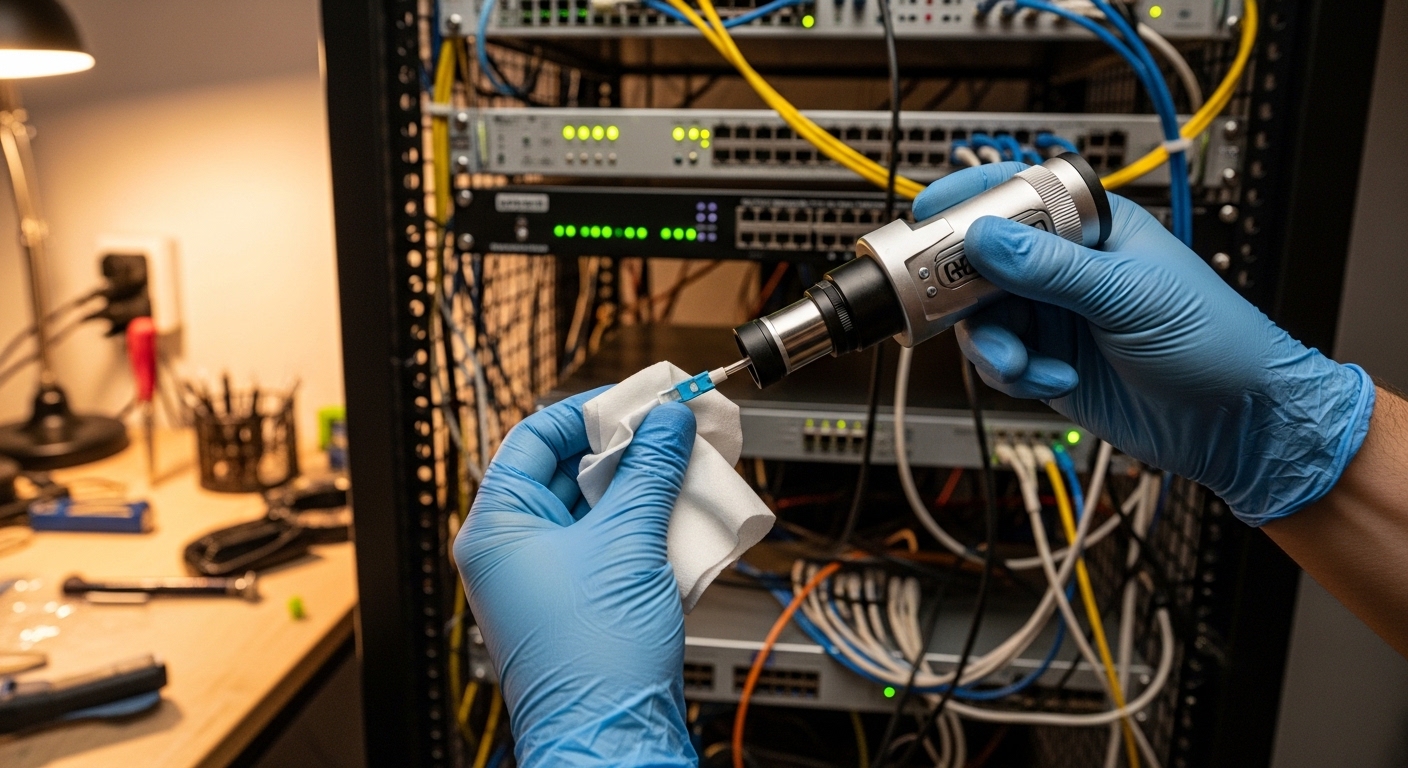
Root cause: Budget patch cords and reused connectors often have dust or micro-scratches. At 10G, small contamination can cause link flaps or high error counters.
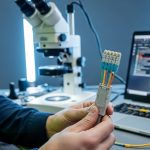
Solution: Inspect with a fiber scope, clean with proper fiber cleaning tools, and replace any questionable patch cords. Re-seat the LC connectors after cleaning and check interface error counters.
DOM mismatch and switch alarm behavior
Root cause: Some budget modules report DOM values in a way your switch flags or reads incorrectly, causing port disable, warning logs, or occasional link drops during polling.
Solution: Check switch logs immediately after insertion. If the platform is sensitive, use modules explicitly listed as compatible for that switch model, or test a single port/module pair before scaling to all links.
Exceeding reach because of patch panel loss
Root cause: Datasheet reach assumes ideal conditions. Real paths include extra connectors, splitters (in some designs), and aging.
Solution: Keep a margin: if you need 250 m on OM3, do not buy SR with no headroom. Prefer OM4 or shorten the run. For single-mode, verify splices and connector quality.
Cost and ROI: what budget optics should cost you
Pricing varies by region and SKU, but a reasonable expectation for budget SFP optics in small quantities is:
- 1G SFP SR: often in the range of tens of dollars per module.
- 10G SFP+ SR (850 nm): commonly higher, often around the range of $50 to $150 per module depending on DOM and vendor.
- 10G SFP+ LR (1310 nm OS2): typically more expensive than SR due to single-mode optics and optics market dynamics.
ROI is not only purchase price. If a module causes intermittent errors, the “cost” becomes downtime and troubleshooting hours. Third-party modules can be cost-effective, but choose sellers with transparent specs and returns, and keep spares so you can swap in minutes.
FAQ
What speed should I buy for a home lab: SFP or SFP+?
If you are building 10G NAS links or 10G uplinks between switches, SFP+ is usually the right choice. If you only need 1G for management or older devices, SFP can save money. Match the switch port type exactly; many ports are not cross-compatible.
Do I need DOM on a prosumer fiber transceiver?
DOM is not required for basic link, but it helps you troubleshoot when you have link flaps, rising error counters, or temperature concerns. If your switch supports DOM alarms, using a module that reports DOM cleanly can reduce guesswork. If you do not care about monitoring, non-DOM can still work, but compatibility risk increases.
Which is better for short runs: SR or LR?
For distances under a few hundred meters over multi-mode, SR at 850 nm is usually the best value. Use LR at 1310 nm when you are on single-mode fiber or need longer reach. The deciding factor is your actual fiber type and link budget, not just the marketing reach.
Why does my link come up then flap every few minutes?
Common causes are dirty connectors, marginal optical power due to reach limits, or DOM polling quirks. Start by checking interface error counters and switch logs right when the flap occurs. Then inspect and clean the fiber ends and verify fiber type and length.
Are third-party budget modules safe to deploy at scale?
They can be safe if they match your switch’s compatibility expectations and you validate them under your real conditions. I recommend testing one module in one critical port first, then scaling once link stability is confirmed. Keep a spare module so you can isolate faults quickly.
How can I confirm the wavelength and connector before installing?
Read the module label and the seller datasheet for wavelength and connector type (LC vs SC). Then verify your patch panel bulkheads match. If you are unsure about fiber type, check the cable marking (OM3/OM4/OS2) before you power anything on.
If you want fewer surprises, start with the fiber type and distance, then confirm switch compatibility and DOM behavior before buying multiple prosumer fiber transceiver modules. Next step: review fiber transceiver compatibility checklist and build a small test plan before you populate every port.
Author bio: I have spent years deploying and troubleshooting SFP/SFP+ and fiber links in small data centers and home-lab style environments, focusing on optical power margins, DOM quirks, and clean connector practices. My goal is to help you get stable link performance on the first install, using measured checks and realistic budget decisions.