Audio engineers increasingly bridge consoles, DSP, and Dante or AV-over-IP endpoints using fiber for immunity to ground noise. This article helps studio, integrator, and venue teams choose a pro audio fiber SFP that matches their switch, distance, and temperature constraints. You will get practical selection steps, a spec comparison table, and troubleshooting patterns from field installs.
Why pro audio fiber SFP modules fail in real deployments
Most “no audio” incidents with fiber transceivers are not mysterious; they are usually a mismatch between optics type, connector cleanliness, or switch DOM/compatibility behavior. In professional audio networks, link flaps can trigger packet loss, which sounds like clicks or dropouts even when your upstream routing is correct. In my deployments, the fastest path to stability is to verify the optical budget, confirm the SFP is the right standard for the switch, and then treat fiber hygiene as a first-class task.
For reference, IEEE 802.3 defines the electrical and optical behaviors for common SFP Ethernet rates (for example 1GBASE-SX, 1GBASE-LX, 10GBASE-SR, 10GBASE-LR). Vendor datasheets then specify wavelength, reach, and DOM support that determine whether your switch will accept the module.
Authority notes: [Source: IEEE 802.3] IEEE 802.3 standard overview and [Source: SFP MSA] SFP MSA overview (SNIA).
Key optics and compatibility specs that actually matter
Start by mapping your network distance and fiber type to the expected SFP family. Then check switch port speed, whether the module supports DDM/DOM (Digital Diagnostics Monitoring), and the operating temperature range for your rack environment.
| Module type (common) | Typical wavelength | Fiber / reach (typical) | Connector | Data rate | DOM support | Operating temp (typical) |
|---|---|---|---|---|---|---|
| 10GBASE-SR (multimode) | ~850 nm | OM3/OM4 up to ~300 m / ~400 m | LC | 10 GbE | Yes (common) | 0 to 70 C (often) |
| 10GBASE-LR (singlemode) | ~1310 nm | Up to ~10 km | LC | 10 GbE | Yes (common) | -5 to 70 C (often) |
| 1GBASE-SX (multimode) | ~850 nm | Up to ~550 m (varies by fiber) | LC | 1 GbE | Yes (may vary) | 0 to 70 C (often) |
Examples you may see in the field: Cisco SFP-10G-SR (10GBASE-SR), Finisar FTLX8571D3BCL (10GBASE-SR class optics), and FS.com SFP-10GSR-85 (10GBASE-SR class). Always confirm exact reach for your fiber grade and your link budget rather than relying on marketing reach numbers.
Pro Tip: For audio networks, treat DOM thresholds as an operational alarm system. If your switch shows rising RX power or frequent “low optical power” warnings, you likely have a connector polish issue or a cable bend violation long before link speed drops.
Deployment scenario: studio-to-control-room fiber with deterministic behavior
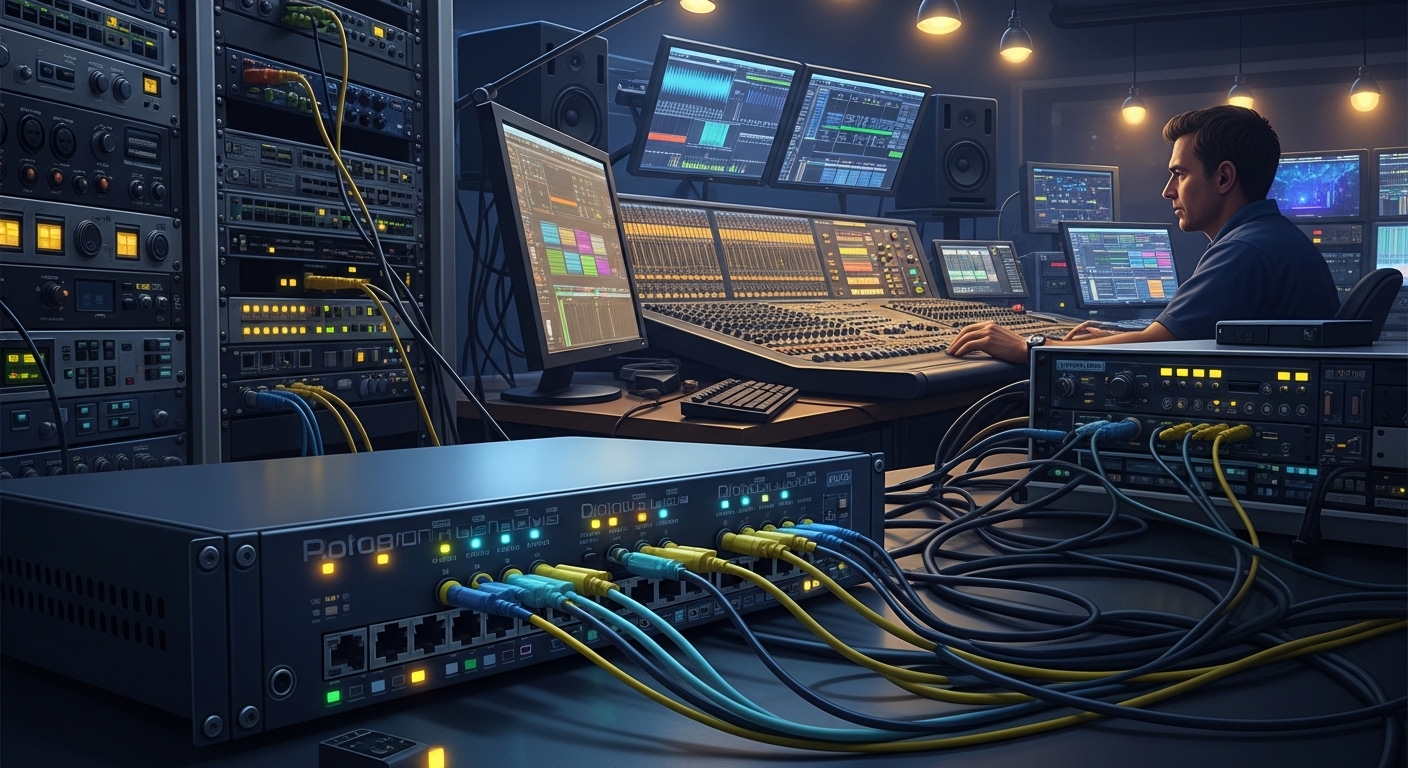
In a 3-tier studio build, a control-room DSP server and stage I/O rack were connected via a leaf-spine audio switch fabric. Each ToR pair used 10 GbE uplinks with 10GBASE-LR SFPs over singlemode fiber for a measured 2.1 km span. The integrator enabled IGMP snooping and ensured the audio devices stayed on a dedicated VLAN with proper QoS markings. After initial bring-up, one port showed intermittent packet loss at peak rehearsal; the root cause was a slightly contaminated LC connector, resolved by re-termination and end-face inspection.
In this kind of environment, the audio application may not “care” about bit error rate directly, but it does care about packet loss and jitter. Fiber links reduce electromagnetic interference compared with copper, which helps keep the network stable during RF-heavy events and when power circuits are imperfect.
Selection checklist for a pro audio fiber SFP
Use this ordered list to avoid avoidable returns and downtime:
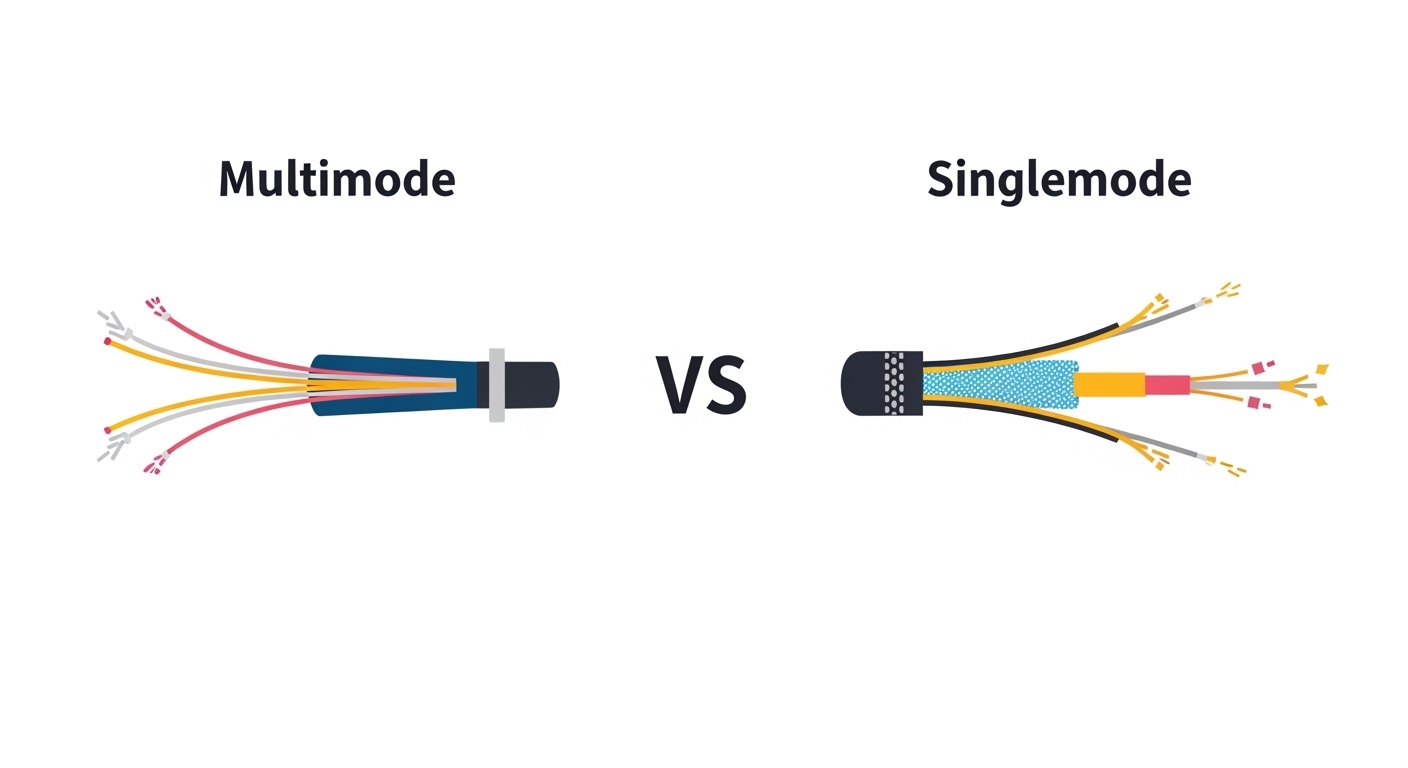
- Distance and fiber type: Multimode for short runs (SR), singlemode for longer runs (LR). Verify OM3/OM4 grading if using SR.
- Switch port speed and electrical standard: Confirm the port supports the SFP rate (1G vs 10G). Do not assume “SFP slot” means any rate.
- Connector type: Most Ethernet SFP optics use LC. Match LC to your patch panel and confirm fiber count and polarity.
- DOM/DDM behavior: If your switch enforces compatibility, choose modules that correctly implement DDM/DOM.
- Operating temperature: Check your rack ambient. If you are in a ventilated equipment room, standard 0 to 70 C may be fine; in hot venues, consider extended-temp optics.
- Vendor lock-in risk: OEM modules (often higher cost) may be “just accepted.” Third-party modules can work, but validate with your specific switch model and firmware.
- Optical budget margin: Budget for connector loss, splices, and aging. Aim for a comfortable margin rather than operating near minimum RX power.
Common pitfalls and troubleshooting tips
1) Wrong optics for fiber type
Root cause: Installing 10GBASE-SR into a singlemode link (or using multimode optics on singlemode cabling) results in severe attenuation and frequent link drops.
Solution: Confirm fiber type at the MPO/patch panel labels and with a fiber test report; replace with the correct SR or LR class.
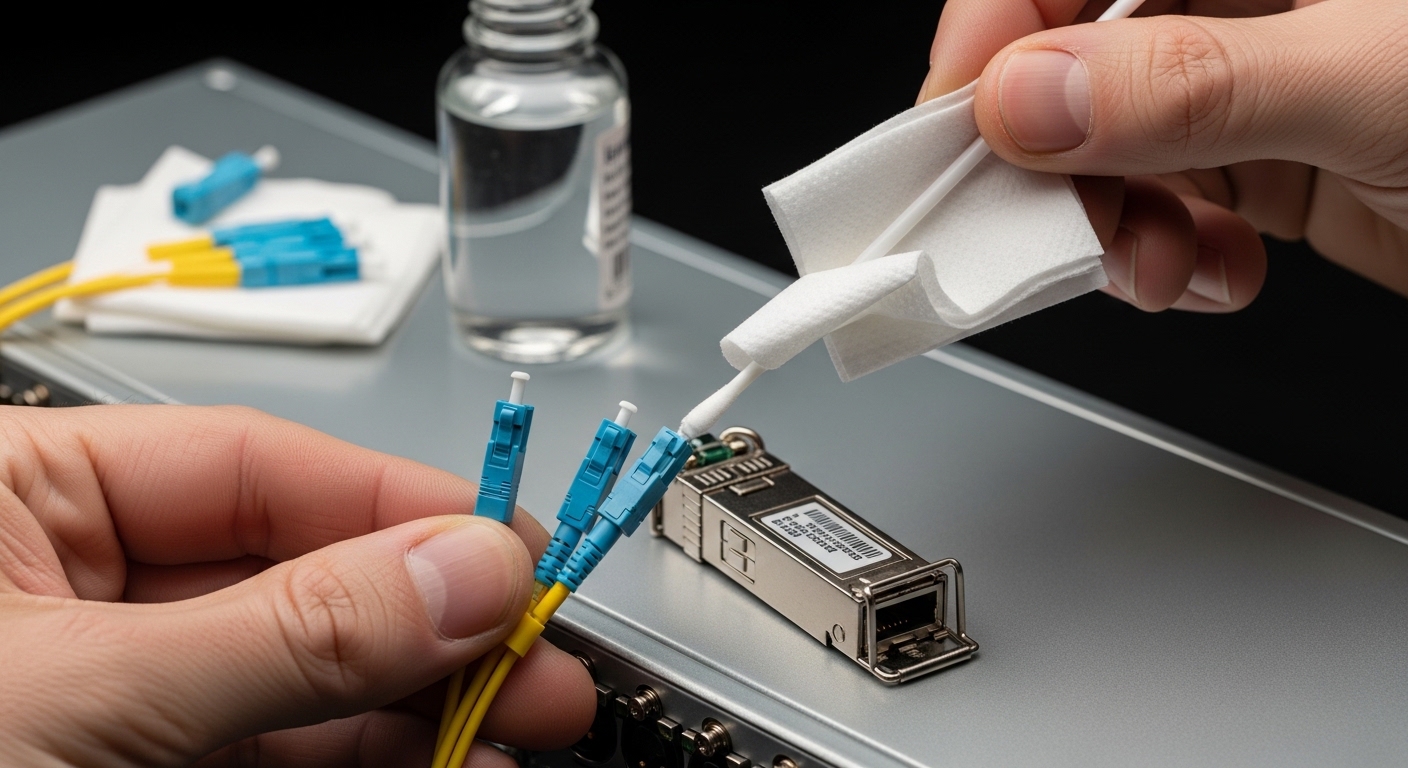
2) Dirty LC end faces
Root cause: Even clean-looking connectors can have residue that increases insertion loss, producing intermittent “signal lost” events.
Solution: Clean with approved connector cleaning tools; inspect under a microscope; re-clean after every reconnection.
3) Switch compatibility and DOM mismatch
Root cause: Some switches enforce vendor-specific transceiver requirements or misread DOM values, leading to port disable or unstable link negotiation.
Solution: Test the exact module model (not just “10GBASE-LR”) against the switch SKU and firmware; prefer modules listed as compatible by the switch vendor.
4) Exceeding optical budget with too little margin
Root cause: Long runs plus extra patching/splices reduce received power below the module’s sensitivity.
Solution: Use OTDR or a certified loss test, recalculate budget including worst-case values, and reduce patch points or replace with higher-budget optics.
Cost and ROI note for audio integrators
Typical street pricing varies by brand and temperature grade. OEM SFPs are often in the $80 to $250 range per module, while reputable third-party options may be $40 to $120. Total cost of ownership is not only the module price: mis-matched optics and repeated troubleshooting can quickly outweigh savings. In practice, stable fiber links reduce field callouts; if you prevent even one half-day outage per year across a venue portfolio, the ROI can justify buying modules with verified compatibility and strong DOM behavior.
FAQ
What bitrate should I choose for a pro audio fiber SFP?
Pick based on your switch and endpoint requirements. Many pro audio networks run over 1 GbE or 10 GbE; confirm the port speed your audio switches support before buying.
Is 10GBASE-SR always better than LR?
No. SR is for multimode fiber over shorter distances; LR is for singlemode and longer runs. If your cabling is singlemode or the distance is beyond SR reach, LR (or another long-reach option) is the correct selection.
Do I need DOM/DDM for audio reliability?
DOM/DDM is not strictly required for signal to pass, but it is valuable for operations. It enables early warning when RX power trends toward failure, which helps you prevent packet loss during rehearsals.
Can I mix OEM and third-party pro audio fiber SFP modules in the same switch?
Often yes, but not guaranteed. Some switches enforce compatibility policies; always validate with your exact switch model and firmware and confirm DOM readings are accepted.
What is the first thing to check when audio drops but link LEDs stay green?
Check packet loss counters and interface statistics, then correlate with optical warnings. If optical warnings appear, clean LC connectors and verify RX power; if not, inspect VLAN/QoS and multicast behavior for your audio streams.
How do I verify fiber distance and budget before ordering?
Use certified loss testing and include patch cords, connectors, and splices. Then ensure the calculated worst-case loss stays within the module’s specified optical budget with margin.
For related guidance, see how to size optical budget for fiber transceivers.
Author bio: I have deployed fiber transceiver links for pro audio and