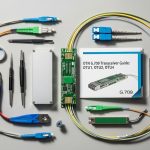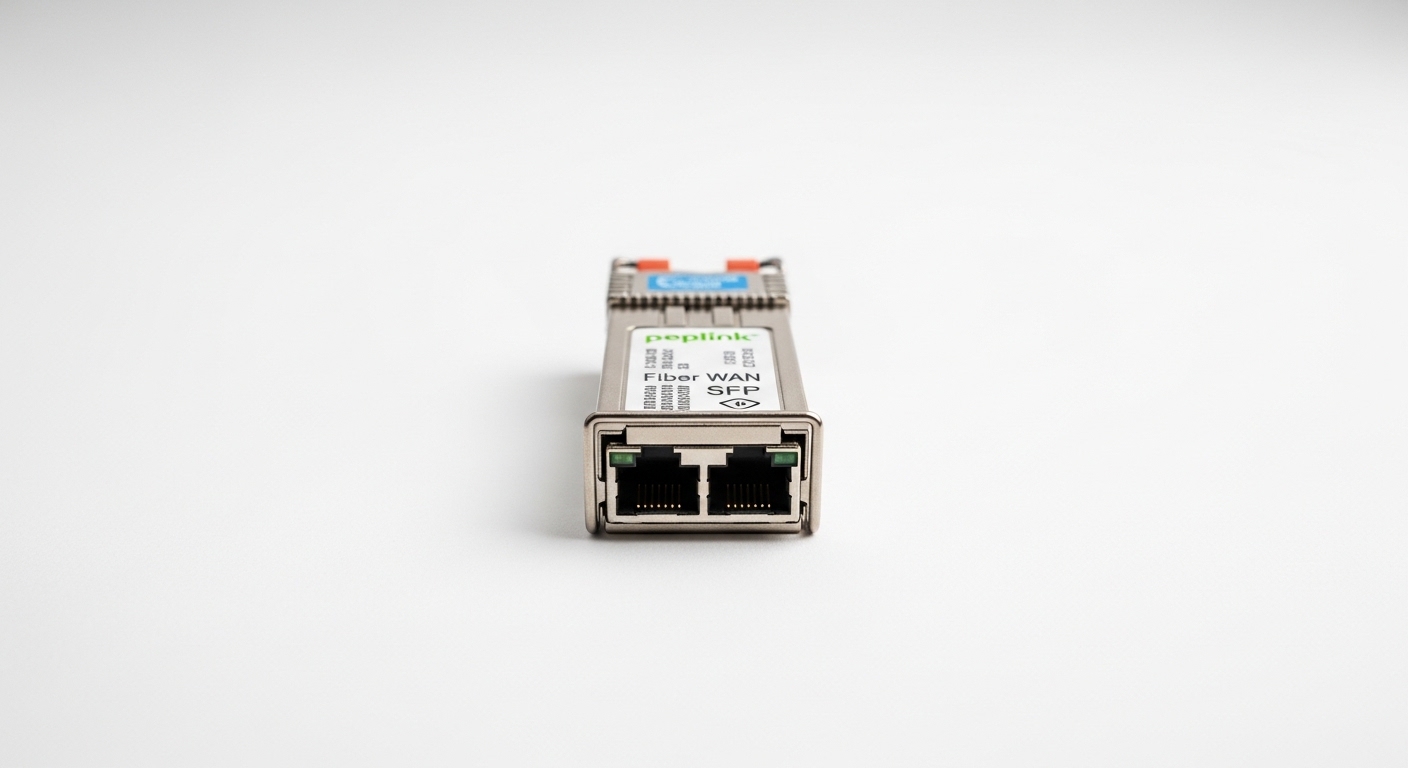
If your Peplink Balance router is staring at a blinking WAN port and your team is staring at a parts list, you need the correct SFP fiber module the first time. This article helps network admins and field engineers choose the right Peplink fiber WAN SFP for common link speeds, connector types, and distance targets, while avoiding the classic “it fits but doesn’t link” traps. You will get practical selection criteria, a specs comparison table, and troubleshooting steps pulled from real lab-to-rack deployment patterns.
What “SFP for Peplink Balance routers” really means
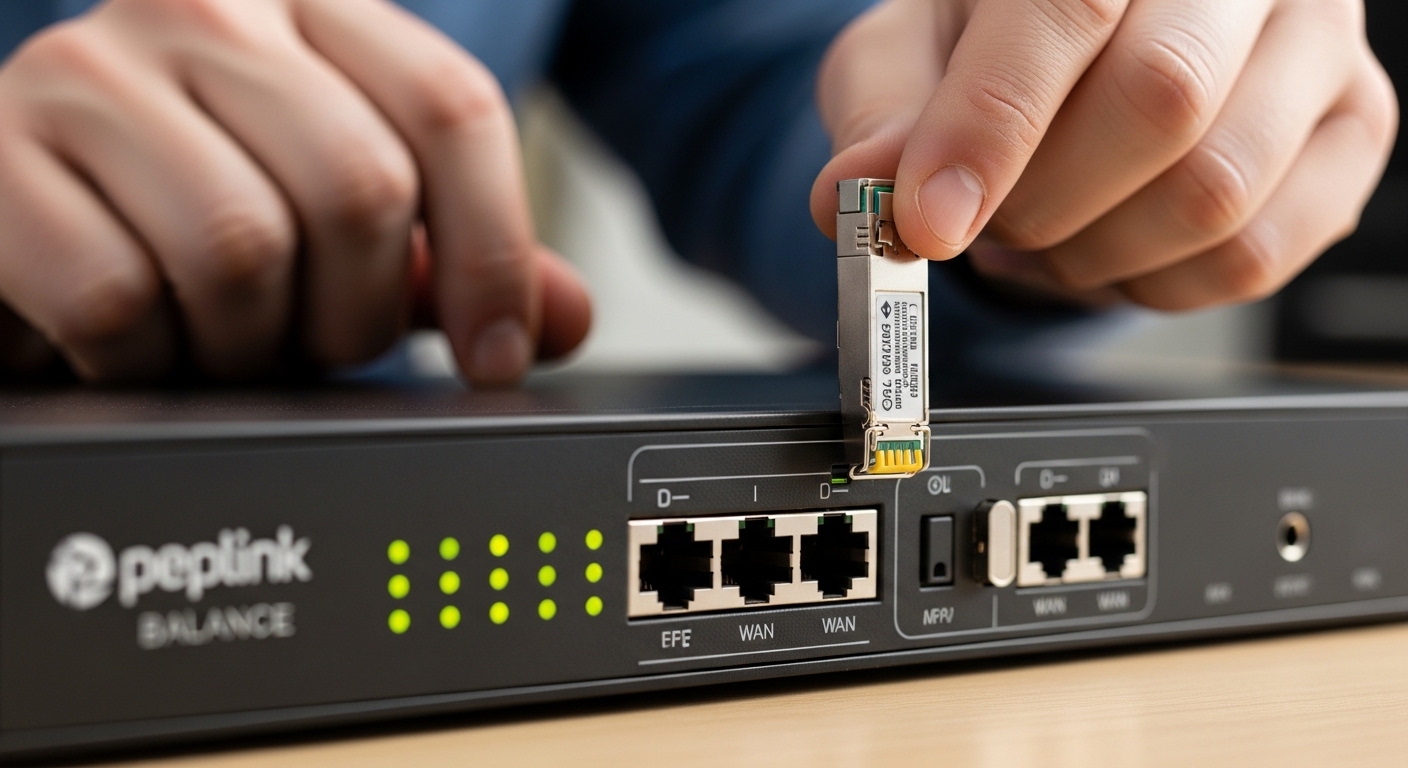
On Peplink Balance routers, the WAN fiber connection typically uses an SFP or SFP-style transceiver slot, depending on the model generation. In practice, the router expects a compatible optical interface: the correct electrical signaling, optical wavelength, and DOM behavior (Digital Optical Monitoring) so it can read link health and avoid surprise faults. If you buy an SFP that matches the connector shape but not the optical budget, you can get symptoms like link flaps, high RX power warnings, or a permanently down WAN interface.
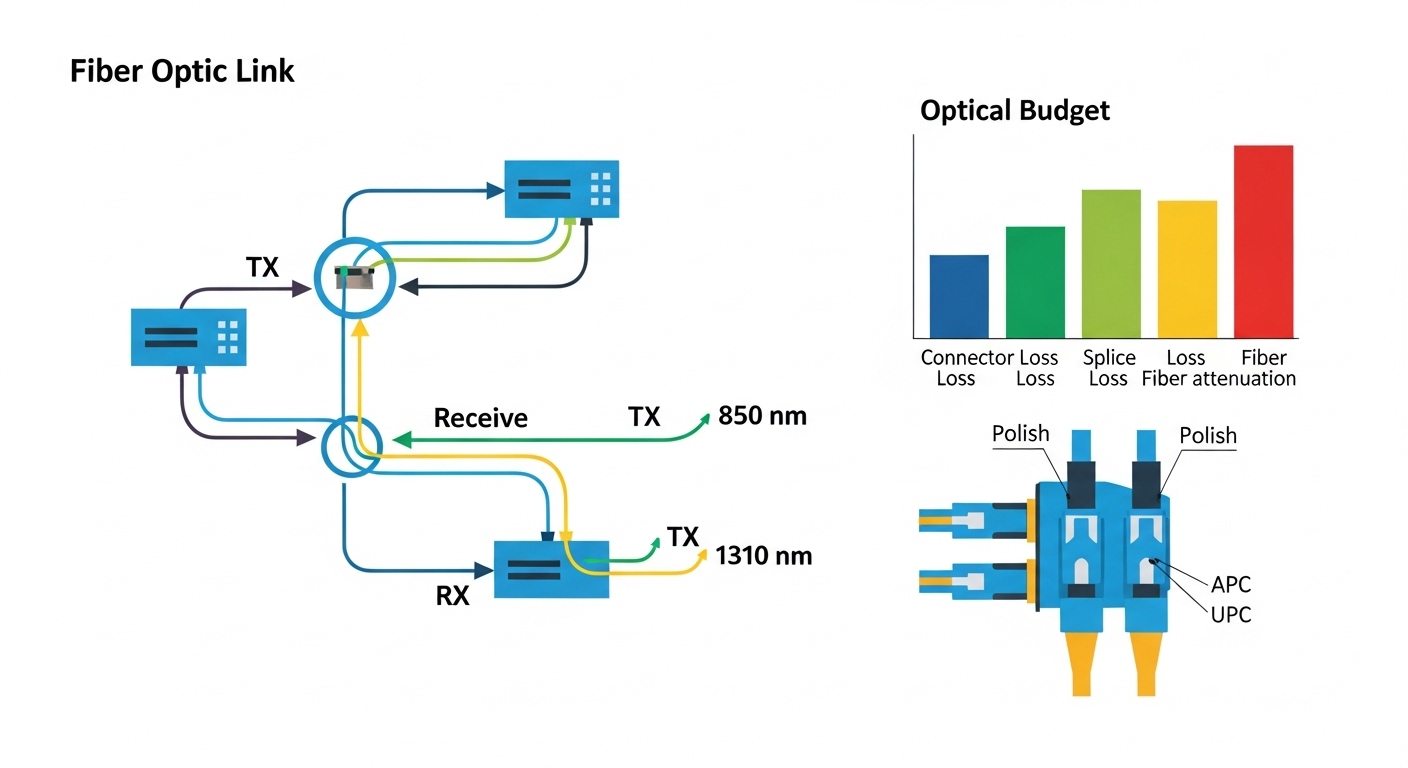
Most WAN fiber SFP choices boil down to three axes: data rate (for example 1G vs 10G), wavelength and optics type (for example 1310 nm single-mode vs 850 nm multi-mode), and connector standard (LC is most common). For standards context, the optics families align with IEEE 802.3 optical transceiver specifications even though vendors label them with their own part numbers. For the baseline Ethernet physical layer behavior, reference [Source: IEEE 802.3] [[EXT:https://standards.ieee.org/standard/802_3]] and vendor SFP datasheets.
Also, Peplink models vary: some support 1G SFP on WAN, others support higher rates on specific interfaces. Before shopping, confirm the exact Balance model and the WAN port type in the Peplink documentation, then match your SFP to that requirement. If you are unsure, treat the router manual as the source of truth, not the SFP product listing.
Fiber SFP options for Peplink fiber WAN: pick by wavelength, reach, and DOM
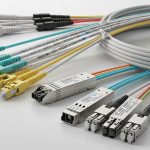
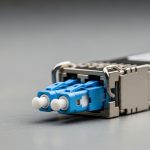
Engineers typically select an SFP by matching the optics to the fiber plant. If your cabling is single-mode and you need longer reach, 1310 nm optics are common. If you are in a data center with multi-mode OM3 or OM4 and short reach, 850 nm optics are common. The connector is usually LC, and most modern SFPs provide DOM so the router can display temperature, voltage, and optical power.
| Typical SFP type | Wavelength | Target reach (typical) | Fiber mode | Connector | Data rate | Power class / notes | Operating temp |
|---|---|---|---|---|---|---|---|
| 10GBASE-SR (example) | 850 nm | ~300 m on OM3 / ~400 m on OM4 (depends on vendor) | Multi-mode | LC | 10G | Low power SFP footprint; DOM usually supported | 0 to 70 C (common spec range) |
| 10GBASE-LR (example) | 1310 nm | ~10 km (depends on vendor) | Single-mode | LC | 10G | DOM usually supported; budget matters | -40 to 85 C (common for industrial variants) |
| 1GBASE-LX (example) | 1310 nm | ~5 to 10 km (depends on spec) | Single-mode | LC | 1G | Lower cost; DOM depends on model | 0 to 70 C |
To anchor this in real part numbers you might encounter, common optics include Cisco-compatible 10G SR and LR SFPs, and third-party units sold as drop-in transceivers. Example model families include Cisco SFP-10G-SR and Finisar FTLX8571D3BCL for SR-class optics, plus FS.com SFP-10GSR-85 for multi-mode 850 nm deployments. Always verify the exact wavelength, DOM capability, and fiber type against the router’s interface expectations and the fiber plant budget.
Step-by-step: match your fiber plant to your SFP
- Confirm WAN speed and port type: Check the Balance model and the WAN interface spec to determine whether you need 1G or 10G optics.
- Identify fiber type: Verify whether the link is OM3/OM4 multi-mode or single-mode. If you do not know, inspect labeling or run a quick fiber test with an OTDR.
- Choose wavelength: Use 850 nm for multi-mode short reach, and 1310 nm for single-mode longer reach.
- Match connector: LC is typical; ensure your patch cables use LC and APC/UPC polish where required.
- Validate DOM support: Prefer SFPs with DOM so the router can read RX power and temperature. When DOM is missing, some systems still link, but monitoring and alarms may behave oddly.
Pro Tip: In the field, “it links at first” can still be a failure mode. Watch the router’s optical diagnostics over 24 hours: if RX power is near the low threshold, temperature swings and connector micro-movement can trigger intermittent WAN flaps even though the cable test passed on day one.
Compatibility checklist before you buy (or swap)
Peplink fiber WAN success is less about brand loyalty and more about matching optical and electrical expectations. Use this decision checklist in order; it mirrors how engineers reduce return rates and avoid time-consuming truck rolls.
- Distance and optical budget: Compare your actual measured fiber loss (including connectors and splices) to the SFP vendor’s link budget. Do not rely on “rated reach” alone.
- Switch and router compatibility: Ensure the Balance model’s WAN SFP slot supports the transceiver class you plan to insert.
- Wavelength and fiber mode: 1310 nm on multi-mode is a mismatch; 850 nm on single-mode can be a disaster.
- Connector and polish: LC connector type must match your patch cords. APC polish is often used to reduce reflections; mismatched polish can increase errors.
- DOM support and thresholds: Confirm the SFP provides DOM and that the router firmware can interpret it.
- Operating temperature: For outdoor cabinets, verify the transceiver supports the expected ambient range and airflow.
- Vendor lock-in risk: Decide whether you can tolerate third-party DOM quirks. If you must standardize, keep a small approved spares pool from one vendor family.
Common mistakes and troubleshooting tips that actually work
Fiber WAN issues are rarely “mystical.” They usually come from predictable mismatches, dirty connectors, or optical budget mistakes. Here are common failure modes with root causes and fixes.
Link stays down, but the SFP is “recognized”
Root cause: Wrong wavelength or wrong fiber mode (for example, 850 nm SR SFP inserted into a single-mode 1310 nm path). The optical power may be too low for the receiver sensitivity.
Solution: Verify the SFP part number wavelength, confirm OM3/OM4 vs single-mode, and match the transceiver family to the fiber plant. If possible, test the far end with a known-good matching module.
WAN flaps under load or after temperature changes
Root cause: Marginal optical budget or dirty connectors. Even a small increase in insertion loss can push RX power below tolerance when temperature and aging shift laser output.
Solution: Clean LC connectors using lint-free wipes and proper cleaning tools, then re-test. Measure RX power from the router diagnostics if DOM is available. If you see RX power near the threshold, replace patch cords or reduce splice loss.
High error counters, degraded throughput, or intermittent CRC issues
Root cause: Connector reflection problems (wrong polish type, dirty ferrules) or a mismatch between the expected link speed and negotiated mode. Some optics may not behave well if the far end expects a different coding/speed profile.
Solution: Confirm both ends use compatible transceiver types and the same Ethernet speed. Inspect and clean connectors, then check for correct cabling and patch panel wiring (TX/RX swapped is also a classic).
Cost and ROI: SFP choice affects uptime more than you think
Pricing varies by speed and optics type. As a rough field range, 1G SFP modules often cost less than 10G modules, and 10G SR (850 nm) is commonly cheaper than 10G LR (1310 nm). Third-party compatible SFPs may be significantly less expensive than OEM, but total cost of ownership depends on your tolerance for returns, intermittent DOM behavior, and spares management.
For ROI, consider measured failure rates from your own environment. If you deploy in outdoor cabinets or warehouses with temperature swings, buying a higher-spec operating temperature model can reduce truck rolls. Also account for power: typical SFP transceivers draw modest power, but in high-density deployments, consistent module efficiency plus fewer replacements can matter. A realistic TCO approach is: module cost + cleaning supplies + labor time + downtime cost during failed WAN bring-up.
FAQ: Peplink fiber WAN SFP buying and deployment questions
Which SFP speed should I buy for my Peplink Balance router WAN?
Check your exact Balance model and the WAN interface specification to determine whether the SFP slot expects 1G or 10G. Buying the wrong speed can lead to link failure or unexpected negotiation behavior.
How do I know whether I need 850 nm or 1310 nm optics?
Use your fiber type and distance. 850 nm is typically used for multi-mode OM3/OM4 short reach, while 1310 nm is typically used for single-mode longer reach.
Do third-party SFPs work with Peplink?
Often yes, but compatibility depends on DOM behavior and the optics class the router expects. If you plan to standardize third-party modules, test a small batch and keep a known-good spares pair.
What RX power or thresholds should I watch?
Watch the router’s optical diagnostic readouts when DOM is supported. Compare values to the vendor’s recommended RX power range; if you see values near limits, treat it as a future outage risk.
Why does the WAN link come up, then drop repeatedly?
Common causes include dirty connectors, marginal optical budget, or a mismatch between transceiver families at the two ends. Clean and re-seat connectors first, then verify wavelength, fiber mode, and measured loss.
Can I reuse my existing fiber patch cords?
Yes if the connectors are compatible (usually LC) and the fiber type matches the SFP wavelength requirements. If you are unsure about polish type or insertion loss, replace patch cords or validate with an OTDR before relying on them.
If you want reliable Peplink fiber WAN performance, treat SFP selection as an optics-and-budget exercise, not a “shape fits” shopping game. Next, review your broader WAN design choices in Peplink WAN troubleshooting to reduce downtime and speed up bring-up.
Author: A pragmatic network student who has learned the hard way that dirty LC ferrules can ruin an otherwise perfect day. I write deployment-focused notes so the next field engineer can fix the link before lunch.