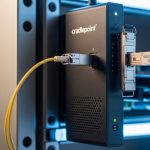
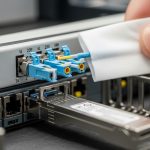
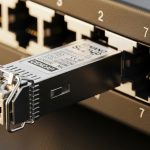
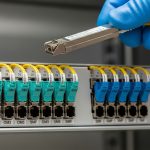
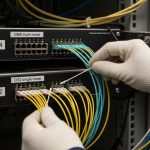
Peplink fiber WAN deployments often succeed or fail on one detail: the correct SFP optical module for your Balance router and fiber plant. This article helps IT directors and field engineers compare WAN fiber options, validate compatibility, and estimate total cost of ownership. You will get practical selection criteria, a spec comparison table, and troubleshooting steps for common link failures.
How Peplink Balance routers use SFP optics for WAN fiber
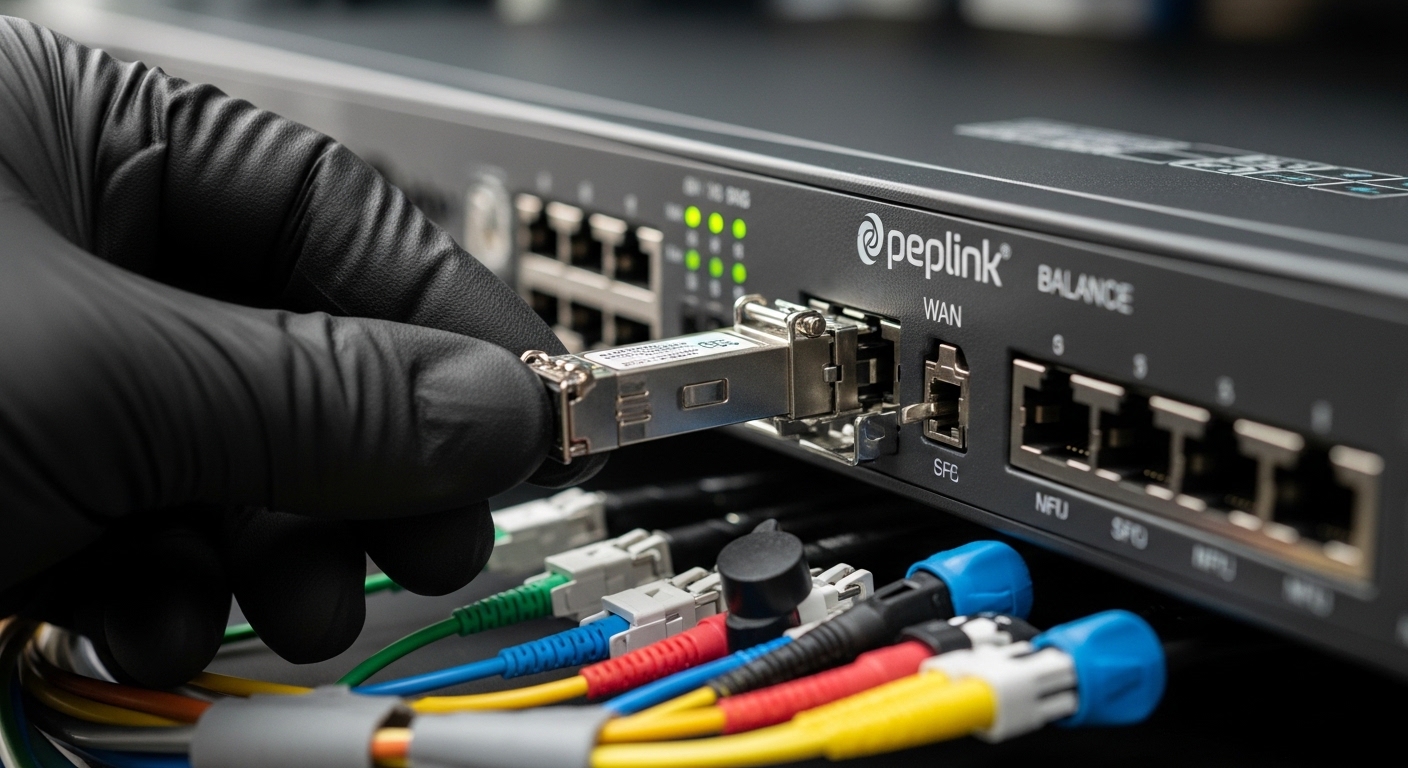
On many Peplink Balance models, the WAN interface expects a specific SFP type (common among SFP/SFP+ ecosystems) with matching electrical interface and optics behavior. In practice, you choose based on data rate, wavelength, and fiber distance over either single-mode or multimode plant. From an architecture standpoint, the SFP becomes a governance boundary: standardized optics reduce change risk, while ad hoc module mixes increase incident time.
For optical performance, engineers typically verify compliance with relevant IEEE 802.3 physical layer requirements and vendor datasheets for link budgets, receiver sensitivity, and transmitter power. If your site has legacy patching, remember that fiber type and cleaning standards matter as much as the SFP model.
WAN fiber option comparison: wavelength, reach, and connectors
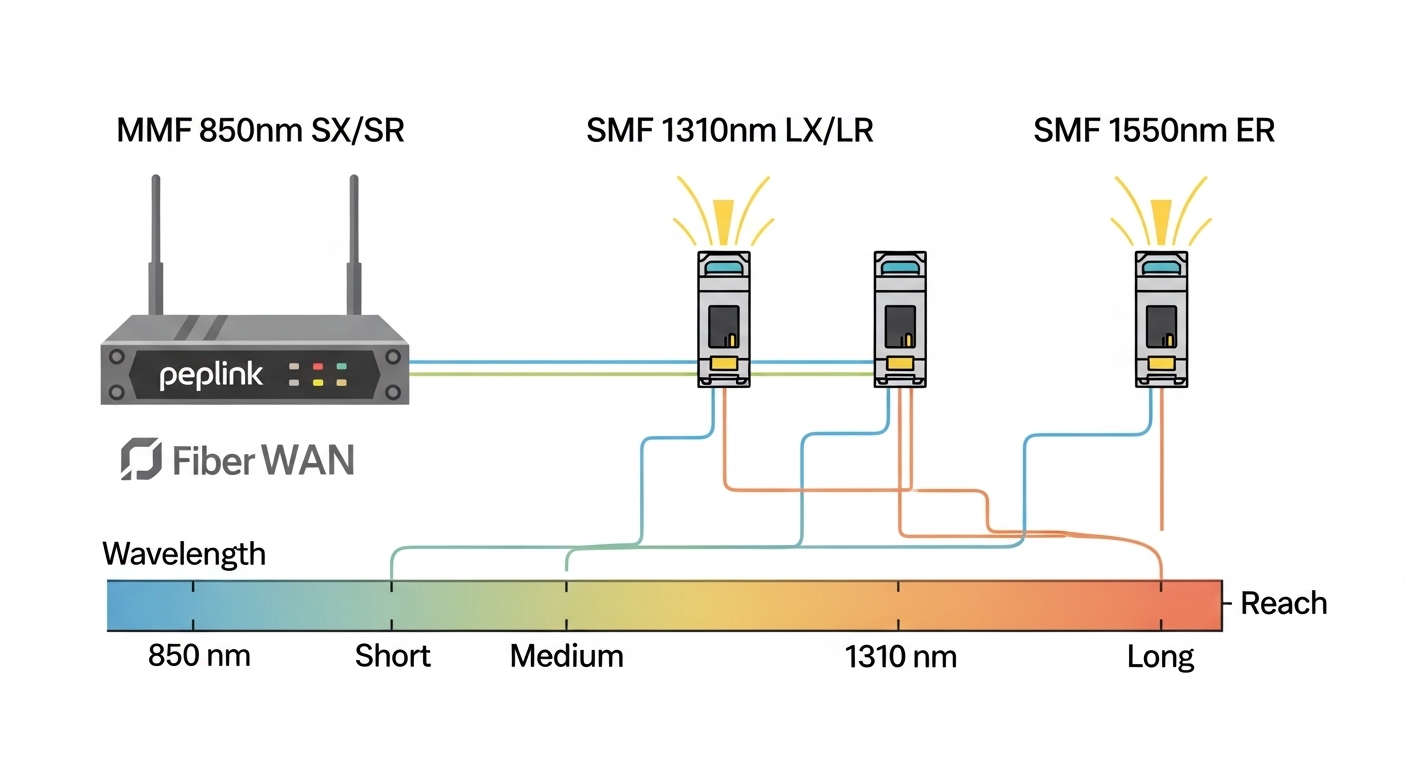
The fastest way to narrow Peplink fiber WAN options is to map your target interface speed to the optics family, then align it with your fiber plant. Below is a practical comparison using common SFP variants found in enterprise access and branch WAN designs.
| Optical family | Typical wavelength | Fiber type | Typical reach (practical) | Connector | Power / optics notes | Operating temperature |
|---|---|---|---|---|---|---|
| SFP 1G SX | 850 nm | MMF (OM3/OM4) | Up to ~300 m (OM3), ~400 m (OM4) | LC | Lower cost; sensitive to dirty optics | 0 to 70 C (typical) |
| SFP 1G LX | 1310 nm | SMF | Up to ~10 km (budget dependent) | LC | More tolerant of distance; higher link budget | -5 to 70 C (typical) |
| SFP 10G SR | 850 nm | MMF (OM3/OM4) | ~300 m (OM3), ~400 m (OM4) | LC | Often used for data center WAN hops | 0 to 70 C (typical) |
| SFP 10G LR | 1310 nm | SMF | ~10 km (budget dependent) | LC | Common for campus or metro WAN | -5 to 70 C (typical) |
| Vendor-specific 10G ER (if supported) | 1550 nm | SMF | ~40 km (budget dependent) | LC | Highest distance; highest cost | -5 to 70 C (typical) |
In real procurement, engineers often start with OEM compatibility lists, then validate optics with examples such as Cisco SFP-10G-SR for 10G SR use cases, or third-party optics like Finisar FTLX8571D3BCL and FS.com SFP-10GSR-85 when specifications and DOM behavior match. Always cross-check DOM (digital optical monitoring) support because some platforms enforce thresholds or interpret alarms differently. [Source: IEEE 802.3 physical layer specifications at the relevant data rate; vendor datasheets for optical modules and DOM behavior.]
Selection criteria checklist for Peplink fiber WAN SFP modules
Use this ordered checklist to reduce rework and uptime risk when selecting SFP for Peplink Balance routers.
- Data rate alignment: confirm the router WAN interface speed and whether it accepts SFP vs SFP+ optics at that rate.
- Distance and fiber type: measure or estimate link distance and verify MMF vs SMF, including patch panel losses.
- Wavelength and reach: pick SX/SR for MMF at 850 nm, LX/LR for SMF at 1310 nm, ER for long-haul if supported.
- Connector and cleaning workflow: ensure LC connectors and enforce end-face inspection and cleaning before insertion.
- DOM support and thresholds: confirm DOM is read correctly (TX power, RX power, temperature) and matches platform expectations.
- Operating temperature: verify the module temperature range fits your cabinet environment; check for sunlit outdoor cabinets.
- Compatibility and lock-in risk: compare OEM modules vs qualified third-party modules; define an approved vendor list.
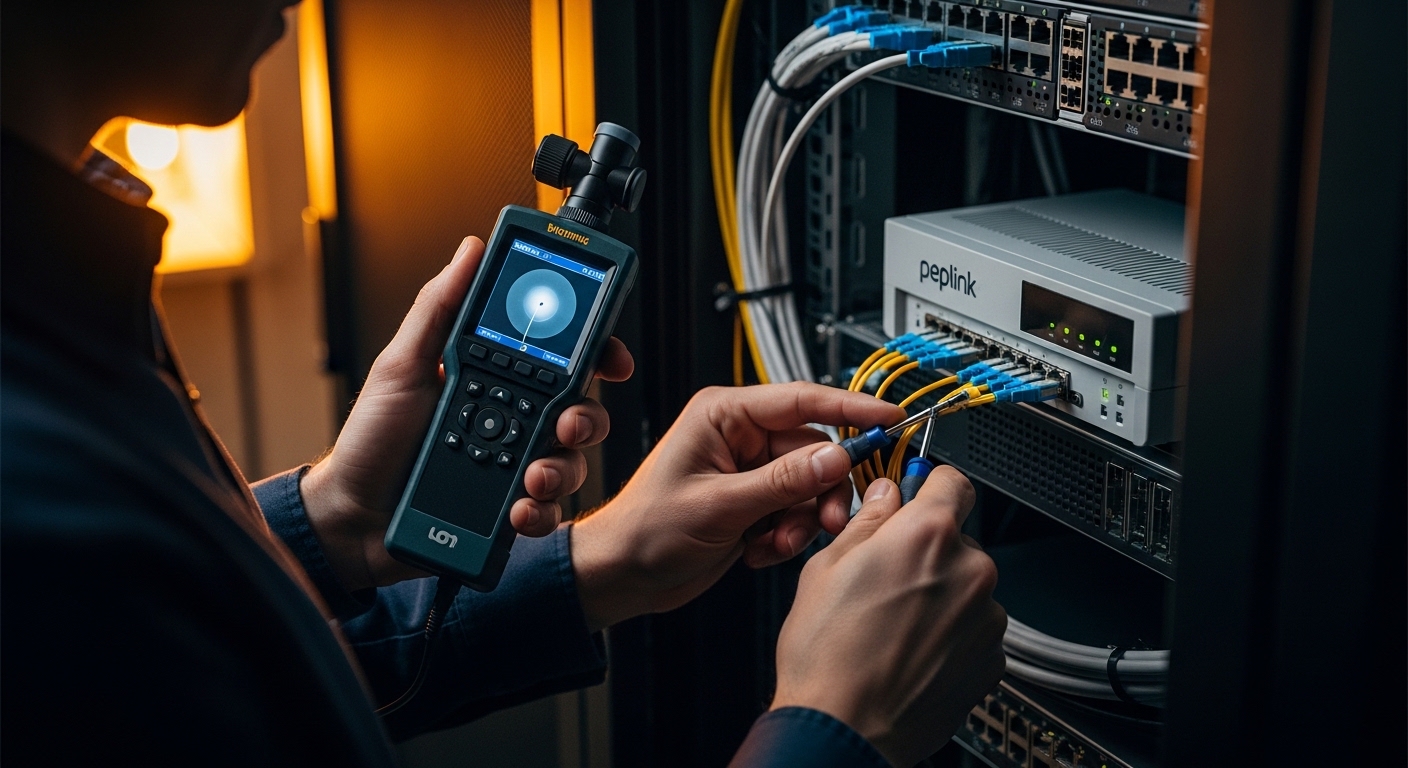
Pro Tip: In field troubleshooting, the most common “wrong SFP” incident is actually mismatched fiber polarity or dirty LC end faces. The optical module can be perfect, yet the link fails due to RX saturation or no optical power; always inspect with a fiber scope and confirm polarity before swapping modules.
Common mistakes and troubleshooting for Peplink fiber WAN links
Even experienced teams encounter repeat failure modes. The goal is to isolate whether the issue is optics, fiber, configuration, or physical layer negotiation.
“Link down” after inserting an SFP
Root cause: dirty or improperly seated LC connectors, or fiber end-face contamination. Solution: clean both ends using lint-free wipes and approved cleaning tools, then re-seat and re-test. If available, check DOM RX power readings and compare against vendor thresholds.
Intermittent errors or flapping WAN
Root cause: marginal link budget due to excessive patching loss, damaged fiber, or an SFP family with insufficient receiver sensitivity for your actual distance. Solution: measure attenuation with an OTDR or at minimum verify loss with certified testers; replace with a higher-reach module family (for example SR to LR) if budget is exceeded.
“Works on one side only” or persistent packet loss
Root cause: fiber polarity mismatch, especially with patch cords that assume different transmit/receive pair mapping. Solution: verify Tx to Rx mapping at both ends; use polarity-correct patch cords or adapters and re-test the physical link.
DOM alarms or module not recognized
Root cause: third-party optics with partial DOM implementation or threshold interpretation differences. Solution: validate the specific module model against the router’s documented compatibility guidance, and standardize on an approved optics list to avoid mixed behavior across sites.
Cost and ROI: OEM vs third-party SFP modules for WAN
Typical pricing for SFP optics varies by speed and reach. As a planning baseline, OEM modules can cost materially more than third-party equivalents; third-party options often reduce per-module cost but may increase validation time. For ROI, include not only purchase price but also the labor cost of failed deployments, time-to-repair, and the risk of inconsistent DOM behavior across branches.
In a governance-friendly model, many enterprises standardize on one or two approved suppliers and require documented DOM compatibility. This reduces incident rates and shortens troubleshooting. If your WAN is business-critical, model TCO using an incident cost approach: even a single failed change window can outweigh the savings from lower-cost optics.
FAQ
What does “Peplink fiber WAN SFP” usually mean in practice?
It typically refers to selecting the correct SFP optical module that matches your Peplink Balance router WAN interface speed and your site fiber plant. Engineers choose by wavelength family (850/1310/1550), distance, and connector type, then verify DOM readings.
How do I know whether I need MMF or SMF optics?
Check your fiber plant documentation and confirm with testing if records are uncertain. MMF is commonly used for short indoor runs with 850 nm optics, while SMF supports longer campus or metro distances using 1310 nm or 1550 nm families.
Are third-party SFPs safe to deploy with Peplink routers?
They can be, but you should validate the exact model number and confirm DOM behavior and threshold compatibility. Standardizing an approved optics list across sites is the most effective governance control.
What should I check first when the WAN link stays down?
Start with physical layer fundamentals: connector seating, fiber cleaning, and polarity mapping. Then review DOM RX/TX power and compare it with the vendor datasheet; only after that should you suspect router configuration.
Can I mix different SFP models across sites?
You can, but it increases operational variance and complicates troubleshooting and warranty handling. For enterprise governance, keep a consistent module family per distance class and document the approved alternatives.