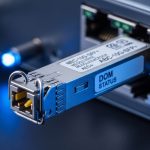
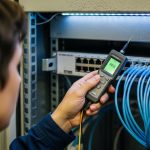
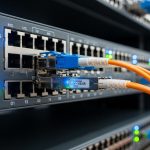
If you are running an MPLS-TP packet transport network, the transceiver is not a commodity decision. The wrong packet transport SFP can trigger link flaps, unacceptable BER under temperature swings, or interoperability headaches with your switch line cards. This article helps network engineers, field techs, and procurement teams select the right SFP optics for real MPLS-TP deployments, using practical compatibility and operations checks.
Why MPLS-TP changes how you select packet transport SFP
MPLS-TP (MPLS Transport Profile) is built for transport-grade behavior: predictable latency, controlled packet loss, and OAM that depends on stable forwarding. That means your optical link budget and physical layer stability matter more than “it links up.” In practice, I have seen MPLS-TP services degrade when optical modules pass basic diagnostics but fail under higher-than-labeled temperature gradients or with marginal patch cords.
When selecting a packet transport SFP, you are really picking a full chain: transceiver optics, fiber type (OM3/OM4 vs OS2), connector cleanliness, patch-cord length, and the switch optics cage behavior. IEEE 802.3 and the SFP MSA define the electrical interface, but vendor line cards often have their own operational expectations for DOM fields, DDM thresholds, and supported optics lists.
For authority on the physical-layer framing and optical Ethernet behavior, review [Source: IEEE 802.3]. For module mechanical/electrical expectations and DOM behavior, align with [Source: SFP MSA (Multi-Source Agreement)] and the specific vendor datasheet for your switch. For MPLS-TP concepts, see [Source: ITU-T Y.1457] and [Source: IETF RFC 4377].
Key specs that determine reach and real-world stability
In the field, the “reach” marketing number is only the starting point. The operational question is whether the transceiver meets link power, receiver sensitivity, and power budget across your installed fiber and aging. For MPLS-TP, even short intermittent degradation can break OAM continuity checks or cause path reroutes.
| Spec category | What to check on packet transport SFP | Typical values (examples) | Why it matters in MPLS-TP |
|---|---|---|---|
| Data rate | 10G, 25G, etc. must match the line card | 10.3125 Gbps for 10G Ethernet | MPLS-TP depends on consistent service throughput |
| Fiber type | OM3/OM4 (MMF) vs OS2 (SMF) | OM4 often supports longer 10G SR links | Mismatched fiber can cause BER spikes |
| Wavelength | 850 nm for SR, 1310/1550 nm for LR/ER/ZR | 850 nm SR; 1310 nm LR | Determines dispersion and attenuation behavior |
| Reach | Rated distance, plus your actual link loss | 10G SR often rated 300 m (OM3) / 400 m (OM4) | OAM and traffic stability suffer if budget is tight |
| Connector | LC vs SC, and endface cleanliness requirements | LC is common for SFP | Dirty connectors cause intermittent loss |
| Optical power / sensitivity | Tx power and Rx sensitivity; check min/max | Varies by module family | Key input to the power budget calculation |
| DOM support | DDM fields and thresholds | Digital optical monitoring enabled | Helps correlate errors with temperature/aging |
| Temperature range | Commercial (0 to 70C) vs extended (-5 to 85C) | Many optics support -5 to 85C | MPLS-TP nodes in hot bays see real thermal drift |
Example optics you might see in real MPLS-TP packet transport topologies include Finisar/FS modules like Finisar FTLX8571D3BCL (10G SR, 850 nm, LC) and FS.com variants such as FS SFP-10GSR-85. For a switch-side reality check, always confirm the module is on the vendor’s supported optics list, because some line cards reject certain third-party SFPs even when they meet electrical standards.
Pro Tip: When troubleshooting MPLS-TP impairments, do not stop at “link up.” Pull DOM readings (Tx bias current, Tx power, Rx power) and compare them against the module’s min/max operating ranges. I have repeatedly found that modules look healthy at room temperature but drift enough in a hot aisle to push the BER into a failure region during peak traffic.
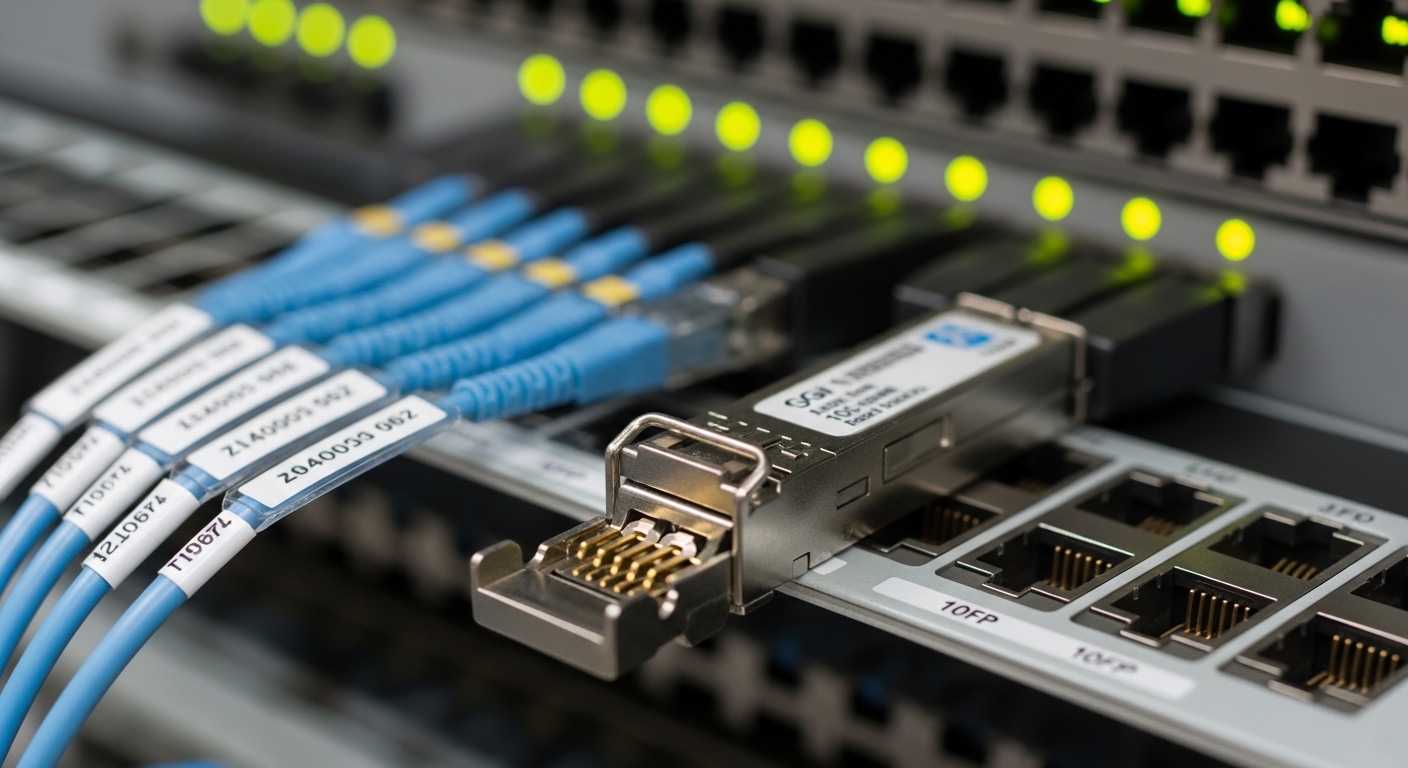
Choosing the right packet transport SFP for your MPLS-TP fiber plant
Start with the service requirement: in MPLS-TP, you typically care about consistent packet delivery across a defined path, plus OAM continuity. Then map that to physical constraints: fiber type, connector style, patch-panel loss, and whether you have spare margin for future re-termination or cleaning.
Step-by-step decision checklist (what engineers actually weigh)
- Distance and link loss: calculate total attenuation including patch cords, splices, connectors, and expected aging. For tight budgets, move from “rated reach” to “budgeted reach.”
- Switch compatibility: confirm the exact transceiver family is supported by the switch OS version and line card. Use the vendor’s optics matrix, not just general SFP compatibility.
- DOM and alarms: verify the module reports DOM fields and that the switch thresholds align with vendor guidance. Some switches raise alarms on out-of-threshold warnings even if traffic still passes.
- Operating temperature: if your node sits in a hot aisle, prefer extended temperature modules. Measure airflow and inlet temperatures; do not assume the chassis spec matches your cage.
- Budget and vendor lock-in risk: OEM optics can cost more but reduce interoperability risk. Third-party optics can be cheaper, but validate in a lab and plan for firmware interactions.
- Connector and cleaning plan: LC endfaces must be inspected with a scope. Budget time for cleaning; dirty optics cause intermittent loss that looks like a “bad transceiver.”
Module type matching: SR vs LR in packet transport
For typical data center or metro access rings, 10G SR (850 nm) is common for short reach across OM3/OM4. For longer metro spans, you move to 10G LR (1310 nm) over OS2. In MPLS-TP, I usually recommend building a margin of at least a few dB beyond the minimum budget so that end-of-life laser aging and occasional re-termination do not push you into a borderline receive level.
Also watch for “form factor mismatch” at the transport layer: SFP vs SFP+ cages, and the line card mode. If your switch expects a specific electrical profile, a module that is “electrically compatible” in theory may still fail to train properly.
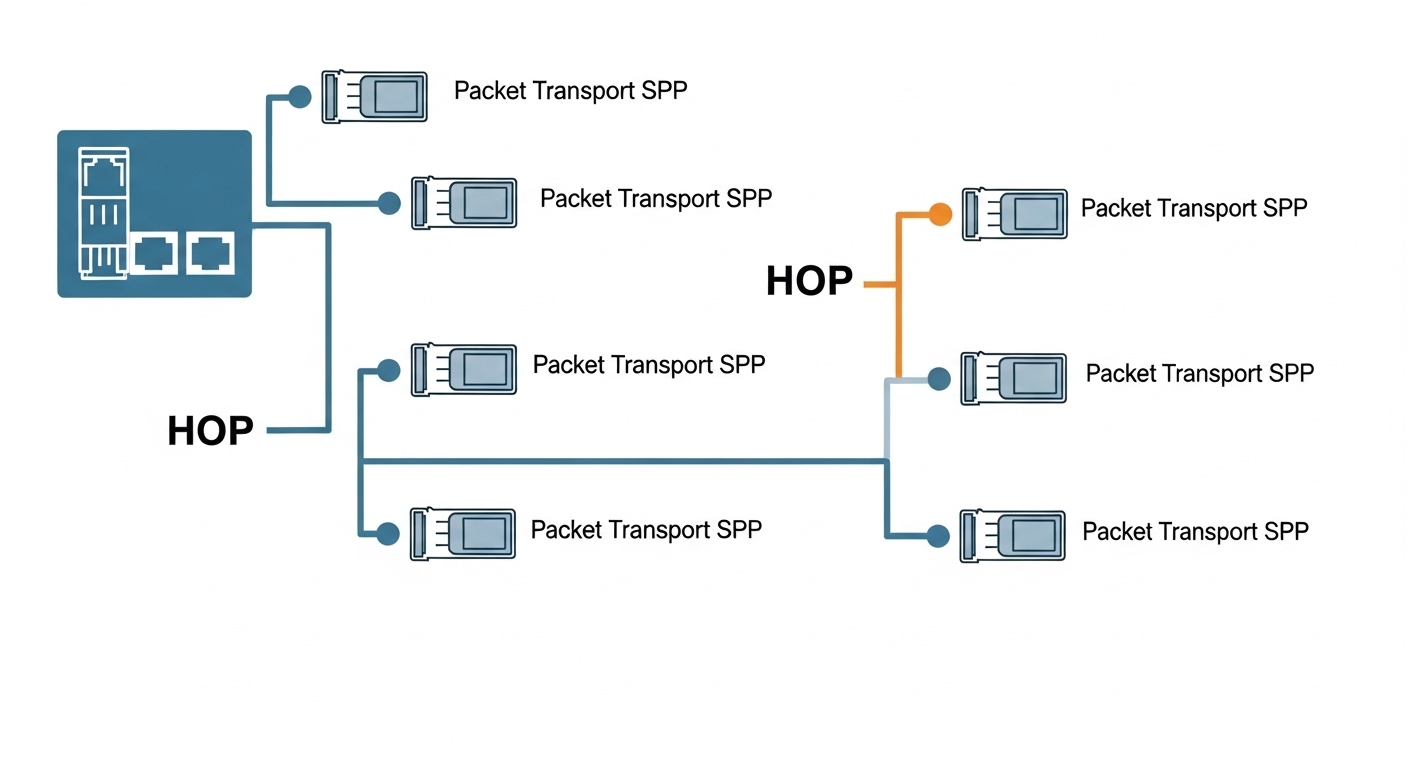
Common pitfalls and troubleshooting for packet transport SFP
Below are failure modes I have seen repeatedly in transport-grade Ethernet deployments. The pattern is usually that the optics “mostly work” until temperature, traffic load, or a specific OAM check makes the weakness visible.
Link flaps that correlate with temperature
Root cause: a module operating near the edge of Rx sensitivity due to tight power budget, combined with hot-aisle thermal drift. Sometimes the module is a commercial-temperature part installed where inlet temps exceed its guarantee.
Solution: verify DOM readings during both cool and hot periods, recalculate the power budget with measured fiber loss, and upgrade to extended temperature optics or add margin by shortening patch cords.
“Works in the lab” but fails on a specific switch OS
Root cause: the optics is not on the switch vendor compatibility list for that OS release, or the switch applies stricter DOM threshold interpretation. Some platforms also enforce vendor-coded compliance fields.
Solution: confirm support on the exact switch model and software version. If you use third-party optics, validate in a staging rack with the same OS, not just on a bench switch.
Intermittent loss after maintenance
Root cause: connector endfaces got contaminated during patching, or a patch cord was swapped with a different attenuation profile. Even a small amount of dust can create micro-reflections and intermittent errors.
Solution: inspect with a fiber scope, clean with approved methods, and verify with an OTDR or at least a loss tester if errors recur. Replace suspect patch cords and re-verify DOM Rx power after cleaning.
BER issues that look like congestion
Root cause: marginal optical link causes increased bit errors that trigger retransmissions or degrade queues. In MPLS-TP, the symptom can appear as “network instability” even when routing is fine.
Solution: check interface error counters, correlate with DOM Rx power, and run optical diagnostics. Move to a known-good optic and patch cord to isolate whether the issue is optics, fiber, or switch cage.
Cost and ROI: OEM vs third-party packet transport SFP
Pricing varies by wavelength and reach, but a realistic planning range for 10G SR SFP optics is often $40 to $150 per module depending on brand, temperature rating, and availability. OEM optics from major switch vendors can be higher, sometimes $100 to $300 each, especially for extended temperature or higher-volume enterprise SKUs.
ROI usually comes down to three numbers: (1) optics unit cost, (2) installed failure rate (including returns and RMA shipping time), and (3) downtime impact. In transport-grade networks, a single unplanned outage can cost more than the price difference between OEM and third-party optics, even if the third-party module is cheaper per port.
For TCO, include labor: time to validate compatibility, time to clean and verify optics, and spare inventory rotation. If you go third-party, I recommend keeping a small pilot pool and tracking DOM trends and error counters for at least a few weeks under your real traffic and temperature conditions.
FAQ: packet transport SFP for MPLS-TP networks
What does “supported optics” really mean for packet transport SFP?
It means the switch vendor has validated that the module trains properly, DOM fields are accepted, and alarms behave correctly under that OS version. Even if an SFP meets general SFP MSA expectations, some platforms still enforce vendor-coded compatibility.
Can I mix OEM and third-party packet transport SFP modules in the same MPLS-TP node?
Yes in many cases, but you should validate. Inconsistent DOM threshold behavior or optics-specific alarm interpretation can complicate operations, especially during OAM-driven troubleshooting.
How do I calculate link budget for an MPLS-TP optics decision?
Use the module’s Tx power and Rx sensitivity from the datasheet, then subtract measured attenuation from all fiber and interconnect elements: patch cords, connectors, splices, and any couplers. Add a margin for aging and cleaning variability, and ensure the resulting power stays within the module’s operating envelope.
What fiber type is best for packet transport SFP in a metro environment?
For short metro segments or data center-to-aggregation links, MMF SR (850 nm) over OM3/OM4 is common. For longer spans, SMF LR (1310 nm) over OS2 is typical, but you must verify your reach against the actual installed loss.
Why do I see OAM issues even when the interface stays up?
OAM can be sensitive to subtle error conditions, transient loss, or queueing behavior that hides behind “link up” status. Check DOM Rx power during the same windows as OAM alarms, and correlate with interface error counters.
Is DOM monitoring mandatory for packet transport SFP?
Not always, but it is strongly recommended for transport-grade operations. DOM helps you separate optics drift from switch-side issues, and it gives you early warning before BER becomes noticeable.
If you want the fastest path to a safe purchase decision, start with your switch optics matrix, then confirm reach with a real link budget and DOM behavior. Next, use fiber optics link budget for transceiver selection to sanity-check your fiber plant before ordering spares.
Author bio: I have deployed and troubleshot packet transport optics in metro and data center networks, focusing on DOM-based validation, link budget math, and operational runbooks. I write from field experience with switch line cards, optics cages, and the failure modes that show up only after installation.