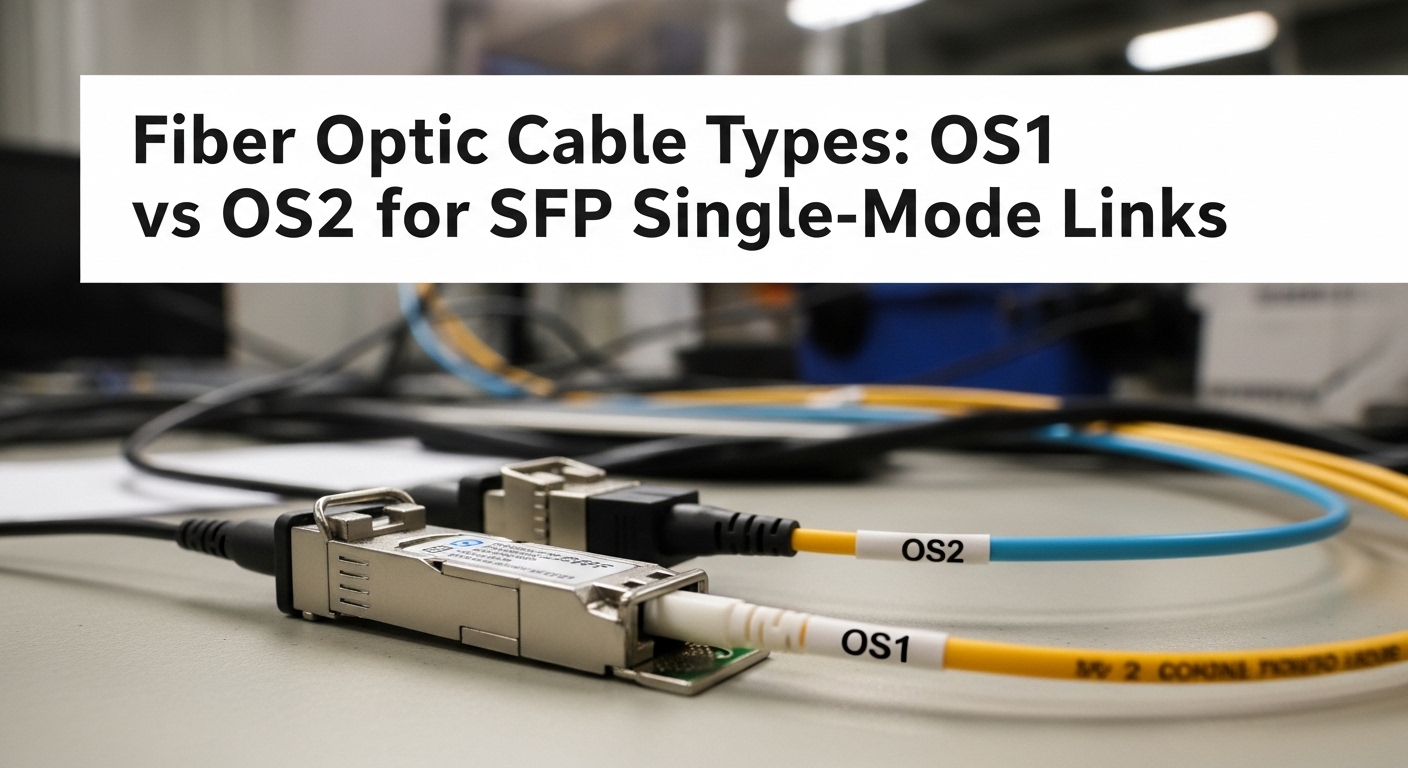
If you are lighting up a link with a single mode fiber SFP, the cable core spec matters as much as the transceiver itself. This article helps network engineers and field techs choose between OS1 and OS2 when planning reach, connector handling, and long-term reliability. You will get a practical OS1 vs OS2 comparison, a selection checklist, and troubleshooting paths for the most common failure modes.
OS1 vs OS2: what changes for a single mode fiber SFP link
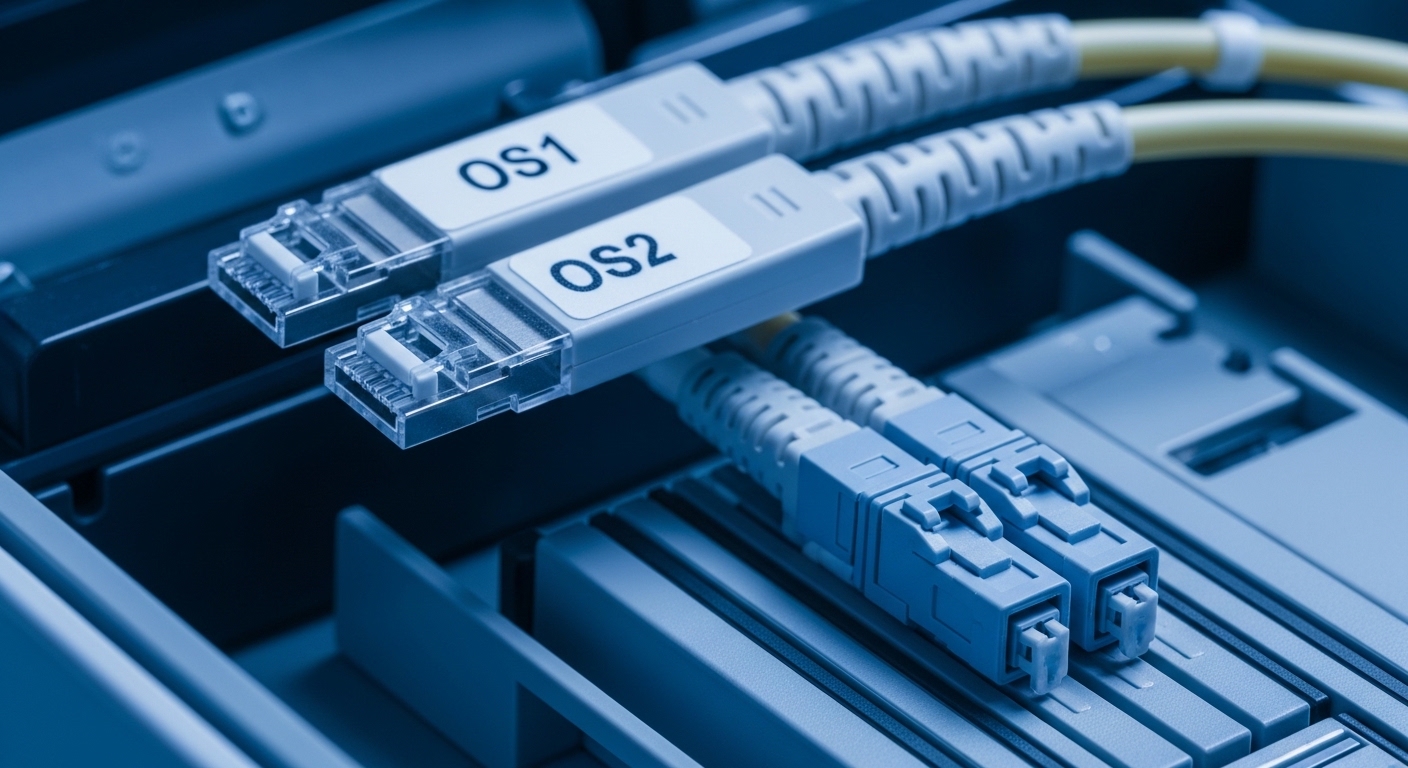
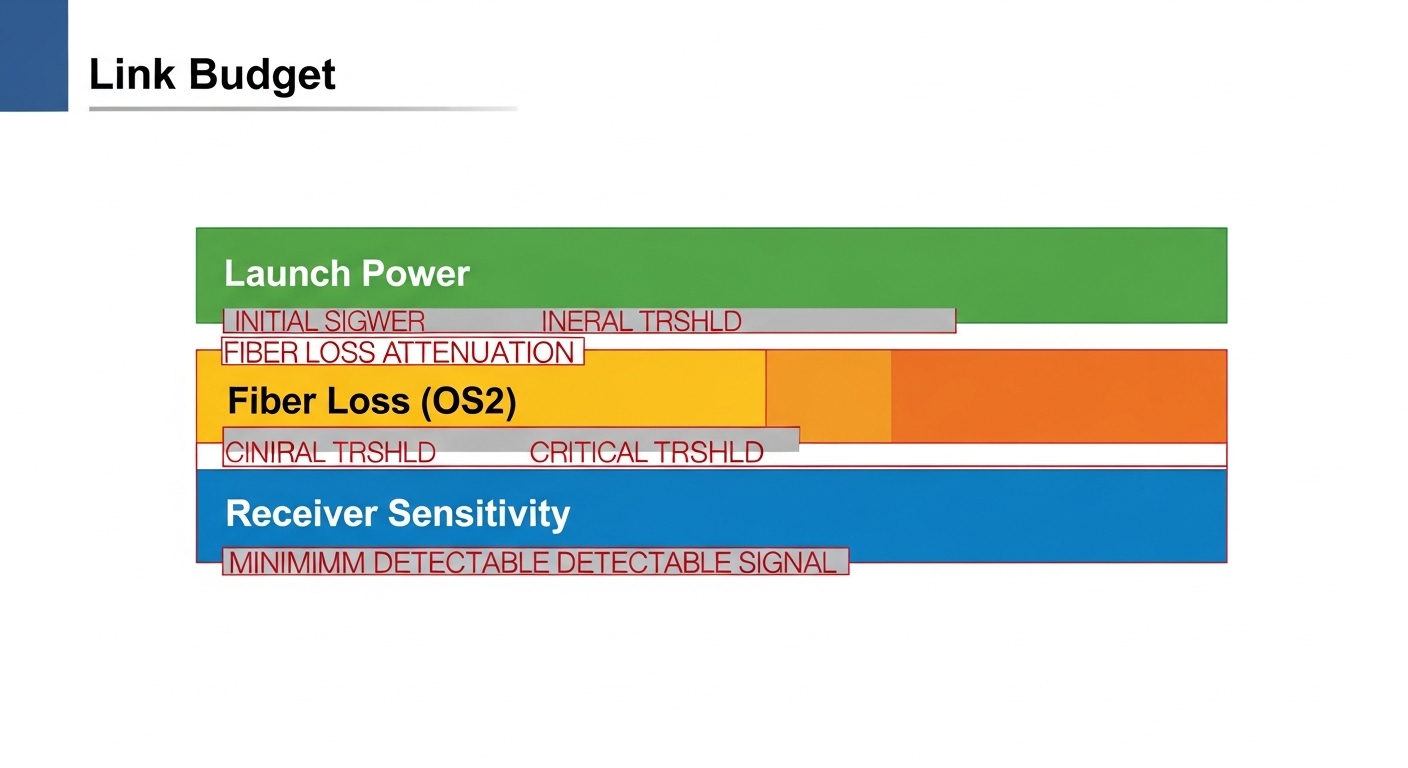
OS1 and OS2 both carry single mode light for long-distance links, but they are optimized for different deployment and loss budgets. OS1 is typically designed for indoor and campus use with a tighter operational assumption set, while OS2 is designed for long-haul and outdoor runs with lower attenuation over distance. In practice, the key engineering variable is end-to-end optical power budget: transceiver launch power minus fiber loss minus connector and splice losses must stay within the receiver sensitivity range defined in the SFP datasheet.
From an optics perspective, both OS1 and OS2 correspond to single mode fiber categories used with 1310 nm and 1550 nm wavelengths, which align with common SFP variants such as 1000BASE-LX, 10GBASE-LR, and 10GBASE-ER. The IEEE 802.3 family specifies optical interfaces and line rates, while vendor datasheets specify DOM, wavelength, and optical power compliance. For standards context, see [Source: IEEE 802.3] and vendor media on SFP optical power budgets.
Operationally, OS2 typically gives you more margin when you have higher splice counts, legacy patch panels, or longer horizontal runs. If your link budget is already tight, the choice can be the difference between stable link operation and intermittent errors under temperature swings.
Performance comparison: reach, wavelengths, and optical budget
Choose OS1 vs OS2 based on the fiber attenuation class and your link budget, not just the “single mode” label. Most network teams treat SFP reach as a marketing number, but the real limit is power budget and dispersion tolerance under your wavelength plan. For example, a 10GBASE-LR SFP (commonly 1310 nm) may be rated for long reach, yet still fail if you exceed the vendor’s allowed total loss.
Because OS1 and OS2 are both single mode, the SFP wavelength choice (1310 nm vs 1550 nm) and connector cleanliness usually dominate troubleshooting outcomes. Still, OS2’s lower attenuation can improve margin for 1550 nm ER optics and long spans with more splices. The table below summarizes typical planning parameters you can map to the optical power budget math.
| Spec | OS1 (single mode fiber) | OS2 (single mode fiber) |
|---|---|---|
| Primary design use | Indoor or campus deployments | Outdoor and long-haul deployments |
| Typical attenuation goal | Higher than OS2 in many practical loss budgets | Lower attenuation for longer distance planning |
| Common wavelength use with SFP | 1310 nm (LX/LR), often 1550 nm in practice | 1310 nm and 1550 nm (LR/ER) with more margin |
| Connector/splice impact | Less margin if you have many splices | More margin with higher splice counts |
| Temperature operating assumption | Varies by cable construction | Often includes outdoor stability assumptions |
| Compatibility with single mode fiber SFP | Usually compatible if loss budget fits | Usually compatible if loss budget fits |
Tip for engineers: always validate against the exact SFP model’s optical power range and receiver sensitivity. For example, a 10G LR SFP such as Cisco SFP-10G-SR is typically multi-mode, but a single mode LR SFP model will be specified with 1310 nm and a defined power budget. Similarly, third-party modules like Finisar FTLX8571D3BCL or FS.com SFP-10GSR-85 are model-specific; confirm the wavelength and DOM behavior before you assume OS1 or OS2 will “just work.”
Deployment scenario: OS1 vs OS2 in a real data hall
Consider a 3-tier data center leaf-spine topology where 48-port 10G ToR switches uplink to aggregation using 10GBASE-LR optics at 1310 nm. You have 12 links of 6 km each, with 18 total splices per link due to tray routing across two buildings. The SFPs are specified for a maximum total optical loss of ~-3.5 dB to -5 dB depending on vendor and whether you budget conservative connector losses. In this environment, OS1 cables can pass the first measurement if the installer keeps splice loss low, but OS2 gives you a bigger margin when splice loss drifts with real handling and when patch panel ports are re-used.
Now change only one variable: you decide to extend two links to 8 km and shift to ER optics at 1550 nm for improved reach. In many real rollouts, OS2 becomes the safer selection because the fiber loss contribution stays lower across longer distances, reducing the probability of marginal receive levels after future maintenance moves. The SFP itself typically remains unchanged; the fiber spec is what absorbs your operational variance.
Selection checklist: how to choose OS1 or OS2 for your single mode fiber SFP
- Distance and planned wavelength: map your route length to the SFP’s rated wavelength (1310 nm vs 1550 nm) and reach class.
- Link budget math: use the exact SFP datasheet optical power range and receiver sensitivity; include fiber attenuation plus connector and splice losses.
- Switch and transceiver compatibility: verify vendor support for the SFP family and DOM requirements; some platforms reject non-compliant EEPROM layouts.
- DOM support and monitoring: if you rely on DOM alarms, confirm the module supports the correct diagnostics interface and thresholds.
- Operating temperature and installation environment: outdoor routing and thermal cycling favor cable constructions intended for OS2-type stability.
- Vendor lock-in risk: if you use OEM SFPs, ensure your fiber spec strategy remains valid if you later switch to a third-party module.
Pro Tip: In the field, the fastest way to avoid “it should work” failures is to measure optical power at the patch-panel MPO/LC points after termination, then compare the measured margin against the SFP’s documented receiver sensitivity. OS2 can buy margin, but connector cleanliness and end-face geometry often decide whether your margin survives day one.
Common mistakes and troubleshooting for single mode fiber SFP links
1) Wrong fiber attenuation assumption during planning
Root cause: teams estimate fiber loss using generic “single mode” values instead of the actual cable attenuation spec for OS1 vs OS2. Solution: pull the reel documentation or test results, then recompute the budget using measured dB/km plus splice and connector assumptions.
2) Connector contamination masquerading as fiber loss
Root cause: dust on LC end faces increases insertion loss and can cause intermittent link flaps. Solution: inspect with a fiber microscope, clean with lint-free swabs and approved solvent, and re-measure optical power after cleaning.
3) SFP mismatch: wavelength or power budget not aligned
Root cause: installing a 1310 nm LR-capable SFP into a plan that expects 1550 nm ER behavior, or exceeding the allowed total loss. Solution: verify SFP wavelength labeling, confirm the vendor’s min/max receive power, and ensure your link budget includes worst-case connector and splice loss.
4) DOM alarm thresholds causing administrative disable
Root cause: some switches apply strict DOM thresholds; third-party modules may report slightly different optics values. Solution: check switch logs for DOM-related events, update transceiver settings if supported, and validate module EEPROM compatibility.
Cost and ROI: OS1 vs OS2 and what it means for TCO
OS1 and OS2 cable pricing varies by region, jacket type, and installation method, but OS2 usually costs more per meter because it is engineered for lower attenuation and long-haul reliability. The ROI often comes from reduced truck rolls and fewer marginal failures: if you avoid even a single extended outage caused by a “near threshold” optical budget, the higher cable cost can be recovered quickly. For transceivers, OEM SFPs often cost more than third-party, but the bigger TCO factor is how often you need replacements and whether your platform reliably accepts non-OEM EEPROM and DOM behavior.
As a rough planning range, many enterprises see third-party SFPs priced materially lower than OEM equivalents, yet you should still budget for validation and the cost of optical testing equipment time. The safest approach is to standardize on a tested SFP model family and a fiber spec strategy (OS2 for long distance or higher splice counts) so future module swaps do not force a re-engineering of the optical budget.
Which option should you choose?
Pick OS1 when your runs are shorter, your splice and connector counts are low, and your measured link budget has comfortable margin at the wavelength your single mode fiber SFP uses. Pick OS2 when you have longer distances, higher splice density, outdoor routing, or 1550 nm ER-style reach where attenuation margin becomes critical.
| Reader type | Primary goal | Recommendation |
|---|---|---|
| Campus LAN team | Minimize cost | OS1 if measured margins exceed SFP receiver sensitivity by a safe buffer |
| Data center ops | Reduce outage risk | OS2 for long uplinks or routes with many splices |
| Field rollout engineer | Make installs predictable | OS2 when termination variability is expected; validate with OTDR and power meter |
| Procurement lead | Standardize spares | OS2 to keep optical budgets stable across future SFP module substitutions |
FAQ
Do OS1 and OS2 both work with a single mode fiber SFP?
Yes, if the SFP wavelength and the link optical power budget are compatible. The fiber type mainly affects attenuation margin and long-distance reliability.
Which is better for 10GBASE-LR at 1310 nm?
If your total loss is well within the SFP budget, OS1 can be sufficient. If you expect many splices, patch panel churn, or near-threshold margins, OS2 is safer.
Should I choose OS2 for 1550 nm ER links?
In most long-distance designs, OS2 provides more attenuation margin and reduces the probability of marginal receive levels. Always confirm with the exact SFP datasheet power budget and measured test results.
How do I verify my design before deploying?
Terminate and test with an OTDR or equivalent loss test, then measure optical power at the active endpoints. Compare measured loss and receive power against the SFP’s documented sensitivity and optical power range.
Will third-party single mode fiber SFP modules change the OS1 vs OS2 decision?
They can affect DOM behavior and optical power reporting, but the cable choice should still be driven by link budget and attenuation. If you change SFP models, revalidate the budget and compatibility on the target switch.
Choosing between OS1 and OS2 for a single mode fiber SFP is ultimately an optical power budget decision backed by measured fiber loss and disciplined connector handling. Next, review your SFP datasheet optical power range and run a measured margin check before you finalize the install plan via single mode fiber SFP link budget checklist.
Author bio: I have deployed and