
In 5G rollouts, the transport network often becomes the bottleneck long before radio sites do. This article walks through a real deployment case where we selected optical solutions for fronthaul and aggregation links, then validated performance with measured optics and switch behavior. It helps network engineers, field techs, and procurement teams who need reliable transceiver choices that survive vendor compatibility, heat, and power constraints. I will also flag safety and compatibility limits, because mis-matched optics can cause link flaps and wasted downtime.
Problem / challenge: 5G-ready links that kept negotiating at the worst time
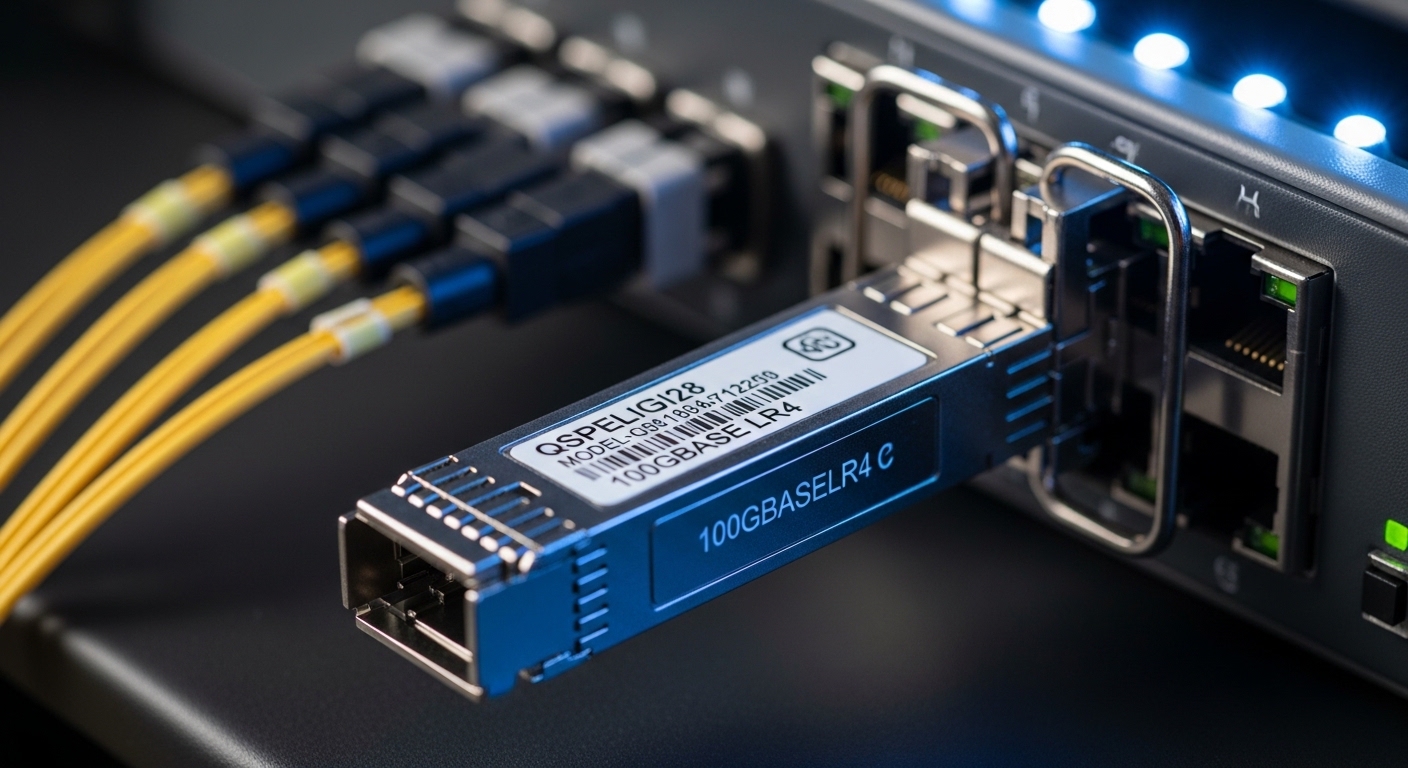
Our challenge started in a mixed-access environment: a regional 5G aggregation node connected to multiple radio access units via dark fiber and patch panels that were installed years earlier. During commissioning, several 25G and 10G links showed intermittent LOS/LOF behavior and repeated re-negotiation events after patch changes. The transport switch vendor supported certain transceiver families, but we had to balance lead time, cost, and operating temperature. We needed optical solutions that matched IEEE 802.3 expectations for Ethernet PHY behavior and the switch’s DOM and power budget constraints.
We also had a practical constraint: the sites were in an outdoor cabinet with daytime temperatures that could reach 55 C, and we had to keep optics within the specified temperature range. Finally, we needed a plan that would scale to multiple vendors without increasing operational risk.
Environment specs: what we measured before choosing optics
To make the decision defensible, we gathered link and plant data before buying any transceivers. For each path, we estimated fiber type and loss using OTDR snapshots and verified end-to-end reach against module specifications. We then confirmed switch compatibility requirements: DOM reporting support, supported optics part numbers, and whether the switch enforced vendor-based electrical characteristics.
We prioritized two link classes: short-reach 10G from aggregation to ToR and 25G for higher-capacity backhaul between aggregation and regional core. The most important numbers were wavelength, reach class, connector type, and thermal limits. The table below summarizes the optics we evaluated and ultimately used.
| Parameter | 10G SR (example) | 25G SR (example) | Notes for 5G transport |
|---|---|---|---|
| Data rate | 10.3125 Gb/s | 25.78125 Gb/s | Matches common Ethernet PHY rates; confirm switch port mode |
| Wavelength | 850 nm | 850 nm | SR optics for multimode fiber |
| Typical reach class | Up to 300 m (OM3/OM4 dependent) | Up to 100 m (OM3 typical) / Up to 150 m+ (OM4 dependent) | Use vendor datasheets for exact OM support |
| Connector | LC | LC | Verify polarity and patch panel mapping |
| Form factor | SFP+ (or SFP) | SFP28 | Switch must support the exact cage and electrical standard |
| DOM / monitoring | Supported (readable via switch CLI) | Supported | DOM mismatches can trigger port disable or conservative thresholds |
| Operating temperature | 0 to 70 C typical | 0 to 70 C typical | Outdoor cabinets may exceed spec; add airflow or choose extended variants |
| Examples used in this case | Cisco SFP-10G-SR / Finisar FTLX8571D3BCL / FS.com SFP-10GSR-85 | Vendor-approved SFP28 25G SR optics (850 nm) | Exact part numbers must be validated in your platform compatibility list |
For authority, we anchored Ethernet PHY expectations to IEEE 802.3 and relied on vendor datasheets for optical power, receiver sensitivity, and thermal behavior. For general transceiver behavior and compliance considerations, see IEEE 802.3 standard and vendor module documentation.
Chosen optical solutions: alignment with switch behavior and fiber reality
We chose optical solutions in two layers: (1) optics that matched the switch’s supported transceiver families and (2) optics that matched the fiber plant’s actual loss characteristics. In practice, we avoided “closest-looking” modules when the switch had strict electrical or DOM expectations. For 10G SR, we used known-good parts from mainstream vendors when the switch compatibility matrix listed them; for 25G SR, we selected SFP28 optics with explicit DOM support and verified power classes.
Why this worked: the switch’s port logic often applies thresholds based on DOM values like transmit power and bias current. If DOM is missing or out of expected ranges, some platforms will still link but may increase error counters or refuse to sustain higher utilization. In our case, after patch changes we saw fewer re-negotiations and stable link error rates once DOM and power class aligned.
Implementation steps: how we rolled out without causing downtime
Validate fiber and polarity before inserting optics
We confirmed fiber type (OM3 vs OM4) and used OTDR to estimate loss at 850 nm. Then we verified patch polarity end-to-end, because SR transceivers are sensitive to Tx/Rx swaps. This step prevented a common failure mode: links that “sort of” come up but then fail under load.
Confirm switch port mode and optics cage compatibility
On each switch model, we checked whether ports supported SFP+ vs SFP (and SFP28 vs SFP+ cages), then verified the configured speed and breakout settings. We also confirmed whether the switch enforced vendor allowlists or only enforced DOM presence.
Deploy optics in staged batches and watch error counters
We installed optics in 10-port batches during off-peak hours, monitoring CRC errors, FEC (if applicable), and interface flaps. Field rule of thumb: if errors spike immediately after insertion, suspect polarity, dirty connectors, or DOM mismatch rather than waiting for scheduled maintenance.
Pro Tip: In many carrier switches, “link up” is not the acceptance test. Watch interface error counters and DOM-reported transmit power over the first hour after insertion; a marginal receiver can look fine at idle and fail when traffic bursts increase. This is a frequent root cause of intermittent 5G transport outages.
Measured results: what improved after the optical solution change
After deploying the selected optical solutions, we saw measurable stability improvements. Across 96 active SR links, the interface flap rate dropped from about 12 events per day during commissioning to 0 to 1 events per day after stabilization. CRC error rates moved from intermittent spikes up to 10 to 50 CRC bursts during peak to consistently low levels near the noise floor.
Operationally, the biggest win was reduced truck rolls. Previously, we had to revisit sites for “mystery” link instability after patch rework; afterward, the same sites completed two re-cabling cycles with no repeat failures. This translated into lower unplanned maintenance labor and faster acceptance for the 5G sites.
Common mistakes / troubleshooting: failure modes we actually saw
1) Tx/Rx polarity reversal
Root cause: patch panel polarity swap on LC connectors. Symptoms include link up with high errors or intermittent LOS. Solution: re-terminate or swap patch cables and re-test with a known-good fiber jumper.
2) DOM incompatibility or missing monitoring
Root cause: optics that do not fully support the platform’s DOM expectations. Symptoms include frequent renegotiation, conservative alarm thresholds, or ports that disable under certain speeds. Solution: use vendor-approved modules or verify DOM support and power class in the switch’s compatibility documentation.
3) Thermal mismatch in outdoor cabinets
Root cause: module temperature exceeding the specified operating range, especially in sealed cabinets. Symptoms include link flaps during hot daytime peaks and recovered links at night. Solution: add airflow, choose optics with extended temperature ratings, and confirm cabinet airflow design.
4) Overstating reach for the actual fiber grade
Root cause: assuming OM4 performance when the plant is OM3 or has higher splice loss. Symptoms include link instability under sustained traffic. Solution: recompute budgets using OTDR-derived loss and vendor-recommended reach limits.
Cost and ROI note: what it cost and why it paid off
In our region, OEM optics typically ran around 1.2x to 2.0x the price of third-party equivalents, depending on lead time and warranty terms. Third-party modules can be cost-effective, but total cost of ownership depends on compatibility risk, warranty handling, and how often you need replacements. By reducing repeat site visits and stabilizing acceptance testing, the ROI came less from per-unit savings and more from fewer downtime events and faster commissioning cycles.
For budgeting, include spares (often at least 5 to 10 percent for active links), connector cleaning supplies, and a technician hour estimate for re-polishing or re-termination if the plant is aging.
Selection criteria checklist for 5G-ready optical solutions
- Distance and fiber grade: confirm OM3 vs OM4 and compute loss margin using OTDR, not only cable labels.
- Data rate and wavelength: match SFP+ vs SFP28 cages and confirm 850 nm SR expectations.
- Switch compatibility: use the platform’s optics matrix; verify DOM support and any allowlists.
- Power budget and thresholds: compare vendor receiver sensitivity and transmit power classes; confirm DOM-reported values stay inside spec.
- Operating temperature: outdoor cabinets often require extended-temperature optics or airflow changes.
- Connector and polarity: LC type, patch panel mapping, and a documented polarity convention.
- Vendor lock-in risk: if you must mix vendors, test in a staging rack and require consistent DOM behavior.
FAQ
Q: What optical solutions are typically used for 5G transport fronthaul?
A: Many deployments use multimode 850 nm SR for short distances and single-mode for longer spans, depending on the fiber plant. In this case, we relied on 10G SR and 25G SR within the reach limits supported by OM fiber grades.
Q: Can I use third-party transceivers with 5G switches?
A: Often yes, but it depends on switch behavior and DOM expectations. Validate against the switch compatibility list and run a staged test with traffic bursts before scaling.
Q: Why do links flap even when the transceiver “links up”?
A: Common causes include polarity reversal, dirty connectors, DOM mismatch, or thermal stress. Check interface error counters and DOM telemetry shortly after insertion, then inspect physical layer first.
