
When lead times spike and spares disappear, optical modules become the bottleneck that can stall entire network refreshes. This article helps network reliability and procurement teams plan for shortages by comparing swap options, validating compatibility, and reducing mean time to restore. It is aimed at data center and campus engineers who must keep links up under tight operational windows.
Swap strategy: QSFP28 and SFP28 alternatives when optical modules stockouts hit
Supply chain disruptions rarely affect every form factor equally. In practice, shortages concentrate in specific speed tiers and connector types, so your first action is to identify which optics are constrained and which are still available at acceptable lead times. For example, 100G QSFP28 modules may be delayed while 25G SFP28 or 40G QSFP+ options remain purchasable, depending on OEM allocation and broker inventory quality. Your recovery plan should therefore compare speed-form-factor pairs that can be re-timed by the switch port without violating optics reach or electrical lane requirements.
Head-to-head: speed-tier substitution that preserves link budget
Engineers typically evaluate three substitution classes: same-speed optical modules in a different vendor, different-speed modules that the switch can auto-negotiate, and parallel-link designs that reroute traffic. The key constraint is that optics selection must satisfy the IEEE 802.3 electrical/optical signaling requirements for the target speed and reach class, and the switch must support the module type at the port level. If your switch uses lane mapping assumptions, a “compatible looking” transceiver can still fail DOM checks, optical power thresholds, or FEC expectations.
Pro Tip: During shortages, teams often focus on reach and forget DOM policy. If your switch firmware enforces vendor or DOM byte validation, a third-party optical module can physically insert but still be administratively rejected, extending outage time even when fiber link budget would be fine.
Performance and compliance comparison: reach, wavelength, power, and temperature limits
To swap quickly, you need a consistent way to compare optical modules across vendors and speed tiers. The practical method is to build a “spec equivalence” sheet using wavelength, reach, receiver sensitivity, transmit power, and thermal operating range, then verify it against the switch datasheet and the transceiver standard. For multi-vendor planning, include connector type and fiber mode (OM3/OM4/OS2) because those often drive both availability and failure modes.

Side-by-side spec snapshot for common data center tiers
The table below is a planning template using typical SFP28 and QSFP28 families. Actual values vary by vendor and part number, so treat this as an engineering baseline and then confirm with the specific datasheets and switch compatibility list.
| Form factor / Standard | Typical wavelength | Target reach | Fiber type | Connector | Tx optical power (typ.) | Rx sensitivity (typ.) | Operating temp |
|---|---|---|---|---|---|---|---|
| SFP28 (25G) SR | 850 nm | Up to 100 m | OM3/OM4 | LC | -8 to 0 dBm | -14 to -12 dBm | -5 to 70 C (varies) |
| QSFP28 (100G) SR4 | 850 nm | Up to 100 m | OM3/OM4 | LC (4x lanes) | -7 to 2 dBm | -14 to -9 dBm | -5 to 70 C (varies) |
| SFP (1G) LX/LH | 1310 nm | Up to 10 km | OS2 | LC | -9 to 0 dBm | -20 to -14 dBm | -5 to 70 C (varies) |
| QSFP+ (40G) SR4 | 850 nm | Up to 150 m | OM3/OM4 | LC | -7 to 2 dBm | -14 to -9 dBm | -5 to 70 C (varies) |
For compliance, cross-check that the transceiver class aligns with the governing standard for that speed tier (for example, IEEE 802.3ba for 40/100G Ethernet, and IEEE 802.3by for 25G). Then confirm electrical interface behavior: many switches require specific modulation and lane rate support, and some older platforms reject optics that do not present expected capabilities during link bring-up.
Cost and ROI under shortage conditions: OEM vs third-party optical modules
During a shortage, the “cheapest” optical modules can be the most expensive if they increase failure rates, trigger port flaps, or require additional diagnostics time. A costed plan should include total cost of ownership inputs: purchase price, inventory holding cost, expected failure/return rate, compatibility validation effort, and downtime risk. Field experience shows that third-party optics can reduce unit cost, but only when switch firmware DOM policies and vendor compatibility are already proven in your environment.
Budgeting with realistic lead times and failure impact
In many enterprise and mid-market data centers, OEM transceivers can range from roughly $80 to $250 per module depending on speed and reach, while third-party modules may be 20% to 50% lower. However, the ROI must account for validation labor. If you need to test a substitute optics batch across multiple switch models and ports, the engineering time can exceed the unit savings. Reliability engineering teams often estimate downtime cost using incident history: a single hours-long outage during a maintenance window can dwarf the optics price difference.
For reliability planning, consider MTBF and failure modes. While vendors rarely publish hard MTBF for transceivers, you can approximate risk by tracking your own RMA rates per vendor and batch. In ISO 9001 terms, treat optical modules as controlled products: define acceptance criteria, document traceability, and retain calibration or burn-in evidence for supplier lots.
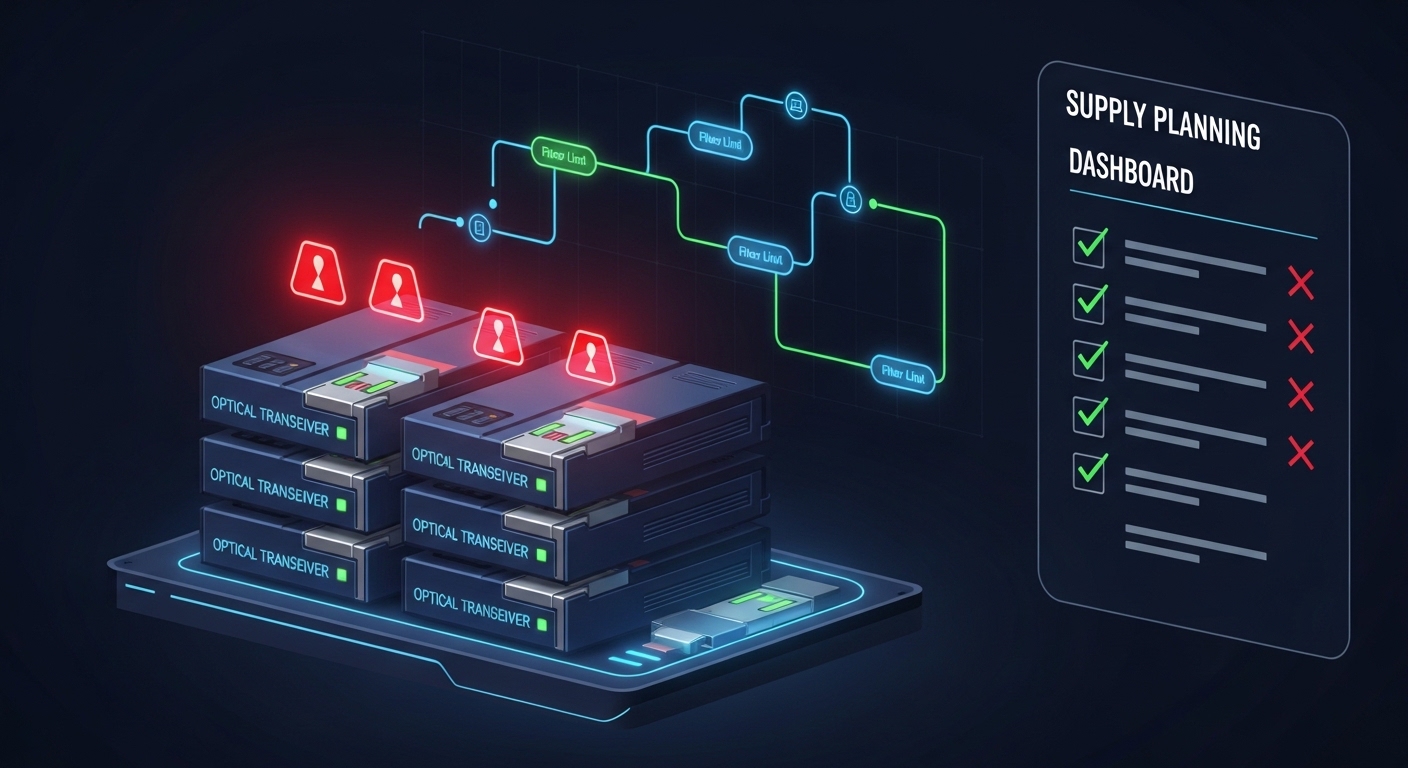
Compatibility and validation: DOM, switch firmware, and fiber plant assumptions
Quick recovery depends on avoiding “trial-and-error” swaps that take hours. The validation workflow should be repeatable and documented, including DOM data checks, optical power verification, and link quality monitoring. Start by extracting switch port capabilities and optics compatibility from the vendor documentation, then require that substitute optical modules pass DOM and threshold checks during insertion.
Minimum validation steps before production rollout
- Port capability verification: confirm the switch supports the target speed tier and form factor on that specific SKU and port profile.
- DOM policy check: verify whether the switch enforces vendor ID, checksum, or specific DOM byte fields; record pass/fail behavior.
- Optical budget validation: confirm reach class matches your fiber plant, including worst-case loss and connector aging.
- Thermal fit: ensure the module operating temperature range covers your rack inlet conditions and airflow patterns.
- Link stability observation: monitor for BER counters, link flaps, and interface resets during a soak test (for example, 30 to 120 minutes under normal traffic).
Pro Tip: When you validate substitute optical modules, test them with your actual patch cords and jumpers, not just the fiber run loss from a spreadsheet. Connector cleanliness and patch cord aging can shift margin enough that a module that “meets spec” still fails in the field.
Decision matrix for shortage recovery: which optical module option fits your constraints
Engineers need a structured way to choose between same-speed replacements, speed-tier substitutions, and reroute designs. Below is a decision matrix that scores options by distance fit, switch compatibility risk, availability likelihood, validation effort, and operational impact. Use it during incident planning so procurement and engineering can act without waiting for consensus.
| Option | Distance fit | Switch compatibility risk | Availability during shortage | Validation effort | Operational impact |
|---|---|---|---|---|---|
| OEM optical modules, same part number | High | Low | Medium to Low | Low | Minimal |
| Third-party optical modules, same standard class | High | Medium | Medium | Medium | Low to Medium |
| Different vendor, same form factor and reach | High | Medium | High | Medium | Low to Medium |
| Speed-tier substitution (25G to 100G capable ports, if supported) | Medium | High | Medium to High | High | Medium to High |
| Reroute via parallel links or different topology path | Varies | Low to Medium | High | Medium | Medium |
Common mistakes and troubleshooting tips during optical module shortages
Shortage conditions increase the chance of rushed swaps. The pitfalls below are common failure modes observed in field operations, with root causes and corrective actions.
DOM mismatch causing port refusal or repeated link flaps
Root cause: switch firmware rejects modules with unexpected DOM fields, or the module reports thresholds outside the vendor-accepted window. This can present as “module not supported,” CRC bursts, or frequent link resets.
Solution: use the switch vendor compatibility matrix, test a small batch in a lab or staging switch with the same firmware, and record the exact DOM fields that pass. If needed, adjust switch optics settings only if the vendor documentation allows it.
Reach mismatch masked by optimistic fiber loss assumptions
Root cause: the optical budget spreadsheet uses nominal connector loss and excludes worst-case aging, patch cord variation, or unclean connectors. Under marginal conditions, BER degrades quickly with temperature and link power.
Solution: re-check the fiber plant using OTDR or at minimum verified loss measurements on the specific jumper set. Clean connectors with approved inspection and cleaning tools, then re-test link margin.
Thermal stress from blocked airflow or incorrect rack placement
Root cause: substituted modules may have different thermal characteristics or slightly different maximum case temperature behavior. If the rack inlet temperature is already near the module limit, substitution can push the module into derating.
Solution: measure rack inlet and exhaust temperatures, verify airflow direction, and ensure the module operating range covers your worst-case conditions. If you must run temporarily, reduce traffic load and monitor error counters closely.
Wrong connector type or fiber mode confusion (OM3 vs OM4 vs OS2)
Root cause: LC/SC mix-ups or multimode/single-mode mismatch can still allow insertion but fail optical coupling. Sometimes the link comes up briefly due to auto-leveling, then collapses under sustained load.
Solution: label fiber runs, confirm mode type, and verify wavelength and reach class for the exact module. Use a fiber tester and connector inspection before swapping.

Which Option Should You Choose?
If you are protecting uptime during an active shortage, the default recommendation is third-party optical modules only after compatibility validation and DOM policy checks, or OEM modules when your switch firmware is strict. For long-term resilience, diversify inventory across vendors for the same reach class and keep a documented test matrix per switch model and firmware version.
- For data center reliability teams: prioritize validated third-party optical modules that have passed DOM and thermal checks on your exact switch SKUs; maintain a controlled spares pool and record batch traceability.
- For campus networks with fewer switch models: same-speed replacements in the same form factor are usually safest; limit speed-tier substitutions unless the switch supports it explicitly.
- For high-speed leaf-spine environments: avoid speed-tier substitutions under incident conditions; instead, reroute via parallel links or pre-planned alternate paths while validated spares arrive.
- For procurement under aggressive deadlines: request lead-time guarantees, but require engineering sign-off criteria: DOM pass, reach class match to measured fiber loss, and operating temperature coverage.
FAQ
How do I verify that substitute optical modules will work with my switch?
Start with the switch vendor compatibility list for your exact model and firmware. Then validate DOM behavior and run a short traffic soak test while monitoring link resets and error counters. If your environment enforces strict DOM policy, test the specific substitute batch before expanding deployment.
Is it safe to swap 100G QSFP28 optical modules with 25G SFP28 to restore connectivity?
Only if the switch supports the speed-tier change on the target ports and the link design can handle the resulting bandwidth and congestion behavior. Speed-tier substitution can also change lane mapping and FEC expectations, raising compatibility risk.
What fiber measurements matter most when optical modules shortages force substitutions?
Use measured worst-case loss on the actual patch cords and jumpers you will deploy. Connector cleanliness and aging can be the difference between stable operation and elevated BER, even when the nominal fiber run looks within reach.
How should we plan inventory to reduce MTTR during future optical module shortages?
Hold a small but validated spares pool per switch model, reach class, and operating temperature tier. Track RMA and failure patterns by vendor and batch, then update your acceptance criteria under a controlled quality process.
Do third-party optical modules increase failure rates?
They can, but the outcome depends on validation discipline and supplier quality. If you require consistent DOM behavior, run burn-in or soak tests, and monitor field error counters, third-party optics can meet or exceed expectations. Without that, you may see higher port flaps or early failures.
What standards should we reference during optical module selection?
Use the applicable IEEE 802.3 Ethernet optics requirements for the speed tier and reach class, and rely on vendor datasheets for exact Tx/Rx and DOM implementation details. For cabling and link performance assumptions, also align with ANSI/TIA guidance on cabling performance verification.
Updated: 2026-05-01. For next steps, build a repeatable optics substitution playbook and connect it to your change management workflow using optical module compatibility testing.
Author bio: I work as a reliability and QA engineer focused on optical link availability, DOM compatibility validation, and MTBF-informed spare planning in production data centers. I have supported field swaps across multiple switch generations, using measured OTDR and rack thermal data to reduce restore time.
