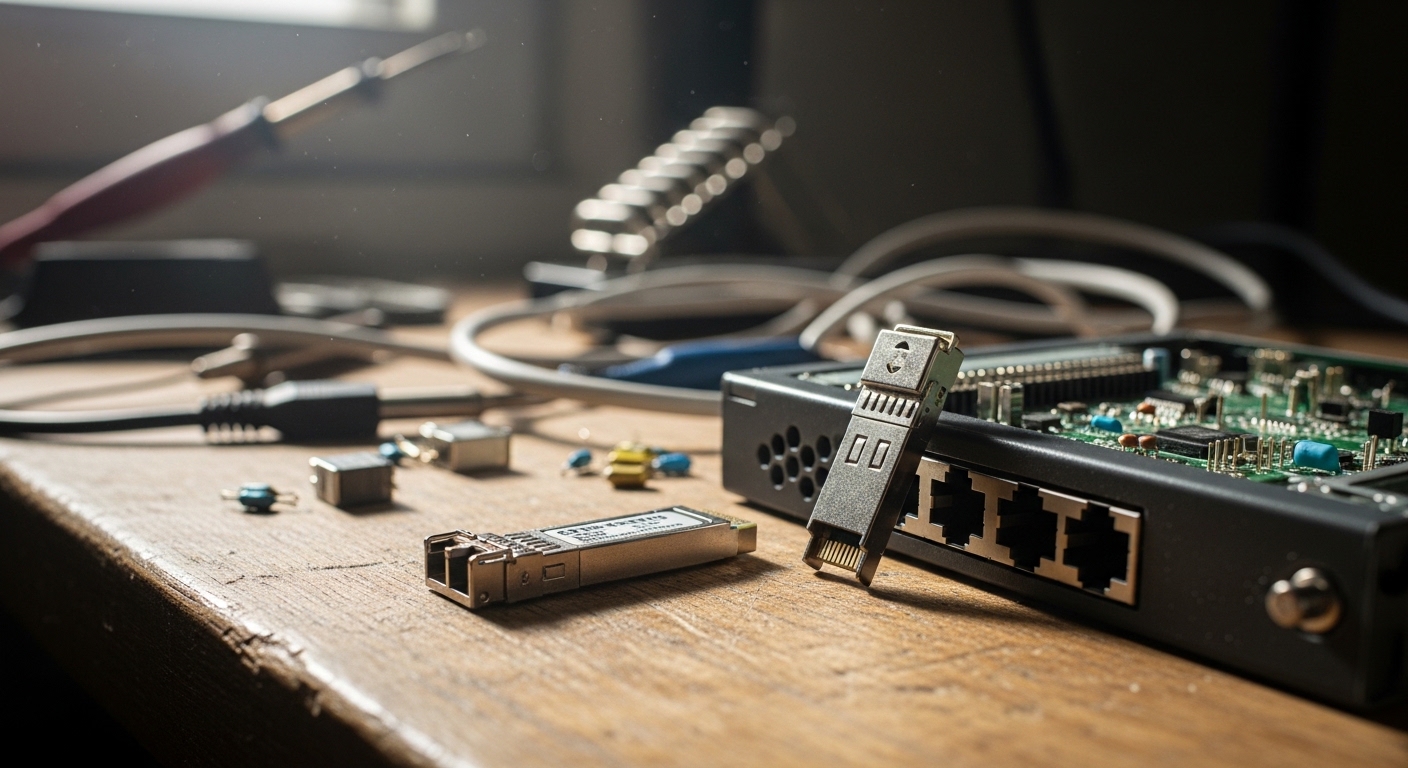
You are building or refreshing a pfSense or OPNsense edge, and you need reliable fiber links without vendor lock-in. This guide shows how to choose an open source firewall SFP that actually negotiates at line rate, works with your switch ports, and stays stable in cold racks. You will get a practical checklist, a spec comparison table, and troubleshooting steps field engineers use when links flap or stay down. Updated May 2026.
Why SFP choice matters on pfSense and OPNsense
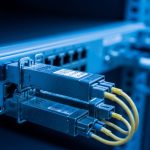
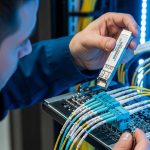
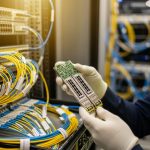
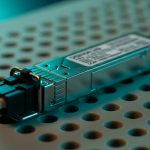
pfSense and OPNsense typically rely on the platform NIC and its optics support; the firewall OS does not “manage” optics, but it strongly depends on link negotiation and signal integrity. In real deployments, engineers notice that some third-party transceivers pass basic link up tests yet fail during temperature swings or after a high-error burst. The goal is simple: match the data rate, wavelength, reach, and connector to your fiber plant and ensure the SFP reports sane diagnostics (DOM). For fiber, that usually means 10G SFP+ for short reach (SR) or long reach (LR), or 1G SFP for legacy links.
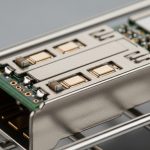
On hardened firewall appliances and mini PCs, optics compatibility is mostly about the physical layer and EEPROM behavior. You want an SFP that is compliant with IEEE 802.3 optical specifications for the speed class and that follows standard DOM behavior for monitoring. For standards grounding, see [Source: IEEE 802.3] and vendor DOM notes in typical SFP datasheets. If your firewall uses an SFP cage with strict vendor validation, you may need OEM optics or a “known-good” compatible list from the appliance maker.
Key SFP types for firewall edge links (1G and 10G)
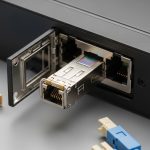
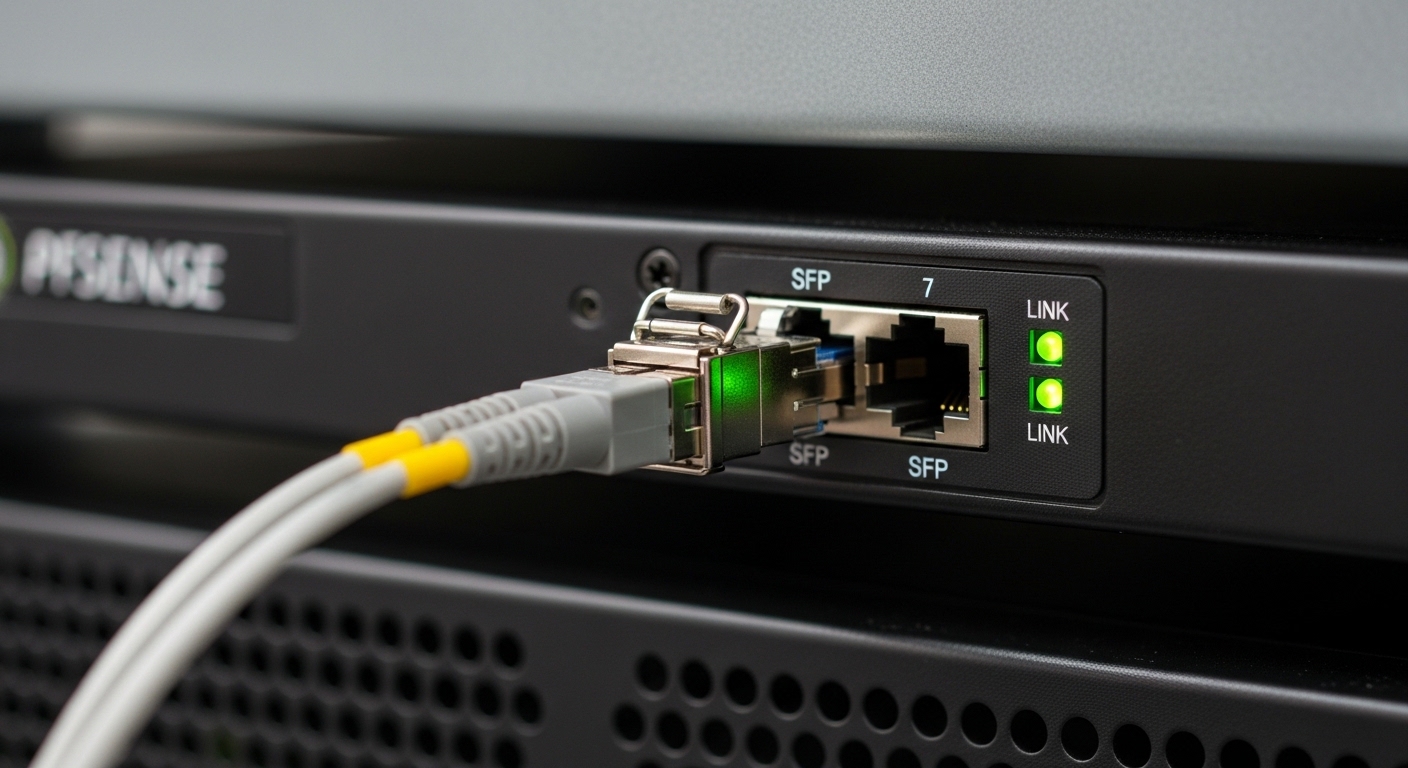
Most pfSense and OPNsense deployments fall into two buckets: 1G SFP for access and aggregation, and 10G SFP+ for modern WAN, inter-VLAN routing, and east-west segmentation. The SFP format is the same family, but the electrical interface and optical specs differ by speed. Before buying, map your switch port type and fiber type: multimode (OM3/OM4) usually pairs with SR; single-mode (OS2) pairs with LR/ER. Always verify the switch side and the fiber plant, not only the firewall.
Spec comparison you can use at purchase time
Use this table to quickly narrow options for common firewall edge scenarios. Prices vary widely by vendor and temperature grade, so treat these ranges as typical market behavior rather than guarantees.
| Class | Data rate | Wavelength | Typical reach | Fiber type | Connector | DOM | Operating temp |
|---|---|---|---|---|---|---|---|
| SFP 1G SX | 1.25G | 850 nm | Up to ~550 m (OM3) | MMF | LC | Usually yes | 0 to 70 C (typical) |
| SFP 1G LX | 1.25G | 1310 nm | Up to ~10 km | SMF | LC | Usually yes | -40 to 85 C (option) |
| SFP+ 10G SR | 10.3125G | 850 nm | Up to ~300 m (OM3) or ~400 m (OM4) | MMF | LC | Usually yes | 0 to 70 C or -40 to 85 C |
| SFP+ 10G LR | 10.3125G | 1310 nm | Up to ~10 km | SMF | LC | Usually yes | -40 to 85 C (option) |
Concrete examples field engineers often validate include known OEM and reputable third-party optics such as Cisco SFP-10G-SR, Finisar FTLX8571D3BCL, and FS.com SFP-10GSR-85. The “right” choice is still the one matching your fiber reach budget and your firewall NIC behavior, not the brand alone.
Pro Tip: Before you mount optics, check whether your firewall supports DOM monitoring for your specific NIC driver; some pfSense/OPNsense builds surface temperature and bias current via syslog or dashboard widgets. A transceiver that “links” but reports unstable laser bias under load often causes intermittent throughput drops weeks later.
Decision checklist: how to pick open source firewall SFP optics
Engineers succeed when they follow an ordered filter. Use this checklist in the exact order below to minimize returns and downtime.
- Match speed and interface: ensure the firewall port is SFP (1G) or SFP+ (10G). A mismatched speed class can cause no-link or repeated renegotiation.
- Validate wavelength and fiber type: 850 nm expects multimode; 1310 nm expects single-mode for typical LR use. Confirm OM3/OM4 vs OS2 on the link record.
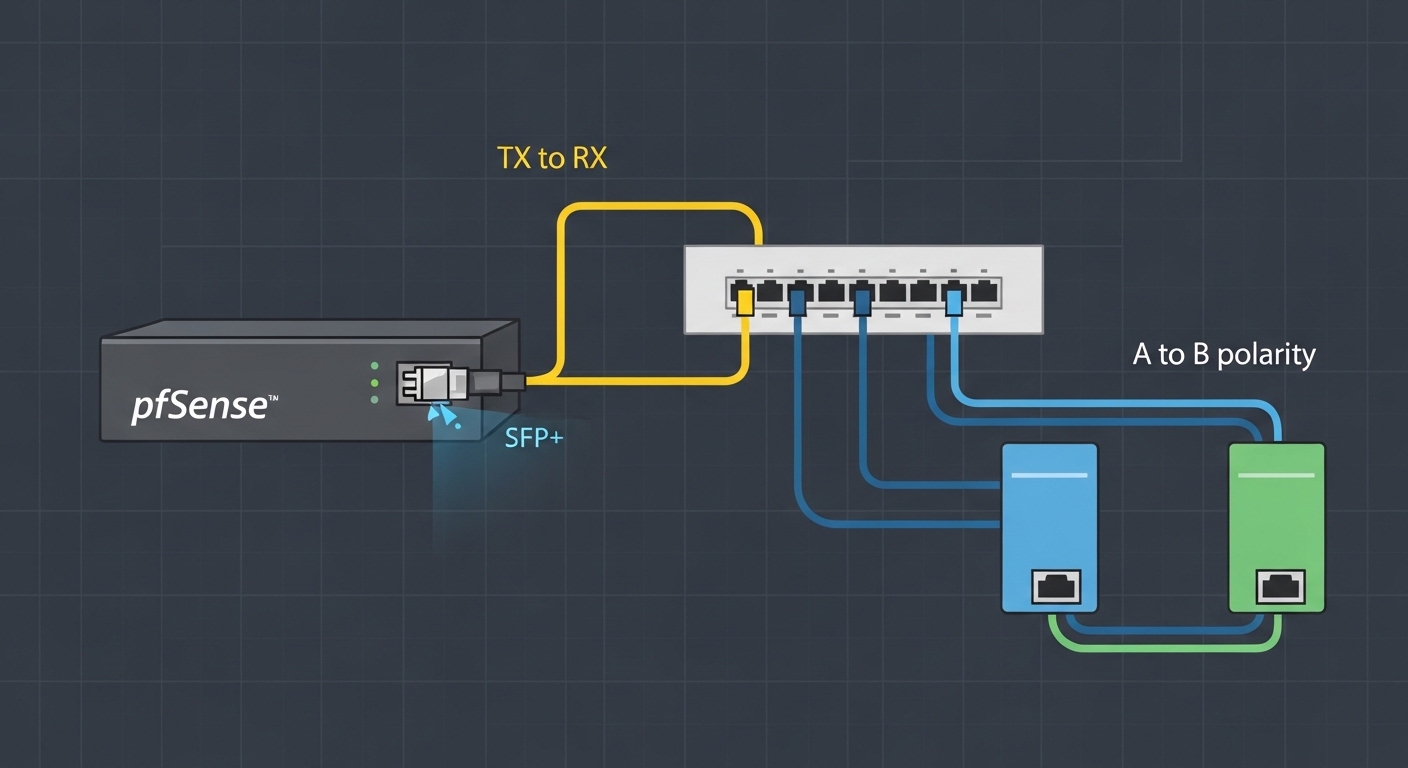
- Confirm connector and polarity: LC is common. If you are using duplex LC, verify A-to-A and B-to-B mapping at both ends; polarity mistakes look like “link down” even when everything is clean.
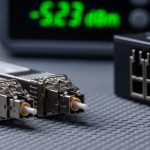
- Check DOM support and thresholds: prefer optics with documented DOM (TX power, RX power, temperature). For troubleshooting later, you want sane values.
- Operating temperature: racks near UPS batteries or high-wattage switches can exceed 40 C. If your environment can hit extremes, select extended temperature optics.
- Budget vs risk: third-party optics can be cost-effective, but confirm compatibility with your appliance model and firmware version to reduce lock-in friction.
- Vendor lock-in risk: if the firewall vendor maintains a strict “approved optics” list, test carefully. Sometimes OEM optics are required for stable DOM parsing.
Real-world scenario: 10G fiber edge for a small enterprise
In a 3-tier data center leaf-spine topology, a small enterprise runs pfSense on a firewall appliance with a single 10G SFP+ uplink to a ToR switch. The ToR switch uses 10G SFP+ ports and connects to the firewall over 300 m of OM3 fiber with LC duplex connectors. The engineer selects a 10G SR transceiver at 850 nm, verifies that DOM shows stable temperature and RX power within expected vendor ranges, and configures VLAN trunking for WAN segmentation. After deployment, they monitor interface errors and optical diagnostics; when a patch cord was swapped to a reversed polarity cable, the link stayed down until the polarity mapping was corrected.
Common mistakes and troubleshooting tips
Optics failures rarely look random; they usually trace to a few repeatable root causes. Below are field-tested pitfalls with direct fixes.
Link down due to polarity or connector mismatch
Root cause: duplex LC polarity reversed, wrong patch cord type, or using a simplex cable in a duplex workflow. Solution: re-verify fiber strand mapping at the patch panel, clean both ends, and confirm A-to-A / B-to-B behavior per your cabling convention.
Link up but throughput flaps under load
Root cause: marginal optical budget (too much loss) or an SFP that meets nominal reach but fails at your actual temperature and bend conditions. Solution: measure fiber loss end-to-end (OTDR or certified loss test), reduce patch cord count, and switch to a higher-reach class (for example, SR on OM4 or LR on SMF) if budget is tight.
“Works on switch test, fails on firewall” compatibility behavior
Root cause: NIC driver expectations for DOM and transceiver EEPROM fields, or strict cage timing/compatibility quirks on certain appliance models. Solution: confirm appliance model SFP compatibility, try an OEM optic, then test a third-party unit known-good with the same speed class. If DOM is required for monitoring scripts, verify DOM is exposed correctly.
Excessive errors from dirty connectors
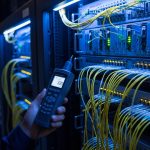
Root cause: connector contamination causing RX power collapse. Solution: use fiber inspection tooling, clean with approved wipes and alcohol, and re-test. If you see intermittent link recovery after cleaning, schedule a cleaning SOP for maintenance windows.
Cost and ROI: what to expect in the real world
Typical pricing in the market often puts 1G SFP optics in the lower hundreds of currency units, while 10G SFP+ optics can be several times more, especially for long reach and extended temperature grades. OEM optics may cost more, but they reduce compatibility risk and can lower downtime costs. Third-party optics (often from large optics specialists) can cut acquisition cost, yet you should factor higher validation time and the possibility of higher failure rates if you ignore temperature specs or DOM quality.
TCO lens: include labor for testing, the cost of failed link events, and the cost of field replacement spares. In practice, the best ROI comes from buying optics sized to your fiber budget (so they do not run “at the edge”) and stocking spares for the most common reach types used by your firewall pairs.
FAQ
What does “open source firewall SFP” compatibility actually mean?
It means the SFP physically fits the cage and the optics negotiate reliably with your pfSense or OPNsense NIC. The firewall OS generally reads link state and may read DOM depending on driver support, so compatibility includes both physical link behavior and monitoring visibility.
Can I use third-party SFPs with pfSense or OPNsense?
Often yes, especially for standard SFP and SFP+ speed classes that follow IEEE 802.3 behavior. The safest approach is to match the exact data rate and optics type, and validate with link stability and DOM readings after installation.
How do I choose between SR and LR for my firewall uplink?
Use SR for multimode links within rated reach, and LR for single-mode links where distance exceeds typical multimode budgets. If your fiber loss is high or you expect future moves, selecting a longer-reach class can improve optical margin and reduce errors.
What DOM metrics should I check after installing an SFP?
Check that temperature and transmit power remain within normal ranges and that receive power is stable rather than drifting near thresholds. If your platform exposes DOM via the dashboard or logs, use it to detect aging optics early.
Why does the link work on a switch but not on the firewall?
The firewall NIC and its driver may interpret transceiver EEPROM fields differently, or the cage may enforce timing expectations. Try an OEM optic first to confirm the root cause, then retest third-party optics that are known-good for the same firewall model and speed class.
Should I stock spares for optics?
Yes, especially for the reach type you use on the WAN uplink. A spare transceiver plus a short validation checklist can reduce downtime from hours to minutes during field swaps.
If you want fewer surprises, start with the checklist above, then validate with link stability and DOM readings after installation. Next, review fiber optic transceiver selection for data centers to align your optics with cabling standards and optical budget practices.
Author bio: I am a network infrastructure analyst who has deployed fiber and optics in edge and data center environments, validating link stability with optical diagnostics and driver behavior. I write selection guides that connect real operational constraints to measurable specs from vendor datasheets and IEEE references.