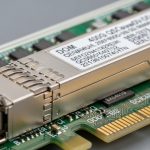
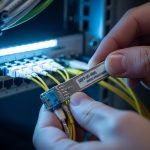
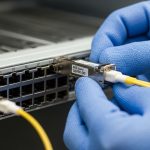
Legacy transport networks still run critical services on SONET/SDH optics, and the wrong SDH transceiver can silently break timing, alarms, or link training. This article helps network engineers and field technicians compare OC-48 and OC-192 optics, interpret real-world compatibility constraints, and troubleshoot common failures. You will also get a practical selection checklist and a cost-aware approach for mixed vendor environments.
What an SDH transceiver must do in SONET SDH transport
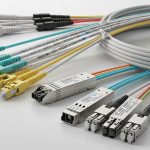
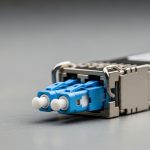
An SDH transceiver is the optical interface that supports synchronous digital hierarchy framing, typically aligned with SONET/SDH rates such as OC-48 (2.488 Gbps) and OC-192 (9.953 Gbps). In practice, you are not only choosing a “fiber plug,” you are selecting a module that matches optical wavelength, reach, connector type, and electrical interface expectations of the line card. Most failures in the field come from mismatched optics class, incorrect fiber type, or operational temperature and aging effects that push a receiver near its sensitivity limit. For standards context, IEEE 802.3 covers Ethernet optics, while SONET/SDH framing behavior is rooted in Telco standards; vendors typically document SDH/SONET compatibility in datasheets and transceiver application notes. [Source: IEEE 802.3]
From an operational standpoint, the module must maintain stable output power and receiver sensitivity across temperature, support the vendor’s diagnostics interface (often MDIO/I2C via SFF standards), and meet the required link budget for the installed fiber plant. Field teams commonly validate this by checking alarm thresholds, monitoring receive power, and confirming optical transmit power stays within the card’s expected range over time. If you are migrating or replacing optics in a live network, you also need to consider how the card handles “light present but framing mismatch,” since some platforms will raise LOS, LOF, or AIS depending on the exact failure mode.
Pro Tip: In many legacy transport line cards, “it lights up” is not the same as “it frames correctly.” Before declaring success, force an operational check that verifies SDH/SONET alarms clear and that the far-end reports correct signal quality, not just optical power presence.
OC-48 and OC-192 optics: key specs that actually affect interoperability
When comparing OC-48 vs OC-192, the biggest practical differences are the data rate, optical reach expectations, power budget, and the way the host card’s receiver sensitivity interacts with installed fiber loss. OC-48 modules are often used for shorter spans or aggregation points, while OC-192 appears in higher-capacity transport rings and core segments. Even if both are “SDH transceivers,” the optical layer and electrical signaling requirements are not interchangeable.
Below is a field-oriented comparison of common module classes you will encounter in SONET/SDH deployments. Exact values vary by vendor and part number, so treat this as a decision scaffold and confirm against the specific datasheet for your model.
| Spec | OC-48 (Common) | OC-192 (Common) |
|---|---|---|
| Nominal data rate | 2.488 Gbps | 9.953 Gbps |
| Typical wavelength options | 1310 nm (multimode or single-mode), 1550 nm (often single-mode) | 1310 nm or 1550 nm depending on span design |
| Typical reach (ballpark) | Up to a few km on single-mode; shorter on multimode | Several km on single-mode; multimode is less common at this rate |
| Fiber type | Often single-mode for transport; multimode exists in certain legacy builds | Primarily single-mode for reliable span performance |
| Connector type | LC is common in modern installs; older builds may use SC or ST | LC is common; confirm platform compatibility |
| Power/receiver sensitivity | Varies; must meet host card budget with aging margin | More sensitive to budget; small loss errors matter more |
| Operating temperature | Usually commercial (0 to 70 C) or industrial (-40 to 85 C) | Same categories; choose based on shelf and outdoor conditions |
| Diagnostics | Often digital diagnostics via SFF-8472 class interfaces | Same concept; verify DOM support on your platform |
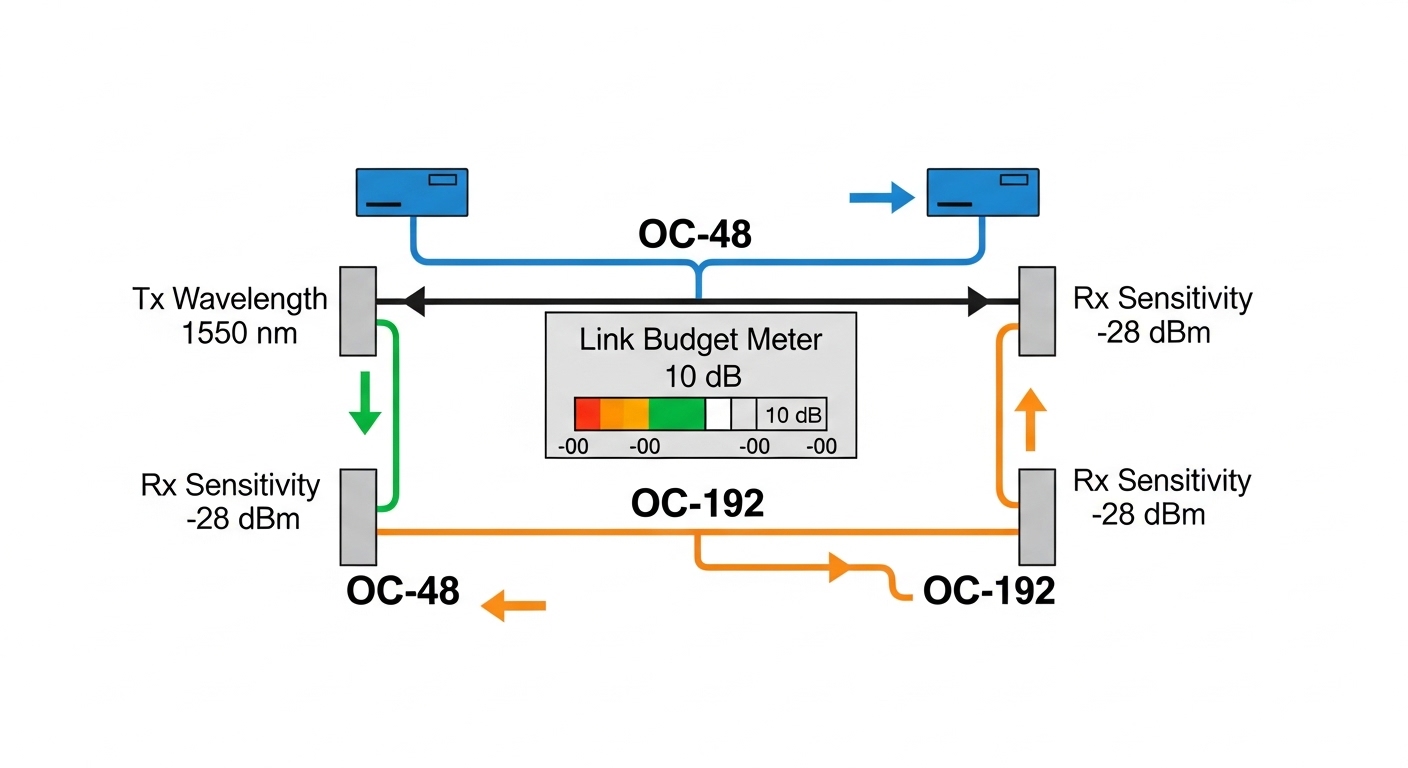
In real deployments, OC-192 tends to be less forgiving: if your fiber plant has connector contamination, microbends, or higher-than-expected splice loss, the receiver margin can collapse. For that reason, teams often add a “link budget validation” step during replacement windows, measuring end-to-end loss and then comparing it to the module’s documented transmit power and receiver sensitivity. For diagnostics, confirm whether your host card expects specific DOM registers and whether it tolerates modules that report slightly different calibration data.
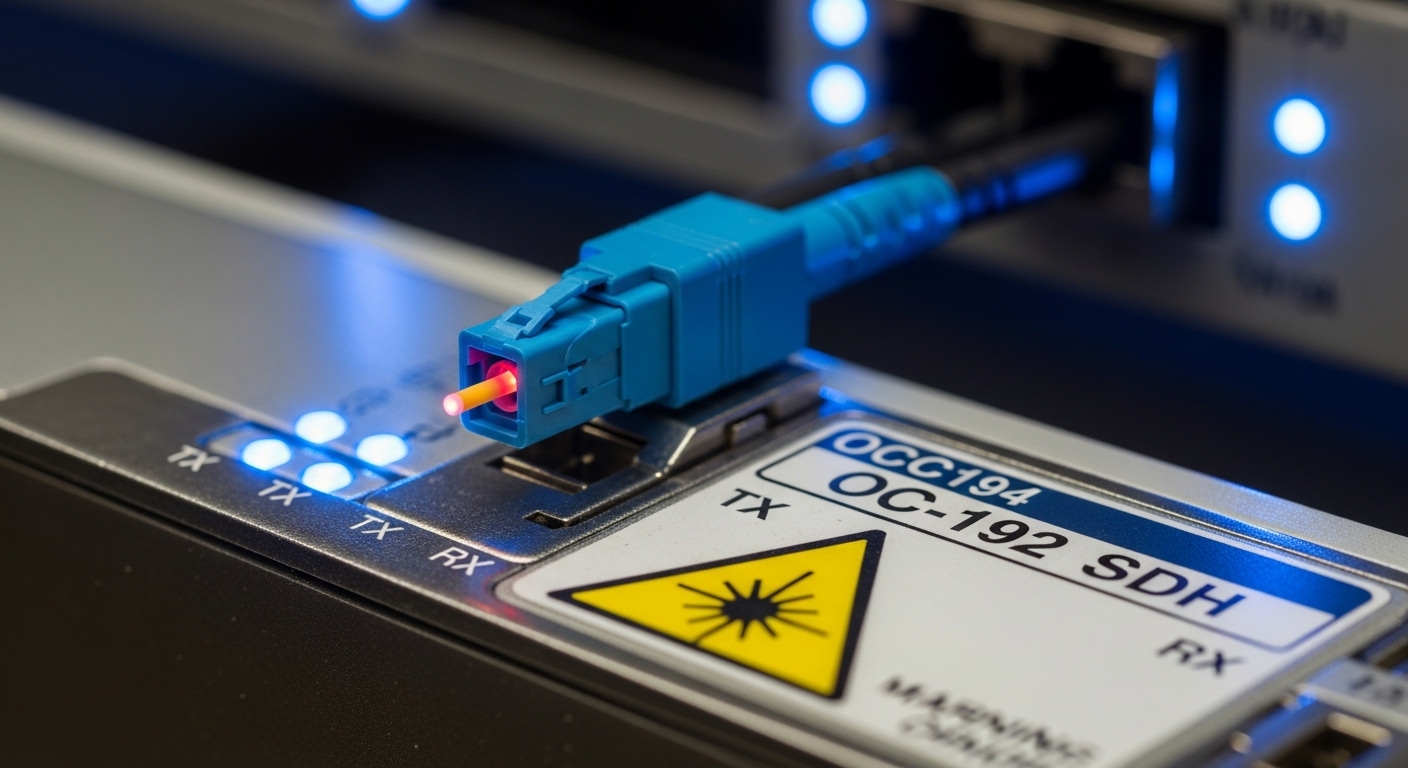
Decision checklist: selecting the right SDH transceiver for OC-48 and OC-192
Choosing an SDH transceiver is a structured tradeoff between engineering constraints and procurement realities. Use this ordered checklist during planning and on-site verification. It is designed for engineers who must avoid downtime and minimize “it works on the bench but fails in the rack” outcomes.
- Distance and link budget: Calculate end-to-end loss (fiber attenuation + splice + patch cords + connector loss). Add at least an engineering margin for aging and temperature drift.
- Data rate and framing compatibility: Ensure the module is designed for OC-48 or OC-192 at the SONET/SDH physical layer expected by your line card. Do not assume “SDH compatible” means “same rate compatible.”
- Wavelength and direction: Verify transmit wavelength and whether the platform expects specific Tx/Rx pairs (especially for 1310/1550 designs).
- Connector and fiber type: Confirm LC vs SC vs ST, and confirm single-mode vs multimode. A connector mismatch can be fixed with adapters, but fiber type mismatch changes the optical behavior.
- Switch or line card compatibility: Validate the host card’s optics support list, if available, and confirm DOM expectations (alarm thresholds, vendor-specific registers).
- DOM support and monitoring needs: If your operations team relies on real-time transmit power and temperature, choose modules with reliable diagnostics that your NMS can interpret.
- Operating temperature and thermal environment: Match module temperature range to the shelf, especially in high-heat transformer rooms or outdoor cabinets.
- Vendor lock-in risk: OEM modules may be certified for the platform, while third-party modules can work but may show different diagnostics behavior or alarm thresholds.
- Procurement and spares strategy: For legacy gear, plan for consistent part numbers across spares. Mixing module revisions can complicate incident analysis.
To ground this in vendor reality, engineers often compare known compatible parts documented for specific platforms. For example, common third-party optics marketplaces list compatible models, but you should verify with the line card manual and the module datasheet before deploying. Examples of widely used transceiver families include Cisco-branded optics for particular line cards and Finisar optics for compatible transceiver form factors, but the correct selection depends on your exact host hardware.
Compatibility and module form factors in legacy shelves
In legacy SONET/SDH systems, the optics packaging may look familiar (SFP-like, XFP-like, or proprietary) but the electrical interface and timing expectations are what matter. A field engineer typically checks the line card’s transceiver cage type, supported wavelength, and whether it expects a particular optical budget class. Even within “OC-192,” different vendors implement slightly different laser biasing and receiver gain behavior, which can affect margin. That is why a module that passes a basic optical power check can still fail framing or produce intermittent errors under load.
Also, be aware that some platforms enforce strict rules around DOM data: if the module reports diagnostics outside expected ranges, the card may refuse to enable the transmitter or may log persistent “module mismatch” alarms. While SFF-8472 is often referenced for digital diagnostics behavior, actual register mapping and alarm threshold interpretations can differ by OEM. Check the host’s maintenance manual and the module’s DOM implementation details. [Source: IEEE Standards Association]
Hands-on validation steps before you touch production
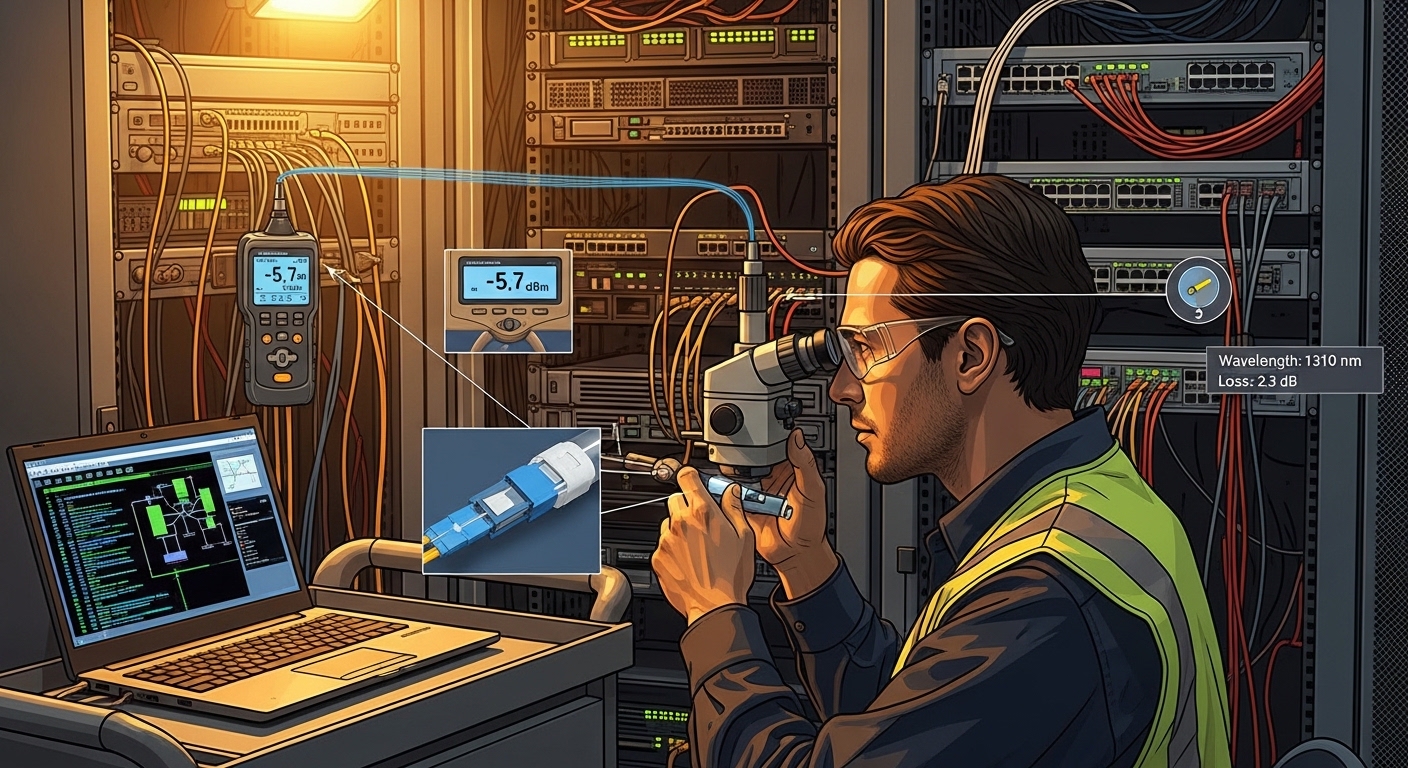
Before any live swap, validate the optics in a controlled environment. Confirm that the fiber type matches the module requirement, then use a calibrated optical power meter and, if available, an optical spectrum analyzer for wavelength confirmation. Measure both transmit power and receive power at the expected link partner location, not just “at the module.” If your facility has a patch panel, verify connector cleanliness with inspection tools; even a slight contamination can create enough attenuation to push an OC-192 receiver into error conditions.
Common mistakes and troubleshooting for SDH transceiver failures
Field failures tend to cluster around a few repeatable root causes. Below are concrete pitfalls, what they look like operationally, and how to fix them.
Light present but SDH/SONET alarms persist
Root cause: Framing mismatch or wrong rate optics (OC-48 vs OC-192) connected to a host that expects a different physical layer behavior. Some cards will show optical power present but keep LOF/LOS/ais alarms due to invalid signal framing.
Solution: Confirm the module’s exact rate support and wavelength from the datasheet, then verify the line card configuration (port type, payload mapping, and expected SONET/SDH mode). Perform a controlled swap with known-good optics of the same part number class.
Receiver marginality caused by underestimated fiber loss
Root cause: Link budget miscalculation: higher-than-expected splice loss, aging connectors, or patch cord attenuation. OC-192 is less tolerant, so a small loss error can cause intermittent bit errors.
Solution: Re-run the link budget using measured OTDR results where possible. Replace suspect patch cords, re-terminate connectors if needed, and clean connectors with proper inspection-driven procedures before retrying.
DOM or vendor compatibility alarms after insertion
Root cause: The module’s digital diagnostics implementation reports values that the host interprets as out-of-range, or the host requires specific DOM behavior. This can lead to transmitter disablement or persistent “module not recognized” events.
Solution: Use modules explicitly documented as compatible with your line card model. Capture DOM readings (temperature, Tx power, Rx power) from the NMS or CLI and compare them to expected thresholds from the module datasheet and host manual.
Thermal stress from wrong operating temperature class
Root cause: Installing a commercial-temperature optics in a hot shelf or outdoor cabinet environment. Laser output biasing and receiver sensitivity can drift enough to trigger intermittent errors during peak heating.
Solution: Move to industrial (-40 to 85 C) modules if the shelf environment exceeds the commercial spec. Verify airflow paths, confirm that the line card fans are functional, and re-check diagnostics after stabilization.
Cost and ROI: OEM vs third-party SDH transceivers in practice
Pricing depends on rate, wavelength, and certification, but realistic field ranges often look like this: OEM OC-48 optics can be modest relative to OC-192, while OEM OC-192 optics typically carry a higher per-unit cost due to complexity and stricter qualification. Third-party modules (often sold as compatible SFP-like or XFP-like optics) can reduce unit price, but the total cost depends on failure rate, compatibility friction, and time spent troubleshooting diagnostics mismatches. For ROI, count not only purchase price but also operational downtime risk and labor hours.
In many maintenance programs, the best strategy is hybrid: keep OEM spares for the most failure-sensitive OC-192 links and use third-party optics only where the host platform has demonstrated compatibility and where diagnostics are stable. Also consider that optics are wear items: laser aging and connector contamination become more likely over years. If you can improve connector cleanliness procedures and standardize spare part numbers, you often lower the TCO more than chasing the cheapest optics on the market.
For supply chain planning, confirm lead times and return policies. If a third-party module fails, you need an efficient RMA workflow to avoid extended outages. Meanwhile, OEM modules sometimes come with clearer documentation and predictable DOM behavior for certain line card families, which reduces mean time to repair.
FAQ about SDH transceiver selection for OC-48 and OC-192
What does SDH transceiver compatibility mean for legacy line cards?
Compatibility includes optical wavelength and rate, but it also includes host expectations for electrical signaling and DOM diagnostics behavior. A module can physically fit but still cause LOS or LOF alarms if the host expects different signaling parameters or if DOM values trigger transmitter inhibit.
Can I use an OC-48 SDH transceiver in an OC-192 port if the connector fits?
No. Even if the form factor matches, the data rate and physical layer framing requirements differ, and the host will not accept valid signal framing. You should match the exact OC rate and verify the line card port configuration.
How do I verify transmit power and receiver power during a replacement?
Use a calibrated optical power meter at the correct test points, ideally measuring the receive power at the far end of the installed link. Compare measured values to the module datasheet and the host card’s optical budget assumptions, then allow extra margin for connector aging and temperature drift.
Are third-party SDH transceivers reliable for OC-192?
They can be reliable when they are specifically documented as compatible with your line card model and when their DOM behavior matches what your operations team expects. However, you should validate in a staging rack and monitor error counts and alarm logs, because intermittent failures are harder to detect than immediate LOS.
What is the most common cause of intermittent errors after optics installation?
Connector cleanliness and underestimated link loss are frequent culprits. Even a small amount of contamination or an extra dB of attenuation can push OC-192 receivers into marginal sensitivity, showing intermittent alarms under temperature variation.
Which standards should I reference when documenting an SDH transceiver change?
For Ethernet optics you might reference IEEE 802.3, but for SONET/SDH transport the authoritative details are typically in Telco specifications and vendor maintenance manuals. In practice, include the IEEE reference only for optics form factor context, and rely on the host manual plus the module datasheet for the actual operational requirements.
If you are standardizing spares or planning a migration window, start by matching the OC rate, wavelength, and link budget, then validate DOM behavior and alarm clearing in a staging environment. For related planning guidance, see fiber optic link budget and map your measured losses to the module’s documented power budget before you schedule a live swap.
Author bio: I have supported field replacements of legacy SONET/SDH optics in carrier-grade racks, focusing on optical budget validation, DOM diagnostics, and alarm-driven troubleshooting. I write from hands-on deployment experience to help engineers reduce downtime risk during transceiver swaps.