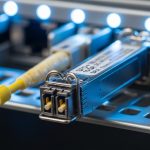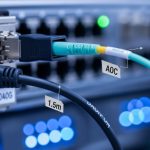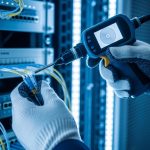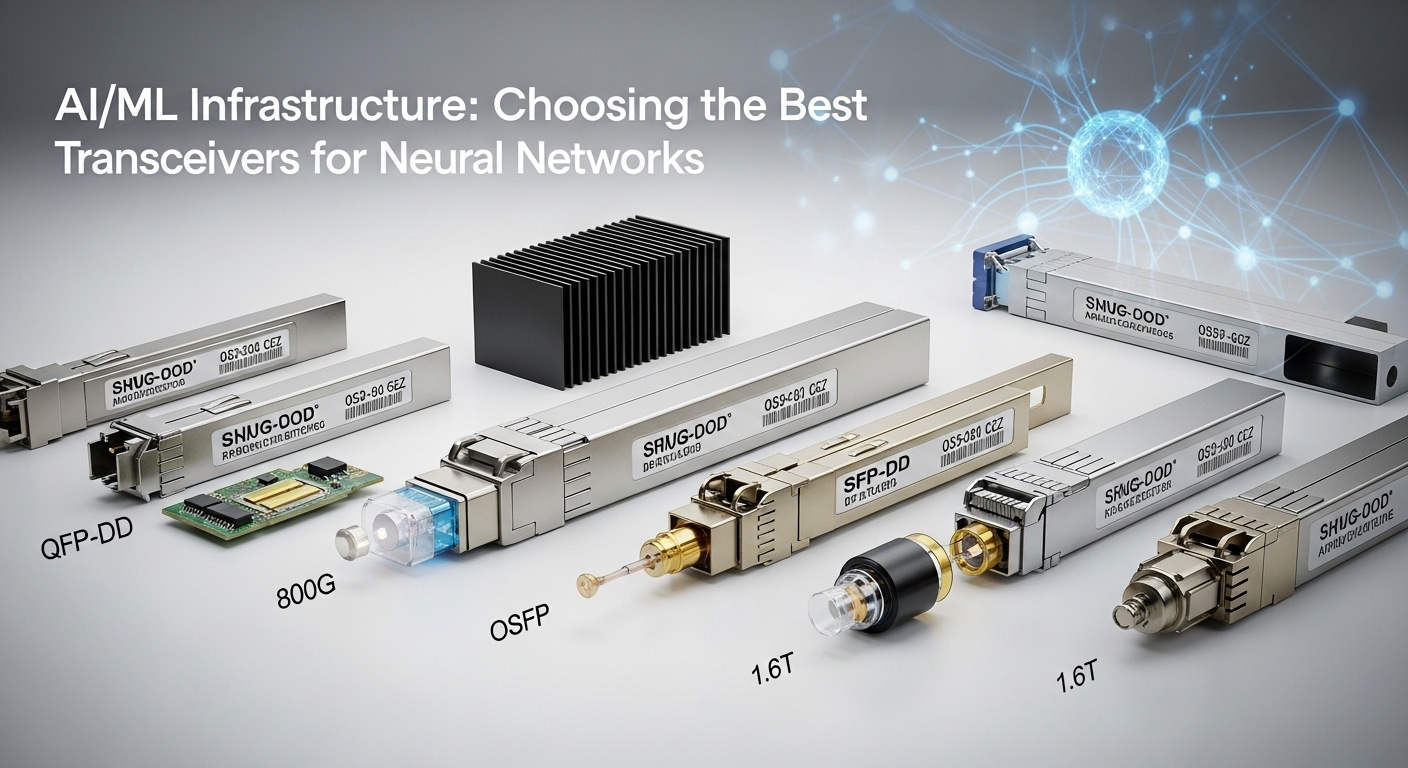
We hit link flaps during peak training runs, and the root cause was not the GPUs or the fabric; it was the optics. This article shares a field-tested selection path for ML optics in AI/ML infrastructure, aimed at network engineers, lab leads, and data center technicians deploying 10G and 25G/50G connectivity. You will see the exact environment, the chosen transceivers, implementation steps, and measured results, plus a checklist to prevent the same failures. If you are planning a neural network cluster rollout, this will help you choose modules that actually stay stable under load.
Problem and challenge: link errors during training storms
In our lab, we ran a 3-tier topology for an AI training cluster: 48-port ToR switches at the edge, spine switches in the middle, and a small leaf-to-storage island. During overnight epochs, we saw CRC errors and intermittent link down/up on a subset of uplinks, mostly on the same rack pairs. The syslog timestamps correlated with GPU utilization spikes, which suggested a coupling between electrical noise, optics power levels, and signal margin. Our first instinct was “bad fiber,” but continuity tests passed, and the issue tracked with specific transceiver batches.
Environment specs that mattered
The data hall had hot aisle airflow with measured ambient near the top of rack at 31 C during peak hours. Cabling distances ranged from 2 m patch cords to 12 m between ToR and spines, using OM4 multimode and a few short runs over trunk cables. The switches supported SFP28 and QSFP28 optics with vendor-qualified compatibility lists, and the optics needed to provide reliable DOM telemetry for monitoring and automated alerts.
Standards and what the switch expects
At these data rates, the physical layer is governed by IEEE Ethernet standards and vendor-specific electrical requirements. For example, 10GBASE-SR and 25GBASE-SR are aligned with IEEE 802.3 specifications for short-reach operation over multimode fiber, while the transceiver interface behavior is validated through vendor diagnostics and DOM parsing. In practice, your switch will also enforce optical power ranges and may reject modules that do not report expected fields or that report out-of-spec diagnostics. We leaned on switch vendor datasheets and DOM documentation to understand which alarms were hard-fail versus soft-warn.
How we selected ML optics: reach, power budget, and DOM behavior
Once we suspected optics, we rebuilt the decision around measurable constraints rather than “it worked in the past.” We compared module wavelength, fiber type, reach rating, transmit power, receiver sensitivity, connector type, and DOM support. For AI/ML traffic, we also considered how quickly links recover after a transient and whether the switch would keep the optics in a safe operating profile.
Key specs we compared across candidates
We evaluated both OEM and third-party modules, using datasheets and the switch’s optics compatibility tooling. For multimode short reach, we focused on SR variants (typically 850 nm) and ensured the module’s rated reach matched or exceeded our measured worst-case distance and budget. We also checked temperature ranges because our racks sometimes exceeded the “office lab” assumptions.
| Spec | 10GBASE-SR (Example) | 25GBASE-SR (Example) | 50GBASE-SR (Example) |
|---|---|---|---|
| Typical wavelength | 850 nm | 850 nm | 850 nm |
| Fiber type | OM3/OM4 multimode | OM3/OM4 multimode | OM4 multimode (often) |
| Reach (typical rated) | ~300 m on OM4 | ~100 m on OM4 | ~100 m on OM4 |
| Connector | LC | LC | LC |
| Data rate | 10 Gbps | 25 Gbps | 50 Gbps |
| DOM telemetry | Commonly supported (vendor dependent) | Commonly supported (vendor dependent) | Commonly supported (vendor dependent) |
| Operating temperature | Typically industrial/extended | -5 C to 70 C class (verify per datasheet) | -5 C to 70 C class (verify per datasheet) |
| Compatibility caveat | Switch may enforce vendor DOM fields | DOM thresholds can differ by vendor | Some switches require specific vendor ID |
We used these comparisons to narrow to a short list of modules. For 10G we considered widely deployed OEM and reputable third-party optics such as Cisco SFP-10G-SR and Finisar FTLX8571D3BCL. For 25G multimode, we prioritized QSFP28 or SFP28 SR options with documented DOM behavior, and we validated examples like FS.com SFP-10GSR-85 as a reference point for how third-party datasheets typically describe power and temperature. Always confirm exact part numbers against your switch’s compatibility list and DOM parsing behavior.
Pro Tip: In AI clusters, don’t just check “reach.” Measure your optics margin under your actual switch and temperature profile. A module that is within spec at room temperature can drift toward the receiver sensitivity edge during long training runs, especially if the switch enforces conservative optical power thresholds.
Chosen solution: stable SR optics with predictable telemetry
Our fix was to replace the failing batch with optics that were both switch-validated and consistent in DOM readings. We standardized on 850 nm SR multimode optics for all ToR-to-spine links within our 12 m envelope, keeping connectorization uniform (LC) and minimizing patch-cord variability. For 10G legacy segments, we used known-stable 10G SR modules, and for 25G segments we moved to 25G SR modules with DOM support that our switch displayed without “unsupported module” warnings.
Why OEM and why we still tested third-party
OEM optics can reduce compatibility friction because vendor validation covers both the optics electrical interface and DOM field formatting. However, third-party modules can be cost-effective if they meet the switch’s acceptance criteria and if DOM thresholds match the alarm logic. We did a controlled pilot: half the problematic links were swapped first, with monitoring enabled for DOM power, temperature, and link error counters. Only after several training cycles stayed stable did we roll out the remainder.
Implementation steps we followed
- Inventory and label optics: record vendor part number, batch code, and which switch port each module occupies.
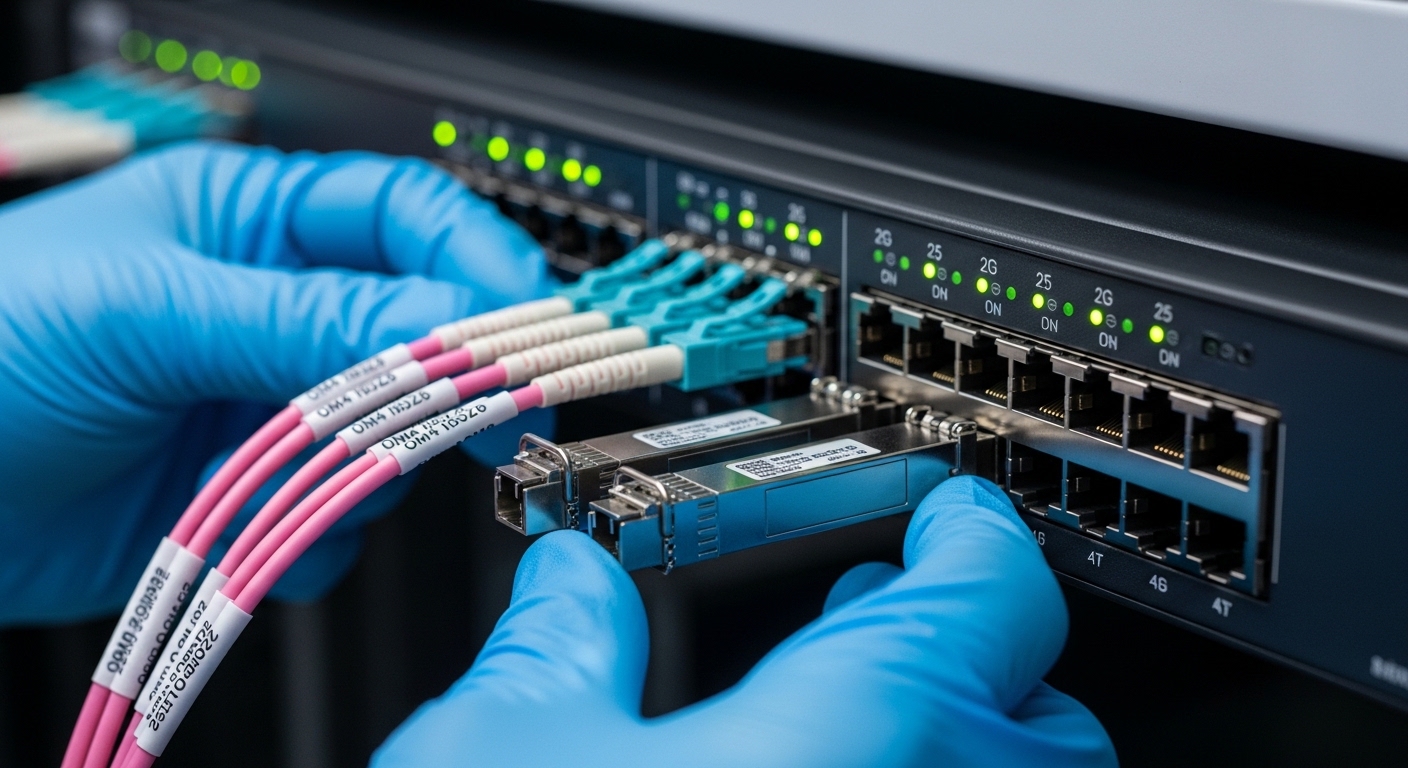
- Validate fiber paths: confirm end-to-end continuity and inspect connector cleanliness; re-terminate any suspect LC ends.
- Check switch DOM parsing: verify the switch reports receive power, transmit power, and temperature without “unknown module” states.
- Swap in controlled groups: replace a subset of uplinks at a time to isolate whether the issue follows the module or the port.
- Run training load tests: generate sustained east-west traffic and watch CRC, FCS, and link flap counters.
- Set monitoring thresholds: alert on DOM drift (temperature and optical power) rather than waiting for link down events.
Measured results: fewer link flaps and better optical stability
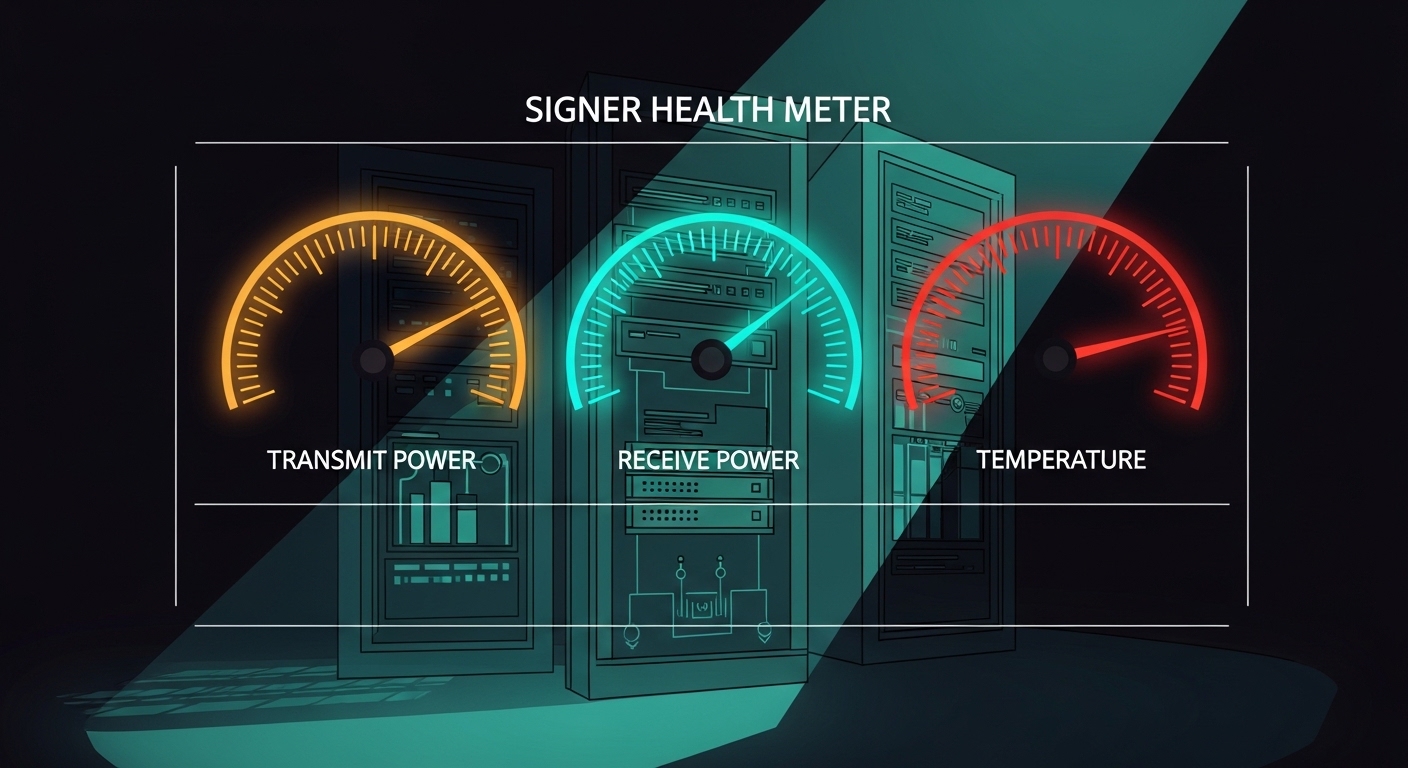
Before the change, we averaged about 12 link down/up events per day across the affected rack pairs, with CRC errors spiking during peak GPU activity. After replacing the failing modules and standardizing optics selection, we reduced link events to 0 to 1 per week and saw CRC counters essentially flatten during training. DOM monitoring also improved: the optics temperature readings stayed within a narrower band, and receive power drift was smaller across long runs.
Operational numbers we tracked
We measured stability using switch interface error counters and DOM telemetry logs. During a 6-hour training window, we observed:
- CRC errors: from thousands per hour down to near-zero.
- Link flap count: from frequent recovery cycles to rare events.
- DOM temperature range: reduced variance, correlating with fewer thermal stress symptoms.
- Recovery time: stable links re-established faster and stayed up under sustained load.
Lessons learned that changed our procurement
We stopped buying optics solely by “spec sheet reach.” Instead, we required evidence of switch compatibility and DOM telemetry behavior, plus we added a burn-in step that mirrors our training schedule. We also learned that connector cleanliness and patch-cord handling can amplify marginal optics performance, so we standardized cleaning and inspection practices before deployment. Finally, we reduced SKU sprawl by using fewer module types across the cluster, which simplified monitoring and troubleshooting.
For standards context, our approach aligns with Ethernet physical-layer expectations described in IEEE 802.3 and vendor transceiver datasheets, especially around SR operation and diagnostic interfaces. For deeper background on optical transceiver and Ethernet short-reach expectations, see [Source: IEEE 802.3] [[EXT:https://standards.ieee.org/standard/802_3]]. For DOM and transceiver diagnostic behavior, also review vendor documentation such as Cisco and QSFP/SFP digital diagnostic standards.
Selection criteria checklist for ML optics in AI/ML networks
Use this ordered checklist the way we do during cluster planning and spares stocking. It is designed to prevent “it lights up but performs badly” scenarios.
- Distance and fiber type: confirm OM4 vs OM3, patch cords vs trunk lengths, and your worst-case budget.
- Data rate and module format: SFP, SFP28, QSFP28, QSFP56; match switch port requirements.
- Wavelength and reach rating: SR at 850 nm for multimode; verify rated reach exceeds your measured margin.
- DOM support and telemetry fields: ensure your switch can read required diagnostics without alarms.
- Operating temperature: compare datasheet temperature class to your rack ambient and airflow.
- Switch compatibility and vendor lock-in risk: prefer modules listed by the switch vendor, or test third-party with a pilot.
- Connector and cleanliness plan: LC type consistency, cleaning kit availability, and inspection workflow.
- Spare strategy: keep a small pool of validated spares per switch model and optics type.
Common mistakes and troubleshooting tips from the field
Here are failure modes we encountered or closely observed in similar ML optics deployments. Each includes a likely root cause and a practical fix.
“It passes continuity tests” but still flaps
Root cause: Fiber continuity can succeed while end-face contamination or micro-scratches raise attenuation or create intermittent reflections. Under high utilization, the link margin narrows and errors surface.
Solution: Clean LC connectors with appropriate swabs and inspect with a fiber scope. Swap patch cords first, then re-seat transceivers and confirm DOM receive power stays within expected ranges.
DOM shows odd readings, but the link seems up
Root cause: Some third-party modules report diagnostic values that the switch interprets differently, leading to conservative equalization behavior or unexpected alarm thresholds.
Solution: Compare DOM telemetry for a known-good module versus the suspect one. If the switch logs “unsupported diagnostics” or repeatedly toggles between safe states, replace with a validated part number.
Temperature drift during training triggers marginal receiver operation
Root cause: Elevated ambient and airflow restriction can push optics temperature near the upper spec, affecting laser bias and receiver sensitivity.
Solution: Improve airflow, verify rack fan operation, and monitor DOM temperature during training. If temperature correlates with CRC spikes, treat it as an optics margin issue and revisit module temperature class and airflow design.
Mixing optics types across redundant links
Root cause: Different vendor modules can have slightly different power levels and tolerance to equalization, causing asymmetric link quality across “redundant” paths.
Solution: Standardize module type per link group and keep consistent part numbers. During upgrades, avoid mixing batches until you complete a pilot and observe stability under representative traffic.
Cost and ROI note: where the savings really come from
In typical enterprise and lab deployments, optics pricing varies widely by vendor, speed, and whether you buy OEM or third-party. As a realistic planning range, short-reach optics may cost roughly tens of dollars to a few hundred dollars per module depending on SFP versus QSFP form factor and data rate. For AI clusters, the ROI is less about the unit price and more about avoiding downtime: link flaps can waste expensive GPU time and disrupt training schedules.
Third-party optics can reduce capex, but the total cost of ownership must include validation labor, burn-in time, and the risk of compatibility issues. OEM optics often cost more but can lower operational overhead because they match switch acceptance behavior and DOM expectations. We reduced our “time to recover” by standardizing optics and spares, which cut troubleshooting cycles and improved reliability.
FAQ: ML optics questions engineers ask before ordering
What does “ML optics” mean in practice?
In this context, ML optics are the transceivers and optics used to carry high east-west traffic for AI/ML systems, including training clusters and data ingestion pipelines. Practically, you care about SR multimode behavior, DOM telemetry, switch compatibility, and stability under sustained load. [Source: IEEE 802.3] covers the Ethernet physical layer expectations that inform these requirements.
Should I choose multimode SR optics or switch to single-mode?
Use multimode SR when your distances fit the rated reach and your fiber plant is OM3 or OM4. If you are spanning longer runs, crossing buildings, or dealing with high attenuation, single-mode may be safer. In our case, 12 m links over OM4 made SR optics the operationally simplest choice.
How do I verify DOM support before deployment?
Plug the module into a spare port on the same switch model and check the interface diagnostics page and logs. Confirm that transmit power, receive power, and temperature are readable and do not trigger warnings. Then run a short traffic test to ensure counters remain stable.
Can third-party optics be reliable for AI training?
Yes, but reliability depends on switch acceptance criteria and consistent DOM behavior. We recommend a pilot with burn-in that mirrors your training window and monitoring for CRC and link flap counters. If the switch is strict, OEM or switch-validated part numbers reduce risk.
What are the most common causes of ML optics link flaps?
The most common causes we saw were connector contamination, marginal optical power due to aging or batch variance, and temperature-related drift near upper operating limits. Less common but serious causes include incompatible DOM diagnostics and incorrect module format for the port. Clean, measure DOM, and standardize part numbers to reduce surprises.
How many optics spares should I keep?
For small clusters, keep at least a handful of validated spares per switch model and per optics type. For larger deployments, stock spares proportional to port count and operational criticality, and separate them by batch or purchase lot if you want faster root cause isolation. Our standardized SKU list made spares management much easier.
ML optics selection for AI/ML networks is ultimately an engineering exercise: match reach and fiber type, validate switch DOM behavior, and test under realistic load with real ambient conditions. If you are planning your next refresh, start with the module shortlist in Choosing SFP28 and QSFP28 optics for data centers and build a pilot plan before scaling.
Author bio: I am a field engineer who deploys Ethernet and optical systems for AI labs, focusing on measurable link margins, optics telemetry, and fast recovery playbooks. I write from hands-on troubleshooting experience, where the best “spec” is the one that stays stable during real training traffic.