
In industrial sites, a single wrong transceiver can turn a clean uplink into a chain of CRC errors, flapping sessions, and hours of field troubleshooting. This article helps network engineers and electricians selecting optics for IoT networking where distance, temperature, and switch compatibility matter as much as raw bandwidth. You will learn how to map link distance to wavelength and connector types, validate DOM support, and avoid the subtle VLAN and power realities that show up in production.
Why IoT networking optics fail in the field (and how to prevent it)
IoT networking often spans metal enclosures, industrial cabling runs, and mixed environments where attenuation and connector cleanliness quietly erode link budgets. On the switch side, optics must match the port type, lane rate, and vendor expectations for optical diagnostics like Digital Optical Monitoring (DOM). On the fiber side, you must respect the fiber category: OM3/OM4 multimode versus OS2 single-mode, because the same “10G over fiber” claim can hide very different reach limits.
For reference, IEEE 802.3 defines the physical-layer behavior for Ethernet links, including how optical modules should transmit and receive signals. For standards and practical guidance, also consult vendor datasheets and transceiver documentation such as Cisco SFP and optics notes, and the SFF specifications for module form factors. anchor-text: IEEE 802.3 standards and anchor-text: SNIA fiber and storage guidance are useful starting points.
Transceiver types that fit IoT networking: SFP, SFP+, and SFP28
Most IoT deployments use access switches with pluggable optics because they simplify spares and speed maintenance. Common choices include SFP (often 1G), SFP+ (often 10G), and SFP28 (often 25G). In some leaf-spine or aggregation tiers, you may also see QSFP28 or QSFP+ for higher density, but this guide focuses on the pluggable family most frequently used at the edge.
In production, your decision is rarely “which transceiver is best,” but “which transceiver will negotiate correctly with this specific switch firmware and will survive the site.” Many managed industrial switches also expect module DOM data for monitoring thresholds, so a third-party optic without compatible DOM behavior can appear “online” while telemetry stays blank. That can delay detection of aging fibers or dirty connectors.
| Key spec | 10G SFP+ SR | 10G SFP+ LR | 25G SFP28 SR |
|---|---|---|---|
| Typical data rate | 10.3125 Gb/s | 10.3125 Gb/s | 25.78125 Gb/s |
| Wavelength | 850 nm (multimode) | 1310 nm (single-mode) | 850 nm (multimode) |
| Reach (practical) | Up to ~300 m on OM3, ~400–550 m on OM4 (module-dependent) | Up to ~10 km on OS2 (module-dependent) | Up to ~100–400 m on OM3/OM4 depending on module spec |
| Connector | LC duplex (most common) | LC duplex (most common) | LC duplex (most common) |
| DOM support | Often present; verify compatibility with switch | Often present; verify compatibility with switch | Often present; verify compatibility with switch |
| Operating temperature | Commercial often 0–70 C; industrial variants may be wider | Commercial often 0–70 C; industrial variants may be wider | Commercial often 0–70 C; industrial variants may be wider |
When you pick concrete models, treat the datasheet as law. Examples engineers commonly deploy include Cisco-compatible optics such as Cisco SFP-10G-SR and SFP-10G-LR, and third-party parts like Finisar FTLX8571D3BCL (10G SR, 850 nm) and FS.com SFP-10GSR-85 (10G SR, wavelength and reach vary by exact SKU). Always verify the module’s exact suffix and compliance with the target switch model.
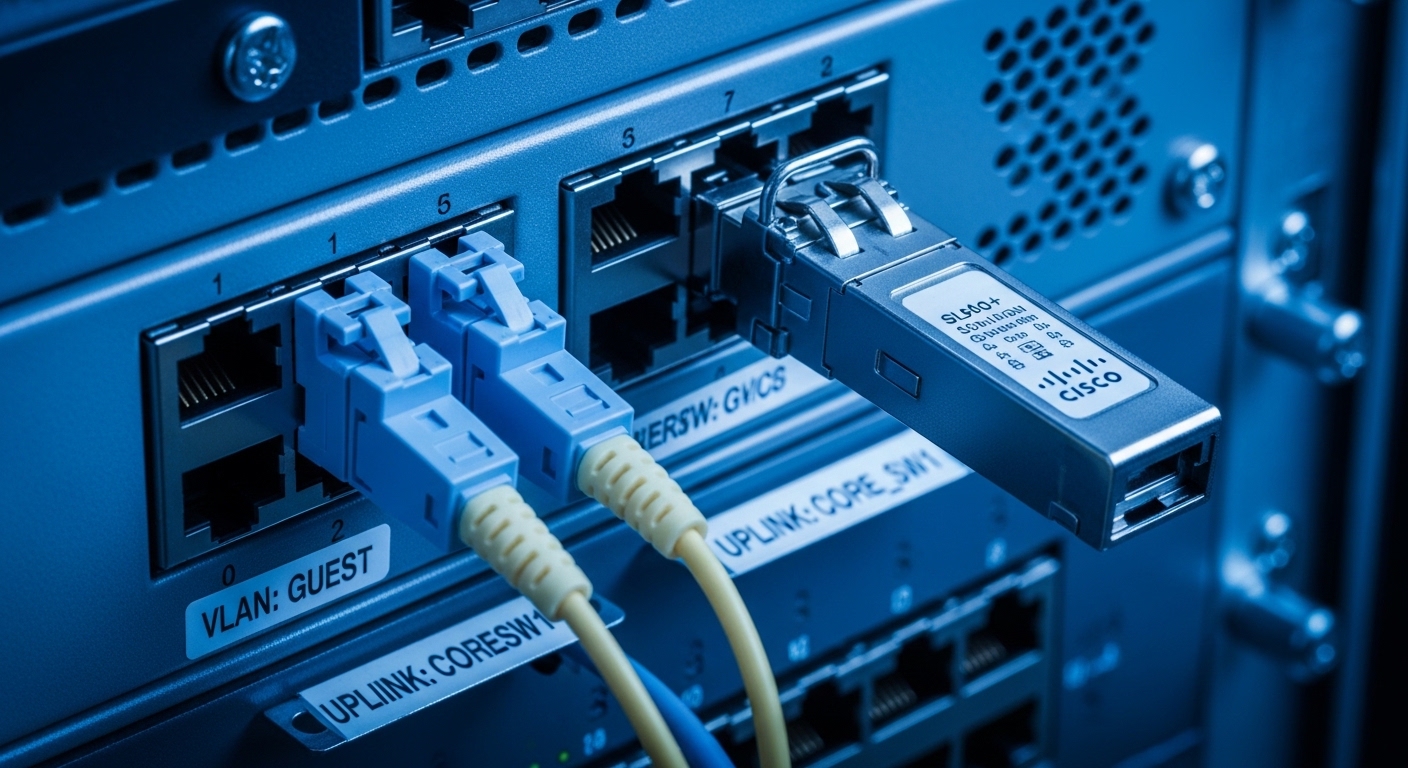
Distance-to-wavelength mapping for IoT networking links
The fastest way to avoid failure is to compute the link budget before you order optics. Measure or estimate the run length, account for patch panel losses, and assume conservative connector and splice losses unless your site records are excellent. Then map that to the module’s reach spec for your fiber type.
Multimode (SR at 850 nm) when you need short reach
For many IoT networking access segments, multimode fiber is the practical choice because it is common in campus and industrial retrofits. SR optics at 850 nm pair with OM3 or OM4 multimode. If your fiber is older OM2 or has unknown composition, do not guess; have it tested with an OTDR and fiber characterization if you can.
Single-mode (LR at 1310 nm) when you need long reach or higher reliability
For plant-wide backbone runs, single-mode OS2 with 1310 nm LR optics often wins on reach and long-term stability. It also simplifies future expansion because higher-rate optics at 1310 nm are widely available. In my deployments, when the distance approached the edge of SR limits or when cable runs were routed through noisy industrial corridors, I switched to OS2 to reduce “works on day one” surprises.
Pro Tip: In IoT networking, the most common “mystery” isn’t that the transceiver is incompatible; it is that the fiber is fine but the connector end-face is not. A single dirty LC connector can drop receive power enough to trigger intermittent link flaps that look like firmware issues.
VLANs, switch compatibility, and DOM: the hidden selection criteria
Bandwidth alone does not guarantee a stable IoT networking link. Access switches often enforce VLAN tagging behavior and port security policies, and the optics must support stable link bring-up so VLAN membership converges predictably. If your switch uses features like LLDP-MED, storm control, or port mirroring, confirm that the interface remains “up” long enough for the control plane to settle.
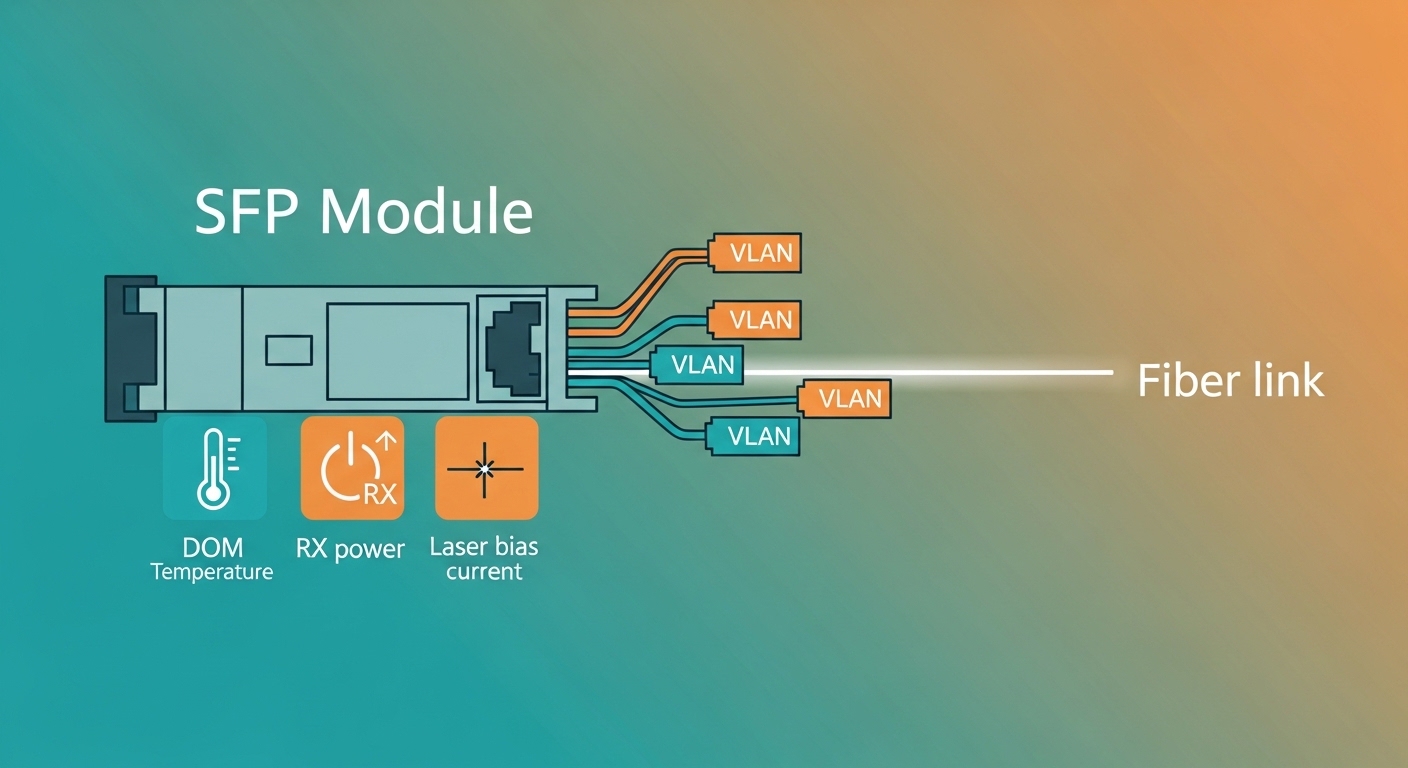
Also, validate DOM behavior. Most modern optics expose laser bias current, received optical power, and transceiver temperature via a standard management interface, but the exact thresholds and presentation format depend on the switch vendor. If your operations team relies on telemetry dashboards, mismatched DOM can turn proactive monitoring into manual guesswork.
Switch-side checks you should perform before purchase
- Confirm port type and lane rate: SFP+ cannot run 25G, and SFP28 cannot be assumed to support 10G without explicit compatibility.
- Verify DOM and diagnostic mapping in your switch firmware release notes or optics compatibility matrix.
- Check whether the switch enforces an allowlist for optics; if so, OEM optics may be required for full monitoring.
- Confirm connector type: LC duplex versus other variants, and ensure dust caps are used during handling.
- Validate temperature class for outdoor or cabinet-adjacent installs: industrial optics often use a wider operating range than commercial parts.
Selection checklist for IoT networking transceivers (ordered like a field workflow)
Use this sequence to reduce rework. It is the same order I follow when I am swapping optics under time pressure and trying to avoid “it negotiated once” outcomes.
- Distance: pick SR or LR based on measured or validated link length and patch/splice count.
- Fiber type: OM3/OM4 for 850 nm SR; OS2 for 1310 nm LR. Do not assume mixed fiber types.
- Data rate and form factor: SFP, SFP+, or SFP28; match the switch’s port speed configuration.
- Budget and TCO: include spares cost, failure rate history, and labor for replacements.
- Switch compatibility: consult the vendor optics list and test in a staging port if possible.
- DOM support: confirm that alarms and thresholds populate in the switch UI or monitoring system.
- Operating temperature: select industrial-grade parts for hot cabinets, outdoor marshalling boxes, or poorly ventilated enclosures.
- Vendor lock-in risk: weigh OEM optics for full telemetry versus third-party optics for lower cost, then validate monitoring requirements.
Common mistakes and troubleshooting tips for IoT networking links
When optics fail, the symptoms can mimic routing, VLAN, or VPN problems. The fix often lives at the physical layer, hidden under a layer of impatience.
Wrong fiber category for the chosen wavelength
Root cause: Using 850 nm multimode optics on a run that is actually single-mode, or vice versa, can lead to extreme attenuation or unstable receive power. Solution: verify fiber type with OTDR results or labeling audits; then align SR or LR optics to OM3/OM4 versus OS2.
Dirty or mis-mated connectors
Root cause: LC end-faces collect dust during maintenance, causing intermittent link drops and rising CRC errors. Solution: use approved fiber cleaning tools, inspect with a microscope, and replace damaged jumpers. Re-seat connectors and confirm correct duplex orientation.
DOM mismatch leading to false monitoring confidence
Root cause: Third-party optics may present DOM readings differently, or the switch may not fully support the module’s diagnostic fields. Engineers then assume the link is healthy while the receive margin is collapsing. Solution: validate DOM fields in the switch GUI, set alarms based on actual thresholds, and test for link stability under normal traffic.
Speed negotiation surprises on uplinks
Root cause: Some switch ports default to a speed mode that triggers fallback behavior when optics do not fully match expected parameters. This can break VLAN trunking or cause control-plane instability. Solution: lock the port to the intended speed (where supported), verify transceiver type, and confirm trunk allowed VLANs after link-up.
Cost and ROI note: what you actually pay for IoT networking optics
OEM optics typically cost more per module, but the ROI can be real when you need consistent DOM telemetry, predictable alarms, and reduced troubleshooting time. Third-party optics often run lower, but you must factor the cost of validation testing and the risk of partial telemetry. In many sites, the dominant TCO is not the transceiver itself; it is the labor and downtime when field swaps are needed.
As a practical range, many 10G optics (SR or LR) may land from tens to low hundreds of dollars per module depending on reach and temperature class, while higher-rate optics can rise further. The best financial decision depends on whether your monitoring relies on DOM and whether your switch enforces optics compatibility. Plan spares with the same part numbers used in the production tier to avoid cross-compatibility surprises.
FAQ: IoT networking transceivers for real purchase decisions
Which transceiver should I choose for IoT networking edge switches?
Start with the switch port type and the required speed: SFP for 1G, SFP+ for 10G, and SFP28 for 25G. Then match wavelength to fiber type: 850 nm SR for OM3/OM4 and 1310 nm LR for OS2. If your site is hot or outdoor-adjacent, choose an industrial temperature class.
Do I need DOM support for IoT networking?
If your operations team monitors RX power and alarms, DOM is strongly recommended. Without compatible DOM, you may still get link up, but you lose early warning signals for aging optics or failing fibers, which can increase downtime.
Can I mix OEM and third-party optics on the same switch?
Often you can, but compatibility varies by switch model and firmware. Some platforms enforce allowlists or interpret DOM data differently. Validate in a staging port or during a controlled maintenance window.
How do I confirm link reach for my actual IoT networking run?
Use measured cable lengths plus estimated losses from patch panels, connectors, and splices. Then compare to the transceiver’s specified reach for your exact fiber type (OM3, OM4, or OS2). When in doubt, test with an OTDR and a light meter.
What causes intermittent link flaps in IoT networking even when optics match?
Dirty connectors, marginal receive power, or speed/negotiation quirks are common causes. Clean and inspect connectors, verify transceiver seating, and check switch interface counters for CRC and alignment errors.
Should I use SR or LR optics for a plant backbone?
For longer distances or uncertain fiber conditions, LR on OS2 is often the safer operational choice. SR on multimode can work well in short, well-characterized runs, but it is less forgiving when patching practices or fiber quality vary.
If you want the next layer of resilience, pair correct transceiver selection with disciplined VLAN design and verification. Follow up with VLAN troubleshooting for IoT networking to ensure your trunks, access ports, and segmentation policies converge cleanly after every link change.
Author bio: I have spent years deploying and troubleshooting fiber and pluggables in industrial and data center environments, from VLAN trunking to optical budget verification. As a field network admin, I focus on what survives real heat, dust, and maintenance cycles, not what only passes a bench test.
