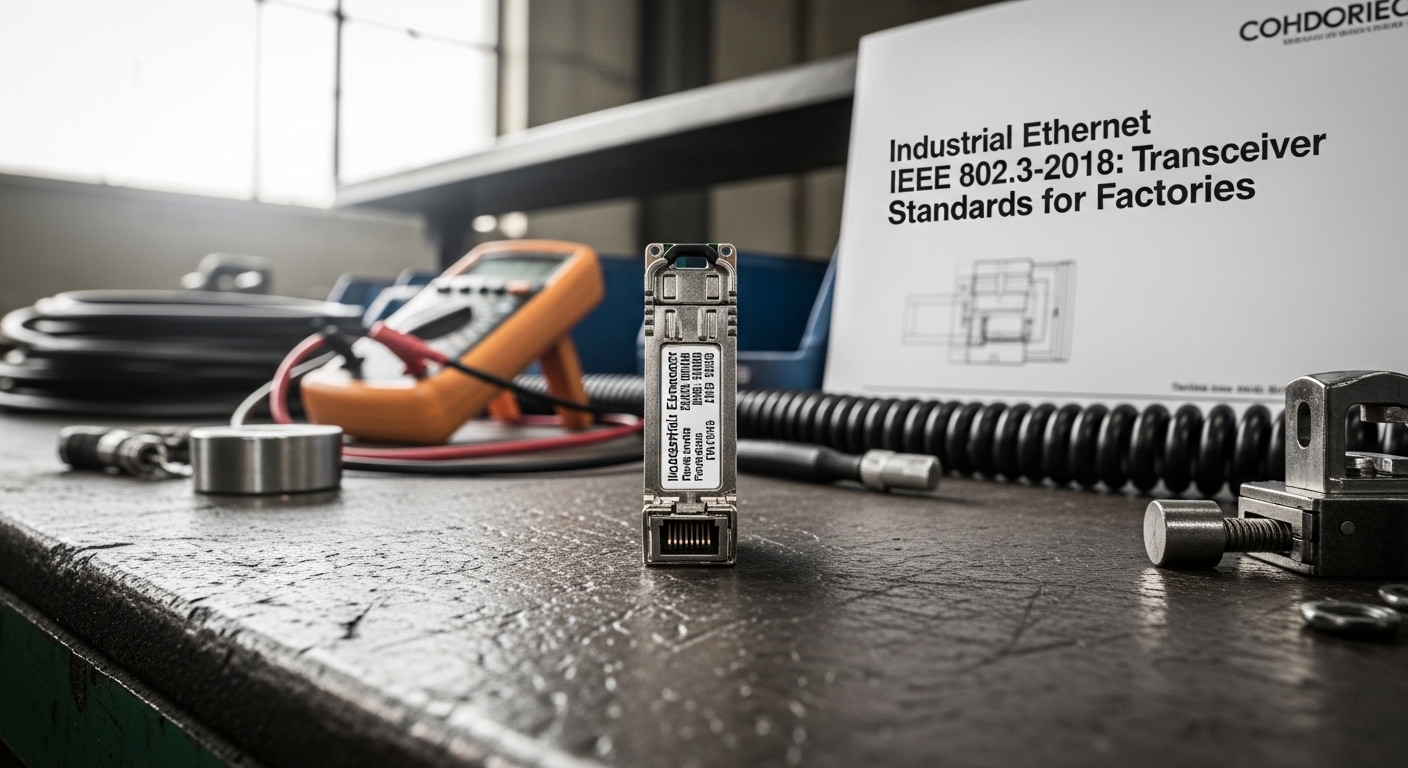
Factory floors move data through harsh EMI, vibration, and temperature swings, and that is where industrial ethernet SFP modules live or die. This guide helps maintenance engineers and network owners plan, install, and validate SFP optics for copper or fiber links while staying aligned with IEEE 802.3-2018 transceiver behavior. You will get a practical checklist, a spec comparison table, and field-tested troubleshooting steps to reduce downtime. Update date: 2026-05-01.
Prerequisites before you touch the cage: standards, optics, and link budget
Before swapping an SFP, confirm the switch’s physical port type and the transceiver electrical interface. Most industrial deployments follow Ethernet PHY expectations from IEEE 802.3-2018, but the operational details come from each switch vendor’s transceiver qualification list and DOM handling. If you are using fiber, you also need a link budget mindset: attenuation, connector loss, and patch cord quality determine whether the link trains reliably at temperature extremes.
Verify your target Ethernet rate and PHY type
Start by mapping the port to the intended data rate and media. For example, 10GBASE-SR SFP+ modules operate at 850 nm over multimode fiber, while 1000BASE-SX runs at 850 nm over multimode as well. For copper, 1000BASE-T SFPs expect RJ-45 wiring and link partner compatibility with auto-negotiation behavior.
Expected outcome: You avoid “it fits but it will not link” scenarios caused by rate mismatch (for instance, an SFP+ port cannot reliably use a 1G-only module).
Confirm switch compatibility and DOM policy
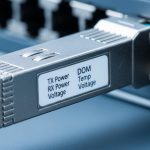
Many industrial switches support Digital Optical Monitoring (DOM) but may enforce vendor-specific thresholds. Check whether the platform expects DOM alarms, optical power ranges, and whether it blocks non-approved optics. Use the switch CLI to identify current transceiver inventory and DOM status before changes.
Expected outcome: You know whether the switch will accept third-party optics and how DOM alarms surface in your monitoring stack.
Establish a baseline link test plan
Decide what “good” looks like. Record pre-install counters (CRC errors, FCS errors, input discards), then run a controlled traffic profile (for example, iperf3 at a conservative rate) and confirm the link stays stable after warm-up. In factories, temperature ramps can shift laser bias and receiver sensitivity, so validate at least one “hot” interval.
Expected outcome: You can prove whether a failure is optics, optics power budget, or switch configuration.
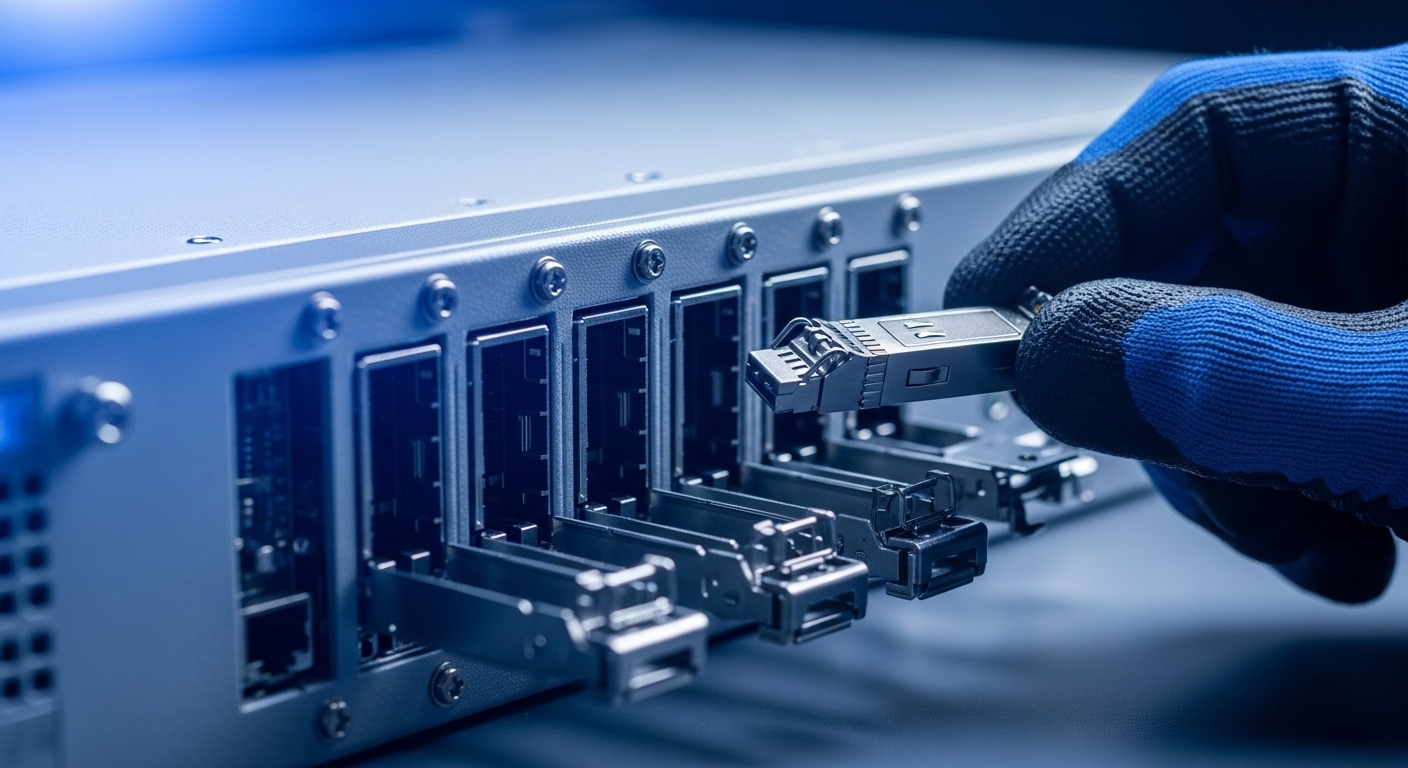
Industrial ethernet SFP module types: pick the right wavelength, connector, and reach
Industrial ethernet SFP choices cluster around two big axes: media (fiber vs copper) and performance class (1G vs 10G, short reach vs extended reach). For fiber, the wavelength and fiber type determine reach and budget. For copper, the category rating and expected EMI environment matter as much as distance.
Core types you will commonly deploy
- 10GBASE-SR SFP+ at 850 nm for multimode fiber (MMF)
- 10GBASE-LR at 1310 nm for single-mode fiber (SMF)
- 1000BASE-SX at 850 nm for gigabit multimode
- 1000BASE-T RJ-45 copper for short runs where fiber is impractical
Technical specifications comparison (real-world representative modules)
Use this table to ground your selection in the parameters that actually drive link success. Exact values vary by vendor, but these are typical for widely deployed industrial optics.
| Module example | Data rate | Wavelength | Fiber type | Connector | Typical reach | Operating temp range | Power (typ.) |
|---|---|---|---|---|---|---|---|
| Cisco SFP-10G-SR | 10G | 850 nm | MMF | LC | ~300 m (OM3) | Industrial grade options vary by SKU | Low single-digit W |
| Finisar FTLX8571D3BCL | 10G | 850 nm | MMF | LC | ~300 m (OM3) | Commonly industrial extended range | Low single-digit W |
| FS.com SFP-10GSR-85 | 10G | 850 nm | MMF | LC | ~300 m (OM3) | Extended industrial range | Low single-digit W |
| Generic 1000BASE-SX SFP | 1G | 850 nm | MMF | LC | ~550 m (OM2) | Varies by vendor | Low W |
Important limitation: Reach numbers depend heavily on fiber grade (OM2/OM3/OM4), end-to-end attenuation, and connector cleanliness. Always validate with your actual cabling plant records, not only datasheet maxima.
Pro Tip: In the field, most “mystery link flaps” on 850 nm SR optics trace back to patch-cord mismatch or dirty LC endfaces. Even when power readings look acceptable, transient receiver overload can spike CRC/FCS errors during temperature changes. Schedule endface cleaning and re-termination checks before you blame the laser.
Step-by-step: deploy industrial ethernet SFPs in a factory network without surprises
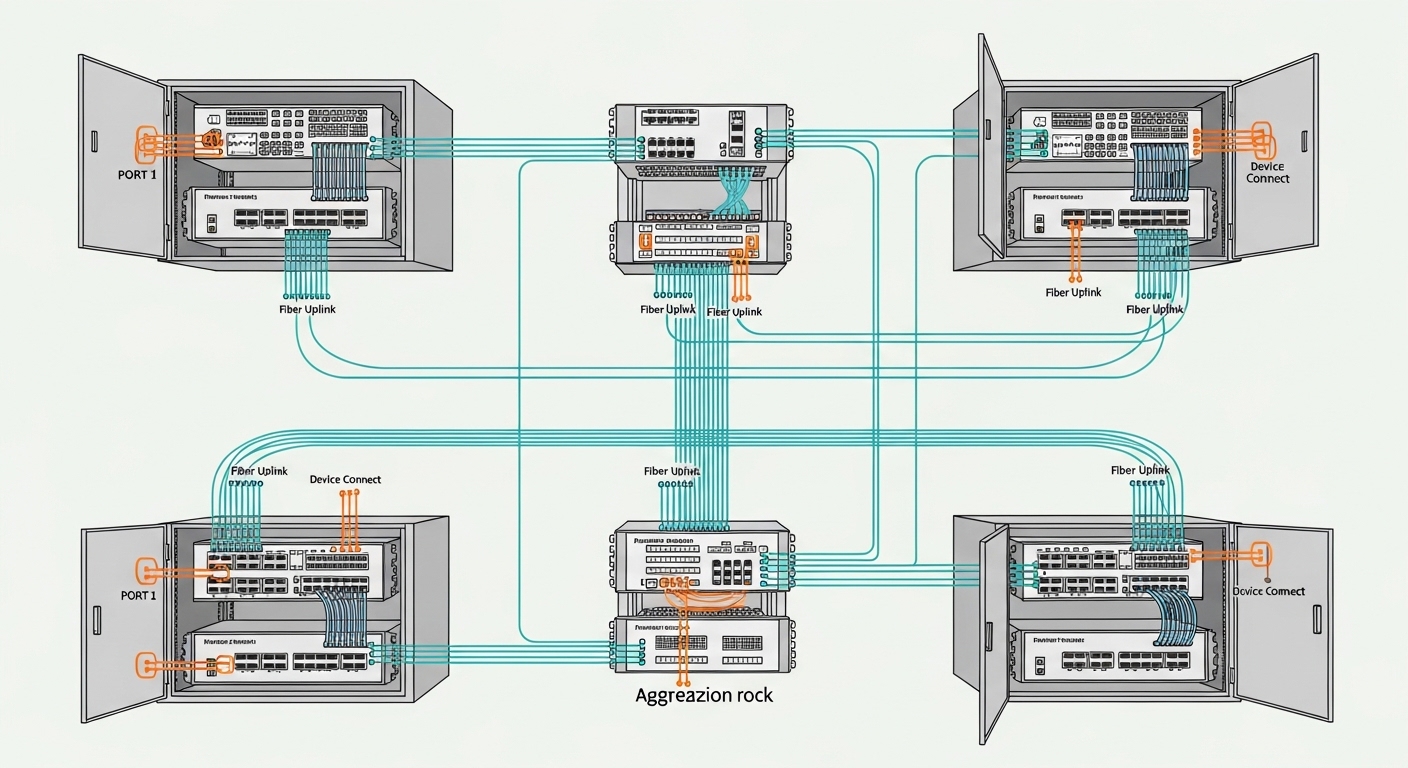
Let’s make this real. In a 3-tier data center style factory network, you often run leaf-spine or access-distribution links, then connect machine control cabinets with managed switches. The SFP choice becomes a reliability lever because each cabinet door opening, cable bend, and temperature ramp can stress the optical path.
Plan the cabling and confirm fiber type grading
Pull the as-built documentation for the route: fiber type (OM3 vs OM4), number of mated connectors, and approximate splice/patch losses. If your plant uses mixed patch cords, re-check that the patch cords match the intended fiber modal bandwidth. For 10G SR, OM3 and OM4 generally support higher reach than older OM2, but only if the cabling loss stays within the module’s budget.
Expected outcome: Your link budget matches the intended distance with margin for real-world losses.
Install with ESD-safe handling and connector best practices
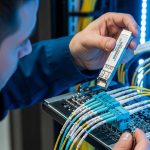
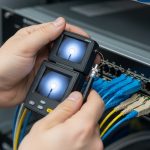
Industrial SFPs are sensitive to dust and mechanical stress. Use proper ESD precautions, avoid touching LC endfaces, and inspect connectors under magnification. Clean with lint-free swabs and approved cleaning tools, then seat the connectors fully without lateral force.
Expected outcome: Reduced receiver errors caused by contamination and micro-scratches.
Validate link training, DOM, and traffic health
After insertion, confirm link up and capture DOM telemetry if supported (for example, RX power, TX bias current, and temperature). Then run a controlled traffic test while monitoring interface counters. If you see elevated CRC/FCS errors, pause and re-check cleaning, then verify fiber mapping on both ends.
Expected outcome: A stable link with error counters consistent with baseline expectations.
Selection checklist engineers use when choosing industrial ethernet SFPs
Use this ordered decision flow to minimize rework. The goal is to pick optics that meet performance requirements and operational constraints like temperature, monitoring, and serviceability.
- Distance and fiber grade: Use your measured or documented attenuation and confirm OM/SM type.
- Data rate and duplex expectations: Ensure the module matches the port’s PHY configuration.
- Switch compatibility and DOM behavior: Check whether the platform enforces vendor-specific optics policies.
- DOM support and monitoring thresholds: Confirm how alarms appear in your NMS and whether they trigger tickets.
- Operating temperature and enclosure airflow: Validate industrial extended temperature SKUs against your cabinet conditions.
- Connector type and patch cord strategy: LC vs other connectors and consistent patch cord grade reduce surprises.
- Vendor lock-in risk: Compare OEM vs third-party total cost and acceptance rates on your specific switch model.
Common mistakes and troubleshooting for industrial ethernet SFP links
Even well-planned deployments can fail. Here are the top issues that show up in real maintenance cycles, with root cause and fixes.
Failure point 1: Link does not come up after insertion
Root cause: Rate mismatch or an optics type not supported by the switch port (for example, using a 1G SX module in a 10G-only expectation scenario). Another common cause is incorrect fiber type (SMF vs MMF) for the wavelength class.
Solution: Verify port speed and optics type in switch documentation, then test the transceiver in a known-good port. Confirm fiber type and connector mapping end-to-end.
Failure point 2: Link flaps or high CRC/FCS errors under heat
Root cause: Dirty LC connectors, marginal optical power budget, or patch cord mismatch. In industrial cabinets, temperature ramps can worsen a borderline link.
Solution: Clean connectors, re-seat modules, and measure DOM RX power if available. If DOM indicates low margin, shorten the run or replace patch cords with the correct fiber grade.
Failure point 3: DOM alarms or monitoring shows “unknown module”
Root cause: DOM compatibility differences between OEM and third-party optics, or switch firmware that expects specific calibration fields.
Solution: Update switch firmware, check optics acceptance settings, and validate DOM fields. If the switch blocks non-approved optics, use OEM or optics explicitly qualified for that platform.
Cost and ROI: what industrial ethernet SFPs really cost over time
Pricing varies widely by data rate, reach class, and temperature grade. In many markets, OEM 10G SR optics often cost more upfront than third-party equivalents, but OEM may reduce compatibility risk on strict switch platforms. A realistic TCO model should include downtime cost, labor hours for rework, and expected failure rates in your environment.
Practical ballpark: Third-party 10G SR SFP+ modules frequently land at a lower per-unit cost than OEM, but if your switch rejects them or logs frequent DOM alarms, labor quickly erodes savings. For critical machine links, consider stocking a small OEM buffer while using third-party optics only after qualification testing on your exact switch models.
FAQ: industrial ethernet SFP buying and deployment questions
What is the best industrial ethernet SFP choice for factory multimode fiber?
For typical 10G multimode backbones, 10GBASE-SR at 850 nm with LC connectors is common. Confirm your cabling is OM3 or OM4 and verify the end-to-end attenuation. If your measured margin is thin, shorten patch cords or move to OM4-qualified optics.
Can I use third-party industrial ethernet SFP modules in managed switches?
Often yes, but acceptance depends on the switch model, firmware, and DOM policy. Test one module in a non-critical port first, then validate DOM behavior and error counters under load. If the switch rejects optics or triggers frequent alarms, switch to OEM or explicitly qualified part numbers.
How do I troubleshoot high errors when the link appears “up”?
Check DOM RX power and optical health if available, then immediately clean LC connectors and re-seat modules. Verify that both ends map to the correct fiber pair and that patch cords match the intended fiber grade. Finally, re-run traffic tests while monitoring CRC/FCS counters.
What temperature range should I look for in industrial cabinets?
Look for extended temperature SKUs rated for your cabinet conditions. Also consider airflow: a module rated for extended temperature can still fail early if it is trapped in a poorly ventilated enclosure near heat sources.
Do I need to worry about IEEE 802.3-2018 when selecting SFP optics?
IEEE 802.3-2018 defines Ethernet behavior and transceiver-related expectations, but real compatibility is determined by switch vendor implementation and optics module characteristics. Use IEEE references as a baseline, then confirm with vendor datasheets and your switch’s transceiver qualification list.