How to pick the right OEM transceiver brand when the optics vendor pool is confusing
If you are standardizing optics for a multi-vendor network, “compatible” can still mean “intermittent link drops” or “unexpected vendor lock-in.” This article helps network and infrastructure teams compare Finisar vs II-VI vs Lumentum transceivers as OEM transceiver brand options, using practical deployment checks you can run during acceptance testing. You will get a specs comparison table, a step-by-step implementation plan, and troubleshooting for the top failure modes we see in the field. Updated for current market naming conventions and common switch compatibility behaviors.
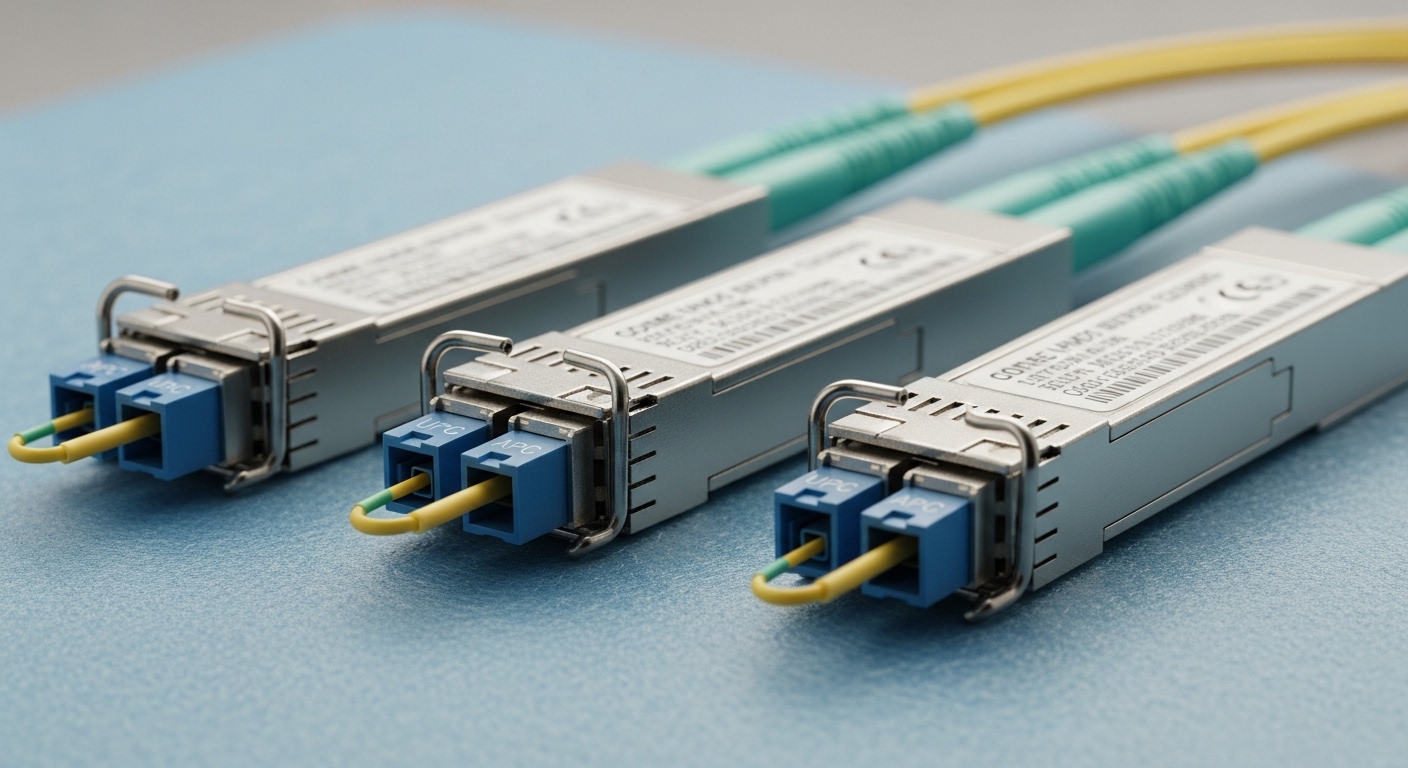
Prerequisites: what you need before comparing Finisar, II-VI, and Lumentum
Before you judge an OEM transceiver brand, align on how your switches validate optics and how your fiber plant is behaving. For example, Cisco IOS-XE and NX-OS platforms typically read DOM via the I2C interface, then enforce thresholds for signal quality and temperature; if the DOM implementation differs, the switch may still show “up” but log warnings. You also need baseline link telemetry so you can quantify ROI beyond “it works.”
Gather these inputs
- Switch models and OS versions (for DOM behavior and threshold enforcement). Example: Cisco Nexus 93180YC-FX3, NX-OS 10.x, or Arista 7280R, EOS 4.x.
- Transceiver form factor and data rate: SFP+, SFP28, QSFP+, QSFP28, QSFP-DD.
- Optical standard targets: IEEE 802.3 (e.g., 10GBASE-SR), and vendor datasheets for wavelength and reach.
- Fiber plant measurements: OTDR results (attenuation and splice loss), connector inspection notes, and patch panel cleanliness logs.
- Acceptance test plan: duration (often 24–72 hours), error thresholds (BER counters), and environmental conditions (temp swings, airflow).
Reference standards and practical compatibility guidance can be anchored to IEEE 802.3 for optical Ethernet definitions and to vendor DOM documentation for electrical behavior. For general optical Ethernet requirements, see IEEE 802.3 standard.
OEM quality comparison: Finisar vs II-VI vs Lumentum by what actually shows up in production
The naming here is messy because these companies have different histories and manufacturing footprints, and product lines often persist even as corporate ownership changes. In practice, teams judge an OEM transceiver brand by repeatability: whether modules meet link budgets consistently across lots, how stable the DOM telemetry is, and how reliably they pass vendor qualification. The most reliable way to compare is to test the exact part numbers you plan to deploy.
Typical product family examples to ground the comparison
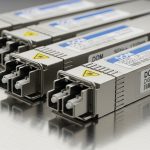
- Finisar: common legacy and current part families in 10G/25G optics; many deployments reference Finisar-branded SR optics and compatible OEM pulls.
- II-VI: strong presence in optical components and transceiver manufacturing; often appears in enterprise and metro networks via OEM integrations.
- Lumentum: known for optical subassemblies and transceiver offerings; widely used in both datacenter and telecom optics supply chains.
Instead of relying on brand reputation alone, verify the exact module spec: wavelength (e.g., 850 nm SR), reach class (e.g., 300 m OM3), transmitter type (VCSEL vs EML), and receiver sensitivity. IEEE 802.3 defines link classes, while vendor datasheets provide the operating temperature range and power budget details.
Technical specifications table (representative SR modules)
The table below uses representative 10GBASE-SR and 25GBASE-SR class parameters that network teams frequently standardize. Always confirm your exact SKU and reach class in the datasheet.
| OEM transceiver brand (examples) | Data rate / Form factor | Wavelength | Reach (typical) | Connector | DOM support | Operating temp range | Typical power / notes |
|---|---|---|---|---|---|---|---|
| Finisar | 10G SFP+ | 850 nm | Up to 300 m over OM3 (per spec class) | LC | Yes (2-wire serial via I2C) | 0 to 70 C (varies by class) | Low power; depends on VCSEL/driver design |
| II-VI | 10G SFP+ or SFP | 850 nm | Up to 300 m over OM3 (per spec class) | LC | Yes (DOM varies by SKU) | -5 to 70 C or 0 to 70 C (confirm SKU) | DOM thresholds may differ; test in your switch |
| Lumentum | 10G SFP+ / 25G SFP28 or QSFP28 | 850 nm | Up to 100 m or 70 m over OM4/OM3 (varies by 25G class) | LC | Yes (common on datacenter SKUs) | 0 to 70 C or extended (confirm SKU) | Receiver sensitivity and Tx power class matter |
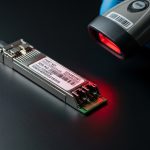
Why this matters for ROI: if DOM thresholds differ, your switch may log “temperature out of range” or “optical power below alarm,” which then triggers human intervention and can inflate downtime costs even if the link would otherwise stay up. For DOM behavior, the key concept is that modules expose diagnostic data (Tx power, bias current, Rx power, temperature, and sometimes voltage) through the standard interface expected by your platform.
Pro Tip: In acceptance testing, don’t just run a link-up check. Pull DOM values every 5–10 minutes and correlate them with BER counters. We have seen “compatible” optics that pass link-up but show rising Rx power degradation after 24 hours due to marginal fiber cleanliness or slightly weaker receiver sensitivity in certain lots.
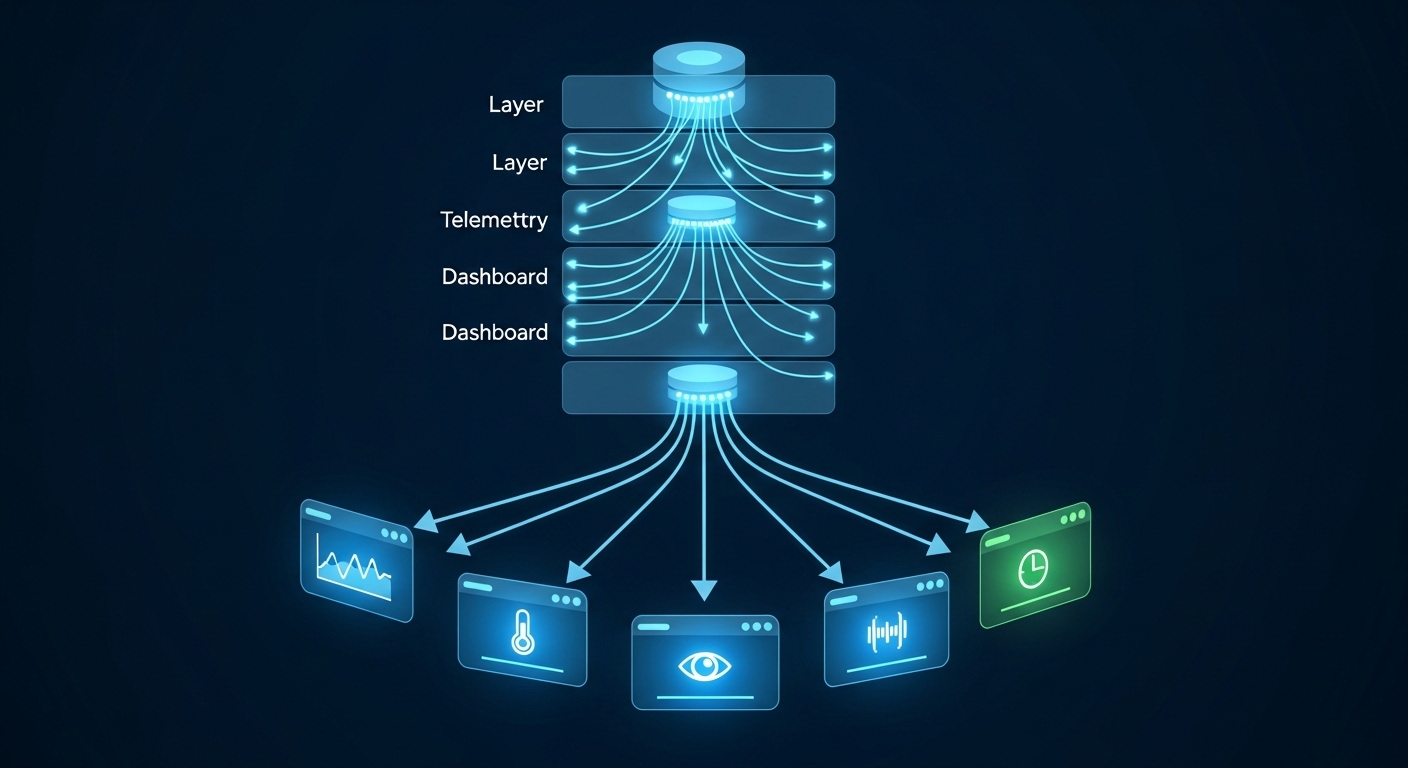
Step-by-step implementation: standardize on an OEM transceiver brand without betting your uptime
This is a practical plan you can run for a datacenter or campus rollout. It is written as an implementation guide with prerequisites, numbered steps, outcomes, and what to document. The goal is simple: pick the OEM transceiver brand that meets reach, stability, and switch compatibility, then lock it down with governance so you do not drift into mixed-lot surprises.
Expected outcome across the process
- One approved OEM transceiver brand (or two for redundancy) per speed and reach class.
- Documented compatibility matrix: switch model + OS version + transceiver SKU + observed DOM alarms.
- A repeatable acceptance test script and failure-handling policy.
Define your “reach class” and fiber budget
Use your OTDR and patch panel loss budget to determine the real maximum distance your links need. For example, if you have 2.0 dB average connector/splice loss on OM4 and you are targeting 25G SR, make sure you have margin for aging and cleaning cycles. Record worst-case lanes, not averages.
Expected outcome: a per-site table listing required reach class, fiber type, and margin target (for example, keep at least 3–4 dB headroom under normal operating conditions).
Pick candidate SKUs by form factor, not just brand
Choose the exact transceiver part numbers you will deploy. Example families include 10G SR SFP+ and 25G SR SFP28 or QSFP28, typically at 850 nm for multimode. If you can, include one known-good baseline SKU from your current standard to compare against.
Expected outcome: a short list of 2–3 SKUs per speed class, each tagged with wavelength, reach class, DOM behavior expectations, and datasheet reference.
Run switch compatibility and DOM validation
Install a small pilot batch in the same switch model and OS you run in production. Monitor syslog and transceiver diagnostics for at least 24 hours while traffic runs at a representative load profile (for example, 50–70% link utilization with continuous small-packet traffic). Confirm that the platform reads DOM fields correctly and that alarms remain within thresholds.
Expected outcome: a compatibility matrix with “OK / OK with warnings / Not acceptable” outcomes per SKU and switch OS version.
Execute optical stability and BER acceptance testing
Run BER counters and error monitoring from the switch or transceiver management interface. In practice, teams often test for “no link flaps” and “no uncorrectable errors,” plus DOM stability: Tx power drift, Rx power thresholds, and temperature stability. Keep the environment realistic: if your racks experience airflow changes, simulate them during testing.
Expected outcome: pass/fail criteria documented by speed class, with measured DOM drift ranges and error-free duration.
Lock the standard with governance and procurement guardrails
Write a procurement policy that specifies the approved OEM transceiver brand and the exact SKU or equivalent functionally equivalent part. Add a constraint: only sources that can provide traceability and lot information. For enterprise governance, treat optics like power supplies: you do not want “equivalent” substitutions during a shortage.
Expected outcome: a bill of materials policy that prevents silent changes in optical subassemblies or DOM calibration.

Selection checklist: what engineers should weigh before committing to an OEM transceiver brand
- Distance and fiber type: confirm OM3 vs OM4 vs OM5, plus worst-case link budget using OTDR.
- Switch compatibility: validate DOM alarm thresholds and compatibility notes for your switch vendor and OS version.
- Data rate and reach class: 10G SR, 25G SR, 40G SR4, etc. Ensure the module matches the IEEE 802.3 class and your application.
- DOM support quality: confirm Tx/Rx power reporting accuracy and that telemetry is stable under temperature changes.
- Operating temperature range: verify the transceiver class matches your rack airflow profile (and that it is not running near the limit).
- Vendor lock-in risk: assess whether your procurement strategy can tolerate a second approved OEM transceiver brand for resilience.
- Supply chain traceability: request lot traceability and validate incoming inspection process.
For standards context on optical Ethernet, IEEE 802.3 is the baseline definition of link requirements. For DOM and electrical interface expectations, vendor datasheets and switch vendor transceiver compatibility lists are typically the most actionable references. See also [[EXT:https://www.arista.com/en/support]] for vendor support and compatibility documentation portals.
Common mistakes and troubleshooting tips (top failure modes)
When optics go sideways, it is usually not because “brand A is bad.” It is because the deployment assumptions were off, or the acceptance tests were too shallow. Here are the top issues we see, with root cause and solutions.
Failure point 1: Link flaps after a few hours, no clear alarm at first
Root cause: marginal fiber cleanliness or connector end-face contamination causing intermittent optical power dips. Even a small amount of dust can induce reflections and degrade receiver performance.
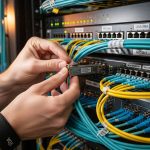
Solution: clean connectors using approved fiber cleaning tools, re-inspect with a microscope, and retest. Also check that patch cords match the correct polarity and that you did not swap transmit/receive on LC connectors.
Failure point 2: Switch shows “transceiver unsupported” or frequent DOM warnings
Root cause: DOM implementation differences or threshold expectations that your switch enforces differently by OS version. Sometimes a module is electrically compatible but fails the platform’s diagnostic sanity checks.
Solution: test the exact SKU on the exact switch OS in a pilot. If you see DOM warnings, capture telemetry and confirm whether the values are out-of-range or simply formatted differently. Consider aligning to the OEM transceiver brand your switch vendor explicitly lists for that platform.
Failure point 3: Works at room temperature, fails in a hot aisle or with airflow changes
Root cause: transceiver operating temperature margin too tight for your actual airflow and rack thermal profile. Some modules are rated for 0 to 70 C, others have different classes; if your transceiver temperature approaches the threshold, error rates rise.
Solution: measure actual module temperature via DOM during peak airflow events. Improve airflow management (baffle gaps, fan speed profiles) and ensure the module’s rated operating range matches your deployment environment.
Cost and ROI note: how OEM transceiver brand choice changes TCO
Price swings are real, but the biggest TCO drivers are downtime risk, labor time for troubleshooting, and repeat replacement rates. OEM-branded optics often cost more upfront than third-party or “compatible” modules, but they can reduce incident frequency when your acceptance tests and switch compatibility matrix are tight.
- Typical street pricing (ballpark): 10G SFP+ SR modules often land in a wide range depending on OEM vs third-party sourcing; enterprise budgets commonly treat them as commodity yet still account for failure handling costs.
- Power and cooling: transceiver power is usually a small part of rack power compared to GPUs or high-density switching, but consistent thermal stability can reduce fan and airflow overhead indirect costs.
- Failure rates: use your own RMA history by SKU and lot. Even within the same OEM transceiver brand, different lots can behave differently if manufacturing calibration varies.
ROI approach: quantify the cost of one optics-related incident: engineer hours, outage risk, and verification time. Then compare that to the incremental cost of standardizing on a more consistent OEM transceiver brand with proven compatibility in your environment.
FAQ: Finisar vs II-VI vs Lumentum transceivers for enterprise buyers
Which OEM transceiver brand is safest for switch compatibility?
“Safest” depends on your exact switch model and OS version. In practice, the most reliable path is to test the specific SKU on a pilot rack and build a documented compatibility matrix. If you are risk-averse, align to the OEM transceiver brand that your switch vendor most consistently qualifies for that platform.
Do I need to worry about DOM support differences?
Yes. DOM is not just “nice to have”; it feeds alarms and threshold checks. If DOM values drift or are formatted differently, your switch may generate warnings or disable the port, even when the optics could otherwise pass traffic.
Can I mix OEM transceiver brand modules in the same link?
For many deployments, mixing is technically possible if both sides meet the same optical standard, but it increases troubleshooting complexity. Governance-wise, it is better to standardize by speed class and SKU so you can predict behavior and simplify RMA analysis.
What fiber type matters most for OEM transceiver brand selection?
For SR optics, fiber type and link budget matter more than brand. OM3 vs OM4 changes the reach class you can safely run, and worst-case connector loss can erase the margin. Always validate with OTDR and acceptance testing.
How long should acceptance testing run?
A practical minimum is 24 hours with continuous traffic and periodic DOM sampling. If your environment is thermally stressed or you are qualifying a new SKU, extend to 48–72 hours and include a peak airflow simulation.
Is it worth paying more for OEM-branded optics?
Often, yes, if you price in downtime risk and labor time. If your team has strong acceptance testing and governance, the ROI improves because you catch marginal lots before they hit production.
If you want a related governance playbook, see transceiver standardization and optics procurement governance for policies that prevent silent substitutions during shortages. Next, pick one speed class, run a pilot across your hottest and coldest rack profiles, and let measured DOM and BER data decide the OEM transceiver brand standard.
Author bio: I have deployed optical transceivers across leaf-spine and campus edge networks, using DOM telemetry and BER counters to qualify modules before cutover. I focus on enterprise architecture, procurement governance, and ROI models that survive real-world incidents.