In a 400G optical link, the first symptom is often dramatic: flapping sessions, CRC storms, or “link up, traffic zero.” This article helps network engineers and field technicians diagnose fiber module problems quickly, using real-world checks tied to IEEE 802.3 optics behavior and vendor interoperability realities. You will get an ordered top-N list of root causes, a spec comparison table, and a practical checklist you can run before you swap anything like it is a magic wand.
Top 8 fiber module problems that break 400G optics
400G links usually use QSFP-DD or OSFP style pluggables with coherent or PAM4 signaling, depending on the vendor and reach. When things fail, it is rarely “one thing.” The fun part is that the failure mode often looks the same from the switch CLI, while the root cause lives in optical power budgets, DOM telemetry, connector cleanliness, or module compatibility.
How to read the symptoms without guessing
Start by correlating what your switch reports (link state, FEC counters, laser bias alerts, DOM warnings) with what the optics should be doing. If the switch shows FEC “degraded” but the link stays up, suspect marginal optical power, fiber attenuation, or dirty connectors. If the link never comes up, suspect wrong module type, unsupported optics, or a DOM handshake mismatch. If it comes up then drops, suspect temperature, poor seating, or a physical layer intermittency.
Incompatible transceiver type, reach, or coding
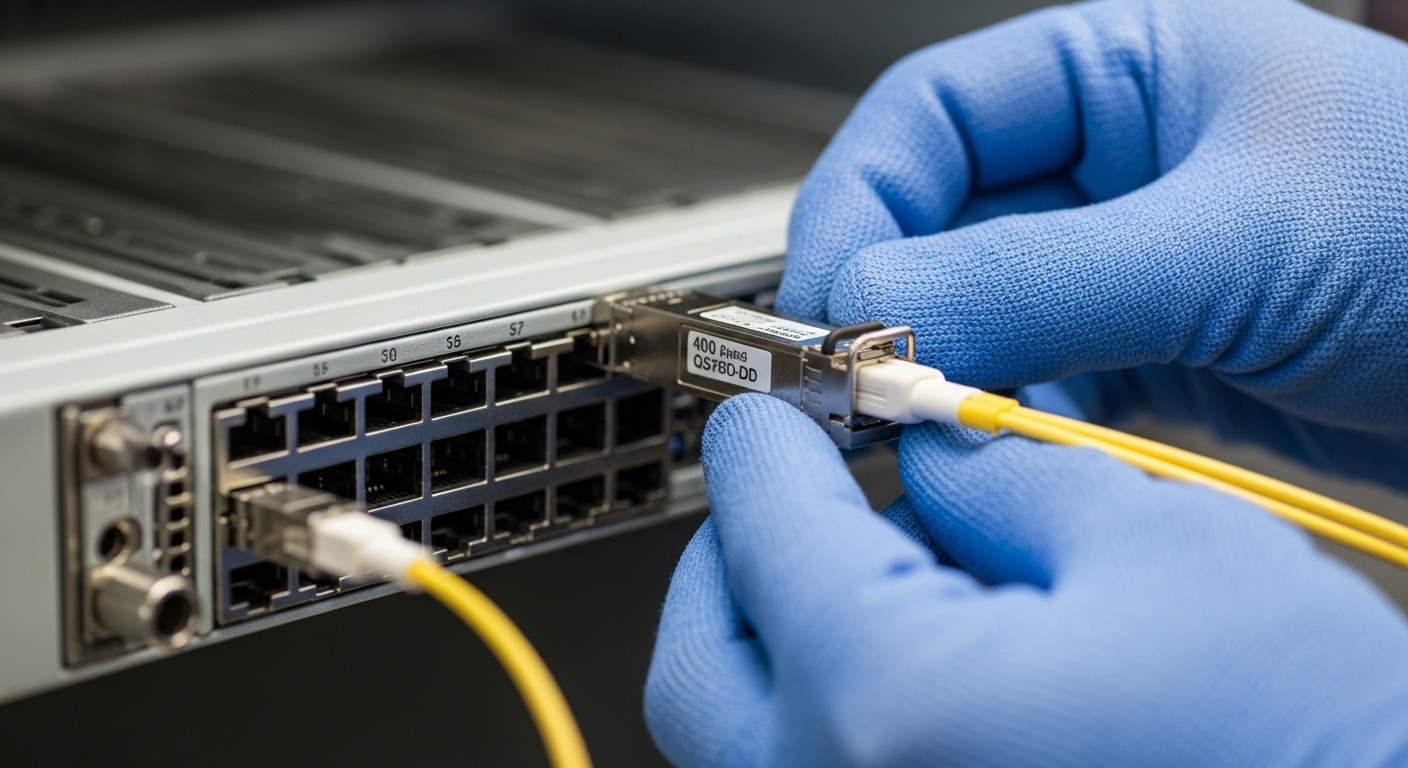
One of the most common fiber module problems is “it fits, therefore it works.” Unfortunately, optics are picky: a 400G module designed for a specific medium (single-mode vs OM4) or reach class may not interoperate with the switch’s expected profile. IEEE 802.3 defines the electrical and optical behavior for Ethernet PHYs, but vendors still implement compatibility constraints through vendor-specific DOM fields and optics profile negotiation.
What to check first
Verify the exact transceiver part number and the switch’s supported optics matrix. For example, some environments support only specific coherent pluggables or specific SR4/FR4 variants depending on chassis generation. Also confirm the link partner type: using a different vendor or different wavelength plan can cause link bring-up failure.
- Best-fit scenario: Multi-vendor refresh where “same speed” modules were swapped without validating the optics support list.
- Pros: Fix is usually fast once you match the correct module profile.
- Cons: Requires access to vendor compatibility documentation.
Power budget misses: too much loss, too little margin
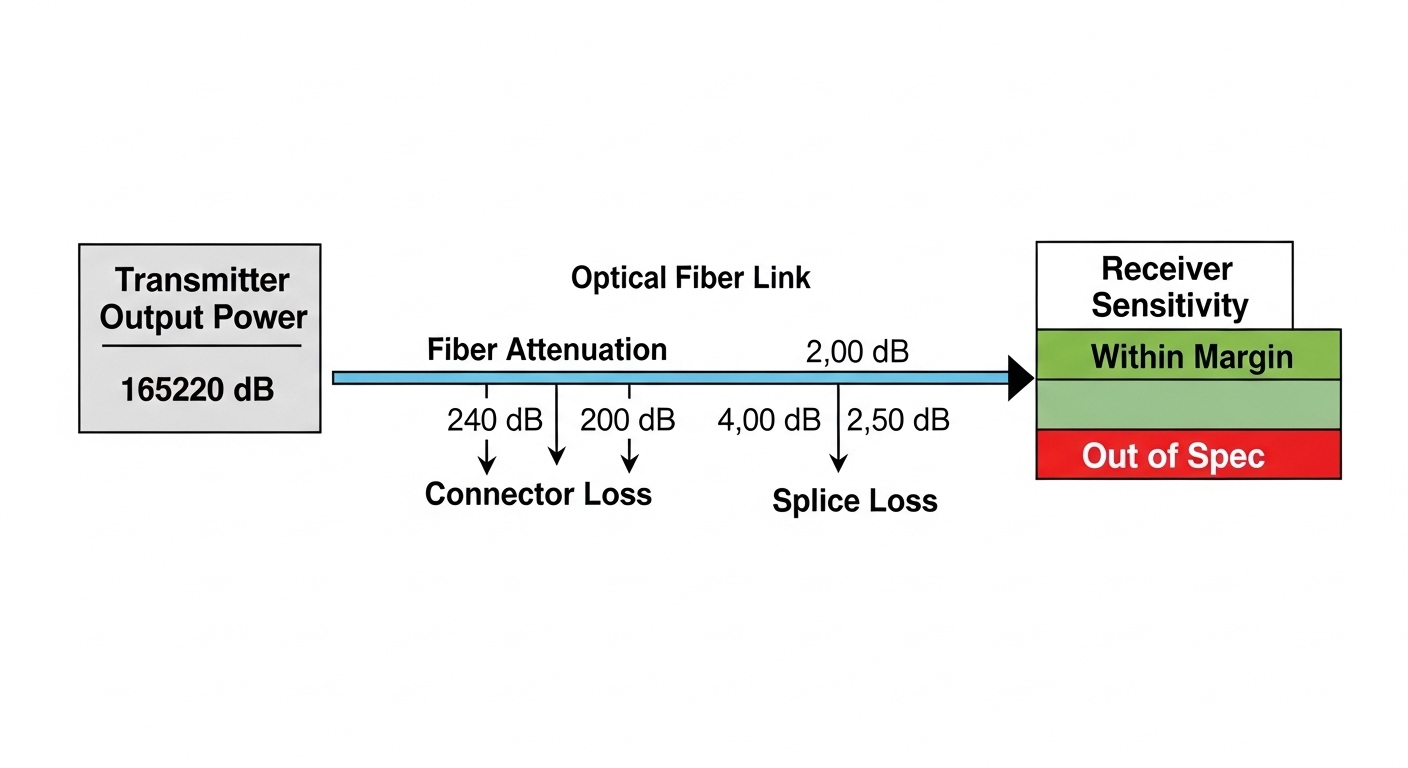
400G coherent and high-speed PAM4 links still run on a power budget. If fiber attenuation, patch cord loss, or connector contamination pushes received power below the module’s sensitivity, you can see FEC instability, BER spikes, or periodic link drops. Even if link comes up, you may be living on the edge like a cat on a curtain rod.
Real-world measurement approach
Measure end-to-end loss with a calibrated optical power meter or OTDR, using the correct wavelength (often specified in the module datasheet). Include patch panels, jumpers, splices, and adapters. Then compare to the module’s minimum receive power and maximum optical output power plus safety margin.
- Best-fit scenario: After a cabling rework, when operators “swapped a few jumpers” and the link started behaving like a sitcom with recurring plot twists.
- Pros: Definite, measurable root cause using OTDR/power meter.
- Cons: Requires test gear and careful wavelength selection.
Dirty connectors and APC/UPC mismatches
Connector cleanliness is a perennial villain in fiber module problems. Dirty endfaces cause excess insertion loss and can create back-reflections that destabilize certain receivers. Also, mixing APC and UPC connectors can increase reflected light, affecting coherent or sensitive modules.
Field checklist
Inspect using a fiber microscope, not vibes. Clean using lint-free wipes and an approved cleaning method (dry or wet with appropriate solvent). If you suspect back-reflection sensitivity, confirm connector polish types and adapter compatibility.
- Best-fit scenario: Links fail after maintenance in dusty environments or when “it looked clean enough.”
- Pros: Cleaning often restores links without swapping expensive optics.
- Cons: Requires correct cleaning procedure and verification with microscope.
Thermal and airflow issues inside the chassis
High-speed optics run hot, and 400G pluggables can be sensitive to airflow patterns. Over-temperature can trigger transmitter power reduction, DOM alarms, or link instability. If your chassis has uneven airflow or blocked vents, two identical modules can behave differently depending on slot position.
Operational checks
Check DOM telemetry for module temperature, laser bias current, and received power. Compare across neighboring slots. Confirm that fans are within spec and that blanking panels are installed.
- Best-fit scenario: After a fan module replacement or a chassis partial rebuild.
- Pros: Stabilizes multiple links once airflow is corrected.
- Cons: Can be slower to diagnose when symptoms appear intermittent.
DOM telemetry mismatch and vendor interoperability quirks
Digital Optical Monitoring (DOM) is supposed to help you. But fiber module problems sometimes originate in DOM behavior: missing calibration fields, unexpected threshold values, or incorrect vendor identifiers that cause the switch to treat the module as unsupported. The result is link-up failure, reduced functionality, or aggressive error handling.
What to verify
Confirm DOM readings (temperature, bias, received power) are present and sane. If the switch logs “unsupported optics” or “DOM error,” try a known-good module of the same type and vendor profile. Be cautious: some third-party optics emulate DOM data but not every threshold behavior.
Pro Tip: When a 400G link “won’t come up,” don’t jump straight to fiber loss. First check DOM presence and alarm flags at boot. A surprising number of failures are DOM profile mismatches that present as generic link failures in switch logs.
- Best-fit scenario: Mixed-vendor environments where optics were sourced quickly during a shortage.
- Pros: You can often confirm root cause with one controlled swap.
- Cons: Full fix may require approved optics sourcing.
Incorrect fiber type, polarity, or MPO connector issues
400G short-reach deployments frequently use multi-fiber arrays and MPO/MTP connectors. Polarity mistakes can produce “dark link” behavior or high error rates even when power seems adequate. Also, using the wrong fiber type (for example, mixing OM4 assumptions with OM3 reality) can reduce margin and accelerate degradation.
Concrete polarity and connector actions
Verify MPO polarity using the standard method required by your optics (often specified by the module datasheet and cabling plan). Inspect MPO endfaces for scratches and ensure the correct keying orientation. Confirm fiber type and measured attenuation per link segment.
- Best-fit scenario: Data center cabling changeovers where patch panels were re-labeled but not re-verified.
- Pros: Fix can be as simple as re-polating or re-terminating.
- Cons: Requires disciplined documentation to prevent recurrence.
Aging optics, laser degradation, or marginal spares
Not all fiber module problems are “instant.” Over time, transmitter output can degrade due to thermal cycling, dust exposure, or manufacturing variance. When degradation crosses a threshold, FEC counters rise, then links become unstable. Swapping optics with new units can confirm the hypothesis, but it is better to trend telemetry first.
Trend before you replace
Collect DOM telemetry over time: received power and transmitter bias current. If you see rising bias current for stable temperature, the laser may be aging. Pair this with measured fiber loss; do not assume optics are the culprit until you rule out cabling changes.
- Best-fit scenario: High-utilization links in DC cores after years of service.
- Pros: Predictive maintenance reduces outages.
- Cons: Requires telemetry collection and baselining.
Electrical layer issues: poor seating, damaged cages, or bad patch cords
Sometimes the module is fine, and the physical installation is not. Improper seating can cause intermittent contacts, while damaged cages or bent pins can create link flaps. Patch cords with micro-bends or damaged jackets can also increase attenuation or cause intermittent reflections.
Fast physical validation
Reseat the module with proper handling, inspect the transceiver contacts, and verify latch engagement. Inspect patch cords for kinks and check strain relief at both ends. If you see frequent flapping, test with a known-good patch cord before replacing optics.
- Best-fit scenario: Field deployments after transportation, or racks moved for cooling upgrades.
- Pros: Quick checks can prevent unnecessary purchases.
- Cons: Physical inspection takes time and discipline.
400G optics spec comparison: what matters for fiber module problems
Specs are not decoration; they define the boundaries where fiber module problems become inevitable. Below is a practical comparison across common 400G module families. Always validate against your switch’s supported optics and the exact IEEE 802.3 PHY variant used by your platform.
| Module example | Typical data rate | Wavelength | Connector | Typical reach | DOM support | Operating temperature |
|---|---|---|---|---|---|---|
| Cisco SFP-10G-SR (reference for SR optics behavior) | 10G | 850 nm | LC | ~300 m (varies) | Yes (varies by model) | Commercial/industrial options |
| FS.com SFP-10GSR-85 (reference for SR power/DOM patterns) | 10G | 850 nm | LC | ~400 m (varies) | Yes | Commercial/industrial options |
| Finisar FTLX8571D3BCL (reference SR behavior) | 10G | 850 nm | LC | ~400 m | Yes | Commercial |
Note: The examples above are references for SR optics behavior and DOM patterns. For true 400G selection, use the exact 400G module datasheet for your PHY (for example, QSFP-DD SR8 style variants or coherent pluggables), since reach and connector style (MPO vs LC) differ.
For standards and baseline behavior, consult IEEE 802.3 for Ethernet PHY definitions and vendor datasheets for optical power, sensitivity, and DOM thresholds. IEEE 802.3 standards portal|IEEE 802.3
Selection criteria checklist to prevent fiber module problems
Use this ordered list during procurement, lab validation, and field deployment. It is the difference between a controlled rollout and a recurring incident ticket.
- Distance and reach class: Confirm end-to-end loss with measured values, not cable labels.
- Switch compatibility: Check the vendor optics support list for your exact chassis and port type.
- Fiber type and connector plan: Validate OM grade, MPO polarity scheme, APC/UPC polish, and adapter types.
- DOM support and threshold behavior: Ensure DOM fields and alarms are accepted by the switch firmware.
- Operating temperature and airflow: Confirm module temperature spec and chassis airflow path; avoid “mystery hot spots.”
- Budget and vendor lock-in risk: Compare OEM vs third-party TCO using failure rates, lead times, and warranty terms.
Common mistakes and troubleshooting tips for 400G fiber modules
When fiber module problems hit production, time is your most expensive cable. Here are concrete failure modes, likely root causes, and what to do next.
-
Mistake: Swapping optics without measuring loss.
Root cause: Connector contamination or excessive attenuation was already pushing the link below sensitivity.
Solution: Use a power meter/OTDR at the correct wavelength and inspect connectors with a microscope before replacing modules. -
Mistake: Mixing APC and UPC without realizing it.
Root cause: Back-reflections increased receiver instability, especially on sensitive coherent or high-speed modules.
Solution: Verify polish type on adapters and patch cords; replace mismatched components and re-test. -
Mistake: Ignoring DOM alarms because the link “looks up.”
Root cause: Thermal or bias degradation can cause FEC degradation before total failure.
Solution: Pull DOM and FEC counters, trend received power over time, and correlate with temperature telemetry. -
Mistake: Replacing the wrong side of the link repeatedly.
Root cause: Polarity or MPO keying mismatch can make both sides appear “problematic.”
Solution: Validate MPO polarity and keying orientation first, then test with a known-good patch cord.
Cost and ROI note: what fiber module problems cost you
In practice, 400G optics cost more than engineers like to admit, and downtime costs more than optics. OEM modules can be priced at roughly $500 to $2,500 per module depending on type and reach, while third-party modules may land lower but with higher variability in DOM interoperability and warranty coverage. TCO should include labor time for troubleshooting, test equipment usage, and the probability of repeat failures due to compatibility quirks.
A pragmatic ROI model: if a bad optics batch causes even two extra hours of engineer time per incident across 10 ports, you can burn enough cost to erase the savings from cheaper modules. Also factor power and cooling: failing links can cause higher retransmissions and utilization spikes, increasing power draw and heat in the same chassis that is already running warm.
Real-world deployment scenario: where these issues show up
In a 3-tier data center leaf-spine topology with 48-port 400G uplinks across 12 leaf switches, a maintenance window swapped patch panels during a fiber migration. The team replaced 400G MPO jumpers to a new rack, but two bundles were terminated with the wrong polarity scheme. Within an hour, the spine reported “link up” on most ports, yet FEC counters climbed and sessions flapped during peak traffic. The resolution combined microscope inspection (for one dirty adapter), polarity verification (for the MPO bundles), and DOM telemetry comparison to confirm that the optics were compatible with the switch’s expected profile.
FAQ: fiber module problems in 400G optical links
What are the first checks I should do for fiber module problems?
Start with switch logs and DOM presence: temperature, bias, received power, and any “unsupported optics” messages. Then inspect connectors with a microscope and measure optical power or loss with calibrated gear. Only after that should you consider swapping optics.
Can I use third-party 400G optics safely?
Often yes, but only if the vendor documents compatibility with your exact switch model and firmware. DOM interoperability and threshold handling can differ, causing link instability even if the module “initializes.” Validate in a lab or with a small staged rollout.
Why does the link come up but traffic fails?
This usually indicates a marginal physical layer: too much loss, dirty connectors, or polarity issues that reduce signal quality. Look for elevated FEC counters, CRC/BER patterns, and DOM warnings like low received power or rising bias current.
How do I troubleshoot MPO polarity quickly?
Confirm the required polarity scheme from the module and cabling plan, then verify MPO keying and adapter orientation. Use a known-good patch cord and compare received power across channels; large per-channel differences often point to polarity or termination faults.
What temperature issues cause fiber module problems most often?
Blocked airflow, missing blanking panels, failing fan trays, or modules placed in hotter slots can trigger receiver/transmitter compensation or alarms. Check DOM temperature trends and correlate with chassis fan status and inlet-to-outlet airflow.
Should I replace optics or the fiber first?
Replace optics only after ruling out fiber loss and connector contamination. If measured loss is within the power budget and DOM looks normal, then test with a known-good module to isolate the optics. Otherwise, you risk paying for expensive optics to fix a dirty connector problem.
Expert author bio: I design and operate high-availability network systems and have debugged 400G optics outages using OTDR traces, DOM telemetry, and switch PHY counters in production data centers. My day job is keeping links boring, even when fiber module problems try to make them exciting.
Next step: review related topic for a repeatable incident workflow that reduces guesswork and speeds up restoration during optical outages.