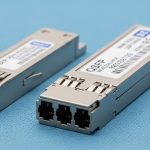
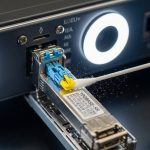
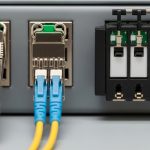
Enterprises love big numbers, until a shipment of optics arrives and half the ports refuse to negotiate. This article helps network and data-center engineers select an Active Optical Cable (AOC) that delivers reliable enterprise data speeds for high-speed server-to-switch and switch-to-switch transfers. You will get practical selection criteria, a specs comparison table, and field-proven troubleshooting steps you can apply the same day.
Why AOC wins for enterprise data speeds (and when it does not)
AOC is basically a pre-assembled optical link: it combines an optical transceiver function with a copper-like cable form factor. In many racks, it beats pluggable optics plus patch cords because it reduces connector count and installation variance. For example, in a leaf-spine fabric using 25G/50G/100G, AOC runs from Top-of-Rack switches to adjacent spine modules with fewer failure points than separate optics and patch panels.
The trade-off is that AOCs are not meant to be “mixed and matched like Lego.” You typically get fixed length, vendor-specific calibration, and compatibility constraints with certain switch PHY implementations. Also, AOC reach depends on wavelength, optical power budget, and the module’s receive sensitivity, so “it fits the rack” is not the same as “it meets the link budget.”
Pro Tip: If your switch vendor supports AOC but only within a specific vendor list, the “it works on one port” syndrome often comes from marginal host optics tolerance. Try a short AOC to validate port PHY health before assuming the cable is defective.
Core specs that determine enterprise data speeds with AOC
Before you buy, align AOC capabilities with your switch transceiver type and the optics standard used by the network. Most enterprise deployments map to IEEE 802.3 Ethernet rates and the vendor’s electrical interface (for example, SFP28 for 25G, QSFP28 for 100G, or OSFP for higher densities). Then you confirm AOC wavelength, reach, connector style, temperature rating, and power consumption.
Below is a practical comparison of common AOC categories you will see in enterprise data-center builds. Exact values vary by manufacturer, so treat these as “selection anchors,” not as a substitute for datasheets.
| Category | Typical Data Rate | Wavelength | Reach (Typical) | Connector/Form | Power Use (Typical) | Operating Temperature |
|---|---|---|---|---|---|---|
| AOC for 25G | 25G Ethernet | 850 nm (MM) | Up to ~100 m | SFP28 AOC (fixed) | ~0.6–1.5 W | 0 to 70 C (common) |
| AOC for 50G | 50G Ethernet | 850 nm (MM) | Up to ~70–100 m | QSFP28/50G form factor (fixed) | ~2–4 W | 0 to 70 C (common) |
| AOC for 100G | 100G Ethernet | 850 nm (MM) | Up to ~70–100 m | QSFP28/100G AOC (fixed) | ~3–7 W | 0 to 70 C or -5 to 70 C |
For standards context, consult IEEE 802.3 for Ethernet physical layer expectations and vendor datasheets for the specific AOC electrical interface behavior. Reference: IEEE 802.3 Ethernet and vendor AOC datasheets from reputable optics suppliers.
Real-world deployment scenario: choosing lengths that actually work
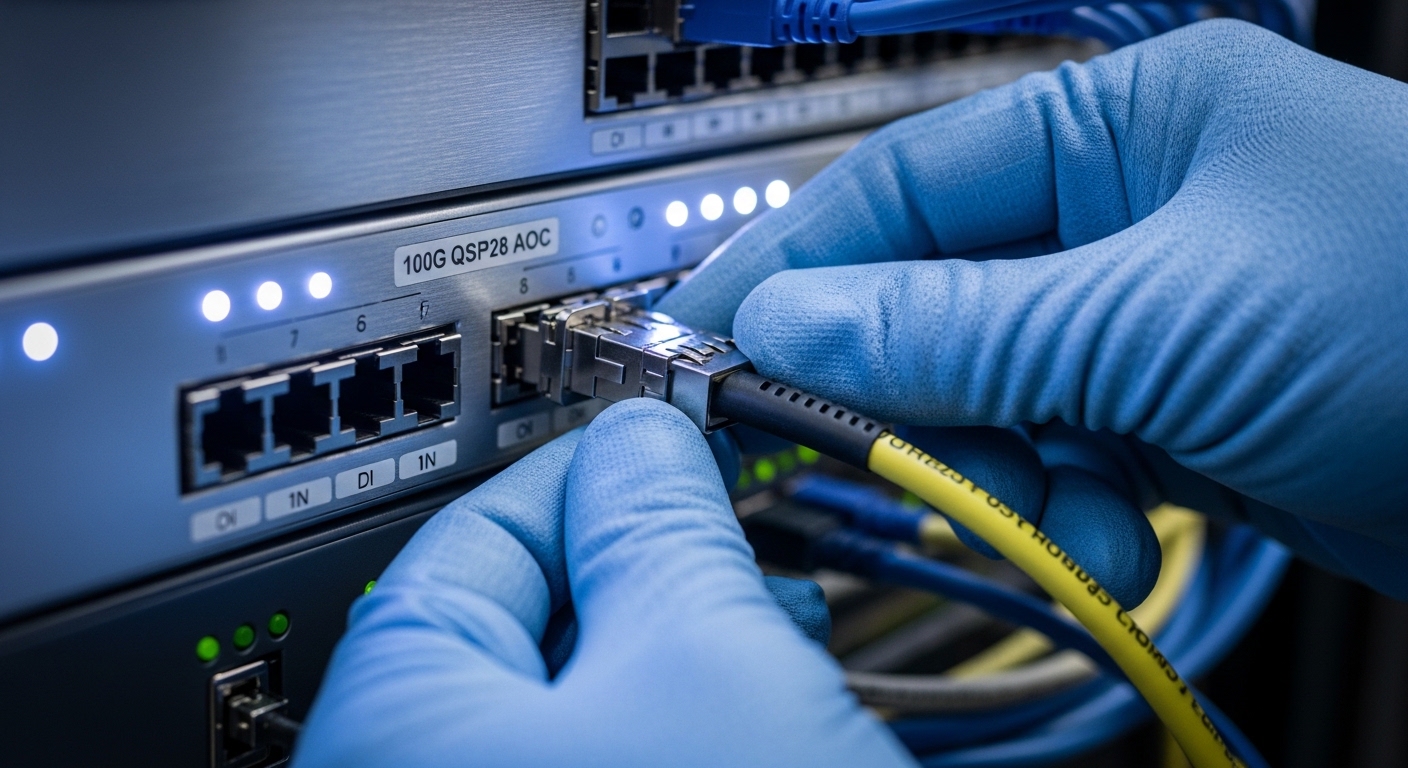
In a 3-tier data center leaf-spine topology with 48-port 10/25G ToR switches, a team planned 100G uplinks from each ToR into a pair of spine switches. They had typical horizontal runs of 15 to 35 m from ToR to spine row and vertical patching that added another 2 to 5 m equivalent path. They selected 100G AOCs in 30 m and 50 m fixed lengths to cover worst-case routing without excessive slack.
Operationally, they validated link training and error counters after installation: they checked FEC status where supported, reviewed interface counters for CRC errors, and monitored optical diagnostics (temperature, laser bias, and received power when available). The AOC choice reduced connector count by eliminating separate transceiver modules and some patch-cord segments, which cut the number of “mystery intermittent links” during a staged rollout. The catch: they kept spares of the exact vendor and length because the switch vendor’s compatibility matrix was strict.
Selection checklist: how engineers avoid expensive AOC surprises
Use this ordered checklist the way a field engineer would—fast enough for procurement, strict enough to prevent future midnight calls.
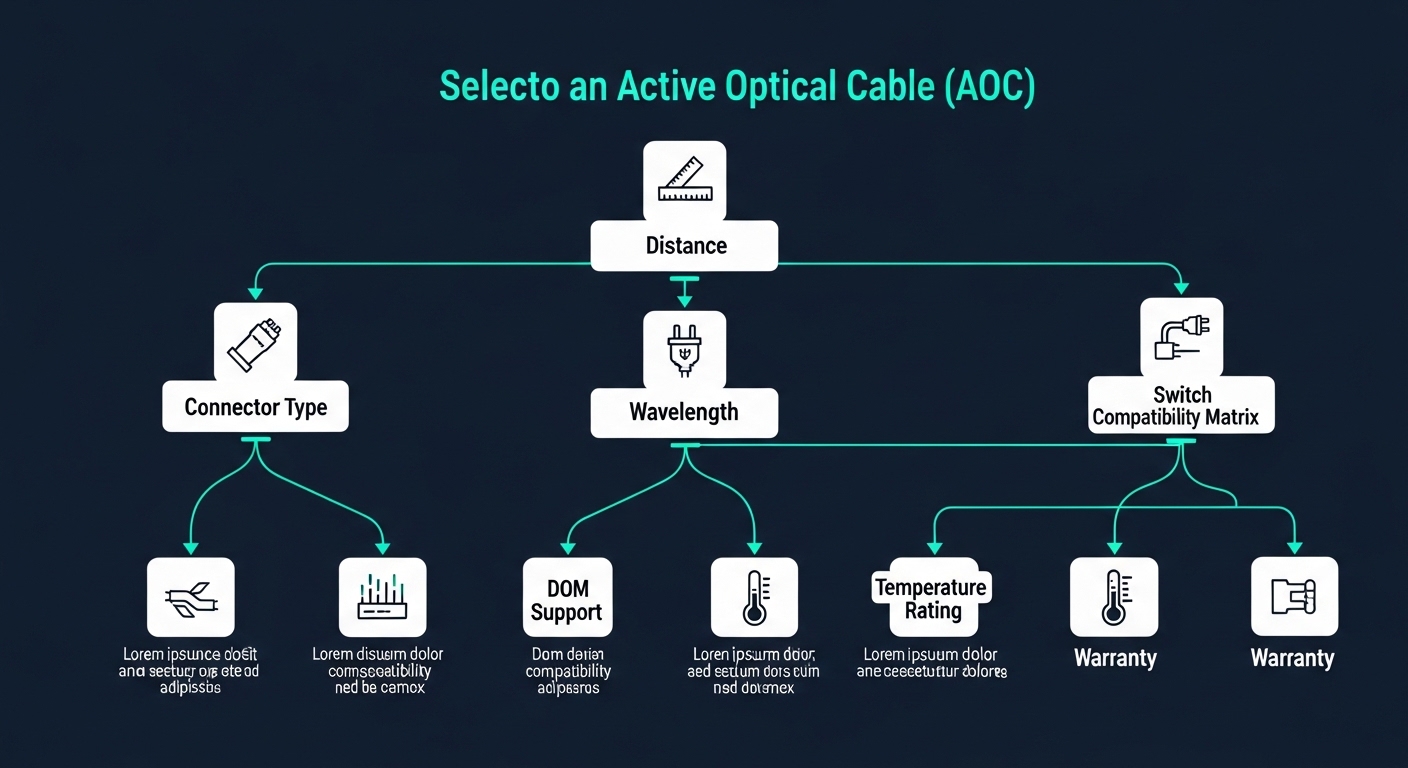
- Distance and margin: confirm AOC rated reach for your exact link length, then add conservative margin for aging and temperature swings.
- Switch compatibility: verify the AOC is supported for your switch model and port type; check vendor “tested optics” or compatibility lists.
- Data rate and encoding: ensure the AOC matches the switch’s expected line rate and Ethernet mode (for example, 25G vs 25.78G variants); confirm it is not “almost the same.”
- Connector and form factor: match QSFP28 vs SFP28 vs OSFP; confirm keying and cage type. AOC that physically fits can still electrically mismatch.
- DOM and diagnostics: prefer AOCs with digital optical monitoring (DOM/CMIS-like support) so you can troubleshoot with real optical telemetry.
- Operating temperature: validate for your room conditions and airflow patterns; hot aisle recirculation can push optics beyond spec.
- Vendor lock-in risk: check whether your environment relies on one OEM’s calibration quirks. If you plan multi-vendor procurement, ask for interoperability evidence.
- Warranty and failure handling: confirm RMA terms, expected MTBF claims, and whether the vendor supports rapid replacement during cutovers.
Common AOC pitfalls and troubleshooting tips you can use immediately
Even “good” AOCs can fail in real deployments. Here are common failure modes, their likely root causes, and what to do next.
Link comes up, then flaps under load
Root cause: marginal optical power budget due to excessive length, thermal stress, or dirty dust contamination on any interface points (some AOCs still have internal or end-face handling that can be affected by shipping).
Solution: try the shortest validated spare length, inspect and clean any external mating surfaces if your design includes intermediate connectors, and compare interface error counters across ports. If available, check received power/laser bias telemetry and look for drift with temperature.
Port refuses to negotiate speed or stays in a disabled state
Root cause: electrical compatibility mismatch between the switch PHY expectations and the AOC’s supported electrical interface mode. This happens when an AOC is “rate-compatible” but not “vendor-compatible.”
Solution: confirm the exact switch model and firmware version; update firmware if the vendor recommends it for optics compatibility. If you have a compatibility list, stick to it for the first deployment wave and only expand after lab validation.
High CRC or FEC-related errors despite link being “up”
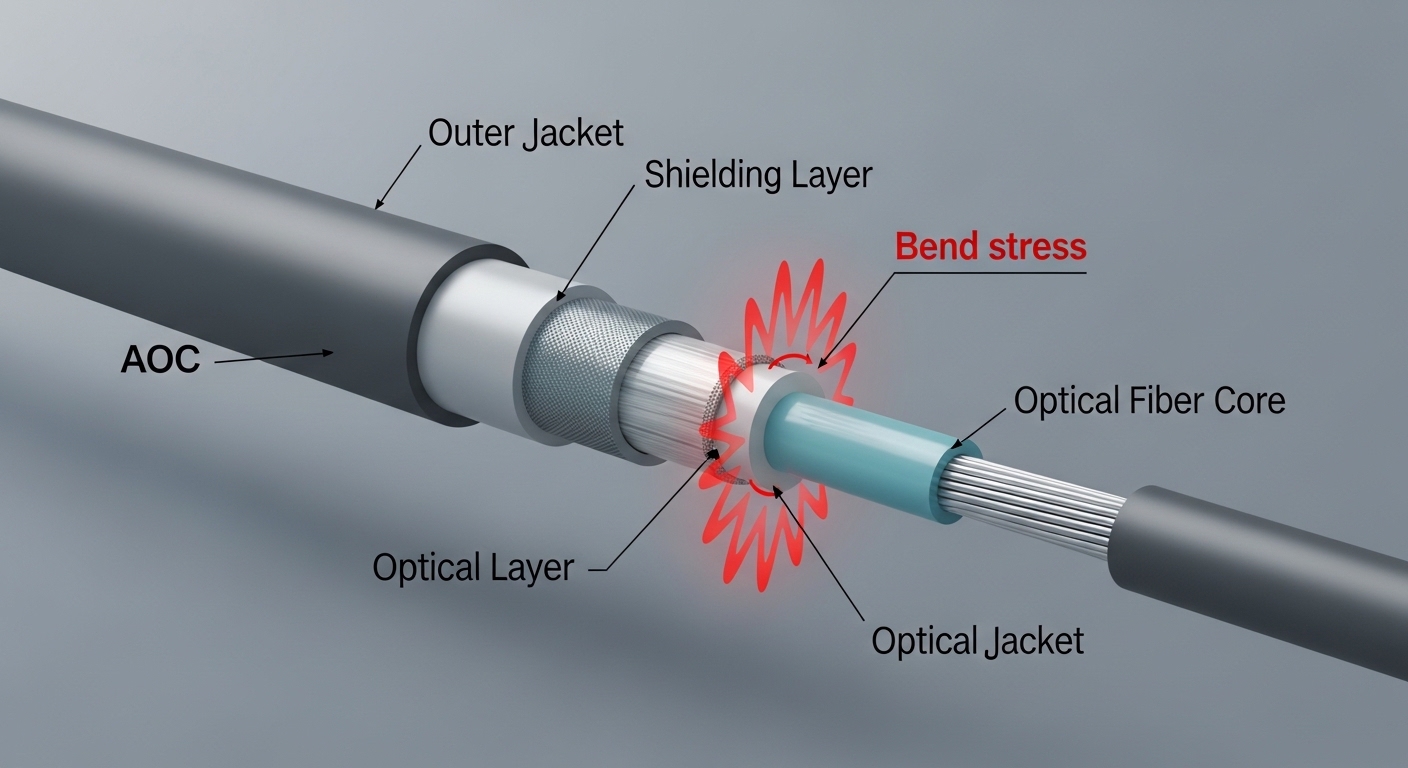
Root cause: signal integrity issues from connector strain, cable bend beyond the minimum radius, or a physical routing problem where the cable is under tension.
Solution: re-route with proper slack, avoid sharp bends, and ensure the AOC jacket is not being crushed by cable managers. If the switch supports it, correlate errors with optical diagnostics to determine whether the issue is optical (received power) or electrical (PHY/serdes).
Intermittent failures after relocation or maintenance
Root cause: micro-movement at the port cage or partial seating of the connector during cabinet work.
Solution: reseat both ends, verify that the latch clicks fully, and perform a quick post-maintenance verification using interface counters and link state history.
Cost and ROI: what you should budget for enterprise data speeds
Pricing varies by data rate, reach, and brand, but realistic ranges for new AOCs often land around: $80–$250 for shorter 25G-class AOCs, $250–$800 for 50G, and $600–$2,000+ for 100G AOCs depending on length and supplier. OEM-branded optics can cost more, but they reduce compatibility risk when you are working under strict change-control.
TCO is not just sticker price. Include labor time for installation, expected failure rates, and the cost of downtime during staged rollouts. AOCs can reduce patch-cord and connector spend, but they lock you into fixed lengths; if your rack layout changes, you may end up buying additional lengths instead of using one transceiver with multiple fiber runs.
For reference on optics interoperability and Ethernet physical layer considerations, see IEEE and consult vendor datasheets for specific AOC models. Also consider independent industry guidance from reputable network media like Network World for operational lessons, though always validate with your own lab testing.
FAQ: AOC buying questions for enterprise data speeds
What AOC length should I choose for a typical rack-to-rack link?
Pick the shortest fixed length that covers your maximum routed distance with margin. For enterprise data speeds, I usually plan for 10–20% extra headroom beyond the measured cable run to account for routing changes and temperature effects.
Do I need DOM support on AOCs?
It is strongly recommended. DOM-like telemetry helps you correlate errors with optical behavior (temperature, bias, received power), which speeds up troubleshooting when you get intermittent CRC or link flaps.
Can I mix AOC brands across a fleet of switches?
You can, but only after you verify compatibility with each switch model and firmware level. AOC interoperability is not guaranteed because PHY behavior and calibration tolerances can differ.
Are AOCs compatible with standard fiber patch panels?
Most AOCs are designed as complete end-to-end links and do not integrate neatly into “standard fiber planning” with modular transceivers. If your design uses patch panels, validate whether you still need connectors and whether those interfaces add cleaning and seating risk.
What is the most common reason AOCs fail in production?
The top causes are usually physical installation issues (bending, tension, incomplete seating) and compatibility mismatches with the switch’s expected electrical/optical behavior. Second-order causes include insufficient link margin and poor thermal conditions.
How do I validate an AOC before scaling deployment?
Run a staged test: install on a small set of ports, verify link stability under traffic, and monitor optical and interface counters for several hours. Then test at least one failure mode scenario by swapping ports or reseating to ensure your operational process catches seating and routing problems early.
If you want enterprise data speeds without the “why is this port dramatic” experience, start with strict compatibility checks and real link-margin planning, not just the rated reach. Next, compare transceiver options with fiber transceiver selection for data centers so you can decide when AOC is the right tool and when pluggables plus patch cords are safer.
Author bio: I have deployed high-speed Ethernet optics in real data-center rollouts, including staged cutovers with strict change control and optical telemetry validation. I write from the field: what works, what breaks, and how to keep your interfaces up when the rest of the building is doing its best impression of chaos.