In day to day operations, a “mystery” optical link drop can cost hours: the switch shows link flaps, but you lack root cause telemetry. This article helps network engineers and field technicians using SFP and SFP+ optics by showing how DOM logging SFP modules expose diagnostics and how to automate alerting with Python. You will learn what to log, how to interpret key thresholds, and how to avoid compatibility traps that break monitoring.
DOM logging SFP vs basic optics monitoring: what you gain
Many teams start with simple port status polling: is the interface up, or is it down. That tells you the symptom, not the reason. With DOM logging SFP, the transceiver provides digital diagnostics such as received optical power, transmit power, laser bias current, and temperature through the I2C interface exposed by the switch. In IEEE terms, this aligns with the SFF-8472 diagnostics model used by common SFP/SFP+ optics, and vendors map those values into vendor CLI and management interfaces. [Source: IEEE 802.3 and SFF-8472 documentation]
What DOM typically reports (and why engineers care)
In a real troubleshooting workflow, received power drift often appears before link errors. For example, in a 10GBASE-SR deployment, a gradual decrease in RX power can indicate fiber contamination, connector wear, or aging laser output. DOM also provides temperature and bias current, which helps separate “optical loss” from “laser health” issues. The key is to log values over time and alert on trend plus threshold.
Head to head: DOM logging SFP for alerting automation vs CLI-only workflows
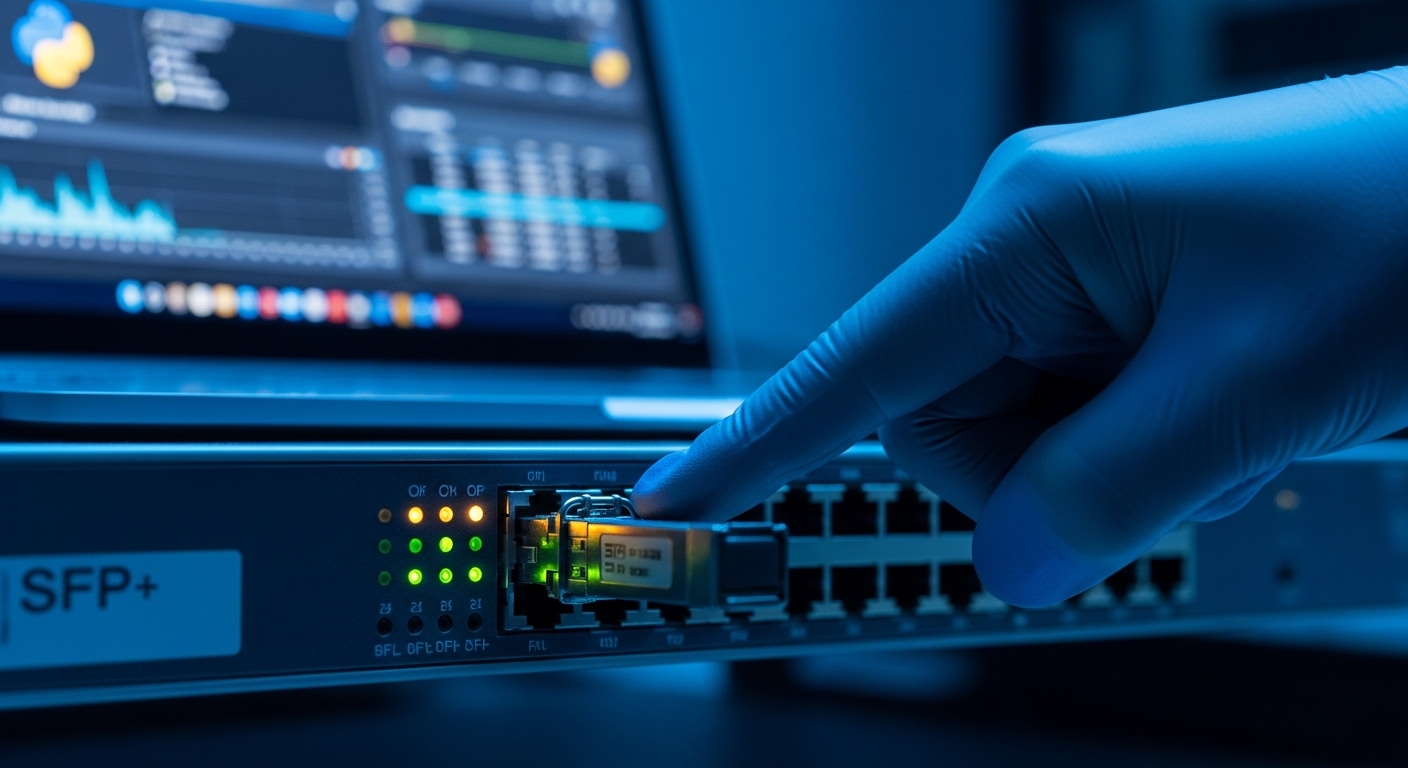
CLI-only monitoring is fast to set up, but it is hard to scale and slow to correlate across many ports. DOM logging SFP plus automation lets you build a unified time series of optical health, link events, and threshold breaches. In the field, this often becomes the difference between “replace and pray” and “fix the fiber and prevent recurrence.” The tradeoff is that DOM access depends on switch support and transceiver compatibility.
| Spec / Capability | DOM logging SFP (typical) | CLI-only port monitoring |
|---|---|---|
| Data available | Temp, Tx power, Rx power, Bias current | Port up/down, counters (varies by platform) |
| Automation hooks | DOM values via switch APIs/SDKs or I2C exposure | Polling CLI output, scraping, or SNMP counters |
| Early warning | Yes (trend-based optical health) | Usually after errors or link flap |
| Operational overhead | Requires logging pipeline and threshold logic | Lower initial setup effort |
| Compatibility risk | Switch DOM support and vendor mapping | Lower risk (basic interface status) |
Pro Tip: When you build alerts, use both absolute thresholds (for example, RX power too low) and a slope check (for example, RX power dropping more than a small dB amount per day). Operators in large data centers learn that “trend alerts” catch fiber contamination early, even when values remain within vendor default ranges.
How to automate DOM logging SFP alerts with Python: a practical workflow
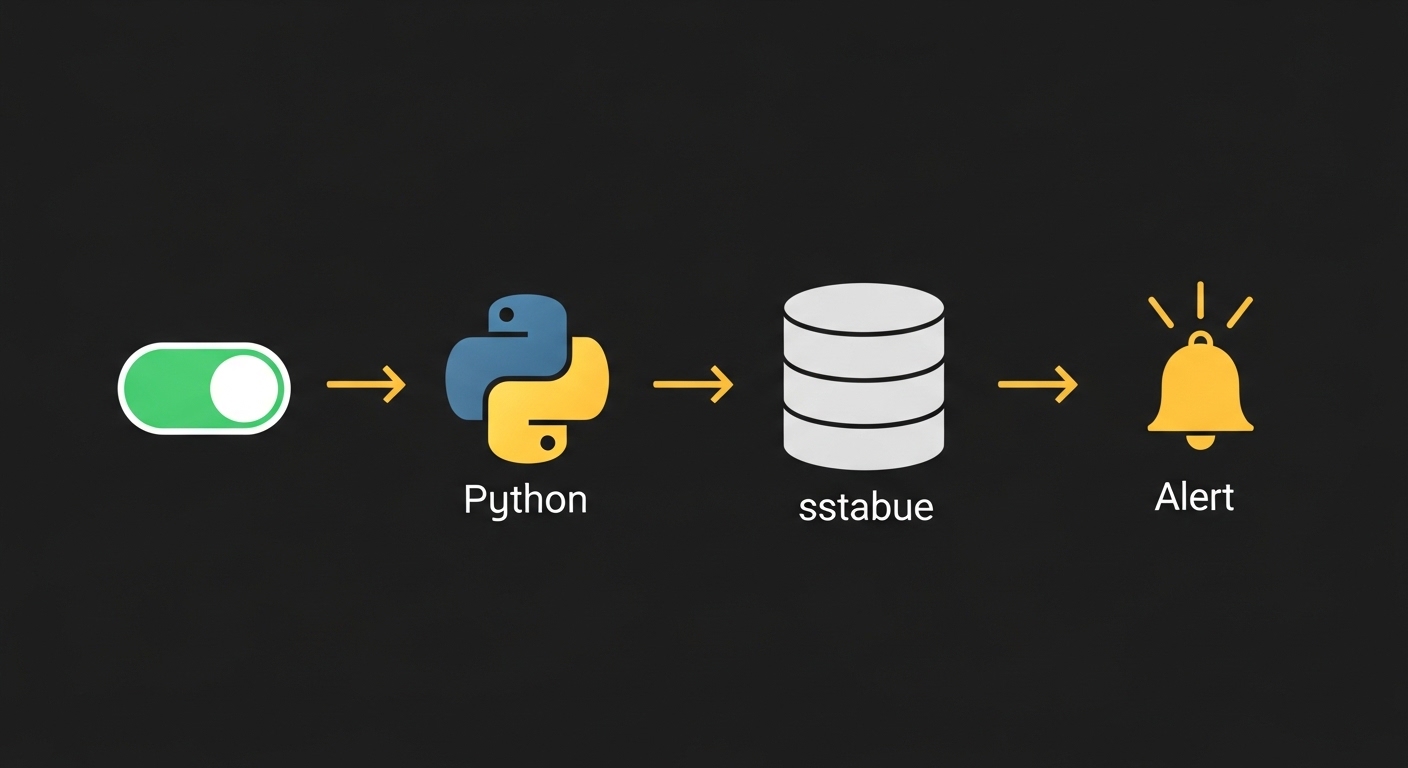
You can implement DOM logging automation without exotic hardware by using the switch’s management interface. Common approaches include vendor REST/telemetry APIs, SDKs, or SNMP where the vendor exposes DOM fields. The pattern is: discover ports with SFP/SFP+ optics, retrieve DOM metrics, normalize units, store to a time series database, then evaluate alert rules. If your switch supports it, you can also correlate DOM events with interface counters (for example, CRC errors) to reduce false positives. [Source: vendor switch telemetry documentation; [Source: IEEE 802.3]]
Concrete alert rules engineers use
- RX power floor: alert when received power falls below your optics baseline by a set margin (for SR optics, typical RX power is often around a few tenths of a dBm to a few dBm depending on distance and budget, but you must calibrate per installation).
- Temperature rise: alert on sustained temperature increase beyond normal operating range, which may indicate airflow issues or a failing transceiver.
- Bias current spike: alert when bias current increases sharply, which can indicate laser aging or a stressed module.
- DOM read failures: alert when DOM queries fail repeatedly; this can indicate a marginal transceiver insertion or switch support issues.
Deployment scenario: 10G SR leaf-spine with DOM alerting at scale
Consider a 3-tier data center leaf-spine design with 48-port 10G top-of-rack switches. Each leaf uses 8 uplinks at 10GBASE-SR over OM3/OM4 multimode fiber to the spine, totaling 384 active optics across multiple racks. Your monitoring job runs every 60 seconds, stores DOM metrics per module, and evaluates rules every 5 minutes. In one incident class, RX power for a single uplink dropped by roughly 0.8 dB over 24 hours while interface counters stayed quiet; a technician cleaned the connector, and the RX power returned toward baseline before any packet loss occurred. That is the value of DOM logging SFP automation: early detection with actionable telemetry.
Selection criteria checklist for DOM logging SFP compatibility
Not every SFP is equal for monitoring reliability. Use this ordered checklist before you standardize optics for production:
- Distance and optics type: pick SR for multimode (for example, 850 nm) or LR for single-mode (for example, 1310 nm); confirm fiber grade and expected link budget.
- Switch compatibility: verify the switch model supports DOM reads and maps SFF diagnostics correctly for your optics.
- DOM fields and units: confirm whether Tx/Rx power are in dBm and whether temperature and bias current are scaled consistently.
- DOM support and alerting behavior: test in a lab by inserting the exact transceiver model (including vendor) and verifying telemetry availability.
- Operating temperature: ensure the transceiver temperature range matches your environment (common ranges are 0C to 70C for commercial gear, with extended options for harsher sites).
- Vendor lock-in risk: third-party optics may work for link but fail DOM reads due to differences in management mappings; plan a validation process.
- Power and thermal impact: measure switch fan behavior and module temperature under load, especially in high-density racks.
Quick spec comparison: common SFP+ optics you might standardize
Below is a representative comparison to help you reason about compatibility and operational limits. Always confirm exact values in the vendor datasheet for your chosen module.
| Model example | Data rate | Wavelength | Typical reach | Connector | DOM logging | Operating temperature |
|---|---|---|---|---|---|---|
| Cisco SFP-10G-SR | 10G | 850 nm | Up to ~300 m on OM3 (varies by budget) | LC | Supported (DOM diagnostics) | Commercial range (confirm datasheet) |
| Finisar FTLX8571D3BCL | 10G | 850 nm | Up to ~300 m on OM3 (varies) | LC | Supported (DOM) | Commercial/industrial options (confirm datasheet) |
| FS.com SFP-10GSR-85 | 10G | 850 nm | Up to ~300 m on OM3 (varies) | LC | Supported (DOM) | Varies by SKU |
Common mistakes and troubleshooting tips for DOM logging SFP monitoring
Even strong telemetry can fail if you deploy incorrectly. Here are frequent failure modes with root causes and fixes:
- Mistake 1: Assuming DOM fields exist on every platform.
Root cause: the switch may not expose DOM via its API/telemetry layer even if the transceiver supports diagnostics.
Solution: validate DOM read availability per switch model and firmware version in a test rack before rolling out. - Mistake 2: Comparing raw values across vendors without normalization.
Root cause: different vendors may scale or label diagnostics differently, leading to inconsistent dBm or units.
Solution: calibrate using a known-good baseline per module type and store normalized metrics with explicit unit metadata. - Mistake 3: Alerting only on absolute thresholds.
Root cause: optical power can drift gradually and still remain within defaults, delaying detection.
Solution: implement trend-based alerts (rate of change) plus absolute floors, and suppress alerts during planned maintenance (for example, fiber cleaning windows). - Mistake 4: Ignoring DOM read failures.
Root cause: marginal transceiver seating or unsupported module can cause intermittent DOM access, which looks like “no data.”
Solution: treat DOM read failure as a first-class alert and verify the transceiver model is officially supported for your switch.
Cost and ROI note: what DOM logging SFP automation really costs
OEM optics often cost more than third-party modules, but they typically have smoother compatibility with switch DOM mappings. In many deployments, OEM SFP+/SR modules might be roughly two to four times the cost of compatible third-party equivalents, depending on vendor and volume. The ROI comes from reduced downtime and fewer “swap cycles”: if automation prevents even a handful of link-impacting incidents per year across hundreds of ports, the monitoring stack (time series storage, alerting service, and engineering time) usually pays back quickly. Also consider TCO: a slightly higher optics cost can be cheaper than repeated truck rolls when DOM telemetry is unreliable. [Source: typical market pricing observed across enterprise procurement cycles; vendor datasheets]
Which option should you choose?
If you are running a large switch fabric with repeated optical incidents, choose DOM logging SFP with Python-driven alerts. If you have a small lab or a single switch with minimal optics count, CLI-only monitoring might be acceptable, but you will likely lose early-warning visibility. For reliability-focused teams, standardize on transceiver models you have validated for DOM telemetry, then build trend alerts around your baseline.
- Choose DOM logging SFP automation if you manage dozens of optics and need early detection, trend alerts, and faster root cause.
- Choose